Hi everyone! I need some help with tuning my Creality K1 Max for a large bas-relief project.
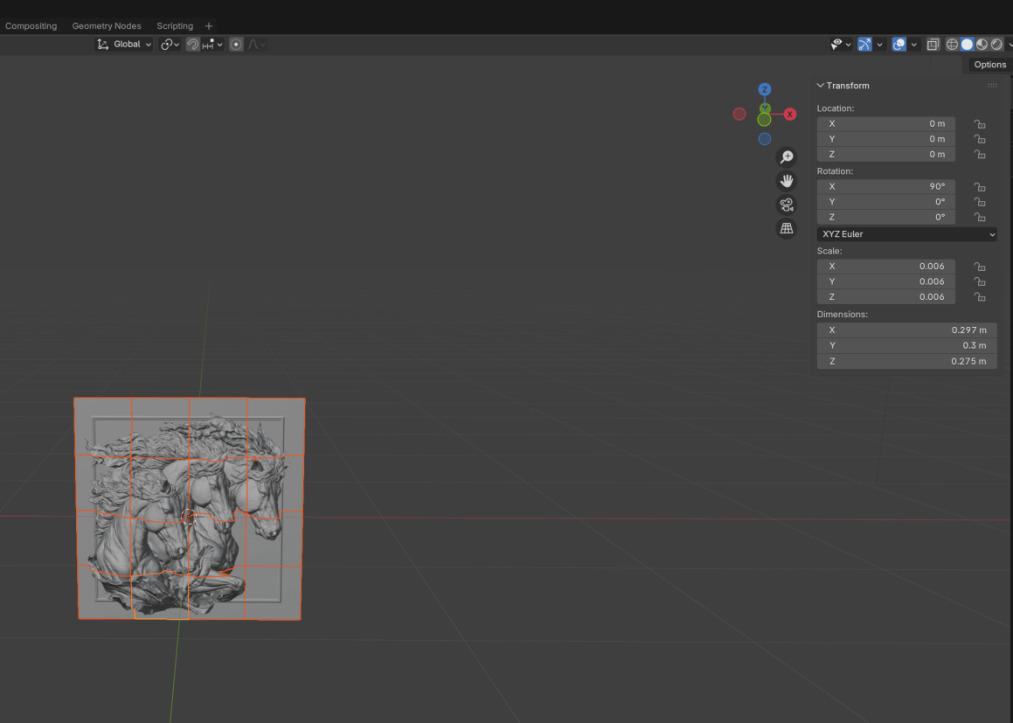
We are working on a bas-relief that will be installed as an art piece.
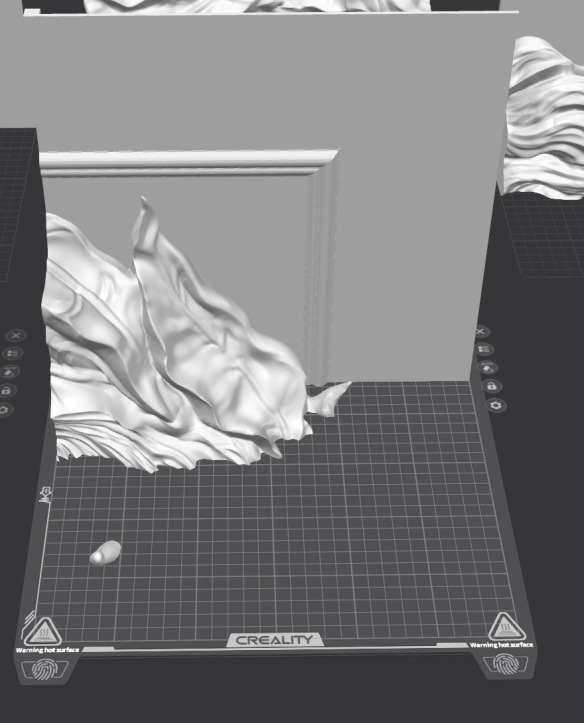
The full model is quite large, so we divided it into 16 individual blocks that we plan to print separately and then assemble together.
Yesterday I attempted to print one of the blocks, but I ran into several issues:
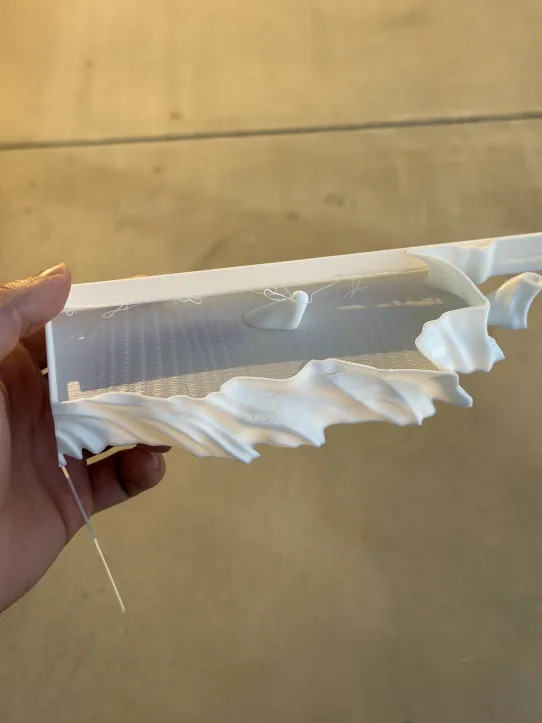
The walls developed gaps and cracks (photo attached)
Some areas show uneven extrusion or inconsistent layer bonding
The outer surface is not printing solidly
It seems like the printer is leaving voids between the walls
This might be happening because I tried to speed up the print — I wanted each block to finish in around 7–8 hours, so I pushed the speeds higher than usual.
My current setup:
Printer: Creality K1 Max
Nozzle: 0.4 mm
Slicer: Creality Print / Creality App
Model thickness: 0.4 mm in Blender
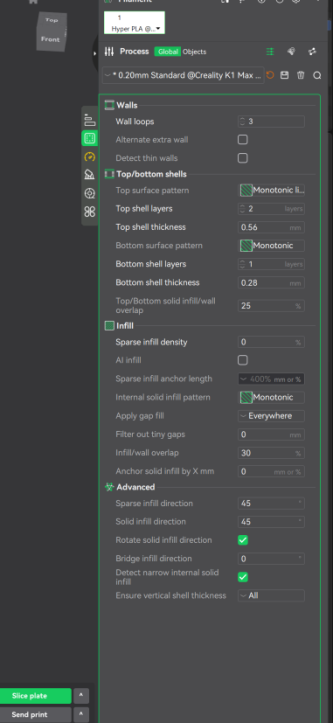
Wall loops: 3 walls in Creality App
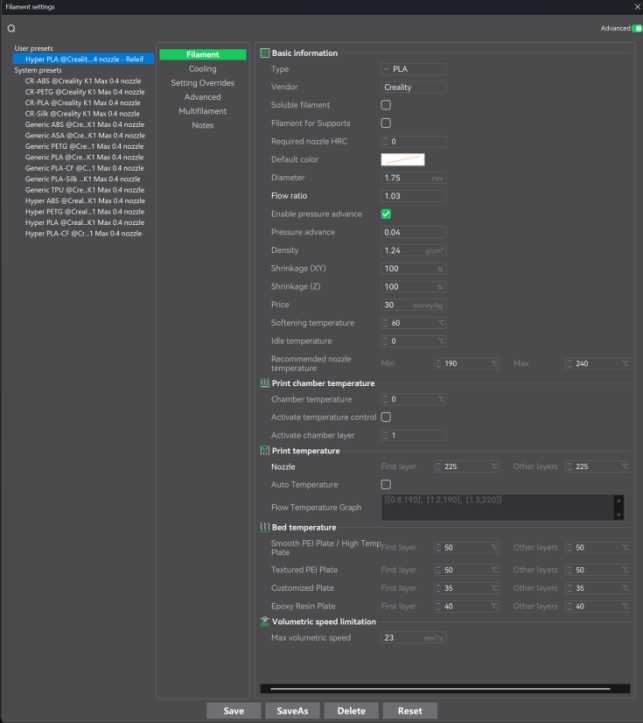
Nozzle temp: 225°C (standard Hyper PLA setting Creality)
Speed: increased quite a lot to shorten print time
What I need help with:
How can I eliminate these gaps and get solid, closed walls?
Which settings should I adjust to improve wall bonding?
(flow, wall overlap, temps, speeds, pressure advance, input shaping, etc.)
How much can I realistically speed up the print without causing these issues?
Any recommended profiles for fast printing large flat surfaces on K1 Max?
I’m not focused on perfect surface quality — we will be doing sanding and post-processing anyway.
I just need the prints to come out structurally solid, without cracks or gaps.
Any advice or recommended settings would be super helpful!
Thanks in advance!