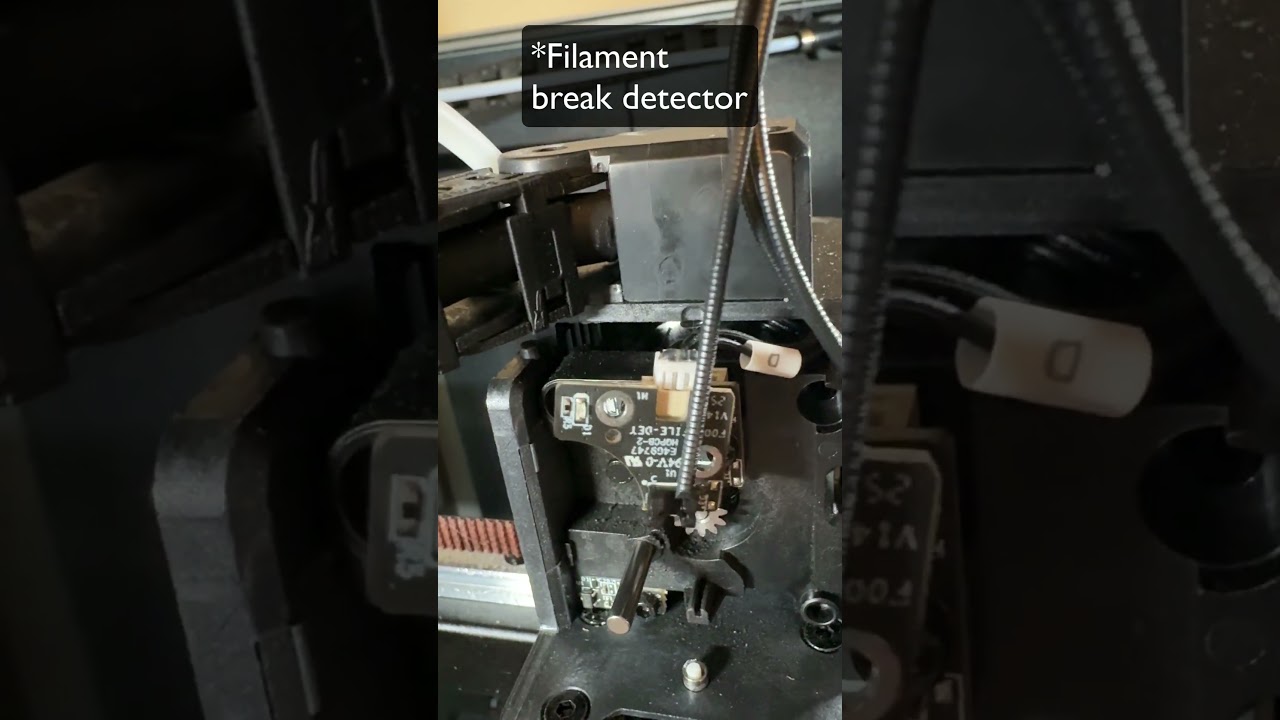
A few weeks after I got my K2 Plus combo it started making this high pitched whining noise. I was able to isolate the issue to the 2 outer fans. NOTE: The noise happens whether or not the fans are turning. Disconnecting those 2 fans makes the noise stop immediately.
Creality support has been great. So far, they sent me a replacement power supply and 2 new fans. Unfortunately, that didn’t fix it.
I’m attaching a video that demonstrates the issue. I’d love to hear if anyone else had this issue and how they fixed it.
Oh - the machine is plugged directly to a wall outlet with nothing else plugged into it. There are other devices on that same circuit, though - mainly lighting.
yes, the fans work just fine, seemingly. The whine does NOT go away when they spin, though. It’s ever present unfortunately. It’s super loud and annoying.
I wonder if a quality power strip would make a difference? It’s plugged directly into the wall outlet. I’m not entirely sure what else is on that circuit.
Do you have somthing to mesure the voltage of the cables? Maybe there is something off with their standby power?
Preferably something fine tuned to mesure 24volts and below
if it where a car electronics i would say it sounds like a grounding issiue haha, but i did once hear a simmulare sound from a potention? meter (turns the voltage upp and down for speed controll) in that case i could only get a new one.
Have you followed the cables? is there a chance they have been damaged somehow from somthing?
Mine brand new 1 week old K2 SE Combo is doing this exact same issue. My printer is upstairs in a bedroom. If I leave the bedroom door open its so loud I can hear it downstairs. It resonates throughout the house. Its impossible to not hear it. So much so that I only print when Im not home. I 1000% regret buying this printer. I should have went with a Bumbu Labs like my buddy told me too.
It sounds like there is still voltage on the fans. It’s the same sound I get when I use an RPM controller on certain fans and the voltage is too low for them to start spinning.