I’m getting bad first layer on one of my K2 Plus units and I’m wondering if my Bed Mesh has something to do with it?
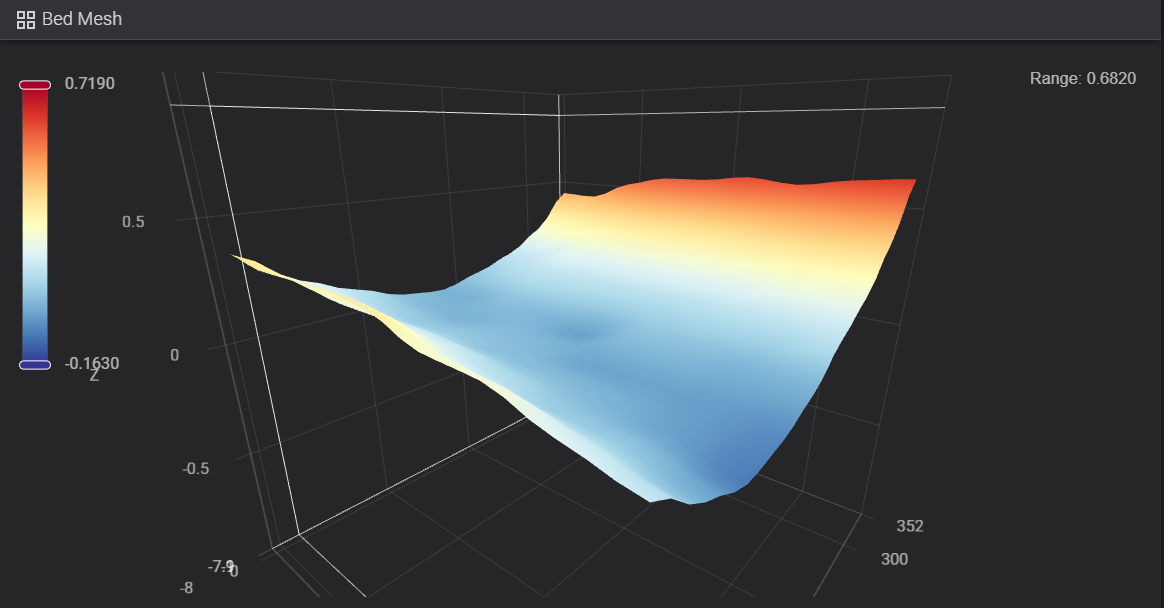
That does look bad. I have heard the range should be under .35. I have played with a glass bed plate which is very flat. Also I have shimmed at the low points the heat bed using a metallic, heat resistant, tape. Seems to have worked.
1 Like
Don’t all bedmeshes of all K series look like this?
You say you get a bad first layer, but you are not showing how it looks like… How are we supposed to give you the help you need?
This a PETG print. The first layer looks horrible, the bottom looks scarred after finishing but the rest of the print looks pretty good.

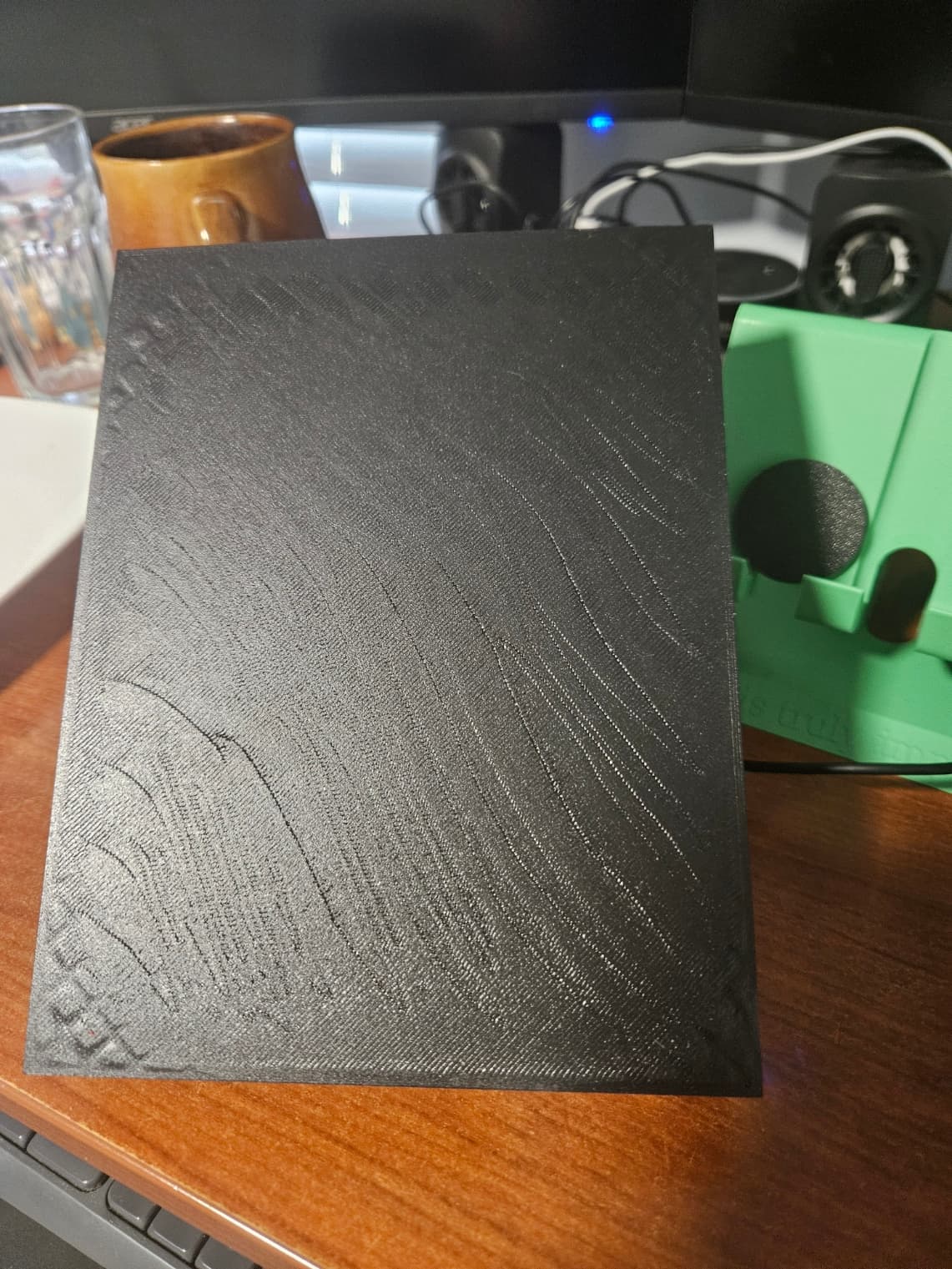
I only used 2 top layers which is why the grid infill is showing up on the top here. Otherwise it was a good looking print besides the bottom.
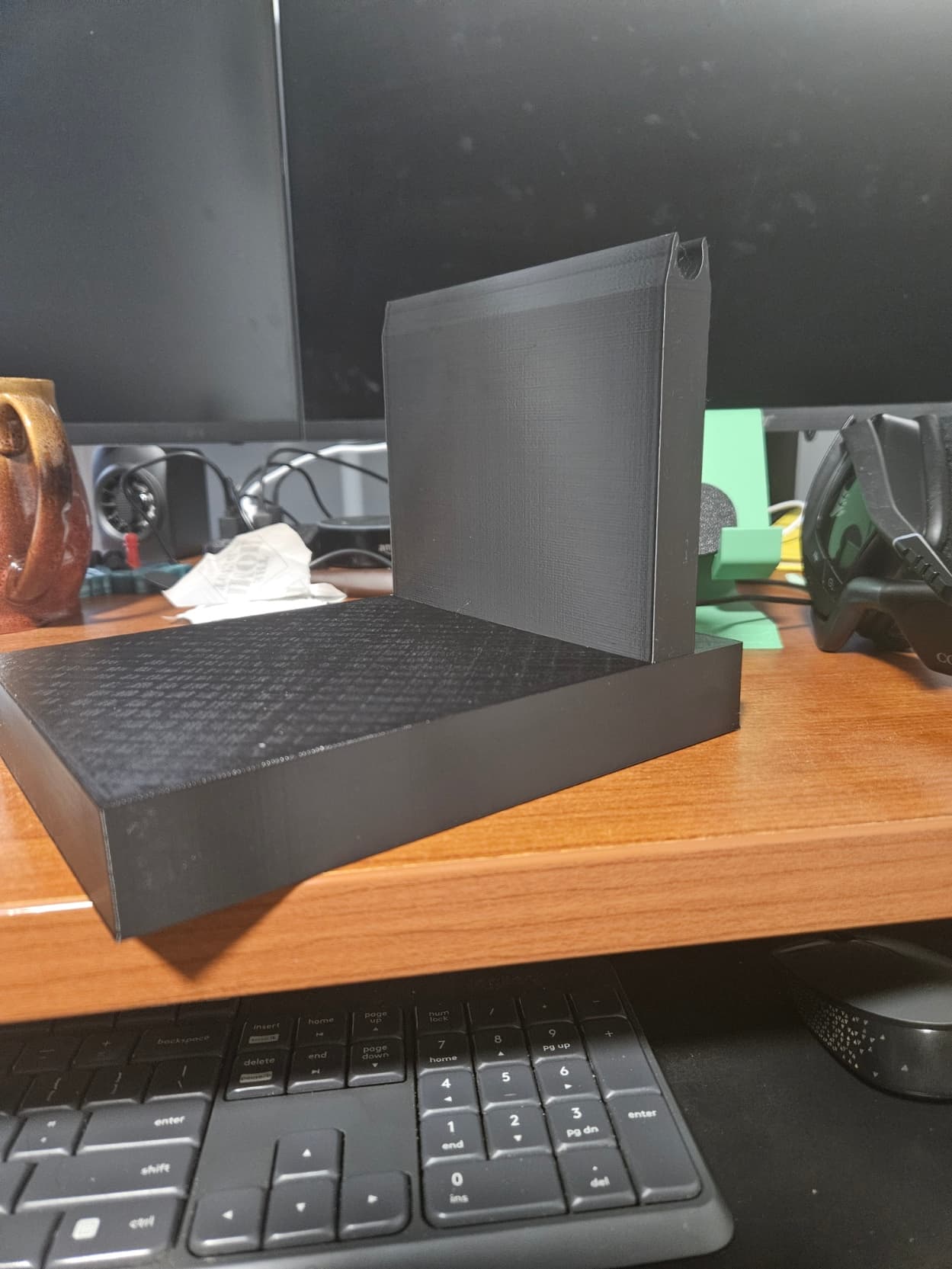
OK. I’m getting closer.
Thank You Nusha. I used Fluidd tune and Koptan high heat tape from Elegoo:
https://www.amazon.com/dp/B072Z92QZ2?ref=ppx_yo2ov_dt_b_fed_asin_title
This resulted in a dramatically better mesh range.
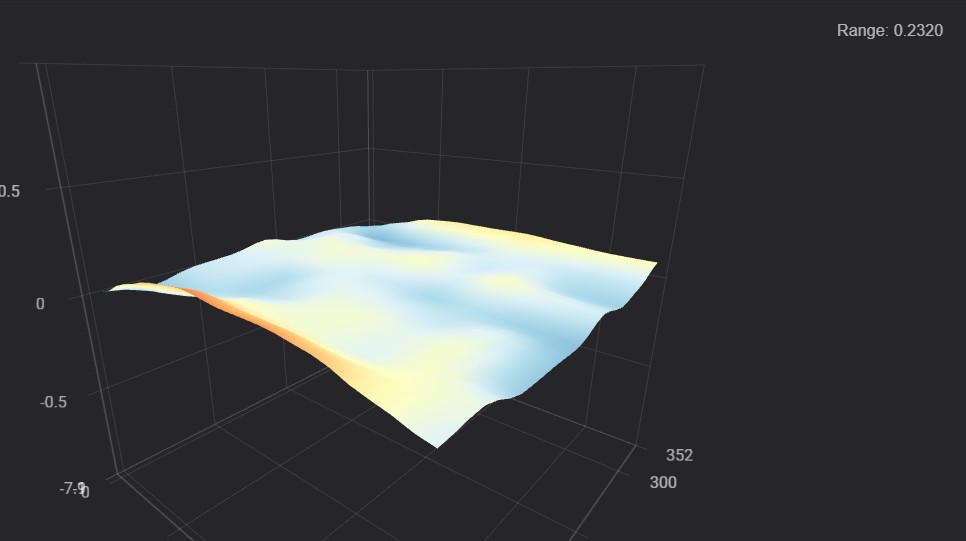
I’ve also looked into adjusting my Z-Offset. The following is using .0135:
The quality is significantly better but still pretty rough on the edges and most of the left part of the print.
That little bubble on the front middle was right over a fingerprint. So that small blemish was user error.
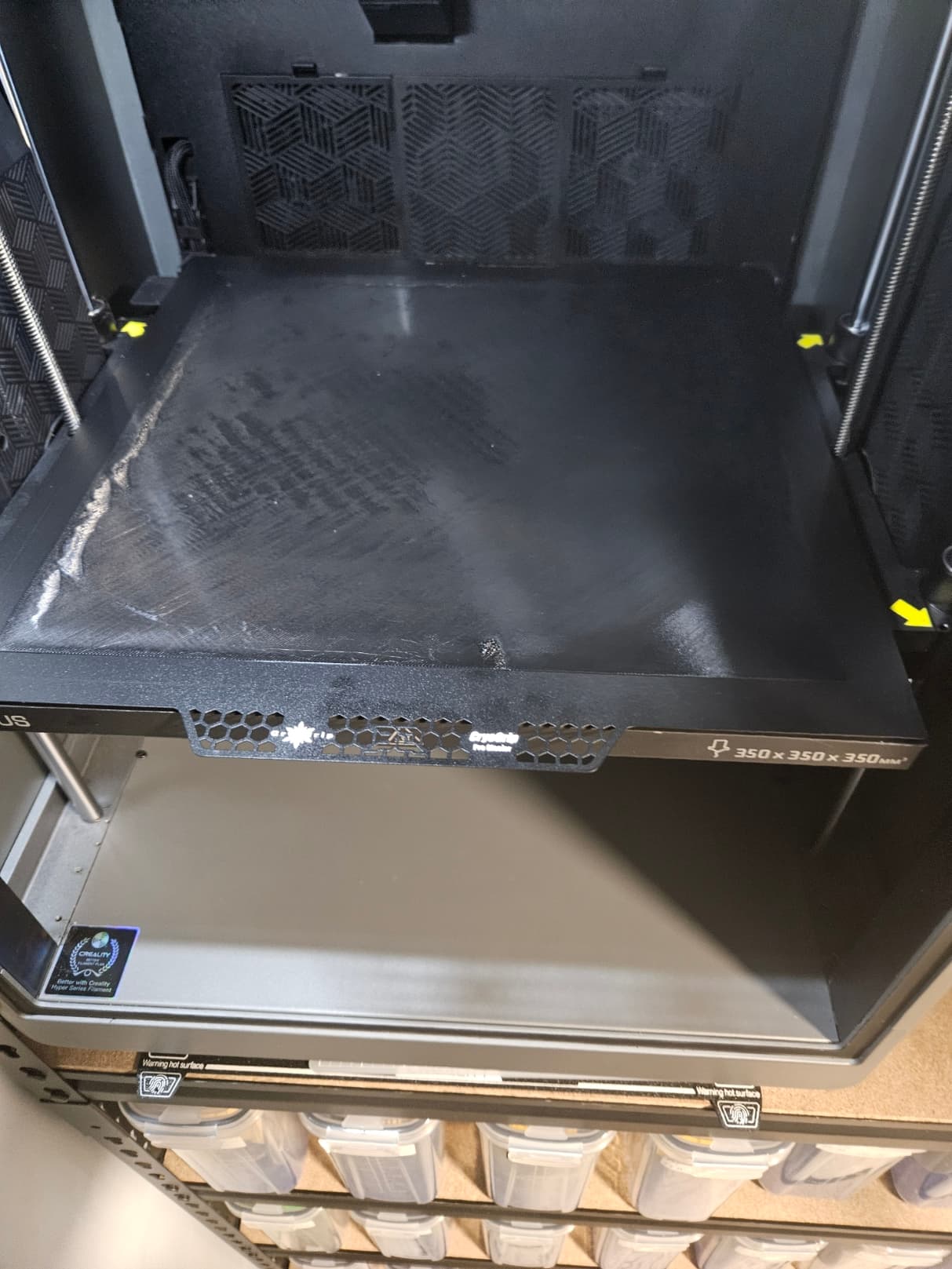
The bottom was also significantly better except on the outer edges
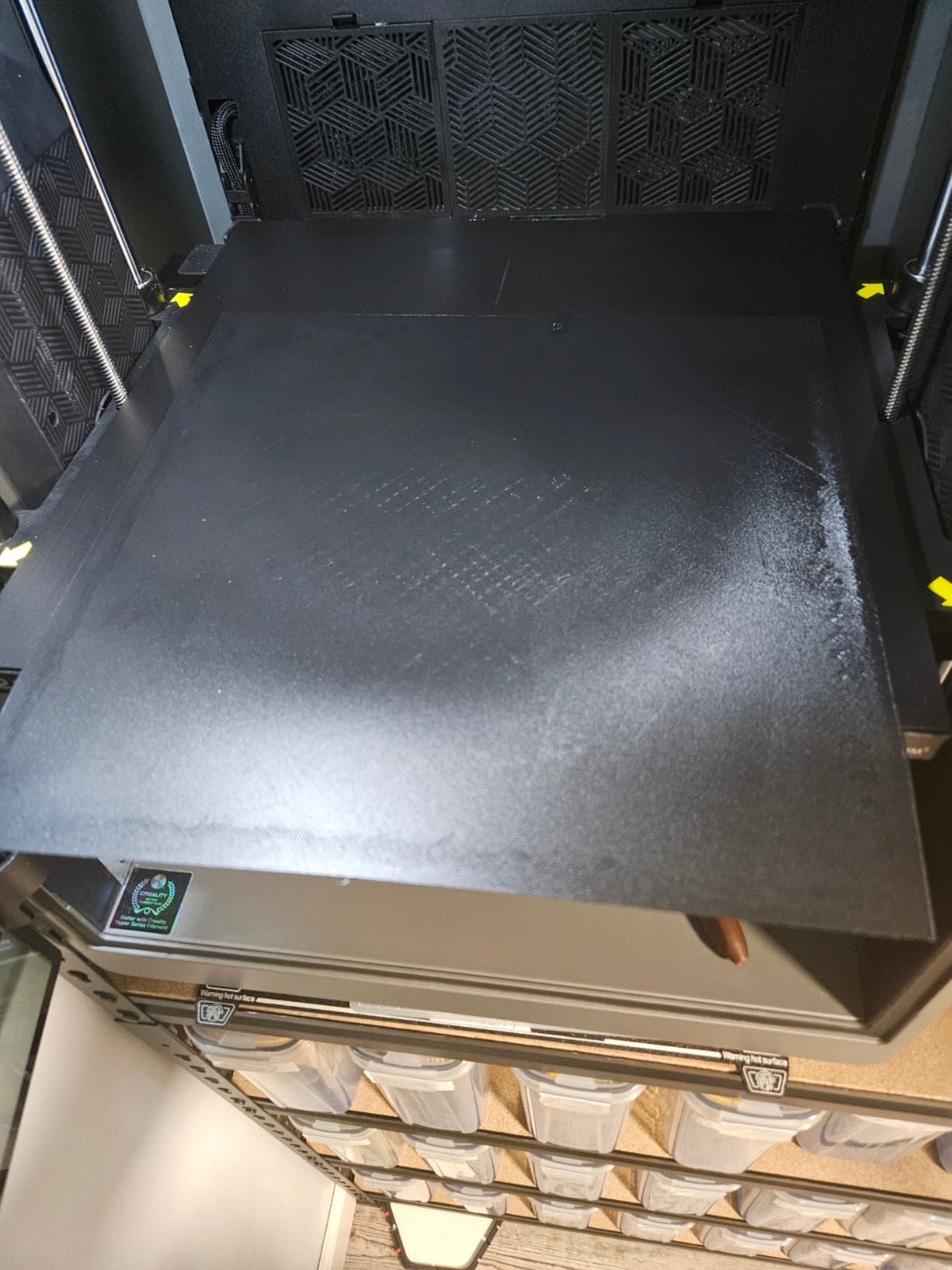
“I have bad first layer and I blame it on the bedmesh”….
You want help but are not telling us all information that is important: what type of material? bed-temp? did you dry the material before use?
What about the first layer is you print with PLA? Printing PETG needs a bit of tweaking with the settings, It’s no rocket-science…
Elegoo High Speed PETG 250c
Cryogrip Glacier build plate 70c
Dried for 8-hrs at 60c one day prior and stored in CFS with fresh desiccant since.
I have 2 K2 Plus printers. I use this one for PETG only and the other for PLA.