so yea, my k2 se supports are damaging my prints, i need to make a spike for a project im doing and no matter how i design it or what way i lay it down the supports and the top face always seems to be a little dodgy is there a way i can stop this? im using the Hyper pla that came with the printer.
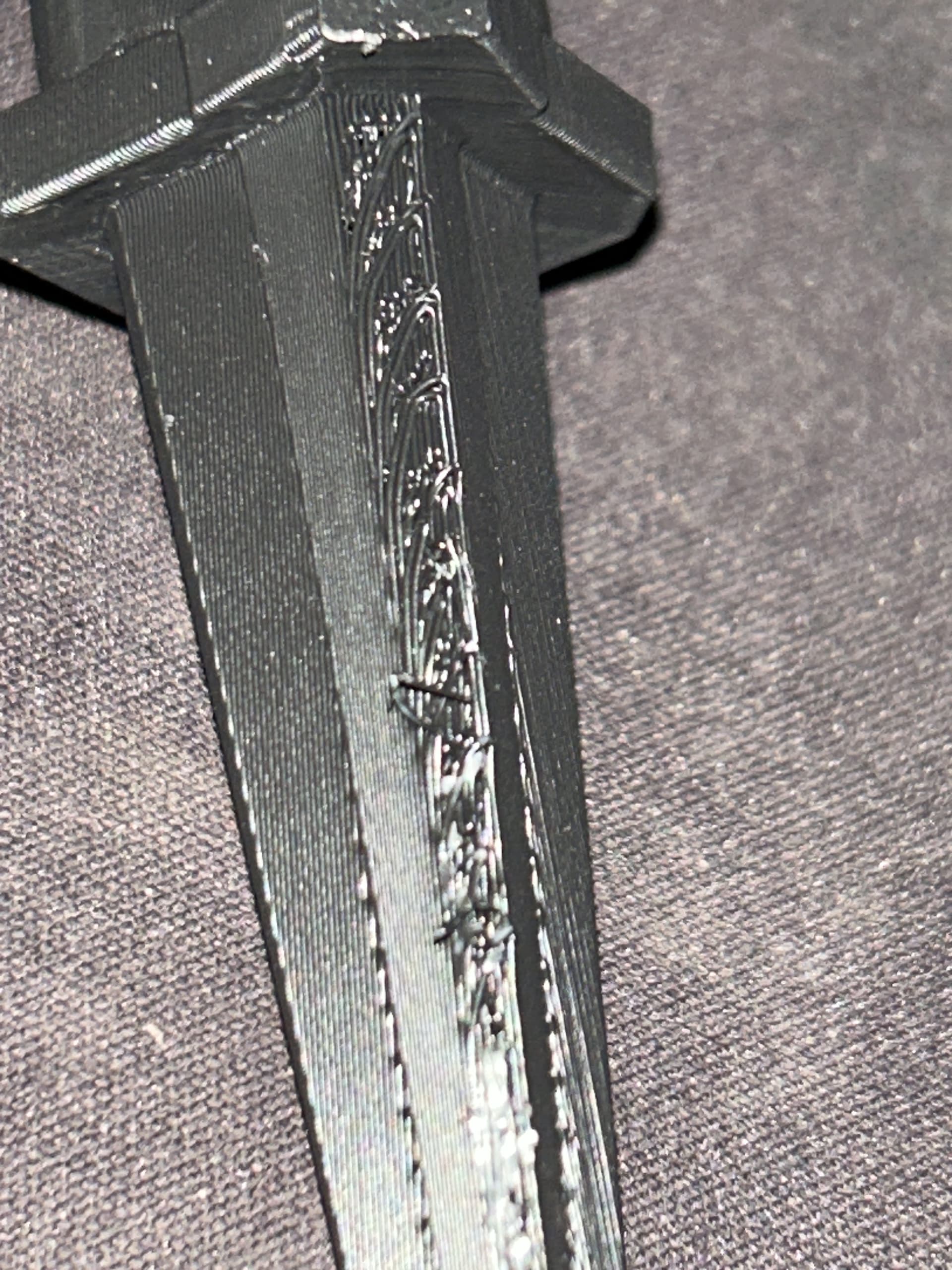
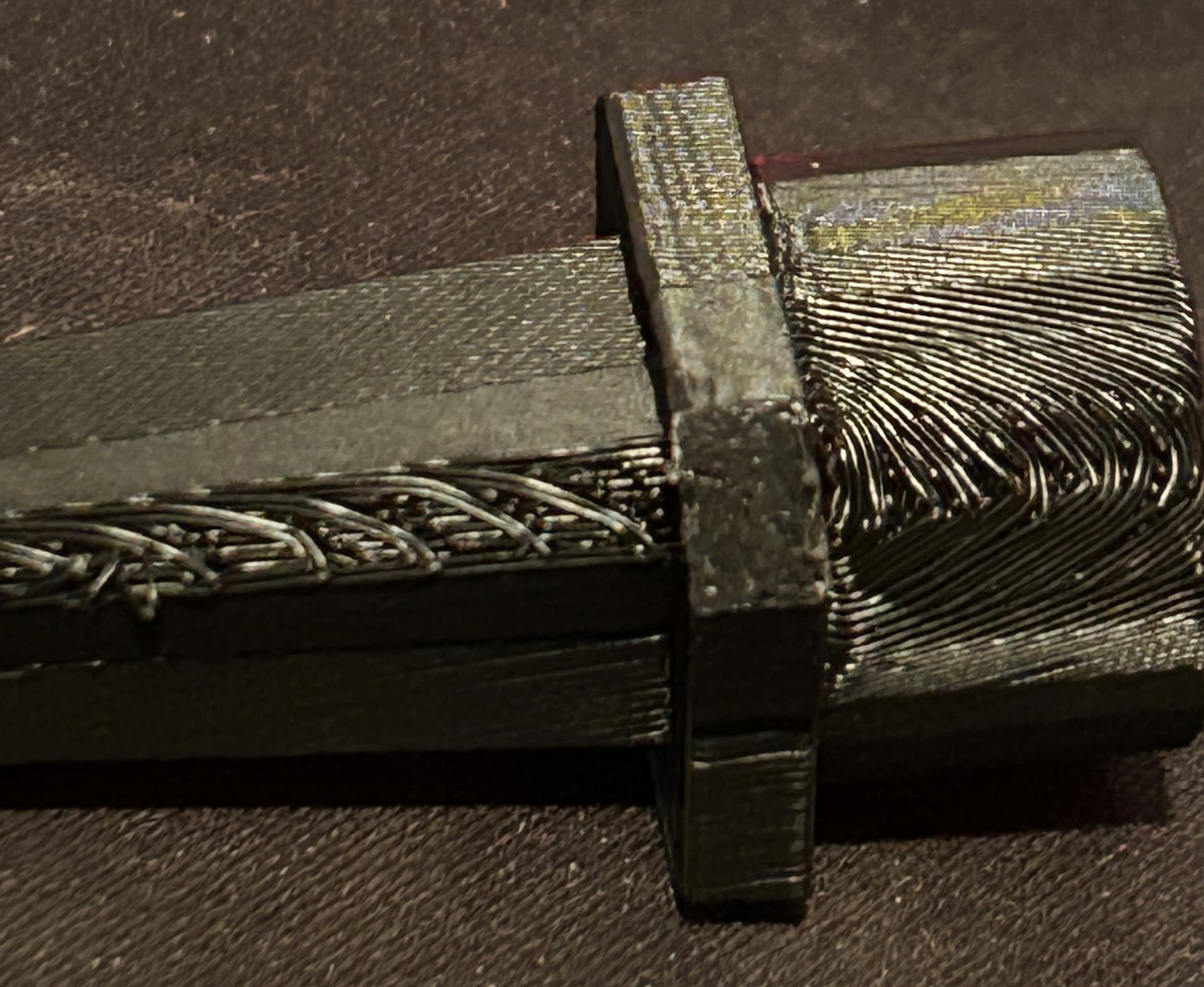
You can switch to tree supports with 3 interface layers and increase your z distance to .3. Try using ironing support interface
Changing orientation is the best way.
2 Likes
These are my starting settings for supports - adjust as needed for your project.
Support Settings for Normal or Trees:
Top/Bottom Z distance: .02-.06 added to the layer heights. So if .2 layer height, I use .22-.26 for the distance
Support wall loops: 2
Base Pattern: Honeycomb
Base Pattern Spacing: 2
Pattern Angle (set it to a right angle of your part - so if you surface being supported is 0 degrees, set pattern angle to 90 degrees
Top interface layers: 3
Top/Bottom Interface Spacing: .1
Support/object xy distance: 1+
Support/object first layer gap: 1+
For those last 2, check your preview carefully and make sure non of the supports touch your part. Adjust them if needed until it doesn’t. I’ve done as much as 5mm distance.
Everything else I leave default
Change support density if you have too many or too few branches.
3 Likes
thank you!
1 Like
I do auto orientation, and then:
Tree (auto)
On build plate only
Top Z distance .275
Top interface layers: 3
This makes the supports break off very easy and less damage to the print