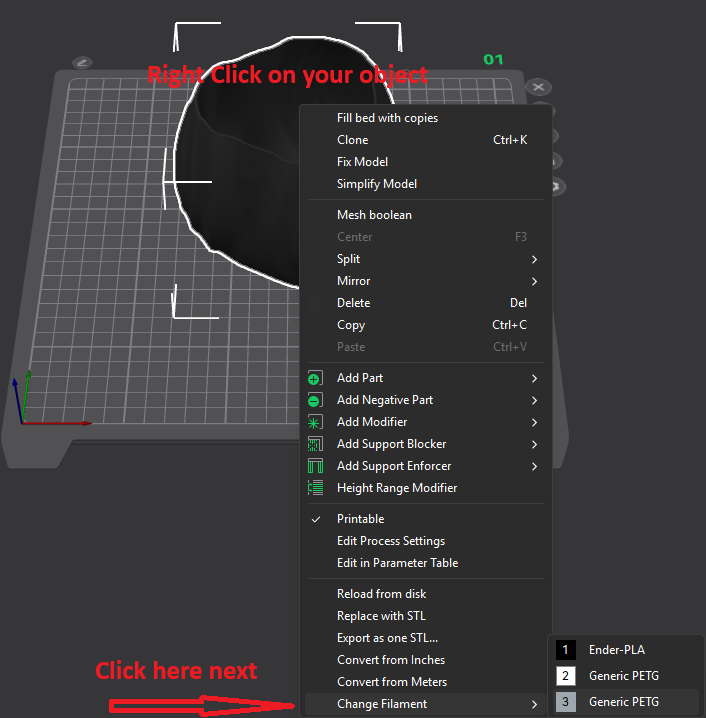
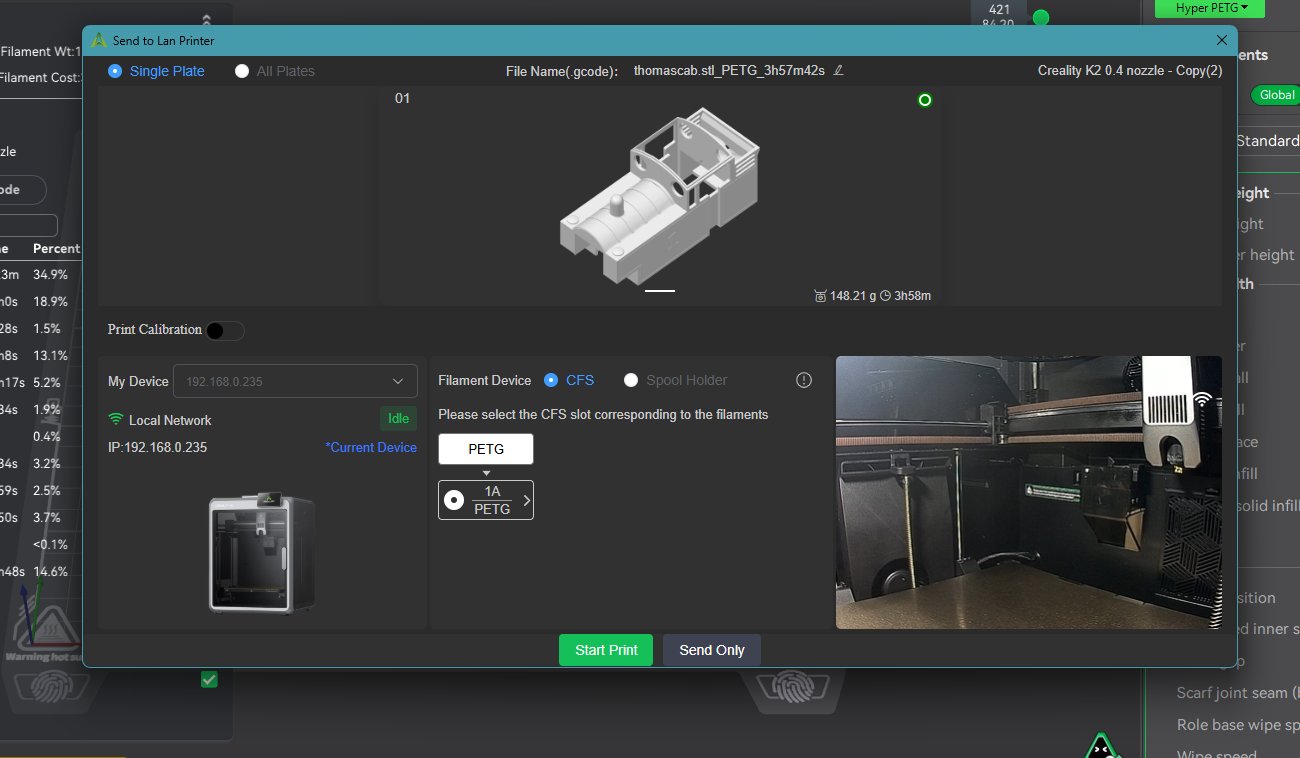
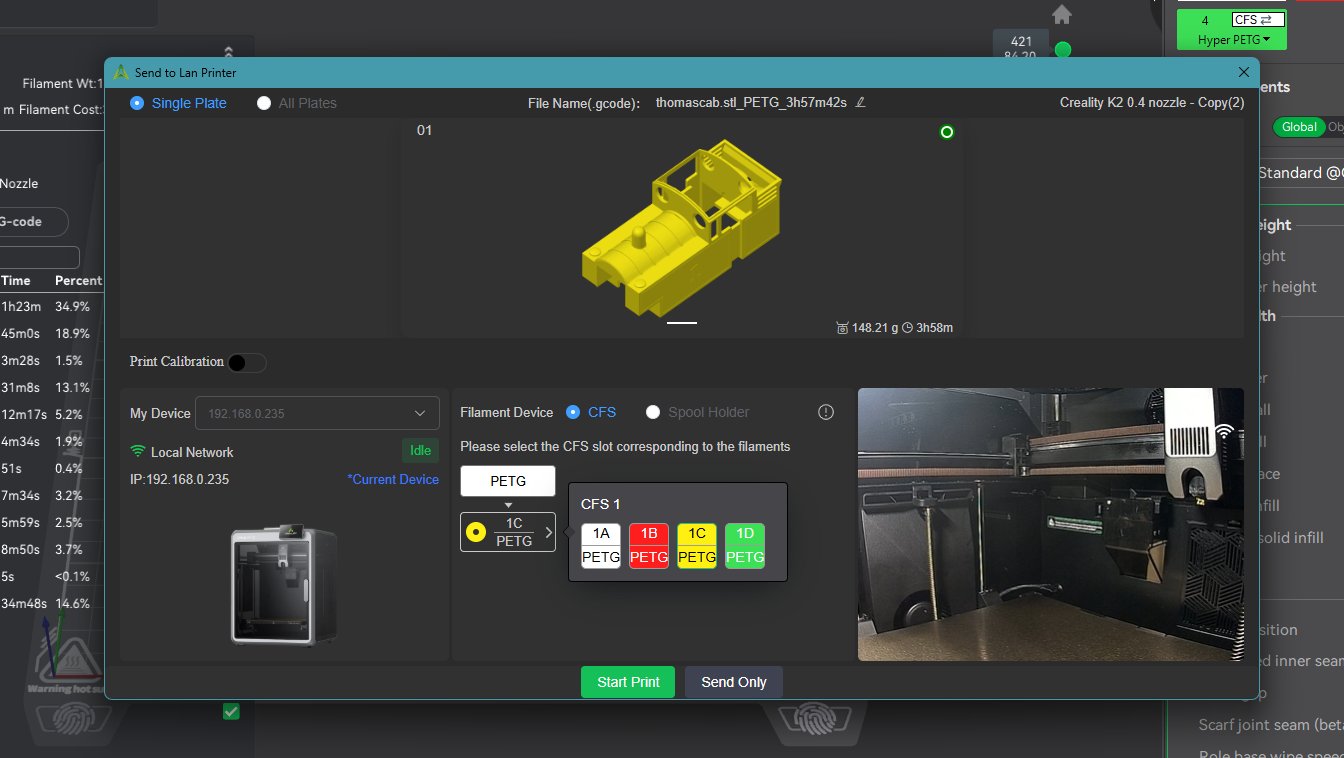
I want to believe this is easy but I cannot figure out how to select a filament in the CFS to print. I have four (4) filaments loaded and regardless of what I do it only wants to use the filament in Position 1. I want to use Position 4. HELP!!
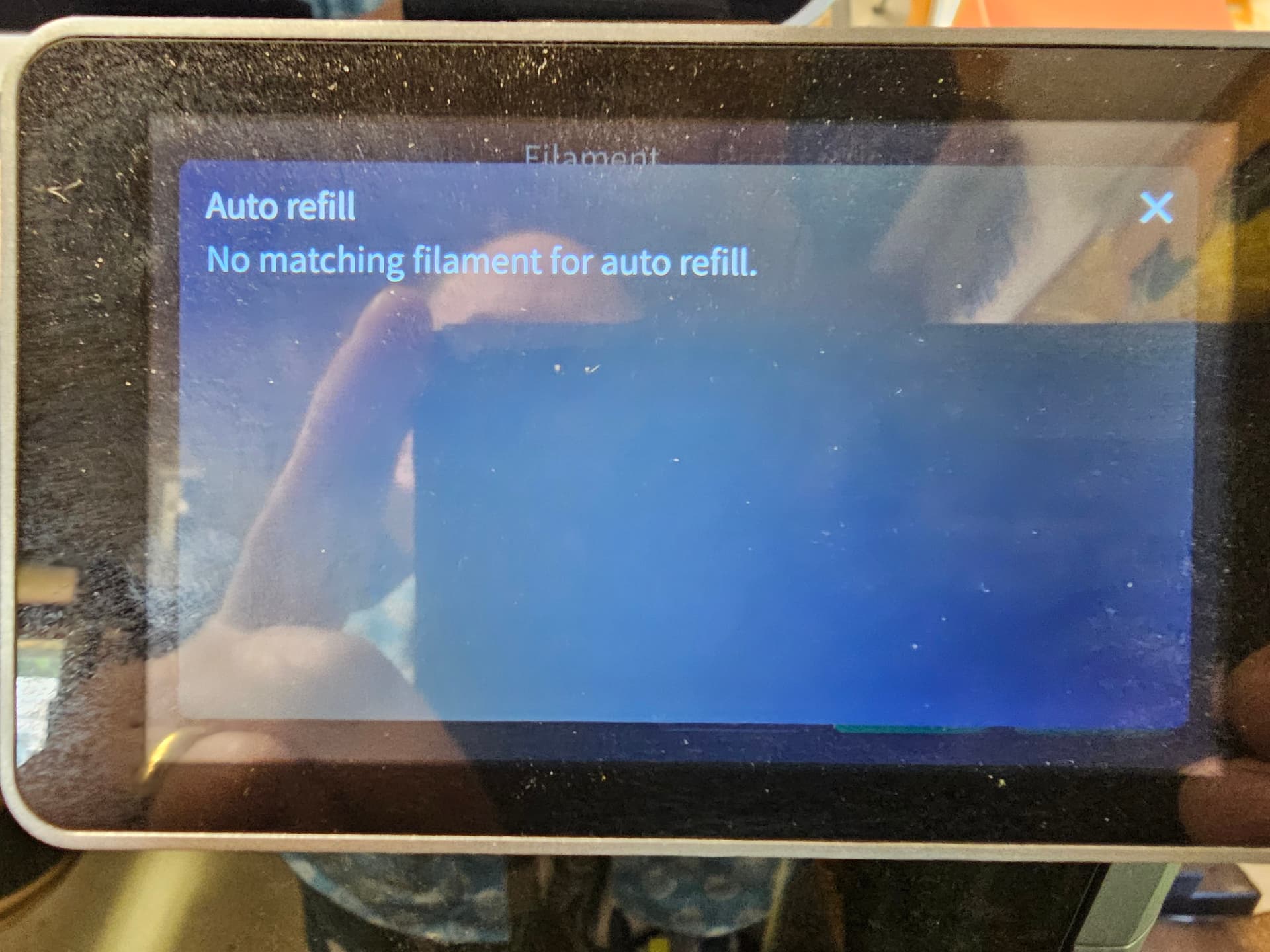
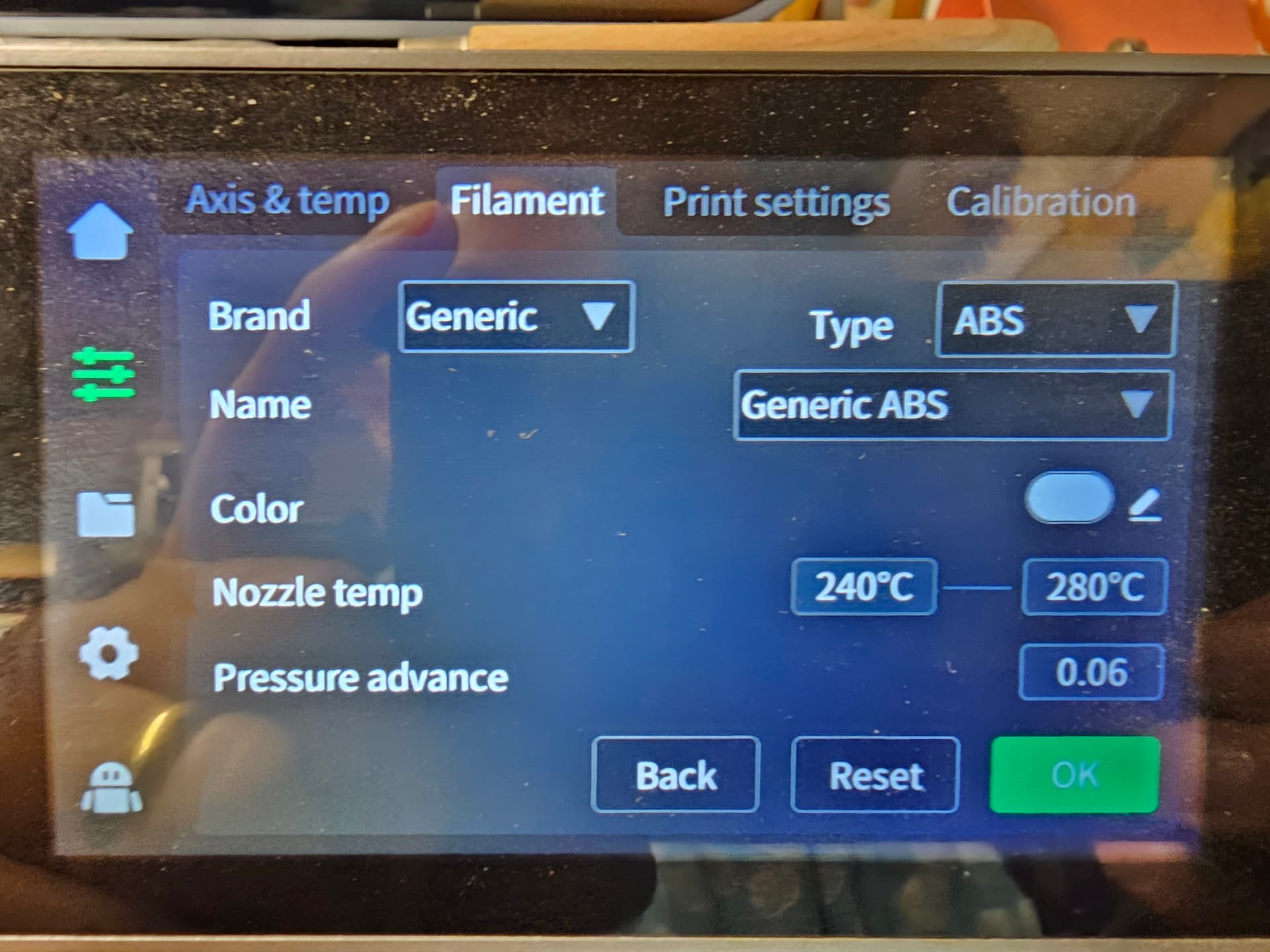
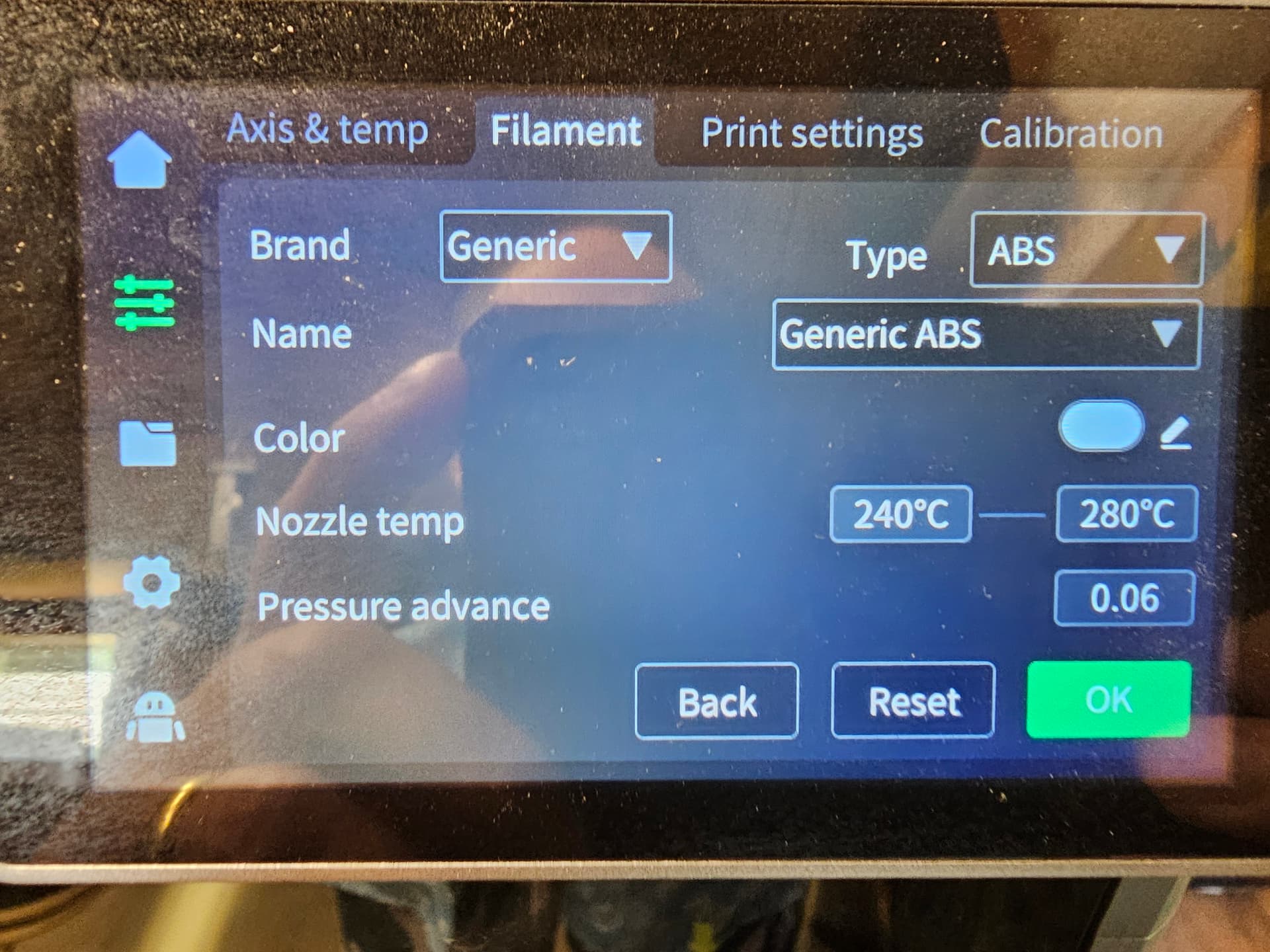
Also, Positions 3 and 4 contain the same filament. When I try to map them to auto select if one runs out, I get a notification saying it can’t map them to auto. I’ve checked and their settings are identical. Any ideas? They are generic ABS filaments, not Creality brand.
Ah so it’s an issue on the printer and not in the Creality Print software. I can’t find anywhere in CP where any auto refill settings are controlled and I would think that it would be a function setup and performed by the printer and not the slicer software as you could shut down your computer mid print and the printer would be responsible for auto-refill.
I have never had an issue with the Hi Combo, and from your pics it would seem that you don’t have the Hi Combo. Maybe try deleting the filaments and re-adding them ensuring the exact same settings. Maybe try putting the same filament reels in slot 1 and 2 only at first and see if the auto refill settings works out before adding other filaments. Perhaps someone else with the same printer has a solution for you.