I switched back to using the Orca slicer program for printing as I was having issues with Creality Print. First couple of prints were great. Then on the 3rd print I started getting lines. I went to the Wiki and it told me to tighten the belts. Did this and the lines are still there. What is the next step.
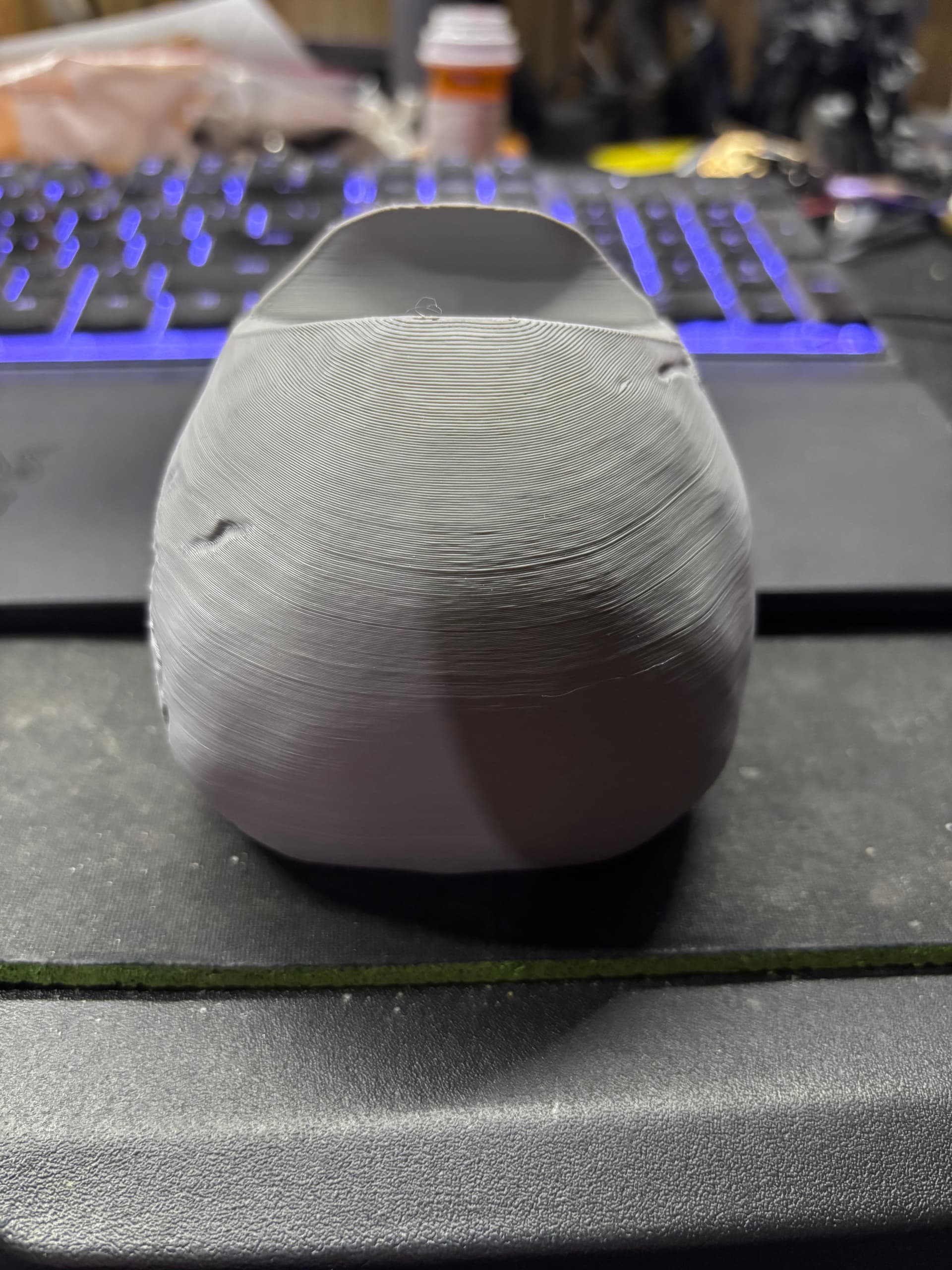
after you slice can you change the view to speed? this seems like it’s being caused by layers taking longer to print, which then “shrink” as they cool more than the others. looking at the speed will give you an idea of what is happening
you can also test print a basic cylinder and see if the issue is still there, but i do suspect that this is driven by the geometry of the design
it did the same thing on a test cube
a cylinder is a better test, but a cube can work, can you share a picture?
one other thing i can think of that could also cause this type of issues would be a partial clog, as those even though don’t block the filament they disrupt the flow, so using the needle and doing two or three cold pulls is something simple to troubleshoot
For this kind of print, I would use adaptive layer heights. Also check your fan settings. I normally set the chamber ventilation temperature to 45°C; it usually doesn’t go above 37°C, so the chamber ventilation won’t interfere with part cooling. The higher the nozzle moves, the less time the previous layer has to cool before the next layer is printed on top of it.
I have been using orca slicer as I have been having issues with creality prints. I will run a test in the og program and see if there is a difference
Did the same cube in Creality Print and no issues. Going back to orca slicer with the same print to see if it still has the issue. Fingers crossed

