| Printer Issues | Software Issues |
|---|---|
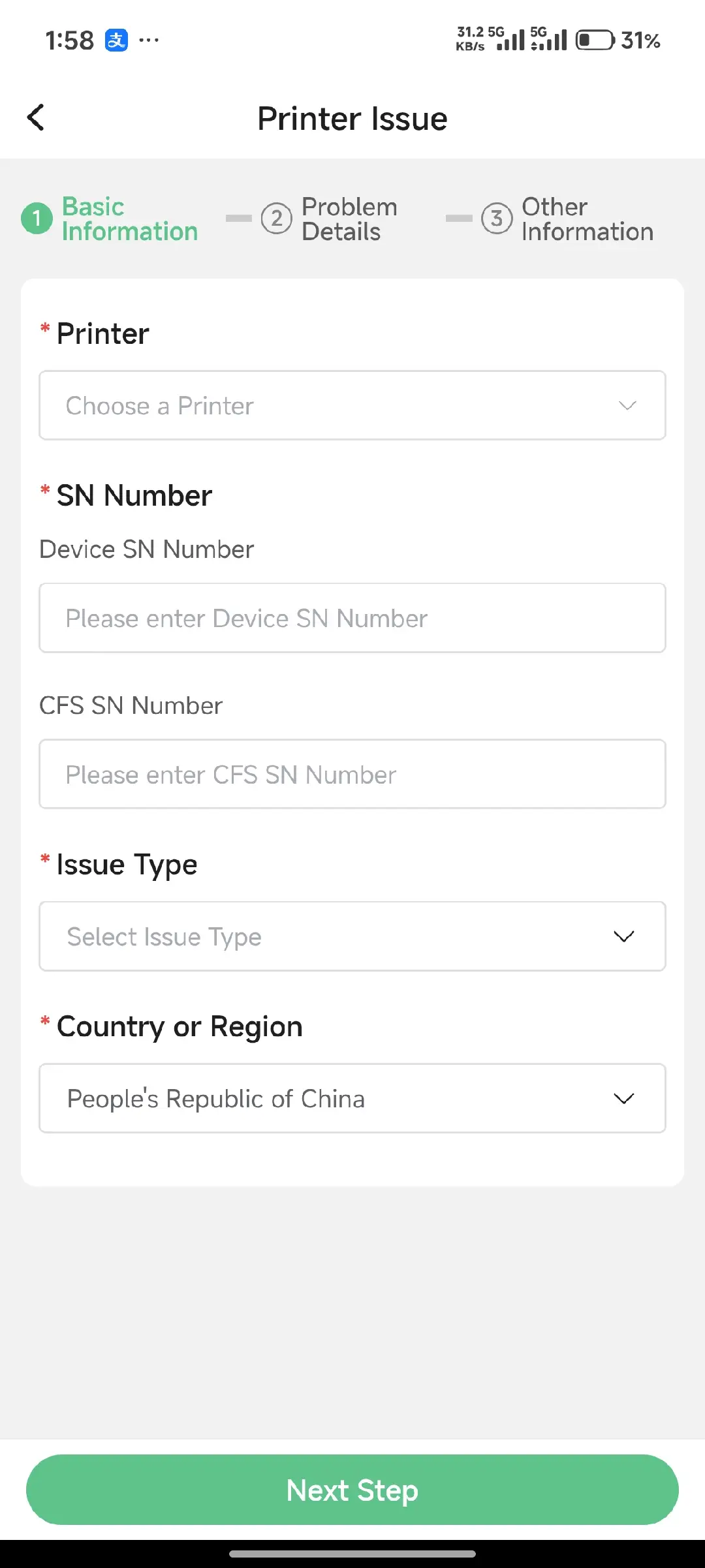
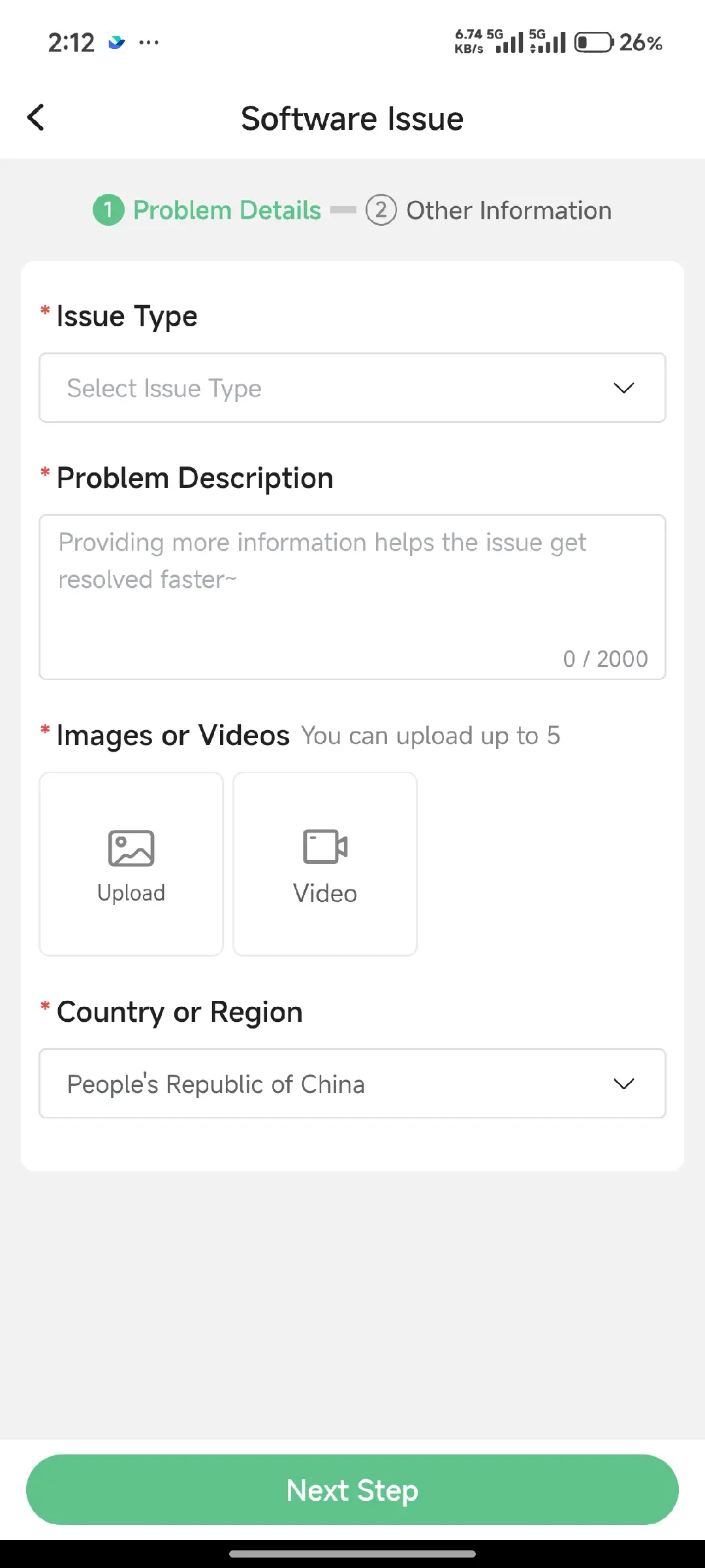
| * Printer Model | *Printer Model |
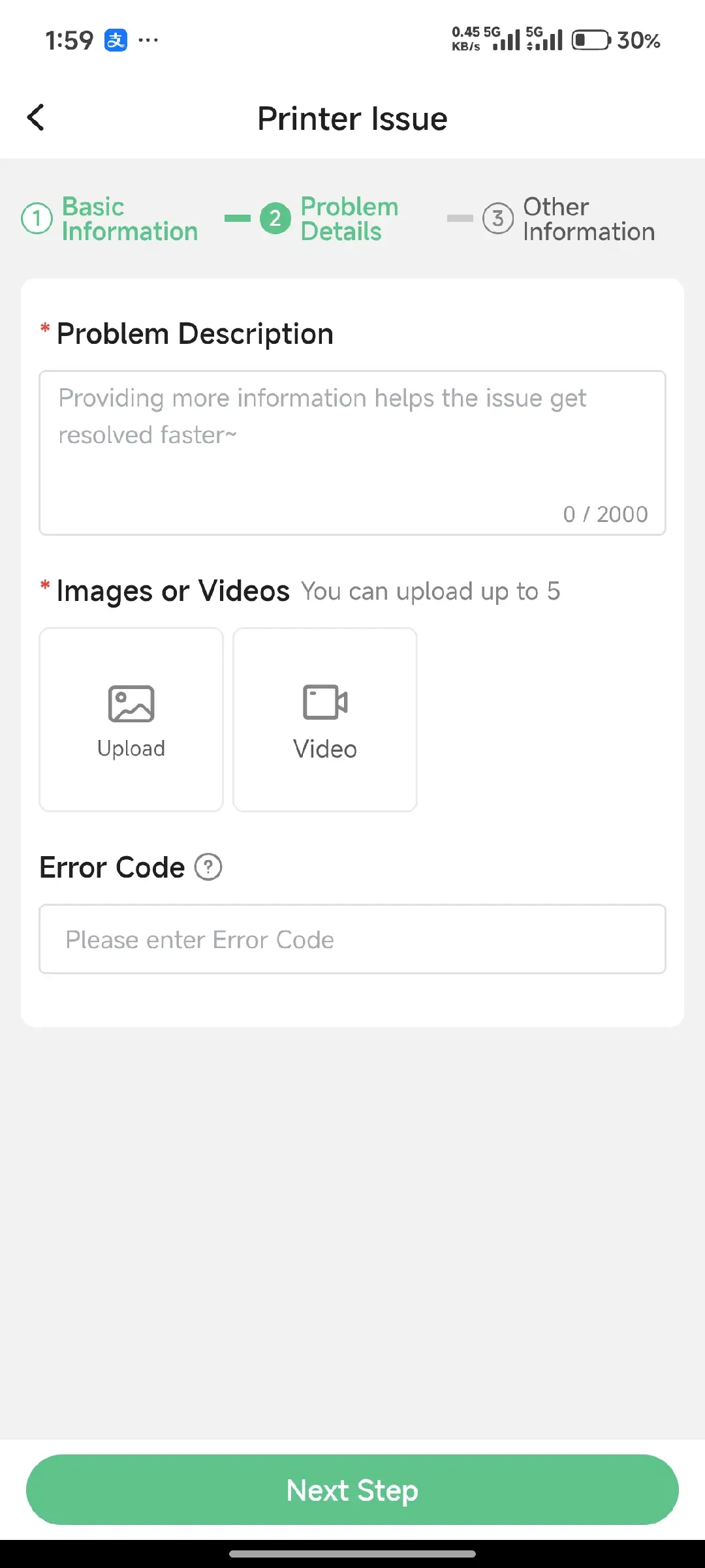
| * Device Serial Number (SN) | * Photos or Videos of the Issue |
| * Photos or Videos of the Issue | * Printing Configuration File |
| * Error Code Displayed on the Printer | * Contact Information |
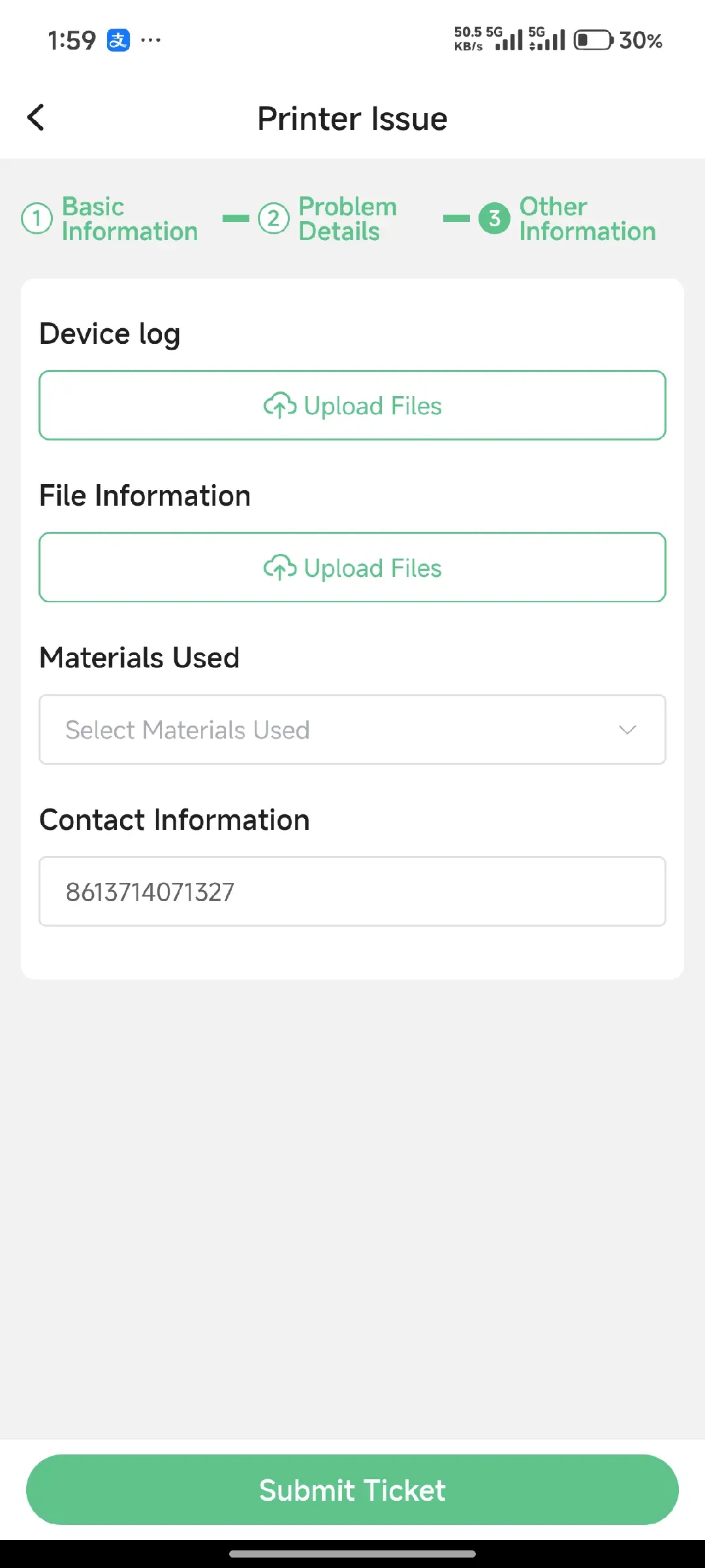
| * Filament Information Used | |
| * Device Logs | |
| * Contact Information |
Service Ticket Submission Process
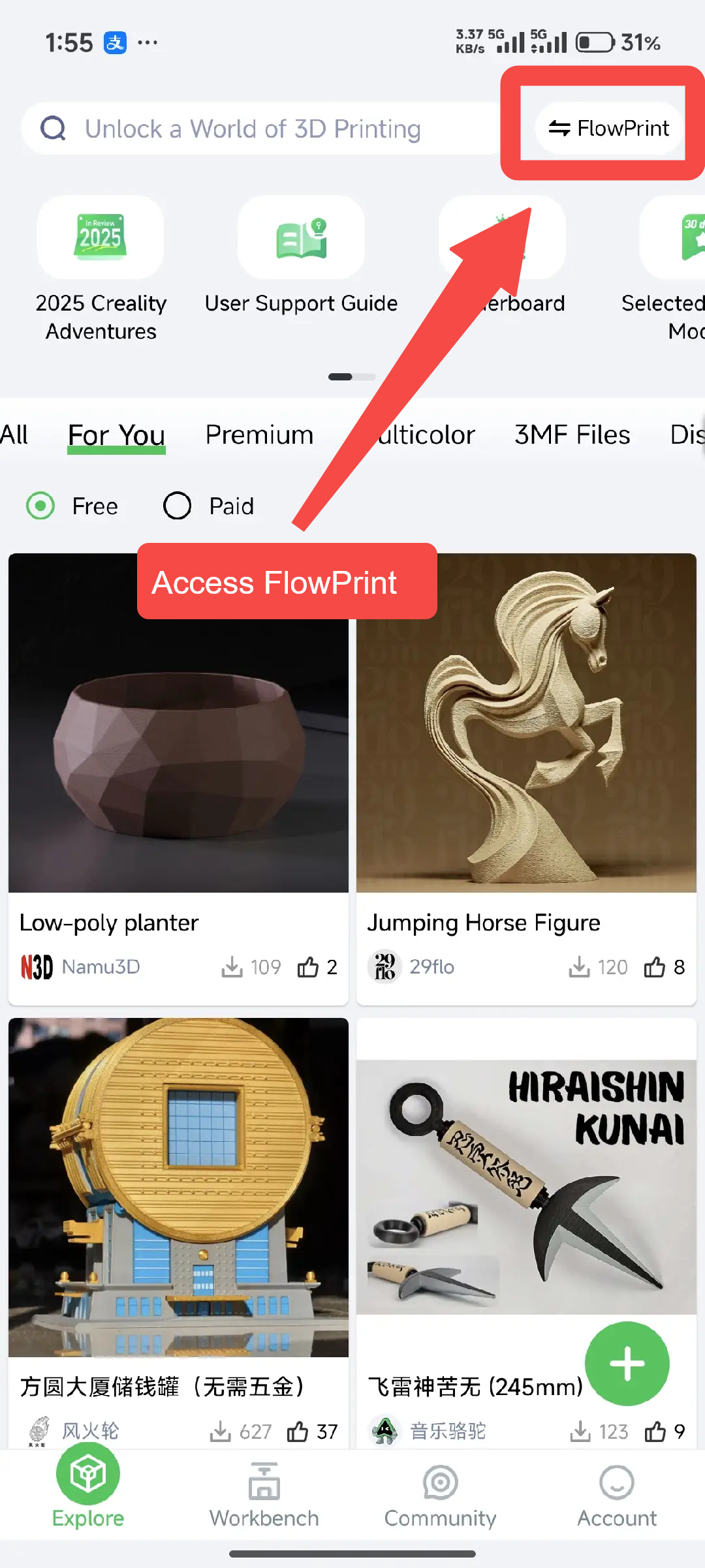
Download the Latest Creality Cloud App and Go to the FlowPrint Community
If the app opens in the legacy community, tap the upper-right corner to access FlowPrint.
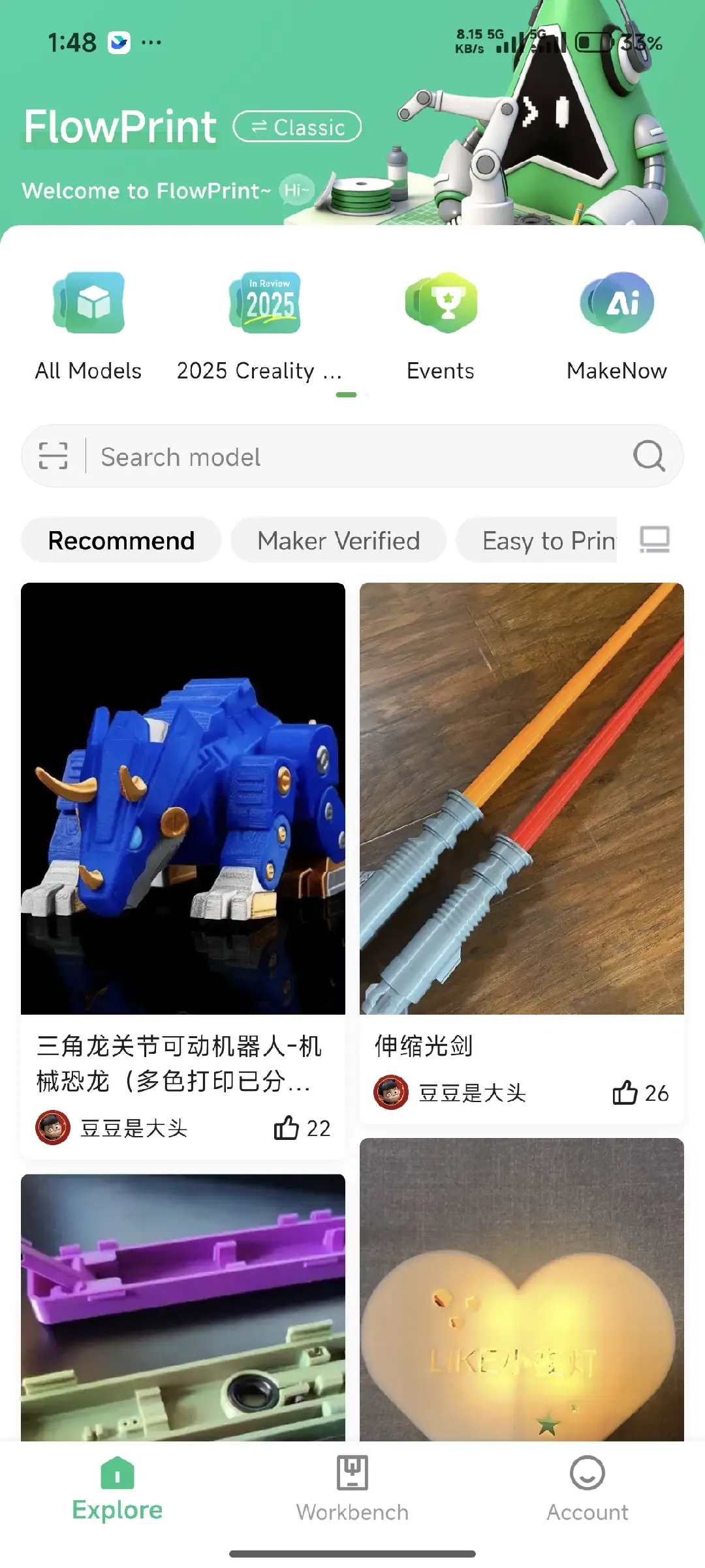
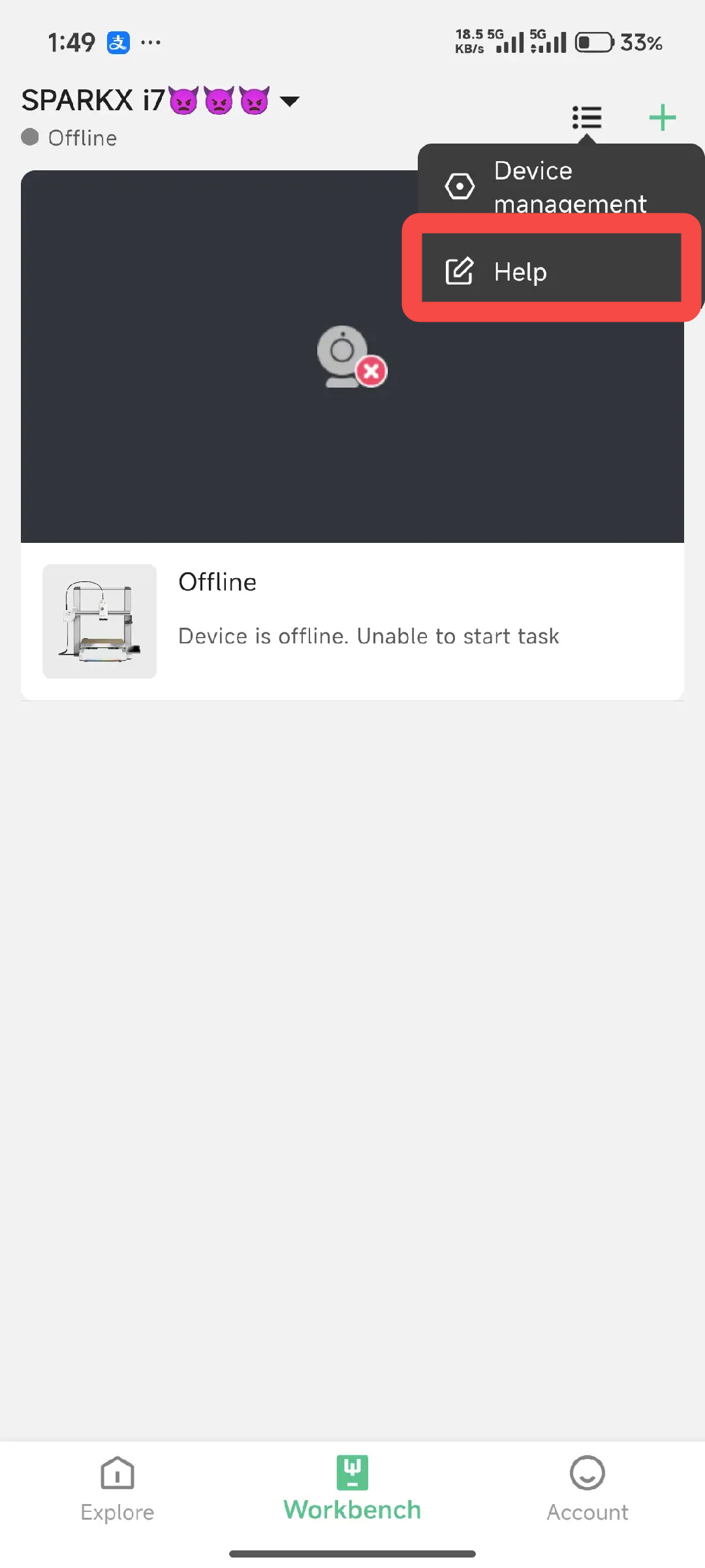
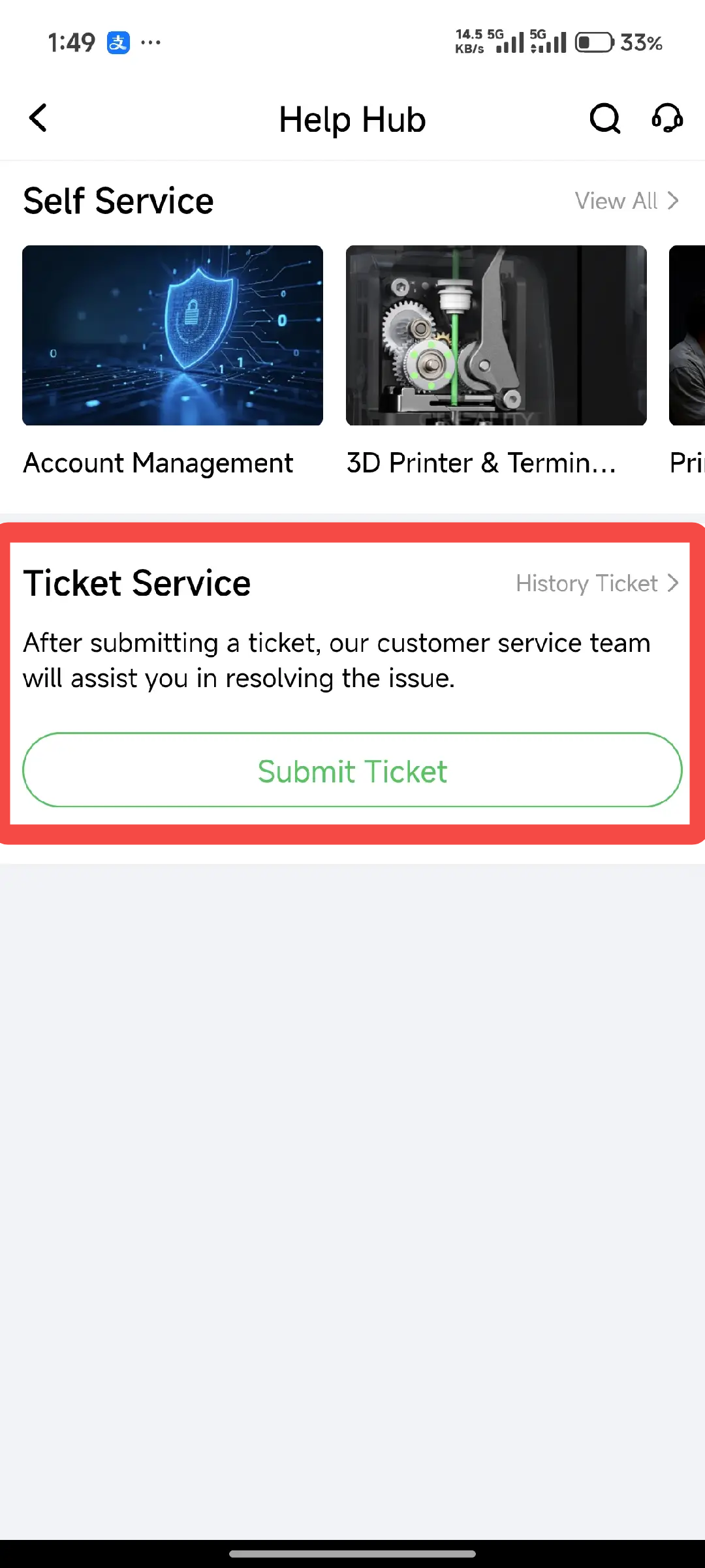
Tap “Workbench → Help Hub → Submit Ticket” to enter the ticket submission page.
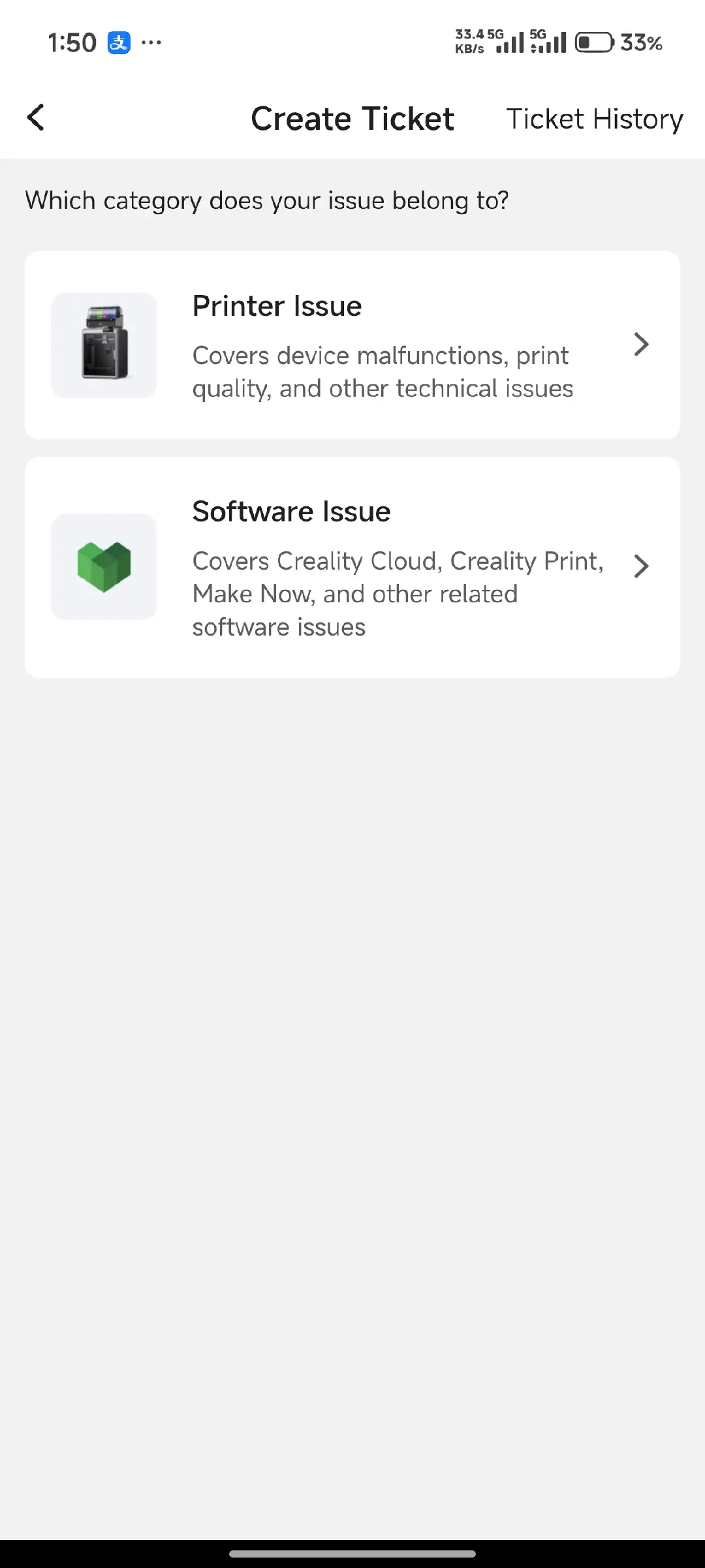
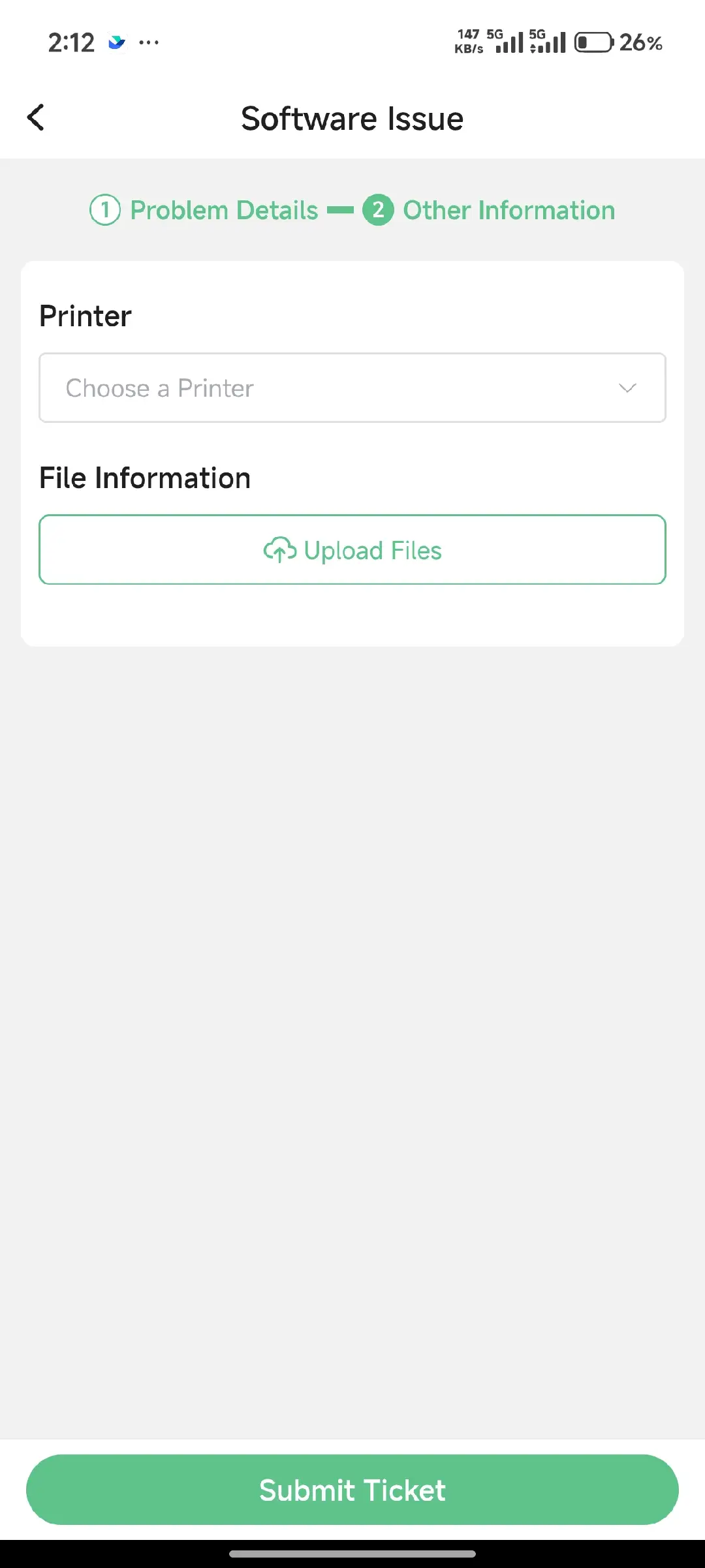
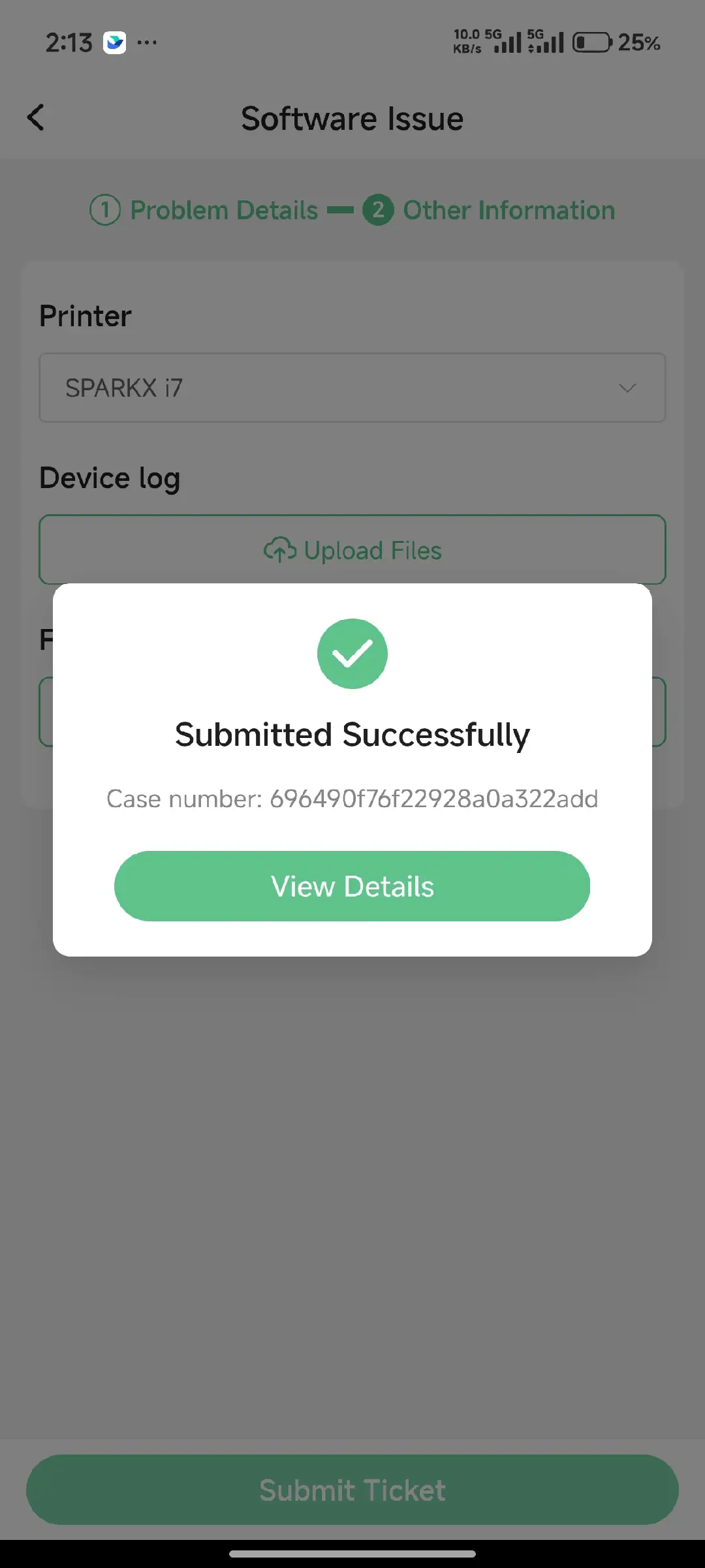
Fill in the Information and Submit the Service Ticket
Provide a complete description of the issue and fill in all required fields. Tap Submit Ticket to complete the service ticket. After submission, a support staff member will contact you promptly via the Creality Cloud App.
 |
 |
 |
|---|---|---|
 |
 |
 |
Track Your Service Ticket Progress
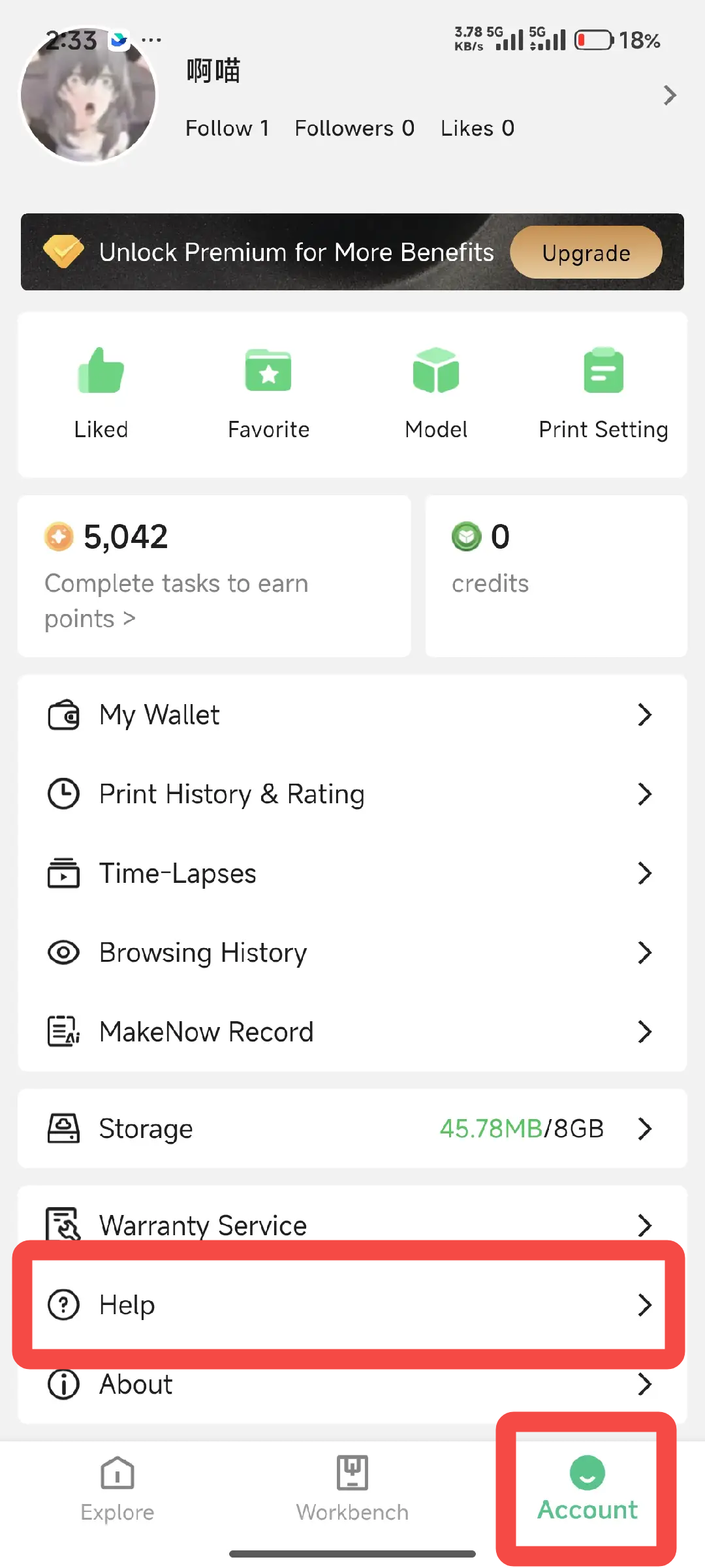
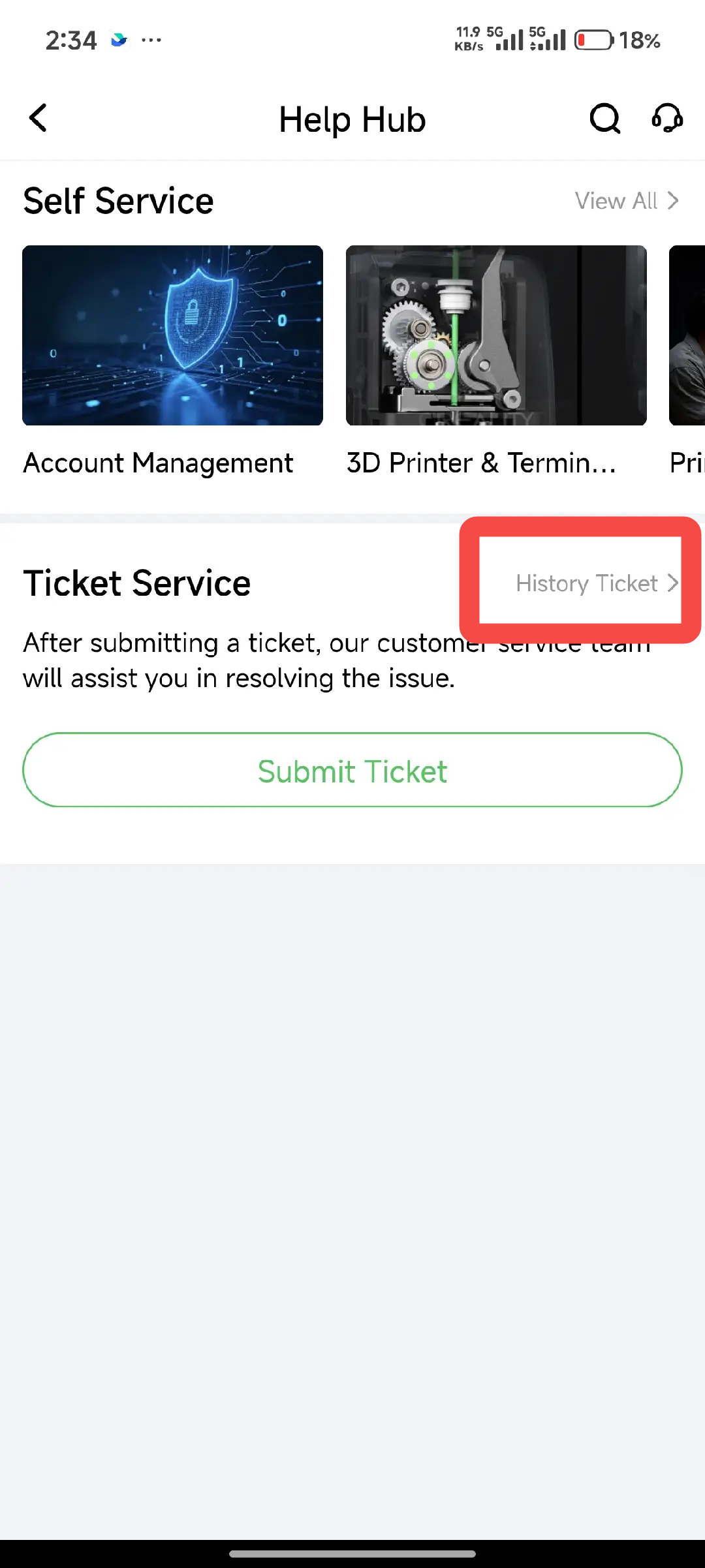
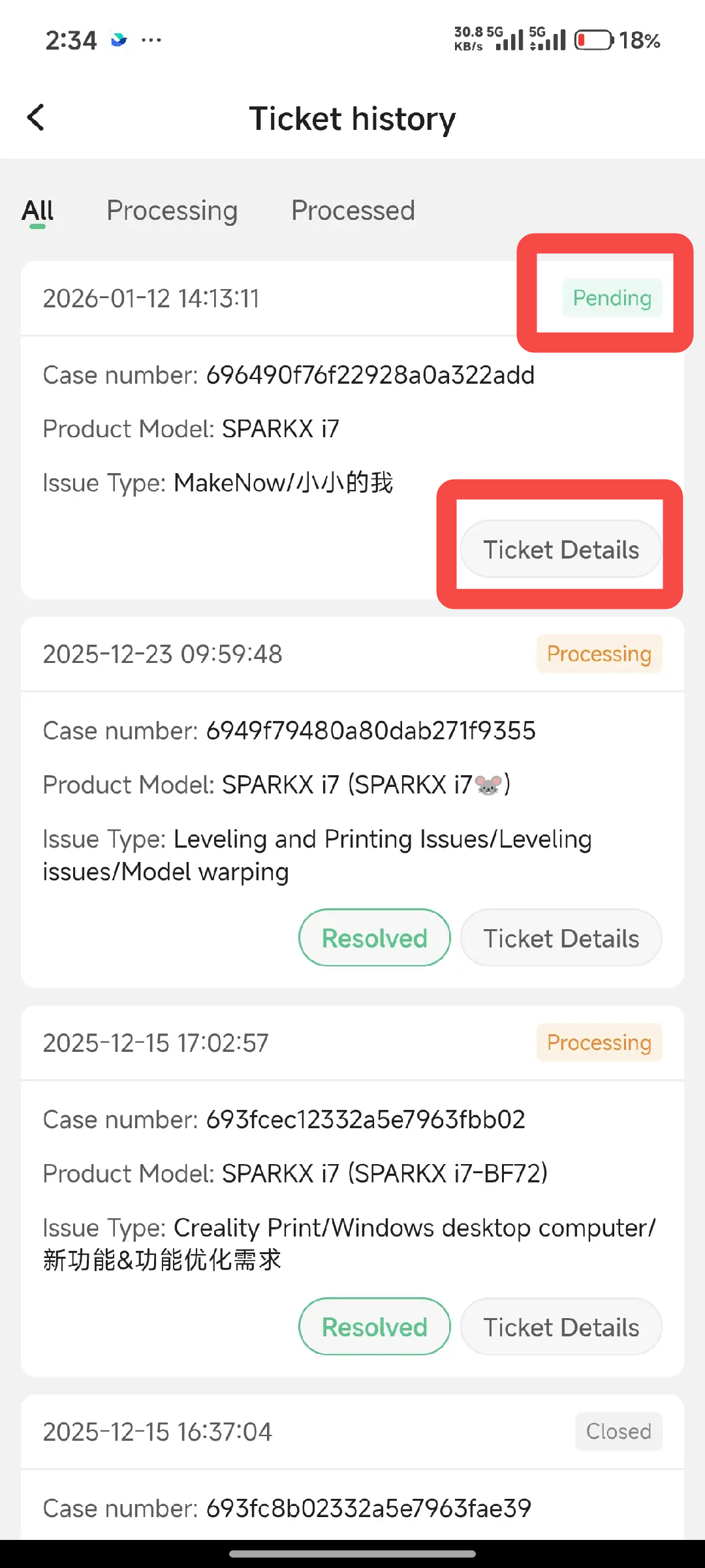
You can track the status of your service ticket at any time. Go to “Account → Help → History Ticket” to view the details and current status of your ticket.