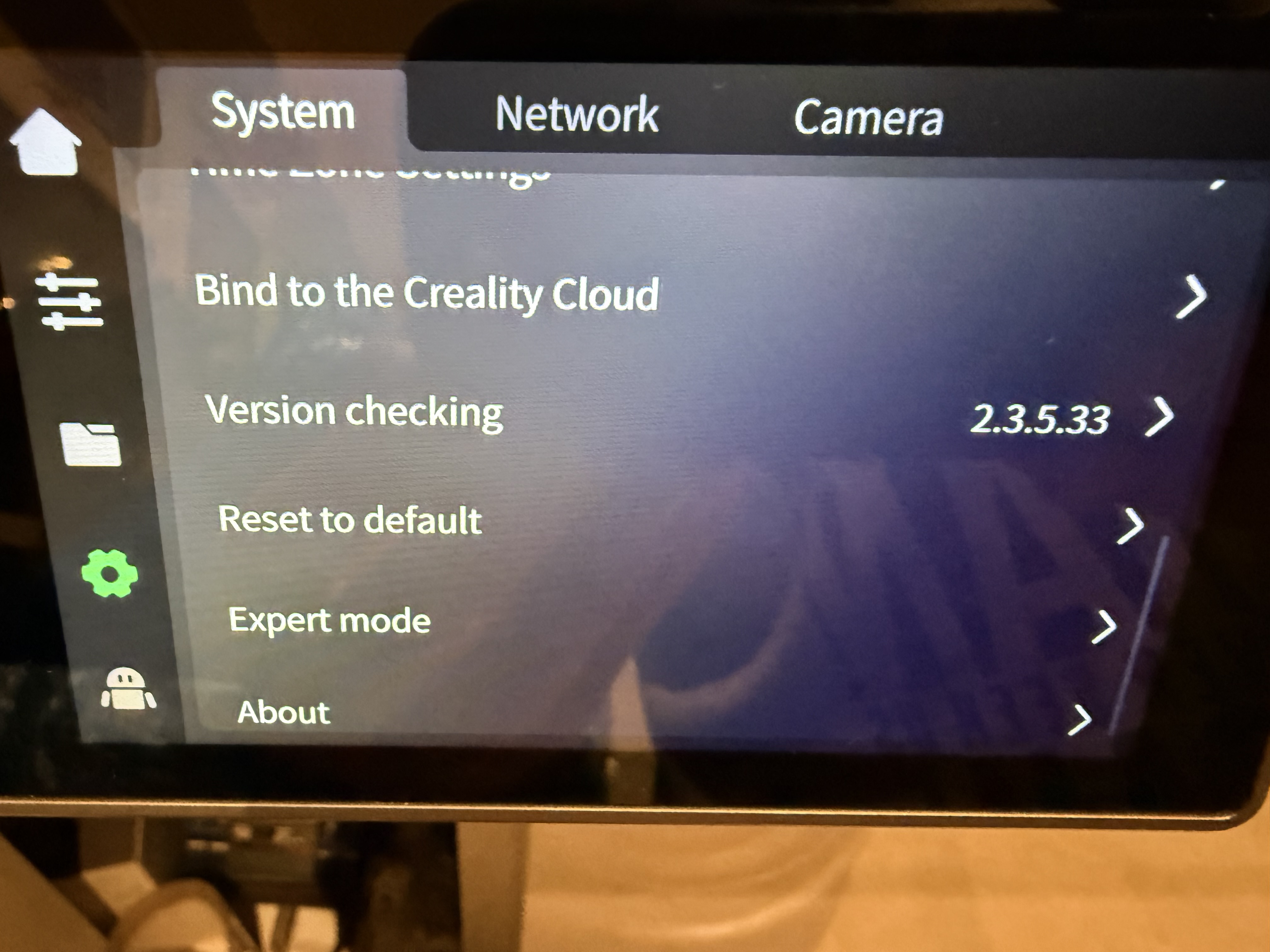
I used the network connection to let the printer update itself - now firmware version is showing as 2.3.5.33
1 Like
Can confirm that I have not had this issue since changing the timer to 5 minutes
Мне вроде как помогло переключение времени отключения экрана - с 3 минут до 5 и обратно. Больше такого артефакта не наблюдаю…
It kind of helped me to switch the screen off time from 3 minutes to 5 and back. I don’t see such an artifact anymore…
Same here I need to reboot printer to resolve it
Toggled the screen time out and seems to have solved the issue for me too. Kinda points to a backward incompatibility in how the settings are stored between the older firmware and the CFS firmware. Resetting to factory default would indicate this also.
1 Like
Fix with changing from 3, to 5, to 3 min
After several weeks the problem came back for me.
At some point I’ll have to try resetting to factory defaults.
I do know that it has been reported that 2.3.5.34 has corrected this issue.
So where do you find 2.3.5.34 version? No versions are on the website since December 2024, and doing a version check from the printer says 2.3.5.33 is the current/most recent version.
You have to contact customer service via their web site and chat with service. A word of warning from my experience I installed 2.3.5.34 and found that the Z offset was terrible and no matter what I did I couldn’t change it to resolve the over squish (resulted in really bad first layer results). I tried in the slicer (updated to the beta Linux slicer, modified the start print macro, nothing worked). I ended up reverting back to 2.3.5.33 which gives good first layer results, I’ll just put up with the display issue until they release a “good” firmware.
Thanks for the quick reply and info. Because of your experience, I will just wait until a new stable version comes out. The only real issue I see is the screen dimming problem. I tried the time change and I still get the dead screen, so perhaps I’ll just never turn it off. I have two CFS units on my K1 Max and am very pleased with their operation.
I have it but have not installed it yet. I have mostly everything working so I have left the dim screen alone for the time being. Someone shared it with me that’s how I got it.
I tried setting it to never shutting off but got the same results, locked up screen
I only have one CFS, reading about issues people have had with the upgrade but the only issue I had was my own fault was not seating the bowden tube fully in the back of the CFS, other than that I’m very pleased with the CFS also.
I solved it momentarily by making the display never turn off.
I experience this as well, unlike some of the suggestions here, it happens regardless of what time you set it to, I noticed that it reproduces after you finish a print, then start another print without clearing the print finished message on the screen itself.
I’ve also had a K1 Max for a few days now, but no luck. I keep having to correct the z-axis, and the screen freezes here too. Any news on a firmware update?