Hi - I’m lost for an answer now, using eSun ASA+ filament - had a few OK prints but a lot of tweaking.
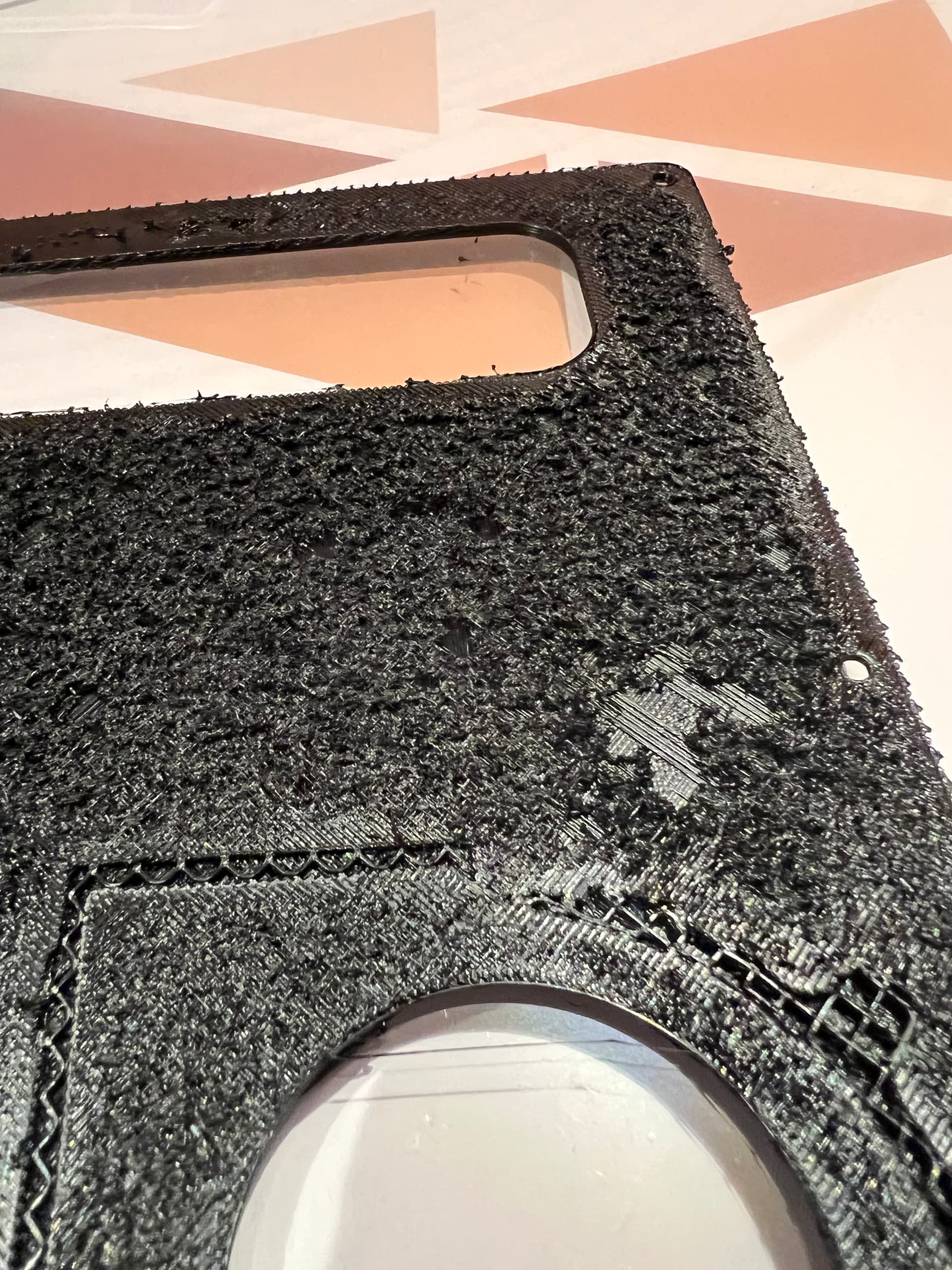
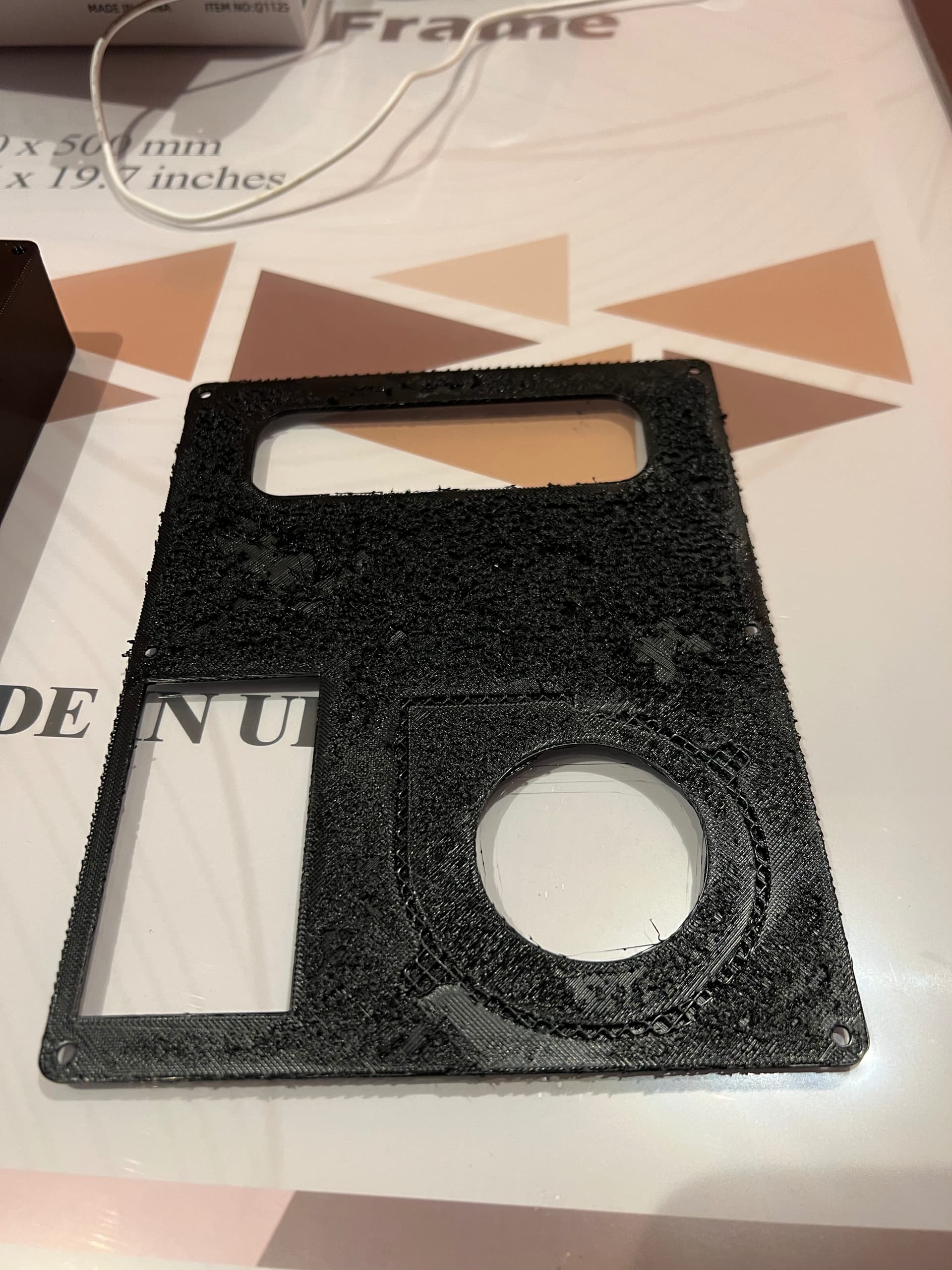
Trying to print a heater box - after trying to get config correct, managed to get a good print of the main case, now trying to print the lid, prints start ok but after some time maybe 40 - 60 mins in, the surface looks like Velcro and there’s little bits of filament ‘grains’ all over.
I tried slowing the prints down, tried speeding them up- using standard creality ASA filament profile as a base- I have tried limiting speed to 30 for first layer and 80 - 100 for remaining.
Chamber temperature around 50C
Filament dried in a Creality dual drier box
I did flow calibration for Orca and the prints were neat - but going on to print case cover it all goes to rubbish.
I have successfully printed PLA, PA6-CF, PETG.
Attached images show good case print and the failed lid.
Please can someone give me the benefit of experience to point me in the right direction because I am wasting loads of my time going round in circles
Thank you
Tim
Hey There,
I print ASA at times. I currently have ASA on the machine (K1C). I use a heated build chamber for ASA, i.e. as it tends to warp easily with this ole, drafty house.
Anyway, the problem is not apparent to me. It could be the actual file and settings.
Have you tried to build the file with presets instead of regular, homegrown settings? Did you use the same presets if you did follow the Creality presets for the enclosure and fitted top?
The reason I ask:
- I printed something with my own preset.
- It took 14.6 hours to finish.
- I used the Creality preset.
- It took well under five hours to finish.
So, something is allowing Creality, their Klipper set up and firmware, to only abide by the preset from the GUI I use currently (Creality Print 7.0).
Good luck and Godspeed. This ever evolving game of 3D Printing moves fast at times and updates/upgrades create some of the issues (lack of documentation and/or odd printing with updates/upgrades).
Check the file. I forgot to mention it. The .stl or .stp file may be made irregularly.
What did you do to make the PA6-CF stick to the build surface? I have PA6-GF and I cannot get it to adhere to the build plate at all or at least barely until it comes off during mid-printing.
Hello @Melodic_Fool 
Welcome to the Creality Forum…! 
I printed some ASA for the first time a couple days ago using the Creality Print slicer settings.
It came out good after one clog which was my fault. I set the chamber temp to 60°C and that was too hot as I thought higher was better. Duh… 
Anyways this is on a K2 Pro.
Maybe like @For_Ward said try Creality Print or use the same settings and see what happens..
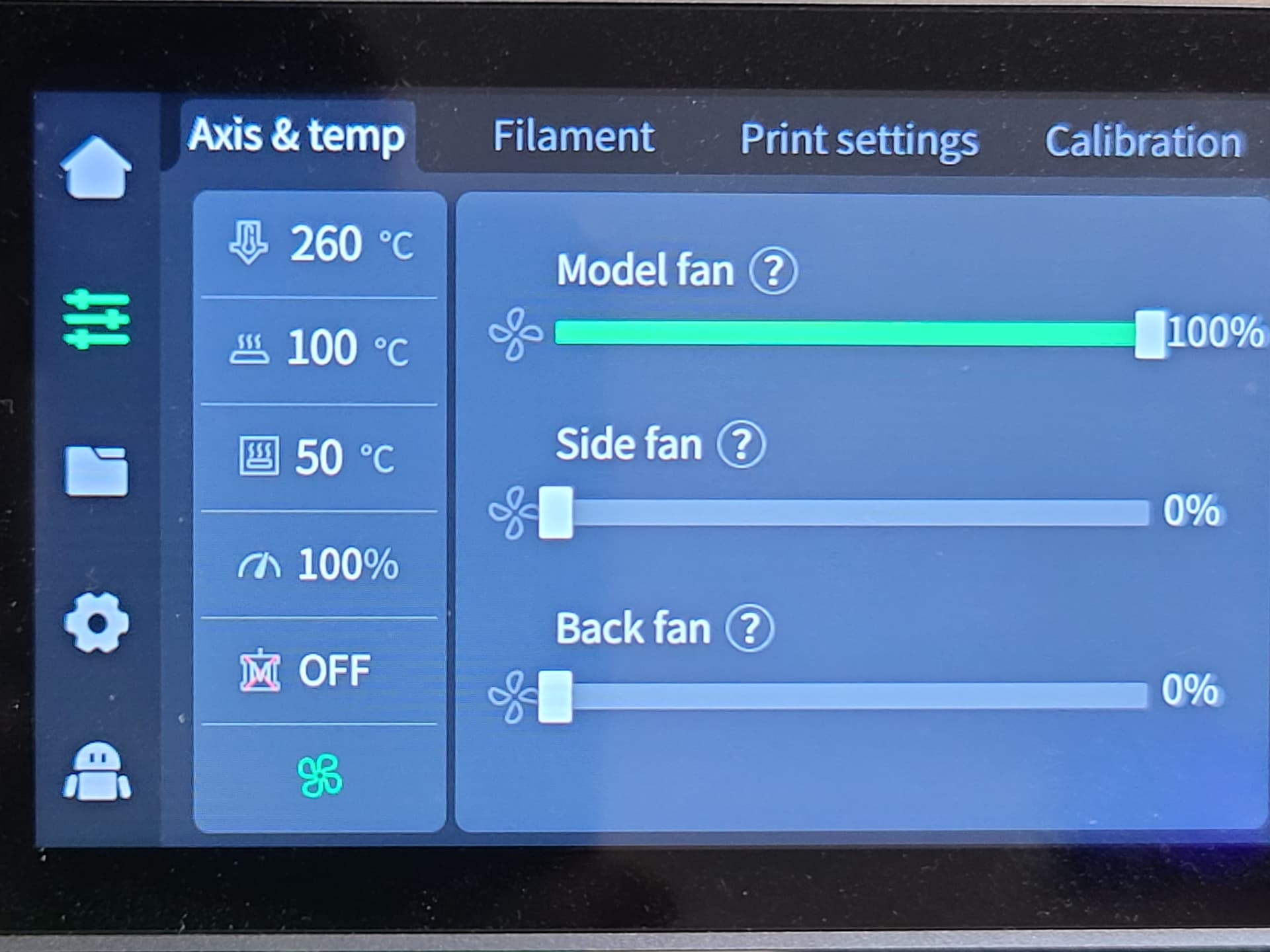
PS. The fan is showing 100% but most of the time it’s at 10%.
Edit:
Another thing I noticed was that the chamber temp which needs to be 50°C doesn’t get up to temp until after the print is started. I tried to preheat the chamber first before the print started but the K2 Pro wouldn’t let me. It shows the setting as 28  50
50
Is there a way to preheat the chamber on the K2 Pro before the print starts..?
1 Like
Hi - I used the Creality glue stick supplied, which I believe is a PVP adhesive - I have subsequently purchased PVP glue sticks ( with larger diameter and total volume ) and they seem to work just as well as the supplied one.
Also, I was running the bed at 100C and chamber around 50C and ASA would stick fine until cooling when stopped at which point it would shrink and ‘crack’ off the bed
1 Like