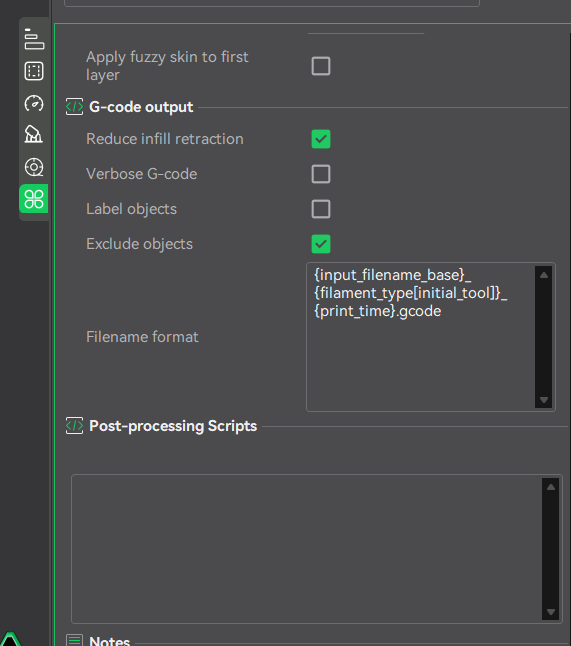
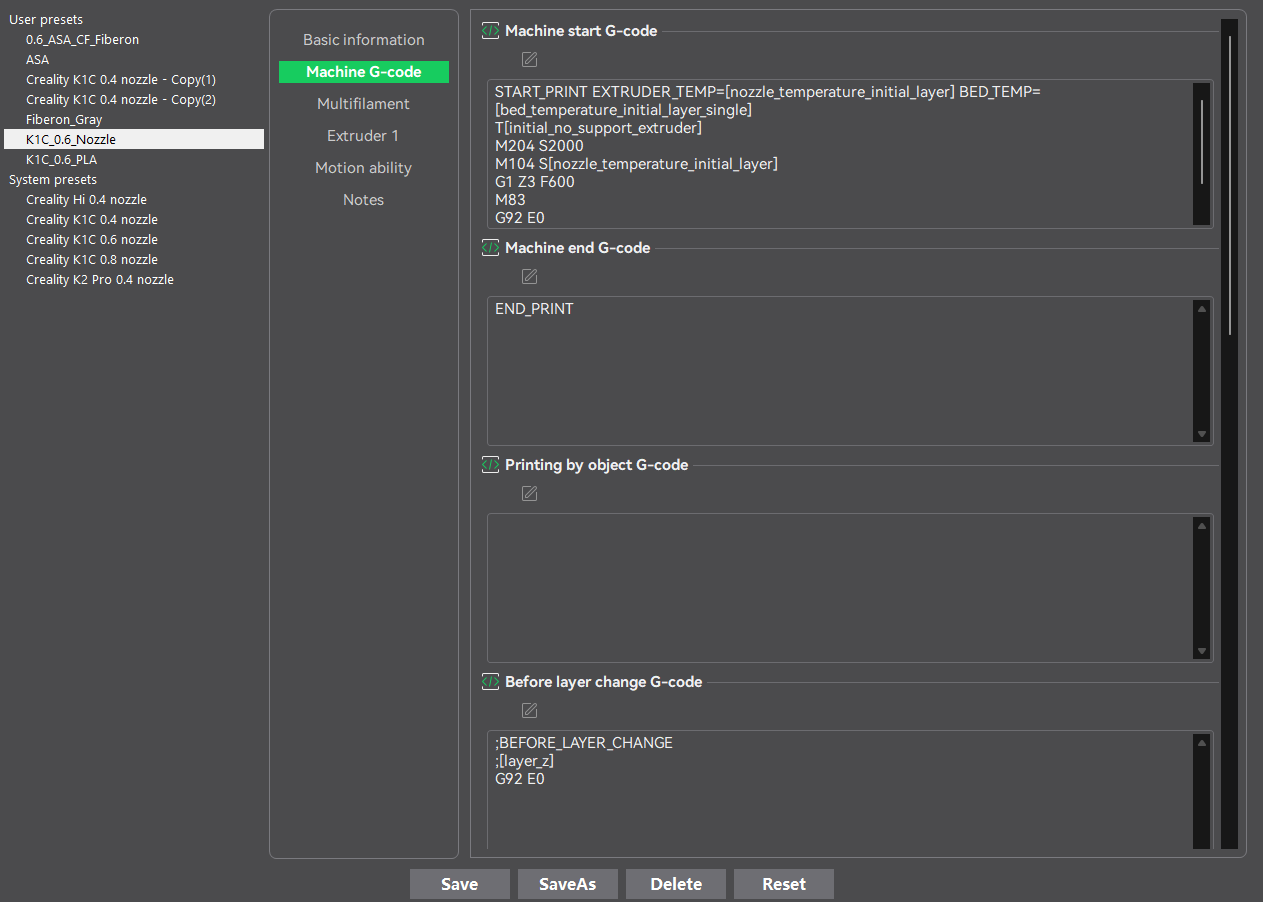
I’m trying to use my own custom START_PRINT macro on my Creality K1C instead of the stock routine created by Creality.
Here is the issue: I created my own script in gcode_macro.cfg and specified it in Orca Slicer. Everything works perfectly as long as I start the print via the Fluidd web interface.
However, if I start a print directly from the printer’s touchscreen, it completely ignores my script. It also ignores the macro in /Helper-Script/KAMP/Start_Print.cfg and just executes some built-in internal routine.
Does anyone know what and where needs to be modified so that starting a print from the touchscreen uses the START_PRINT macro defined in the .cfg files, rather than the hardcoded routine hidden inside the firmware?
That may help you in case you wanted to test some g-code out on the Creality Print. I know what you are asking and I know nothing about Orca for now. I am sorry.
Just a quick side note: Creality Print (v5.0 and newer) is actually a direct fork of OrcaSlicer. So all those settings are virtually identical in Orca. In fact, that exact window from your screenshot is where I replaced the stock call with my own custom macro name.
The main issue isn’t the slicer itself — it works perfectly when I start the print via the Fluidd web interface.
The issue is strictly with the printer’s touchscreen. When you start a print directly from the screen, Creality’s internal software completely overrides/ignores whatever custom macro is set in the G-code and forces its own hardcoded pre-print routine instead.
And yes, it’s super frustrating! That’s why I’m trying to find a way to bypass or override that hardcoded routine on firmware 1.3.5.22.
When I installed KEMP on my K1c this installed a diffeerent Start print macro. Also the installation commented out the original Start print macro in the gcode_macro.cfg file.as shown below .
#[gcode_macro START_PRINT]
#variable_prepare: 0
#gcode:
# WAIT_TEMP_END
# CLEAR_PAUSE
# {% set g28_extruder_temp = printer.custom_macro.g28_ext_temp %}
# {% set bed_temp = printer.custom_macro.default_bed_temp %}
# {% set extruder_temp = printer.custom_macro.default_extruder_temp %}
# {% if ‘BED_TEMP’ in params|upper and (params.BED_TEMP|float) %}
# {% set bed_temp = params.BED_TEMP %}
# {% endif %}
# {% if ‘EXTRUDER_TEMP’ in params|upper and (params.EXTRUDER_TEMP|float) %}
# {% set extruder_temp = params.EXTRUDER_TEMP %}
# {% endif %}
# {% if printer[‘gcode_macro START_PRINT’].prepare|int == 0 %}
Thanks for the tip, Bill! I’m aware of how KAMP handles START_PRINT.
My issue is a bit different: I’ve customized START_PRINT based on KAMP (even editing /Helper-Script/KAMP/Start_Print.cfg via SSH).
The changes work perfectly when launching a print through Fluidd. However, when I start the exact same G-code file directly from the K1C touchscreen, the printer completely ignores these changes and fails to execute the updated macro.
It seems Creality OS bypasses standard Klipper macros when printing from the display. Has anyone found a workaround to force the touchscreen to use custom start macros?