Hi Eugene, I’m glad to hear disconnecting and reconnecting the cables worked for you! Since I have done the same I have not had the error return.
Since i replaced all the sensors and board no issues since
Sorry for the late follow up.
Was going to get the K2 plus for Xmas but looks like it’ll be on my 66th bday(June) … lol
Merry Christmas All
Good to hear Rob_H,
Merry Christmas to you too and Happy Birthday for June (your 31st did you say  )
)
Cheers.
Hi, I just got this error also (after printing some PET-G at 75C bed temperature). Found this thread, and tried to disconnect/reconnect the cables. The first one I tried the plastic plug kind of disintegrated. Heat damage? now what. I’m not unfamiliar with tiny plugs, but is there a special way to pop these off?
Aha. Never mind. Its a glue to hold the plugs in. It was stretching, making it look like the plug was deformed. But its actually fine. Whew.
1 Like
Yes Creality do like to hot melt glue gun their connectors, even my old trusty Ender 5 plus had copious amount of glue to clear off when I changed to silent motherboard. My Qidi printers also have some glue gun action on the internal USB connections but not as much as Creality.
Level Sensor Key:2529 is back ..
after a 80min print (which was a support fail) started print again and Key:2529 error .. tried to self check .. as soon as the bed hit the nozzle it tried to go through the bed ..lol then fail .. as usual turn off/on .. cleared it ran self check and PID all passed .. back to printing.. this happened before and Creality replaced the sensors.. debating if I should report it again ..
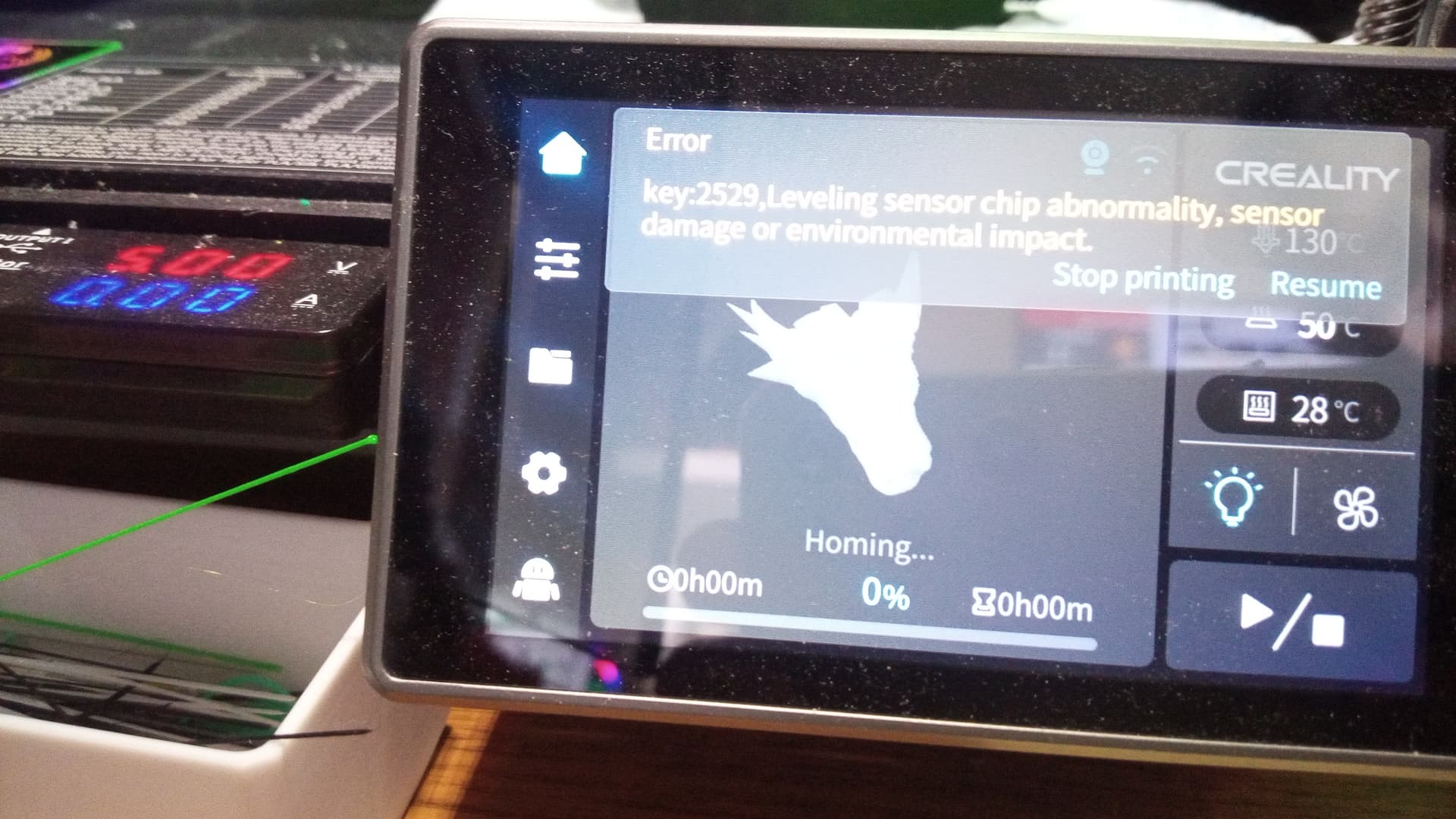
Thanks, bro. I had the same issue today with my K1C. Unplugging then plugging again just worked.
You’re welcome. I’m glad it helped!