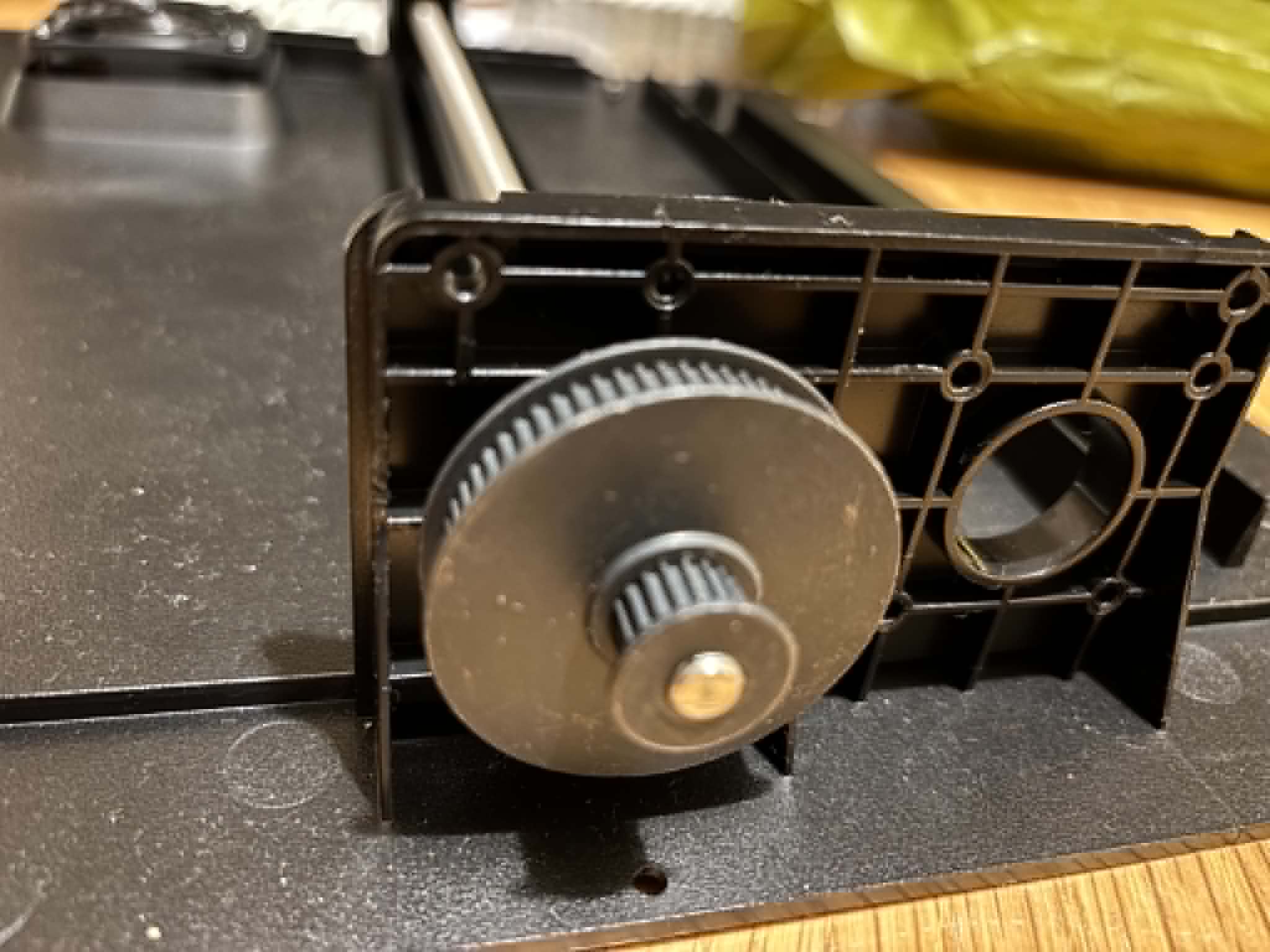
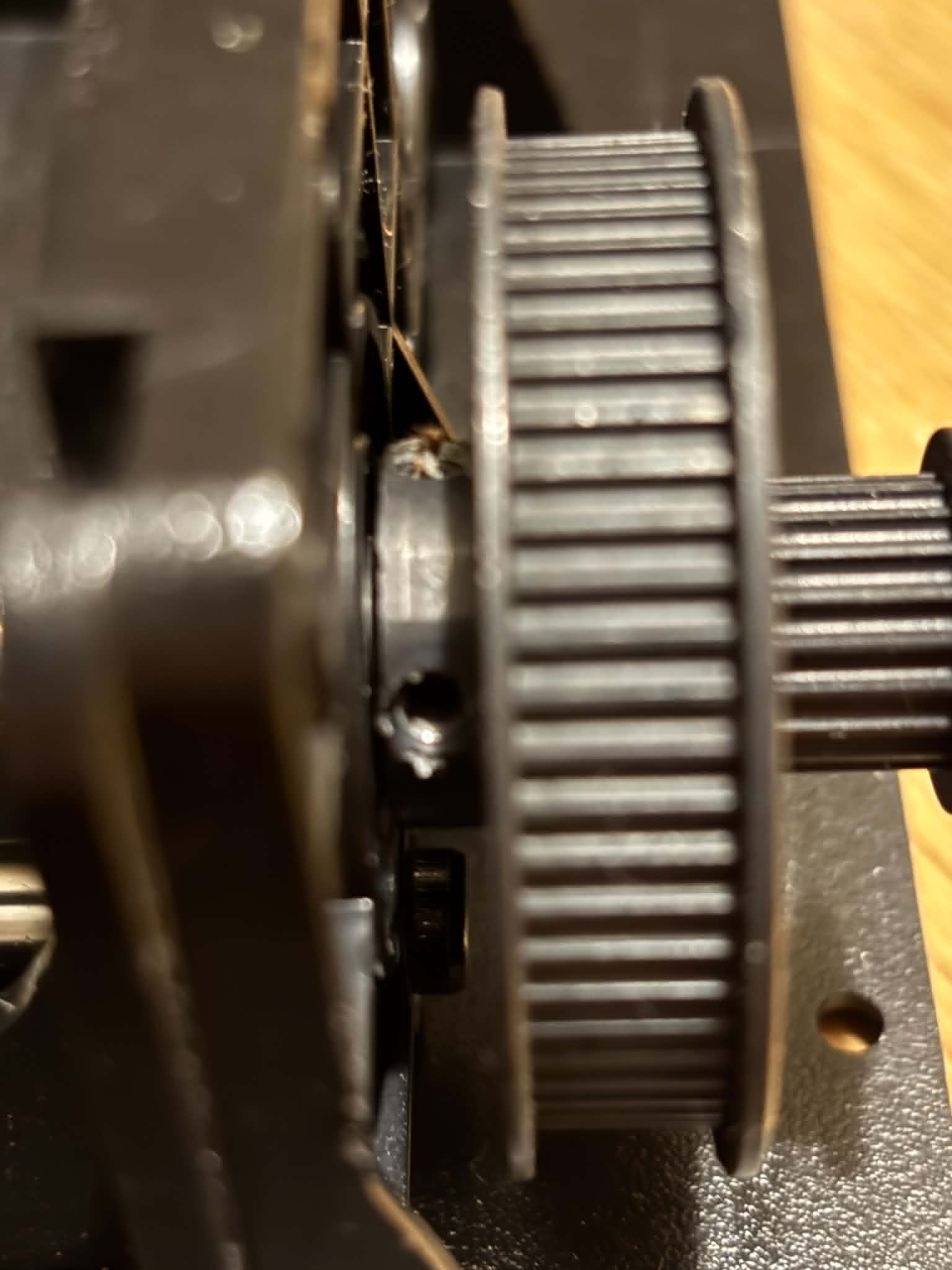
The rear lead screw on my K1C appears bent, for the life of me I cannot see how to safely remove the lead screw.
I have removed the grub screws from the dual step pulley but this makes no difference and I cannot see how the lead screw is locked into the bottom bearing regardless.
In the attached video you can see the bed support bracket jiggle left and right as it travels up the screw.
It seems that the pully is “attached” to the axle with one or more allen screws, untighten them and maybe you can remove the pully. Sometimes pullies are pressed on the axle and therefore hard to remove!
All good, I decided to give the leadscrew a good wack and it started to go through the pulley and out, now to find a new lead screw that is turned down to 7mm at both ends!
Hi! Did you manage to replace the shaft? Where can I buy it? Preferably aliexpress, or tell me the characteristics, length, thread, number of revolutions, thanks
Hi, Dremc were able to find the entire backplate assembly but it was a bit exepensive as I didnt know if other parts of the printer were going to be ok and didnt want to over invest.
I ended up taking a Leadscrew from a Ender 3 V2 (same pitch, thread etc) and went to a mates place with a lathe and turned it down at both ends.
I cut up a coke can and wrapped it around the threads to protect them in the chuck.,
Total Length of the leadscrew ends up being 340mm.