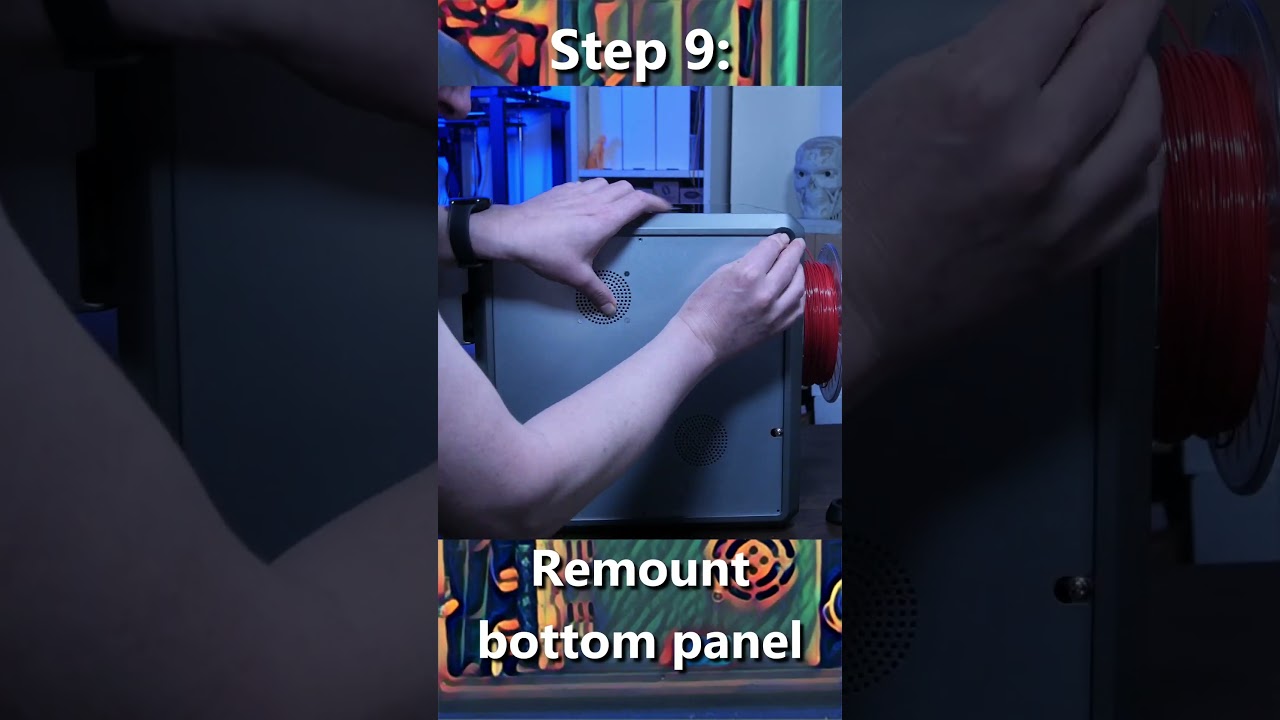
After update firmware for my K1C (2025 model) to install CFS-C the mesh is very high (like 1mm high).
But when try to home z it touch the bed correctly.
When start to auto level nozzle touches the bed, then get a little higher and then all other positions of auto level dont touch the bed.
So after update to V1.1.0.27.20251225 it starts this auto level problem.
it finishes without error, but it is not touching the bed I am not sure that the mesh is correct, before update auto level always touches the bed.
I already followed this instruction from support provides. How can I check the mesh visually (like in graph way, in a software)? I try to put the IP of the printer in chrome, but I got 404.
For the log files I can see the bed leveling is wrong, one point from another is more than 1mm difference, it is impossible that my bed is that bad.
Also remove everything from CFS-C and try again, but still the same issue.
Please somebody knows what I can do? I realy want my printer back. The dream of multicolor is becoming a nightmare with no printer working at all.