I just got a new CFS-C for my K1c printer that I have had for over a year now. Every time I try to extrude filament it loads up into the extruder like how it should, then it throws some error like FO5010 and tells me that it’s clogged or something, which I have checked and it is definitely not clogged. Extruding and retracting still work from spool holder, but never from CFS-C. I have tried removing the filament runout sensor that the CFS-C came with but nothing has changed. I was wondering if anyone has any ideas on how to fix it.
Sorry for dummy question, did you try different filament. Different position on CFS-C? I am asking because just one PLA (old, about 1 year) did the same error and behavior. But now I used about 7 other filament (most PLA) and all working. Same K1C + CFS-C.
Hello, there may be a problem with the sensor itself. I did not find the f05010 error in the Creality wiki. Try to update the firmware to the latest, if it does not fix it, then you need to look for a problem in the equipment.
Hey, thanks for the reply. I was using Creality hyper pla and petg, but both were in cardboard spools. I don’t think that has anything to do with it, because I have checked the spools to see if they are warped or anything and they don’t appear to be. I did find a clog in the extruder which I removed, and then it did actually print, but the whole thing failed, so I have no idea what’s going on.
Thanks for the idea, but how would I go about updating the firmware? It says it is the latest, but I wonder if the latest for some reason doesn’t work.
I installed the firmware that came with cfs-c, and then downloaded the latest update and installed it in the same way as in the instructions, placed the firmware in a folder and marked it as an older version, and replaced it with a new version.
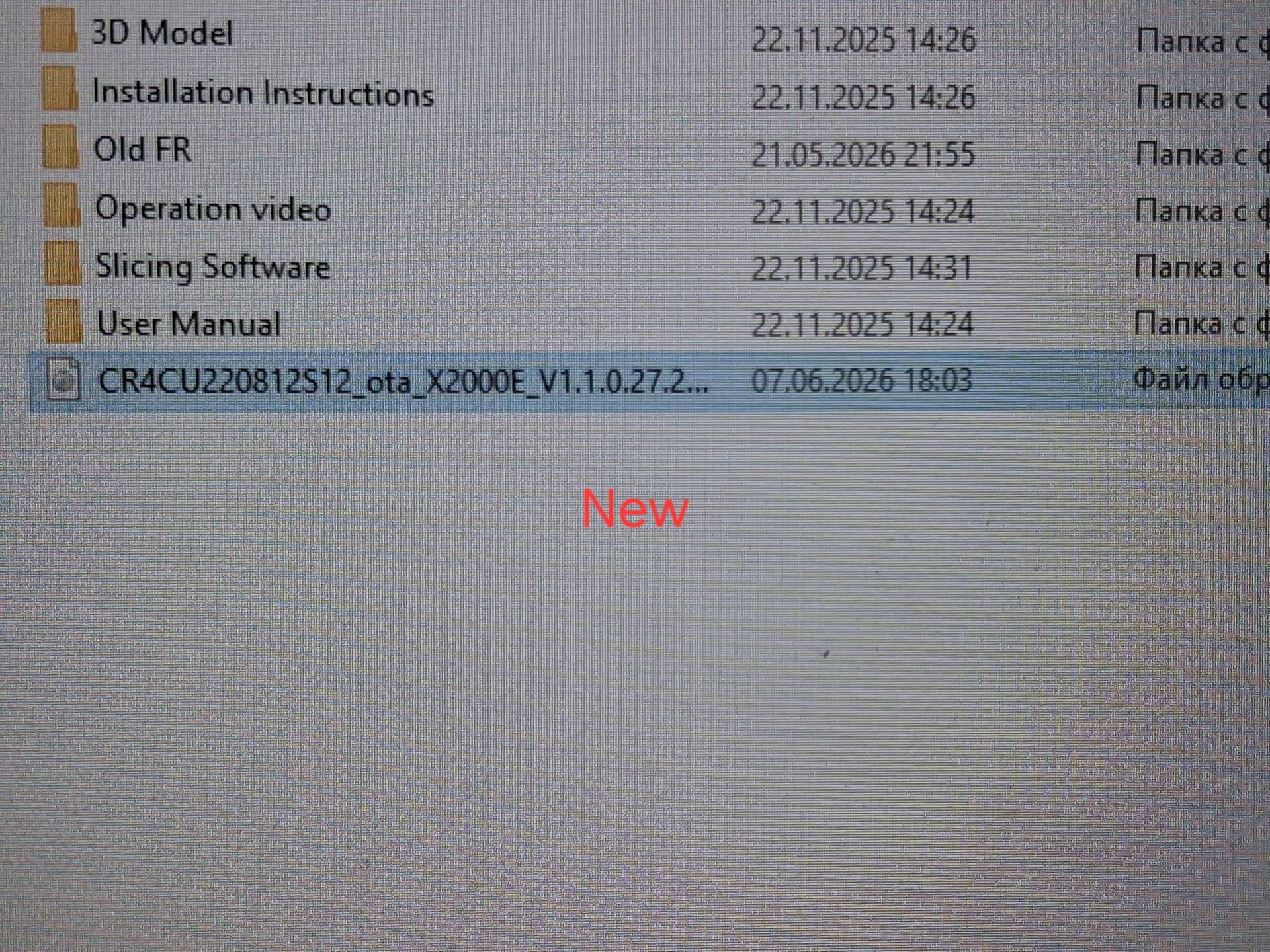
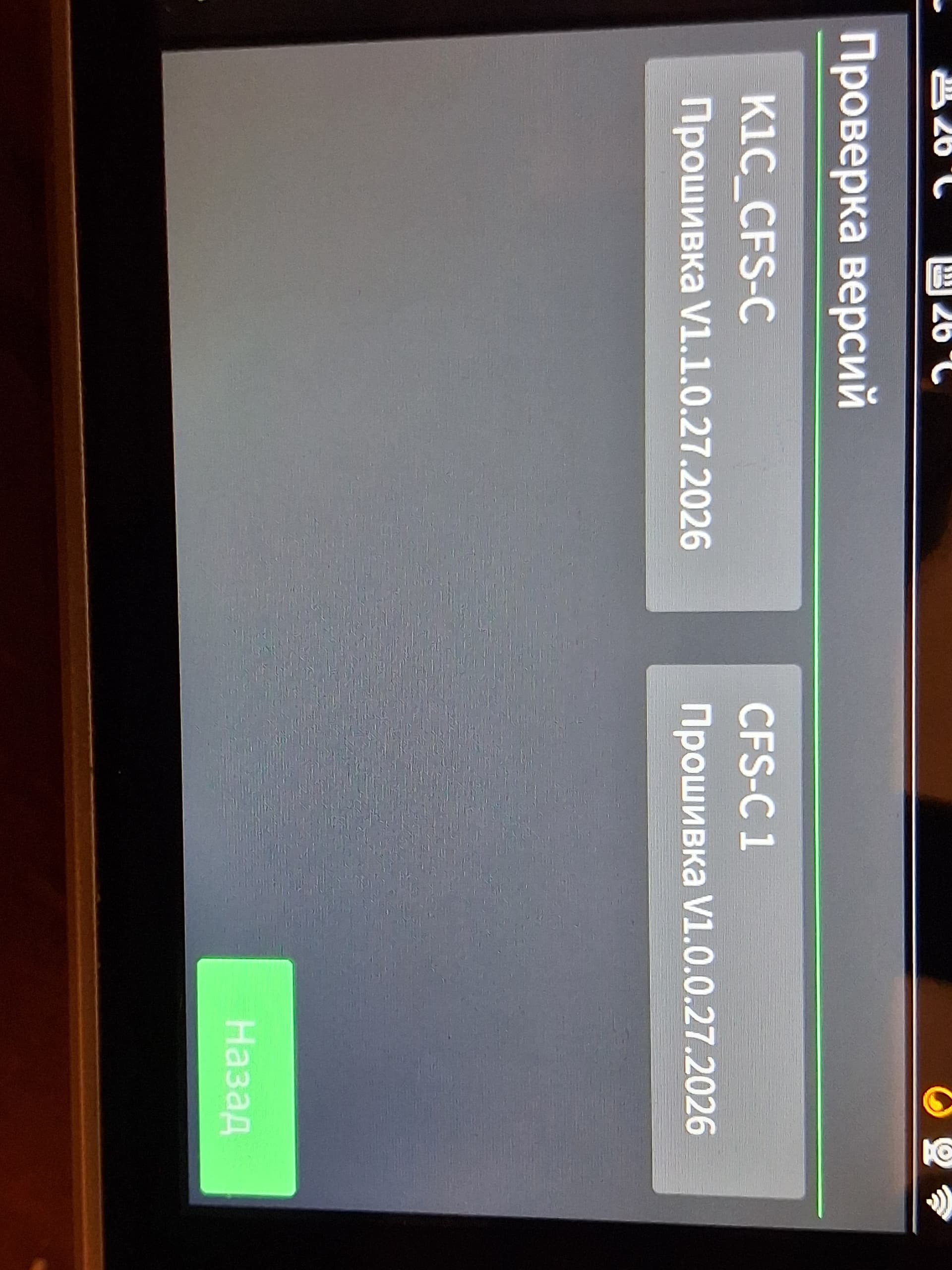
I think I did your idea right, but every time I tap one of those under Version Checking, it just tells me I’m on the latest version and won’t update/downgrade the firmware.
When copying the firmware to usb and after connecting to the printer, he offers to flash in the menu, you need to agree and the firmware will go. I think the old version can also be put on the printer.
How are you doing? Did you manage to solve the problems?
Thank you for you response, and I apologize for not getting back to you sooner. I finally got Creality to send me the downgrade files and I have successfully reverted my printer back to original settings. I didn’t ever figure out what was wrong with the CFS-C and had to send it back for a refund. If there’s anybody out there who needs the downgrade file for a K1c 2025, here they are: Unique Download Link | WeTransfer