Hi all,
We’ve just got a Creality K2+ at work and have seen a few nozzle blocking issues. I’ve tried to search the forum for similar problems but nothing quite looks to be exactly the same.
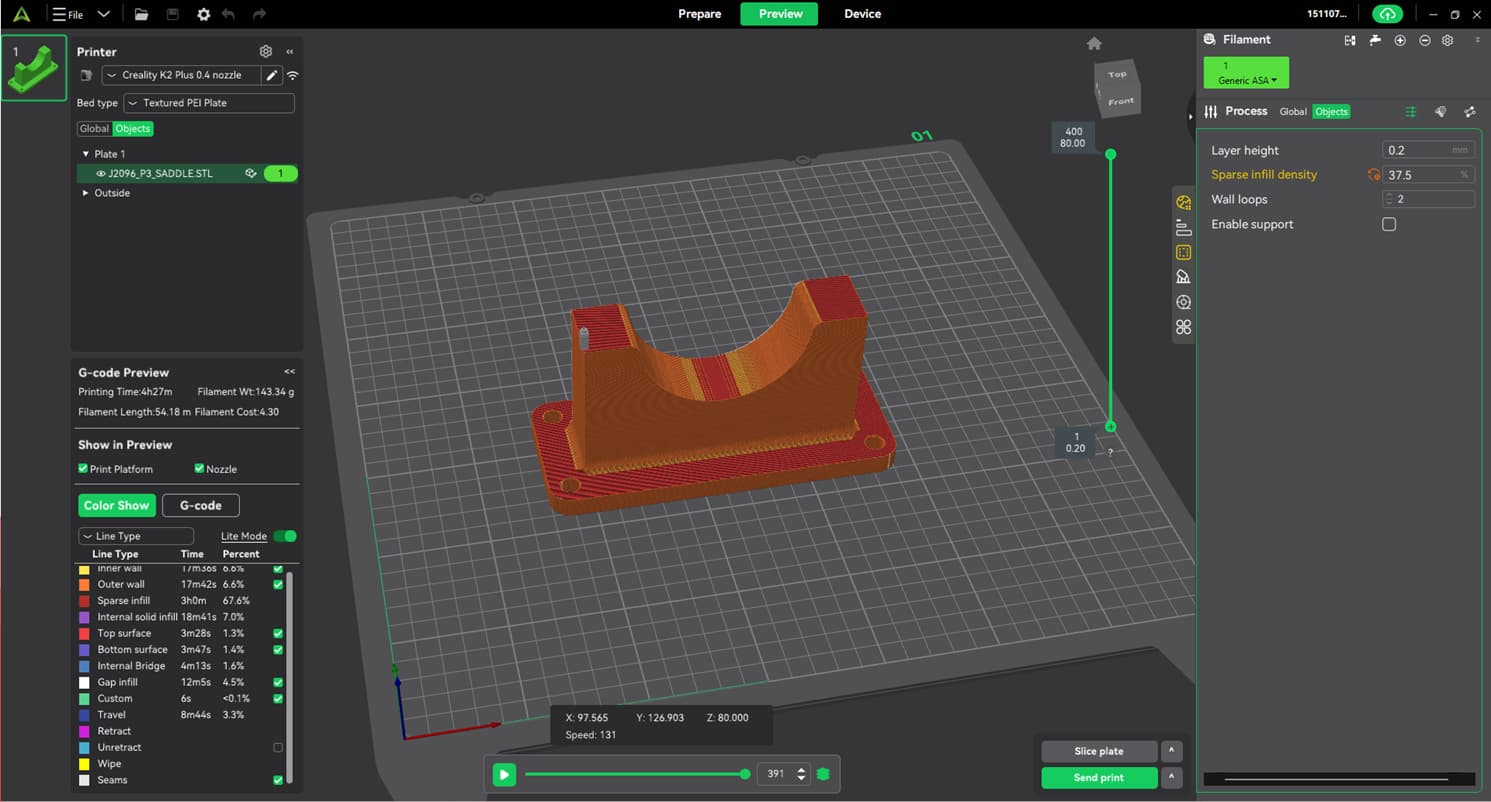
We can print single parts with no issue (see attached screen grab, this came out fine). What we have an issue with is when we try to print multiple large parts (up to about 6 similar parts to the attached) it prints the first two (2) layers and then has a nozzle blocked error come up.
We can’t understand why it’ll work with single parts but not multiple.
We’re trying some smaller parts with multiple on the same print and so far they’re coming out fine, but the main reason for getting the printer was to be able to print multiple larger parts quicker than our older printer.
Our UK reseller seems to think it might be an adhesion issue to the bed but I’m not convinced as the layers that are printed seem to be very well stuck and very difficult to remove.
I’m very new to 3D printing so trying to educate myself, but there is a lot of information out there and I’m struggling to find any similar situations to ours.
Any help would be greatly appreciated. Please let me know if you need any more info to try to help.