I’ve been having trouble with the heat break on the nozzle allowing PLA to soften far enough up that it clogs the PTFE when changing filament. Sometimes it interferes with cutting filament and sometimes it jams up in the extruder too (phaetus extruder if that makes any difference).
I’ve verified the heat sink fan is on. I’ve replaced several nozzles, replaced hot end, and verified the thermal paste has not dried out. I’m running 220c on PLA. Too much? I’ll try lower temperatures, but 220C sure printed nice before this problem came up.
I understand there is a Nozzle temperature calibration macro for Fluidd, but I haven’t found it yet. Does anyone know where that is and what it is called?
after a bit more digging (and 3 more ruined nozzles) The “model fan” (really the heat break fan) comes on but turns back off from time to time. I’ve managed 2 successful prints in 2 days, but I have to sit at the UI and keep turning the heat break fan back on. It seems like klipper is treating the “model fan” like it was really the model fan, turning it off for first layer for adhesion, etc. The fan in question cools the heat break and its heat sink. It really has nothing to do with the model. It should be regulated by the hot end temperature. It is not. Is there a problem with my machine, or is this a design flaw I just have to live with?
After looking at the install video’s I see there is an actual “model fan”, but the fan on the side that cools the heat break is being controlled by the model fan settings. That doesn’t seem right, is it?
BTW, what is this fan called? Is it the “throat cooling fan”?
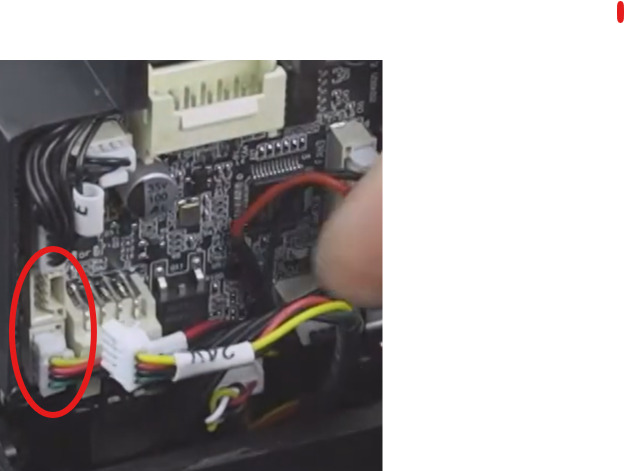
I can print if I ride the model fan setting to always be on. Verified the model fan was not on. That lead me to verify the wiring. Sure enough, I flipped the wires when doing a previous repair (I sure seem to spend a lot of time repairing this thing).