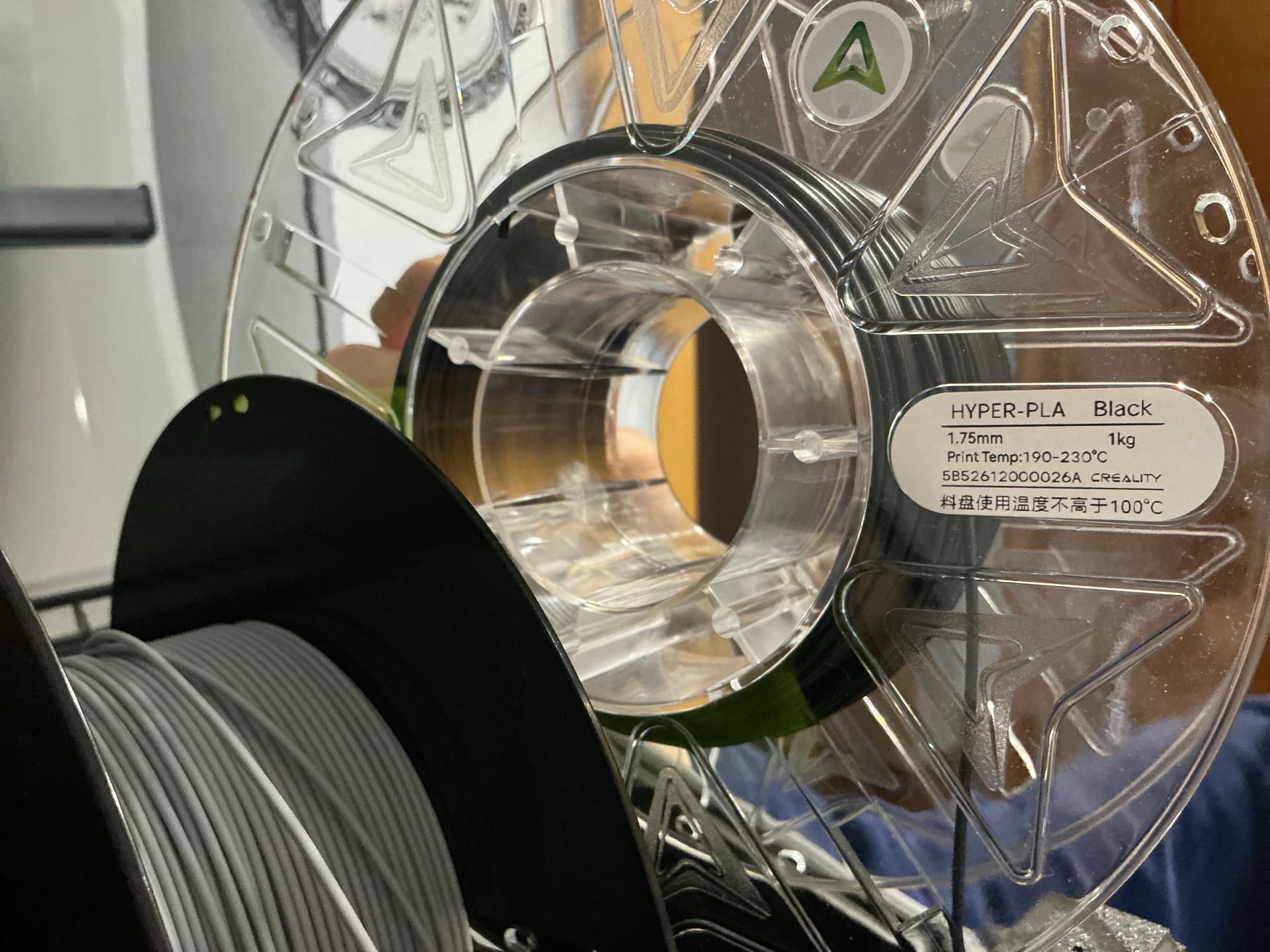
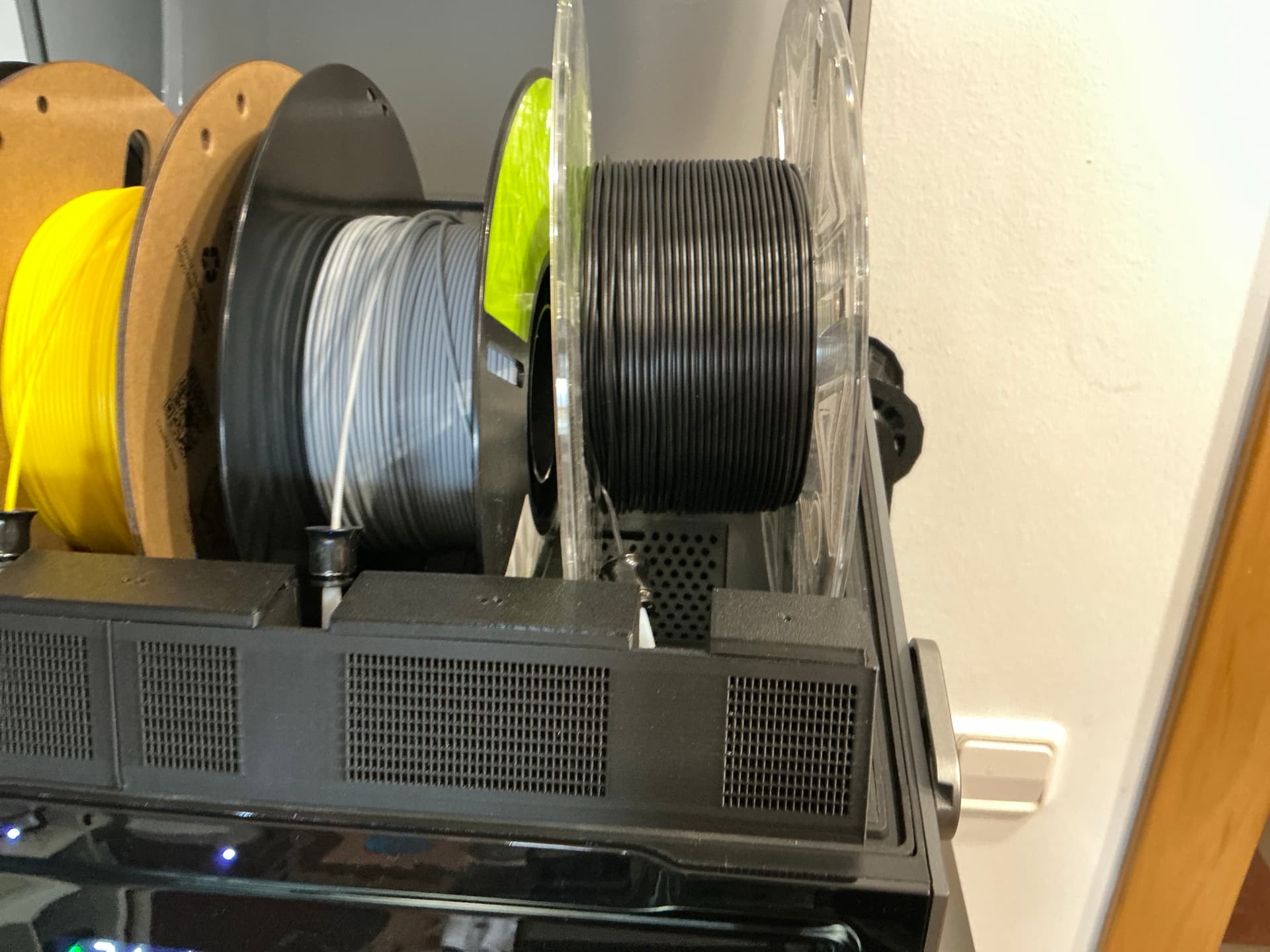
Printer: K2 Pro with CFS. Printer firmware 1.1.8.3, CFS firmware 1.5.3. Slicer: Creality Print 7.3.1.6378. Filament: Creality Hyper PLA, Black, serial 5B52612000026A, slot 1D.
This follows my post of 18 October about a tangled Soleyin spool. I accepted that from the budget line. Now it has happened with Hyper PLA, your premium line.
What happened, in order:
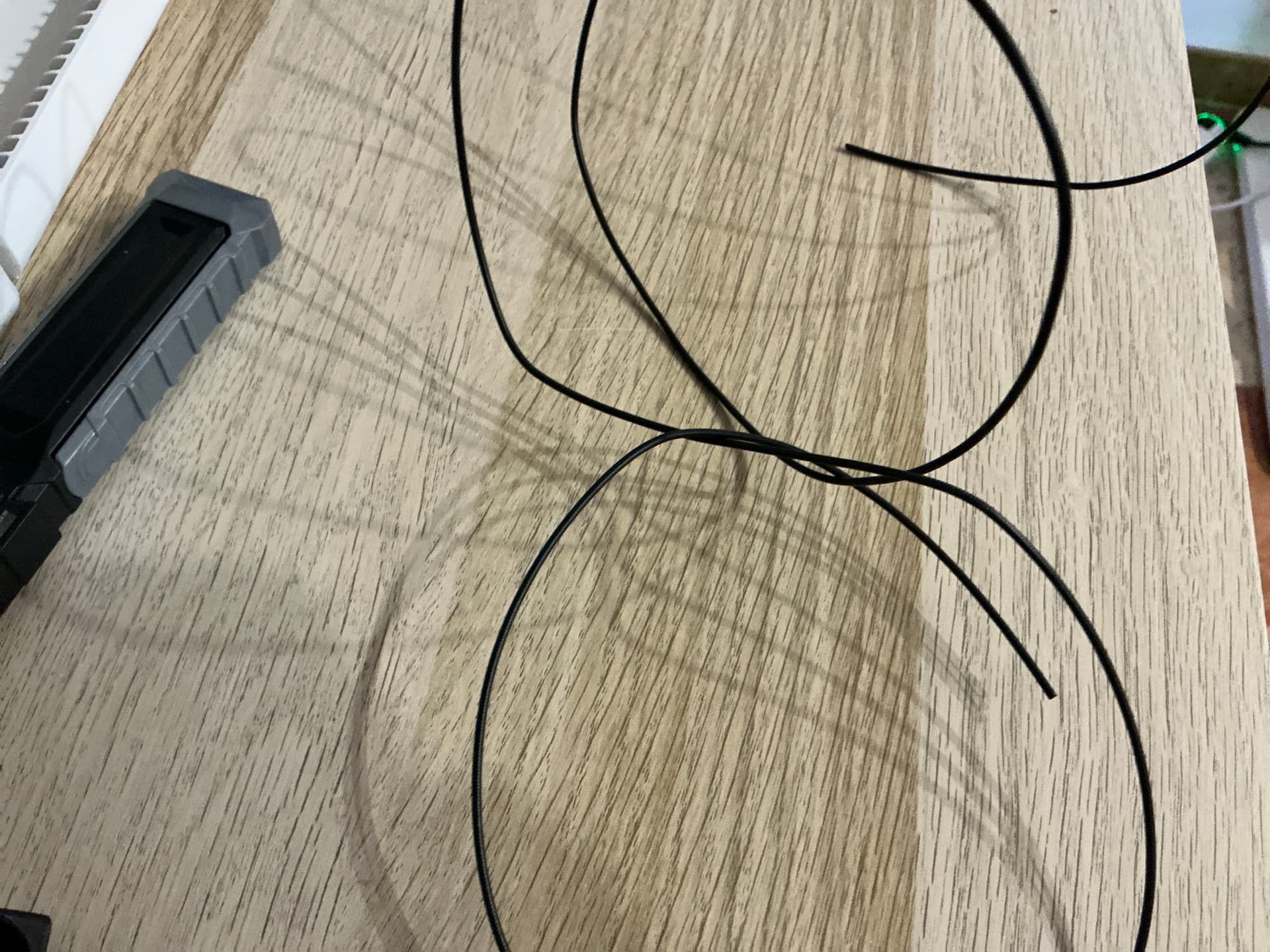
- The spool came badly wound from the factory. The filament was twisted and crossed under other windings. 4 h 10 min into a 10 h 30 min print the CFS pulled so hard against the tangle that the slot locked. The only way to free it was to cut the filament at the slot entrance, take the spool out, trim the end cleanly and put it back. The filament was gripped so hard that I had to use the tube-release rod to pull it free. The cut piece (photo) shows two sharp kinks exactly where it was trapped in the winding.
- I reloaded the same spool in the same slot, and the CFS showed it as loaded. It was not. A piece of the cut filament was still inside the toolhead. The toolhead runout sensor detected that piece, so the CFS considered the load finished and stopped pushing. The reloaded filament stopped about 400 mm short, inside the tube. Extruding from the screen worked, because it was consuming the old piece. Resuming would have run out again mid-layer. This is not like a spool running out: then the printer knows the filament ended and feeds the next one all the way to the extruder. Here it never registered the cut, so it treated the load as complete. That gap is what left a strip of the part without filament.
- After I pulled the old piece out, the CFS would not feed the slot. Each load attempt only ran the cut sequence (
[box] cut sensor detected,cut to return OK), with nothing to cut, and the filament never reached the toolhead. - The only way out was unplugging the CFS cable and plugging it back in. After that, loading 1D worked. No menu offered this.
- After that reset the toolhead filament sensor was left disabled (
enabled: Falsein Klipper) while the print was still paused. Nothing re-enabled it on resume: the print ran with the sensor off until I enabled it by hand.
Result: the print continues, with a strip that got no filament and some fine strings. I resumed at 50 % speed to be safe. I only avoided losing a 4-hour job because I was watching it and read the printer state myself.
The K2 Pro is sold with a lot of talk about AI for detecting and recovering from failures. Here every piece of data was already in the machine: the CFS knew how much filament it had pushed, the slot had locked, and the load ended hundreds of millimetres short. None of that was put together. Instead the system told me the load was fine and offered to cut filament that was not there. A machine that is marketed on AI should notice something this basic. Right now the AI is in the marketing, not in the printer.
What I would like from Creality:
- Quality control of the winding, now on Hyper PLA too, and a replacement for this spool.
- Do not confirm a load from the toolhead sensor alone. The CFS measures how much filament it pushed; if it is hundreds of millimetres short, the load is not done.
- A way to reset the CFS from the screen, without unplugging cables.
- Re-enable the toolhead filament sensor automatically after the CFS reconnects. I had to enable it by hand, with the print already running.
- Make the failure detection you advertise use the data the printer already has: a locked slot and a load that comes up short are failures, and they should stop the print and say so.
Photos attached.