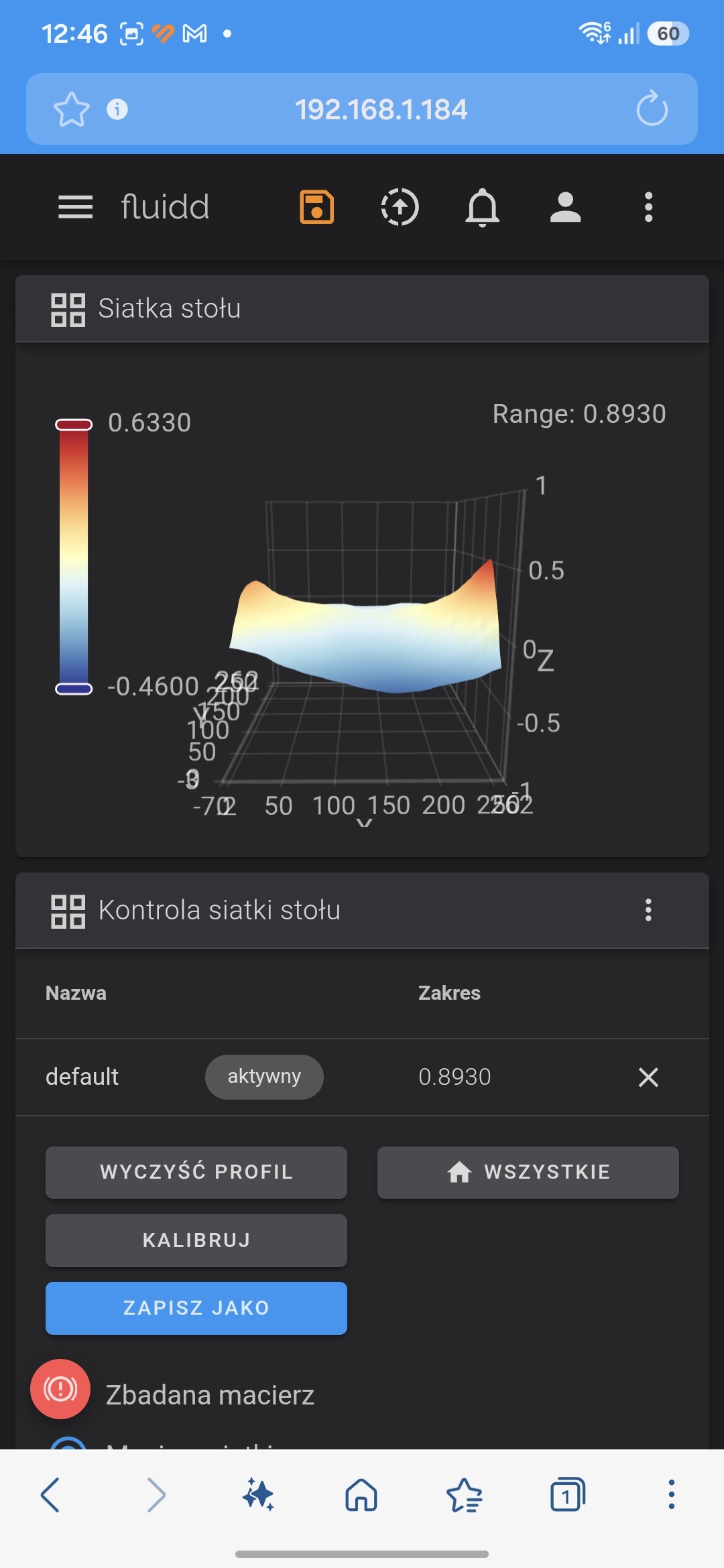
K2 taco heat bed

You were lucky. Can’t get mine under .58 without aluminum shims. Damn shame Creality doesn’t do QC like these guys. https://www.r3men.com/

I’ve recieved my new k2 last Tuesday. My mesh out of the box was over 1mm variance. I’ve tried to manually level the bed and the best i can do is 0.89mm. I have contacted creality direct i had email back to try leveling again which i did. I’ve emailed them back with new bed mesh atached and photos of the bed visually raised just above front right screw and i haven’t had any reply since
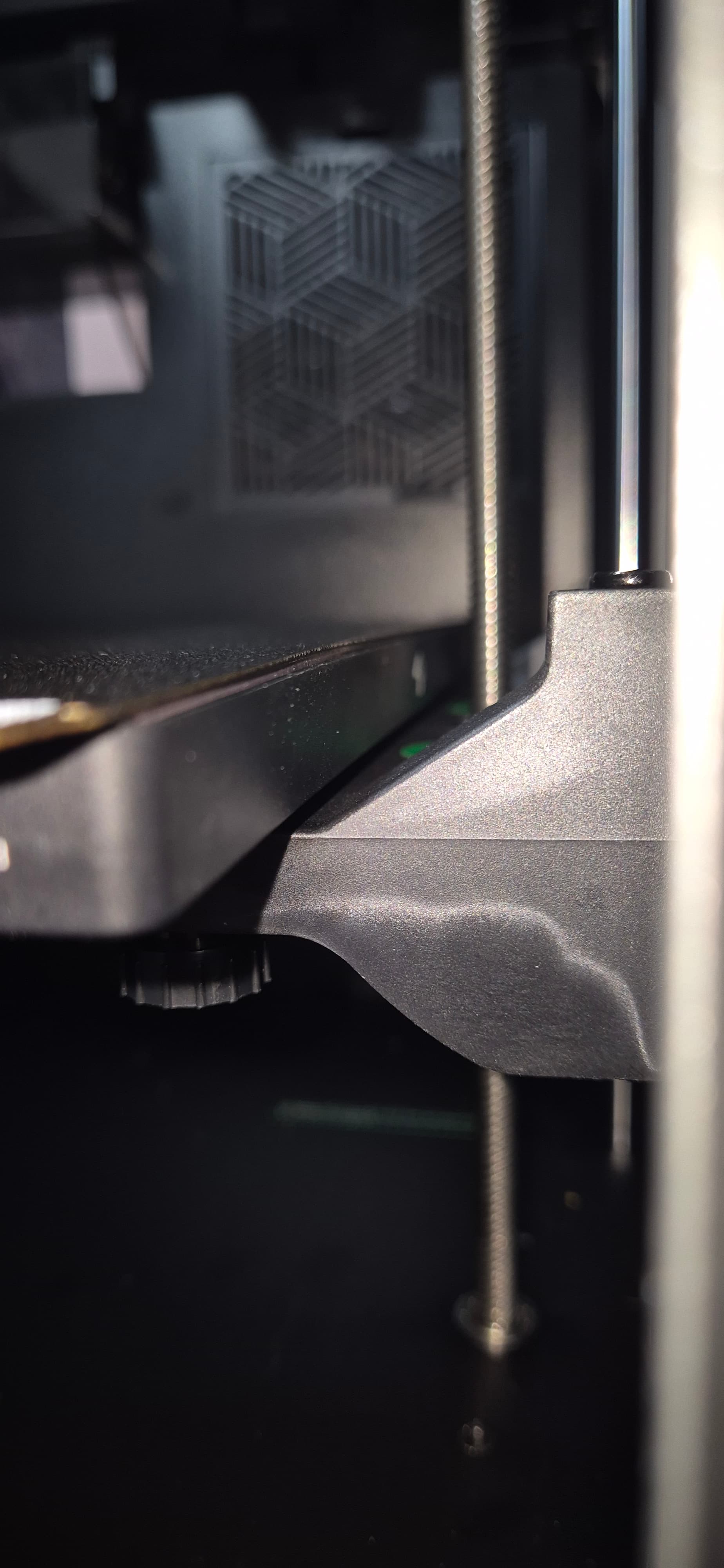
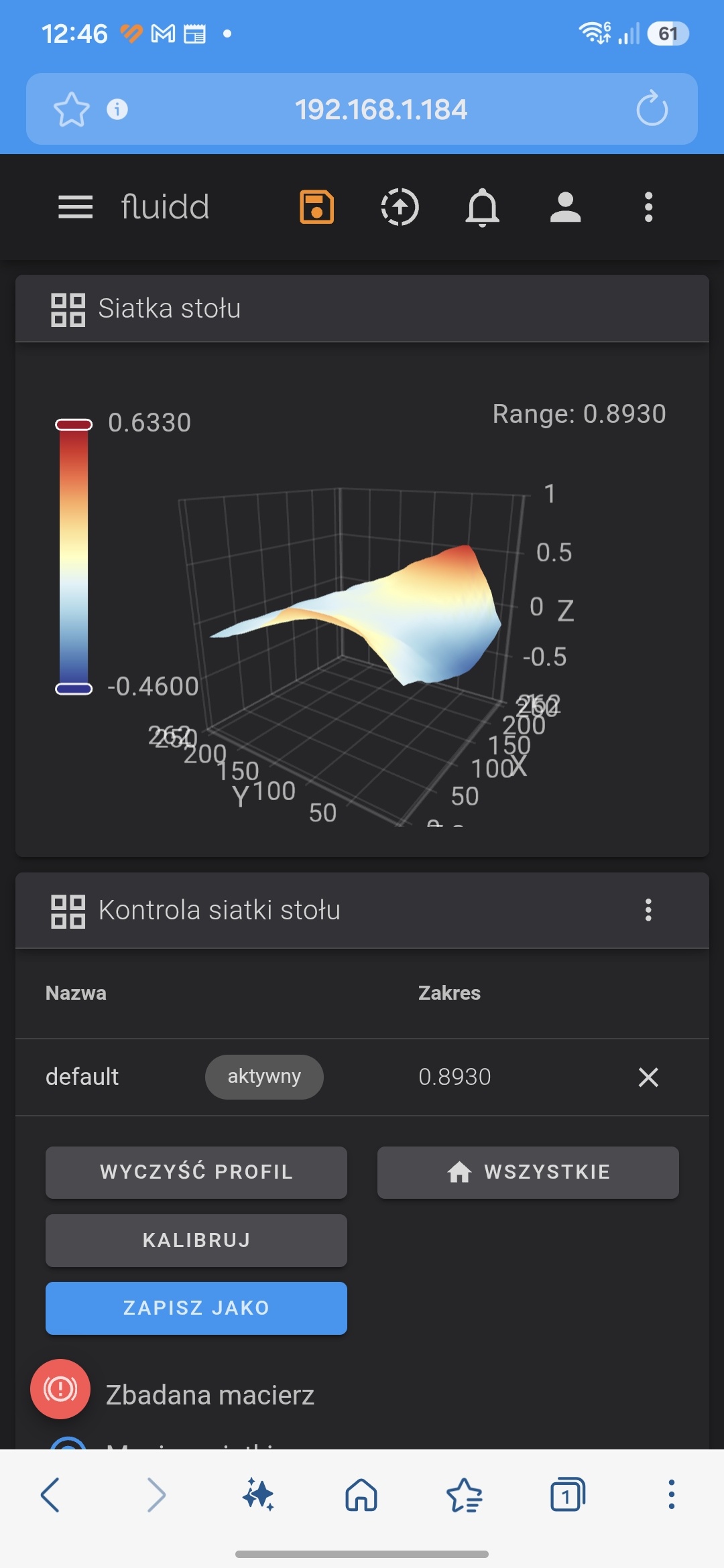
Creality replied that anything of upto 5 mm the printer software will handle and there is no need to replace the bed :joy::joy:

1 Like

What method are you using to manually adjust the bed? Does Creality actually have a tool for that in the printer’s firmware, or on the Fluidd interface? I have not been able to find one there at all. So I had to come up with my own way of using the paper method, but it doesn’t work well. I still end up with horrible first layers, prints that won’t stick and a deep dish taco with .95 range. On the R3men website they have a video on bed leveling the K2 Plus. It actually works. My bed still looks like a taco, but now I have perfect first layers on the teat prints that I’ve made, albeit they are only one layer thick. Printing other models today to see how well it works. Try watching that video. I think there is a link in this thread.

Yes my bed still looks like taco. That’s because it’s misshapen/not flat. I’ve used paper method and the best i could come up with is in the photos above. But i don’t suffer with first layer issues. As Creality replied to me they’re software can work with bed variance of up to 5mm. Maybe try cleaning your build plate with dish soap. When did you get your printer ?

So, what issue are you having exactly? And I am curious to know how you are doing the paper method to tram the bed. I tried using Fluidd to move the motors around and adjust the knobs when the head is at each of the four corners. But when I home the Z axis, it only moves it to -4.96mm. So I have to enter 0 for it to actually be at zero. The result after tramming never results in a good first layer, and always yields a range of about 0.95mm. That’s when I saw the bed leveling video on the R3men website and tried it. I have already made 3 successful prints after tramming with that method. One print was almost 9 hrs long. My bed still looks like a taco, but the range is now about 0.66 - 0.7mm.

In all fairness it’s just the bed shape. I had ended previously where when the bed had even slightest variation there was an issue. I don’t have any issues with first layer or anything. The way i level my bed on K2 is home all axis and then move motors by manual movements to all the position. I haven’t used any macros yet.

Ok, sounds good. Seems like we just have to do whatever it takes to get prints to stick and finish printing without messing up. I have come up with a whole list of things I have to do now before every print starts. When my printer was brand new all I had to do was wash the build plate and click print. Now that the bed has warped a lot, there is much to do to prepare the printer before printing. Some of the things on my routine are: heat soak bed and nozzle for 30 min, push out all filament from nozzle, do a Z tilt adjust, new bed calibration, print 1st layer and then adjust Z offset to -0.1. After all of this, sometimes the print still fails, but this is the best I could come up with after tinkering with my K2 Plus for almost 2 years now. My friend who has owned his Bambu for about the same length of time just laughs when I tell him all the trouble I am having. He has been happily printing without any major issues whatsoever.