Hi everyone!
I have K2 printer (not plus, not pro edition, just 256x256x256mm) since past November, and recently I decided to print some big project with help of 0.6mm nozzle which I bought on Temu shop (3 items 0.2, 0,4 and 0. 6,mm). Default printer nozzle is 0.4mm.
There were some details that were bigger than my plate and to be able to do it I splited them in the middle by Creality-print app, and the joint of them should be done with help of dove tail. Material is PETG and it was dried according to the vendor recommendation (Elegoo) . I needed to print 8 details of these types or 16 parts of them, divided in the middle. I send them to the printer and started by selecting of correct detail part with printer display - just pushing by my finger.
Few of them were good, and I could connect the parts to each other without any issues. But some time latter, I started to pay attention that to join their parts it requires from me to spend some time. It was strange for me, because g-code of the models parts has not been changeed since first, second etc run of printer. There were no any warping of them because I used a glue for plate before printing.
Finally I got what was the problem, or at least how it looked like: something bacame to happen with few first layers of the printed details. It looked like as these layers were much more pressed to the plate. I’m not able to show you those models because I’ve already done some “tunings” of them with help of knife, but I have the other ones:
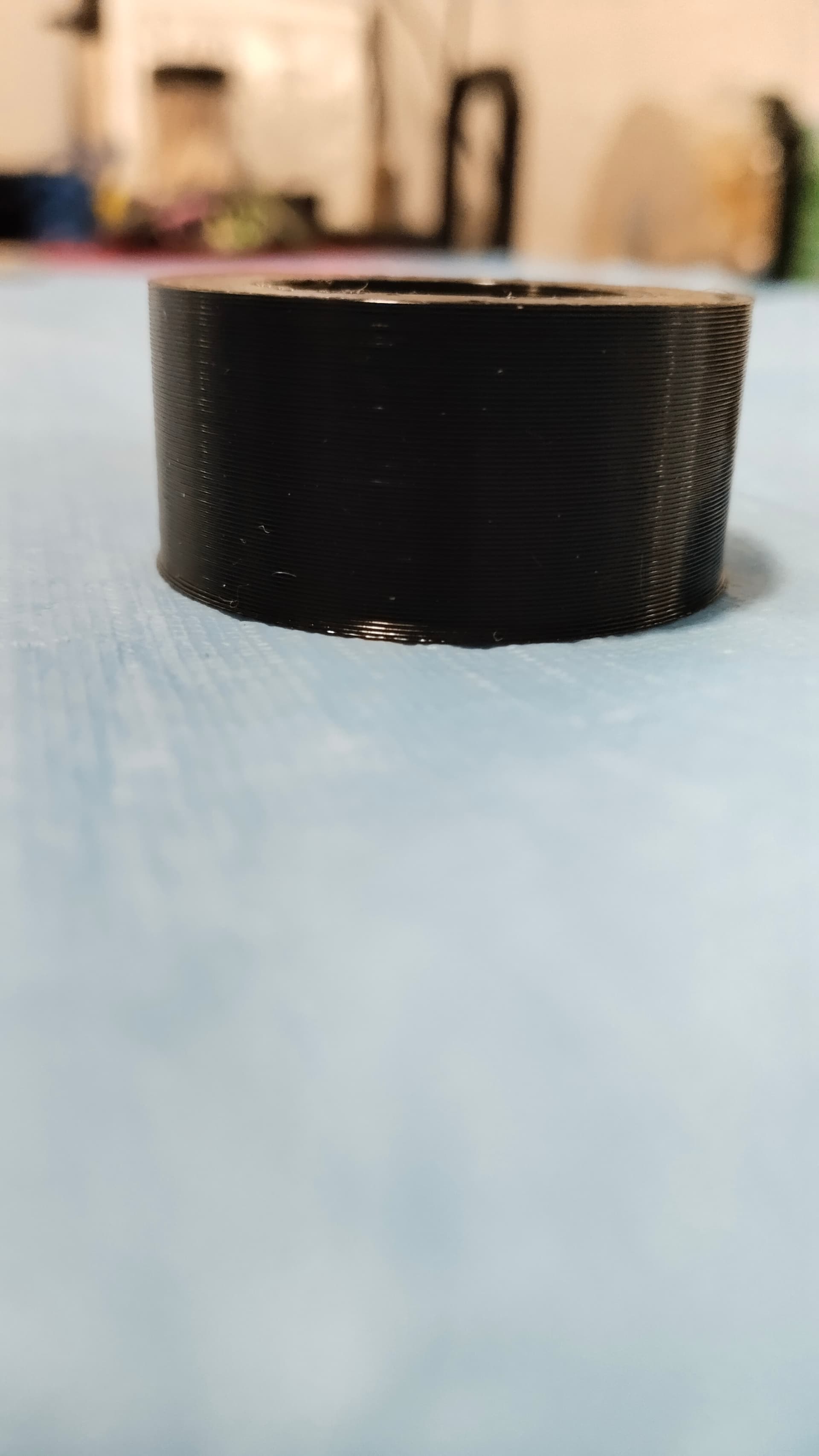
In the picture above, on the left hand side (without shadow), you can see something like rounding in the bottom on the lower layers, or it looks like some layers were spread out much more than it needed, though it should be like a default cilinder.
I tired to debug it and experiment with z offset setting from printer console, until I destroyed nozzle and put some atifacts to my plate by it. 
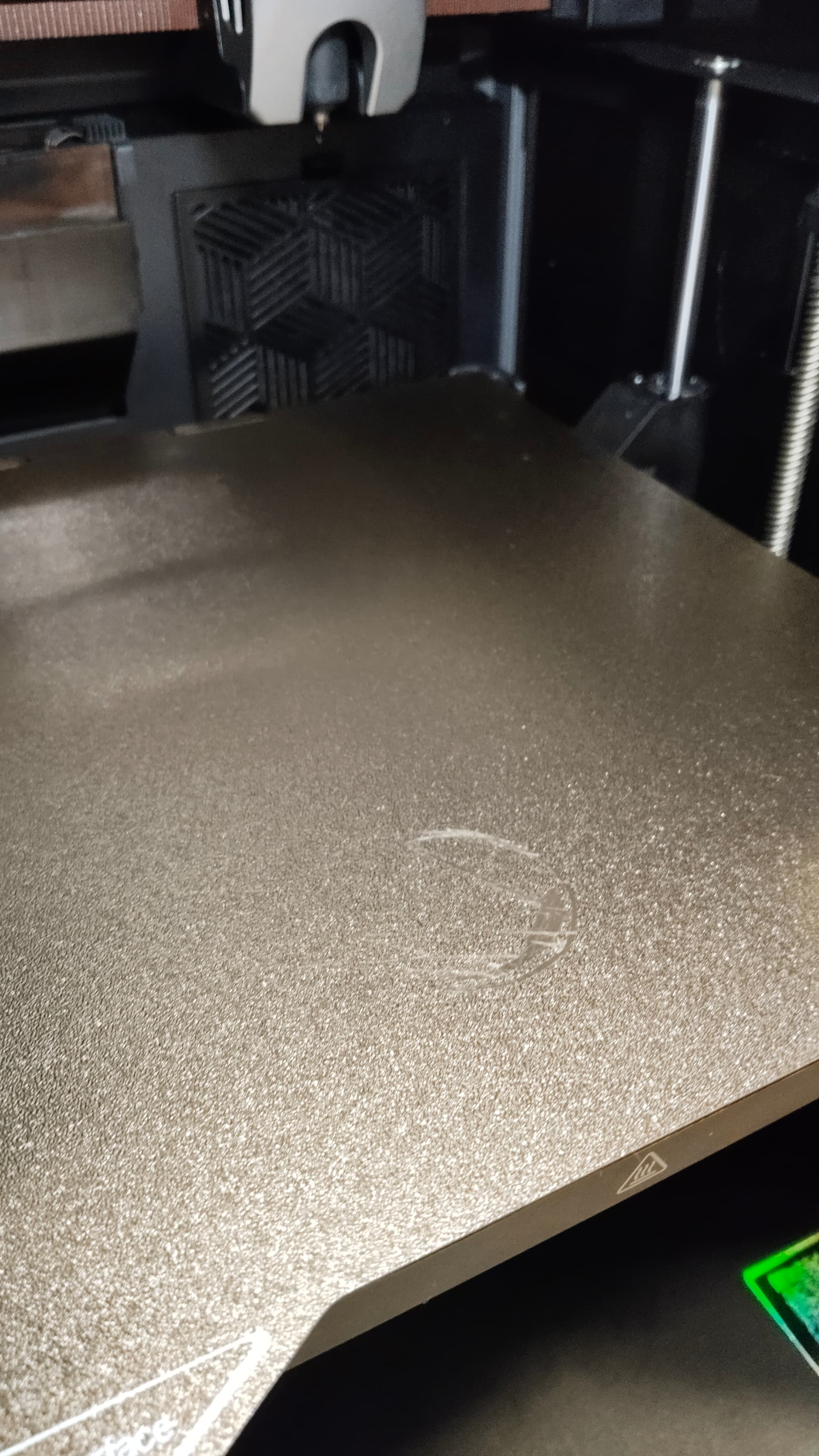
Why I decided to touch z offset? Because I had some suspect or hypothesy, especially when I started to pay attention that the purge/prime line for each new print became wider then it was when I changed the nozzle. Therefore I tried to check it, until the experiment went wrong…. Fortunately I hope that hot-end was not affected by this performance.
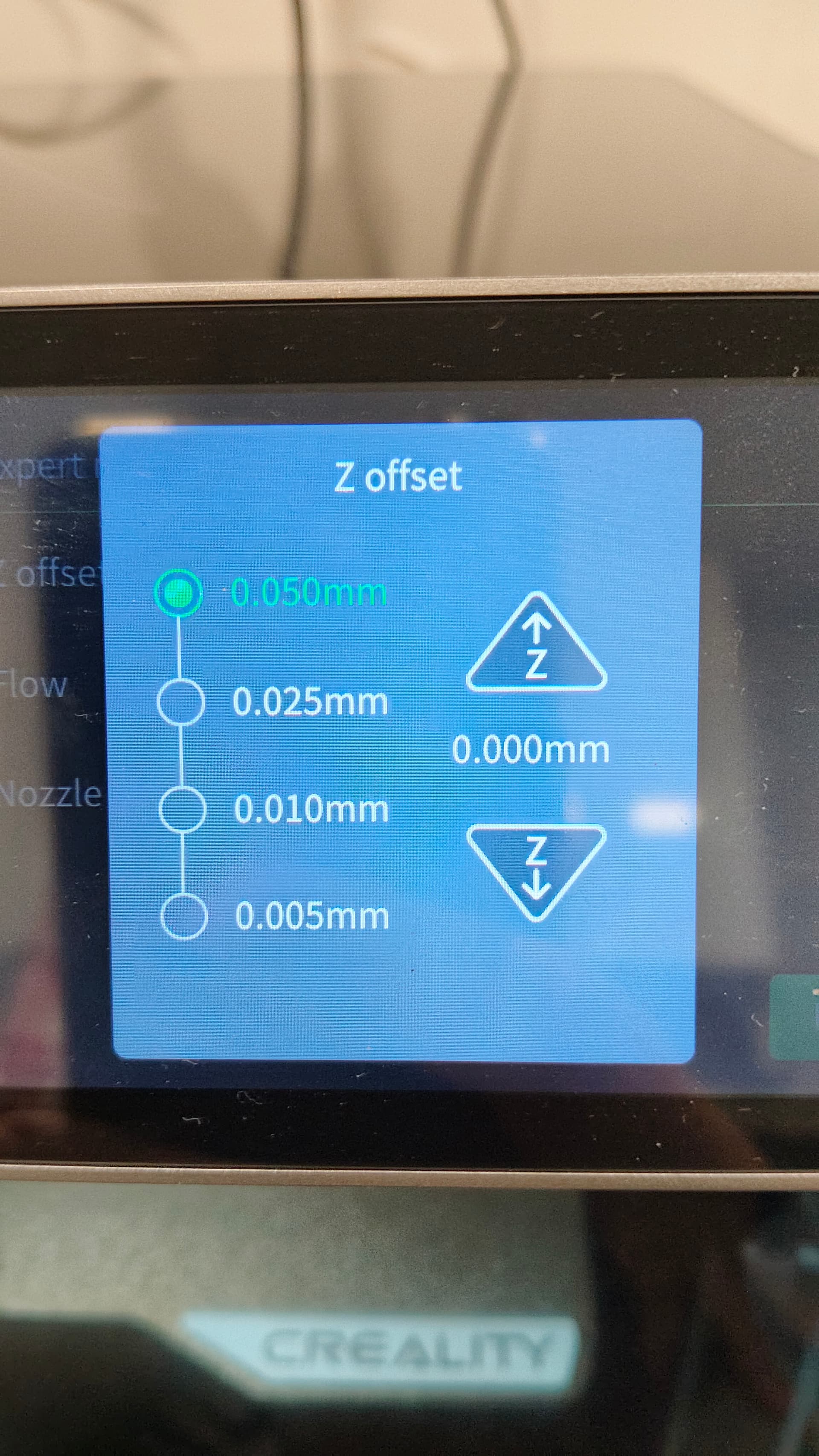
By the way be very carefull with z-offset tuning from printer console, and think in advance if you really want to touch it. For me, for example, I chosen the wrong pill: neither blue one nor red one, just another one in the picture
My questions here are following:
- could these profile form changes of the detail be caused by quolity of the nozzle? For example the printer calibrated well before printing, but once in started to print the pressure inside the nozzle moved a bit of the nozzle tip to the plate, by causing of spreading few first layers more widely than it should be? Again it was not vissible from first few times of printing by this nozzle. I was using of creality app presets for 0.6mm nozzle, which exists there for PETG filament.
- Does anybody have good/bad/any other experience of using 0.6mm or 0.8mm and.0.2mm nozzle with k2 printer?
Thanks in advance!