OGBEAR, Can you provide an Amazon link to the K2SE camera and cable? I can’t find that listing
Has anyone managed to make it work? Customer service told me that there are no supported models for the K2 SE
I did the full install it’s a slight headache but I did it. Make a print with the ai function off and it should work it did for me. I might make an install and set up vid.
Камера подходит от k1C + кабель (15$ Aliexpress) подключать в разъем J9 или J10 в зависимости от модификации. ИИ подключать ЗАПРЕЩЕНО, сразу стол царапает, как я понял это из-за алгоритма ИИ который в камере К1С отличается от К2SE. Обещал дистрибьютор выслать мне камеру для именно K2SE как я понял , она уже вышла.
Hello Guys, so I recently got my daughter the k2 SE combo and thought it came with a camera when I realize it didn’t I ordered the k2 camera and the k1c adapter cable, I printed a different mounting bracket so I could mount the camera however it’s not recognizing the camera at all. The green camera icon doesn’t show up and when I try to turn on AI monitoring it says camera not detected. Did anyone run into this problem ?
I tried 3 cameras:
- The K2 Pro - dosen’t work
- Then the K1c 2025 / k1 max 2025 - doesen’t work too
I bought this cabel:
but the information about the compatibility isn’t true:
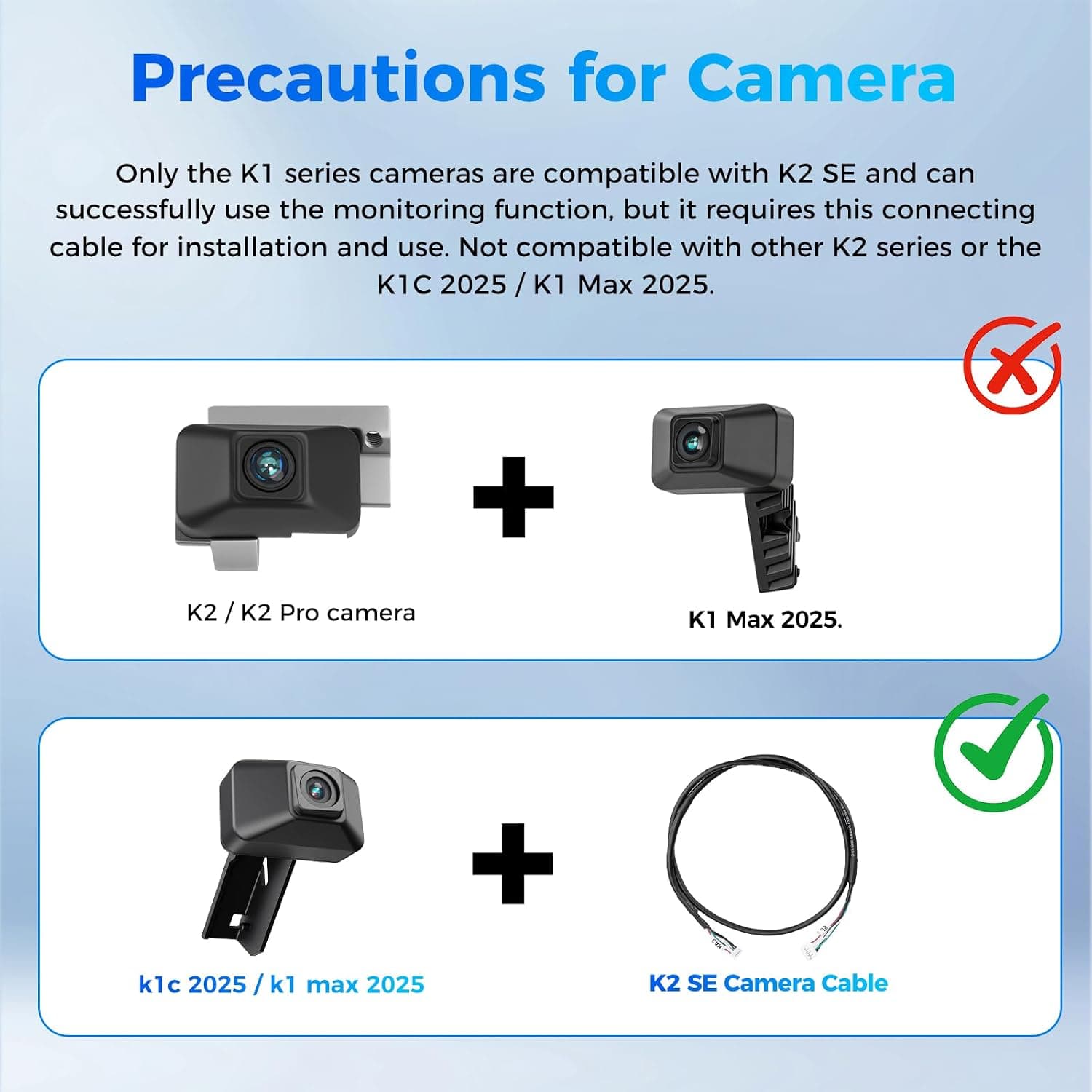
My setup is the cable for 13,59zl and the “K1 Max 2025.” with the riffles:
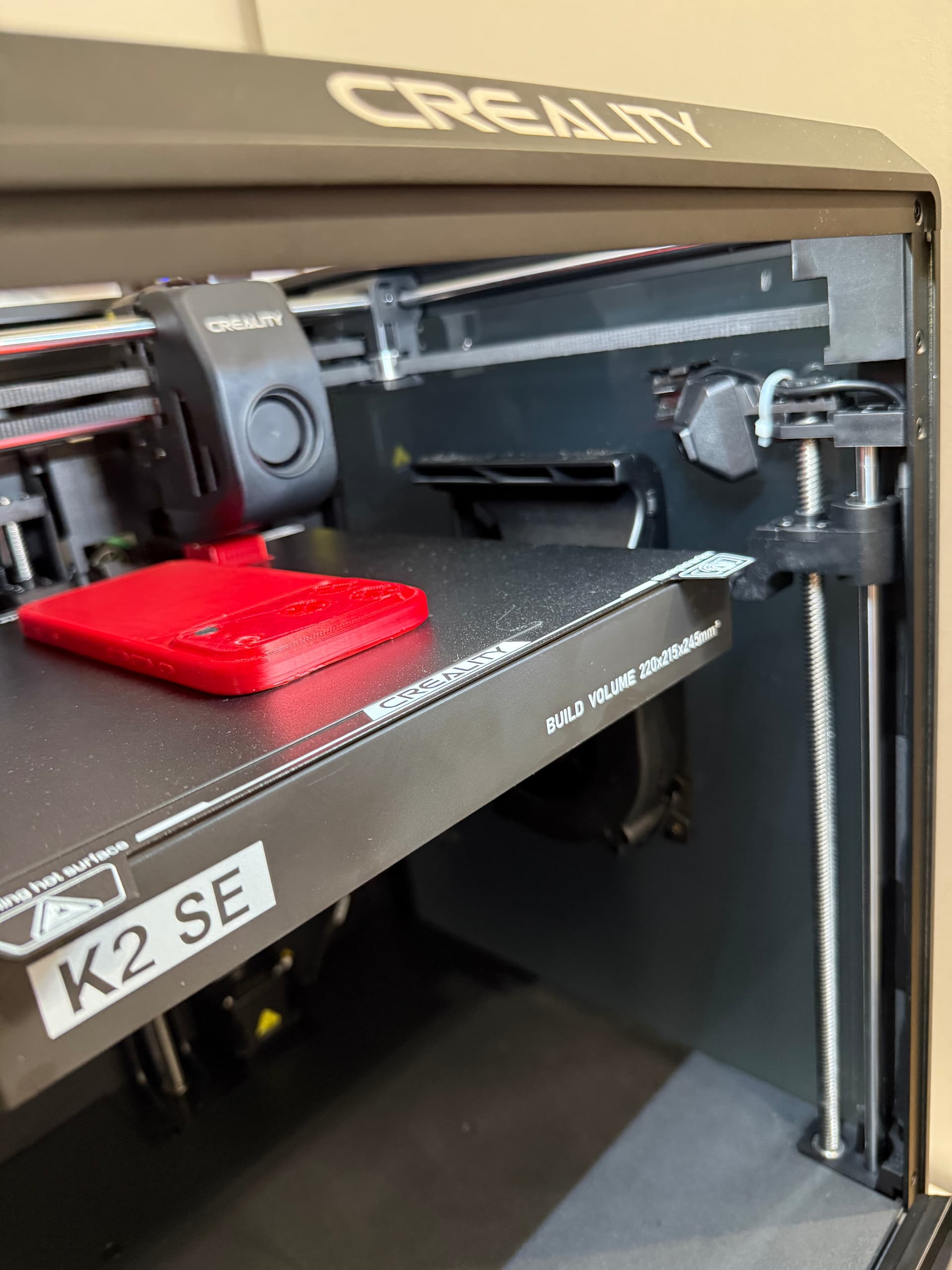
I hope I was able to help!
I just want to ask you if this is the right one, cause I want to add a camera to my K2 SE, I think the cable is the right one but not really sure about the camera cause looks different from the picture, its called K1 C 2025 but…

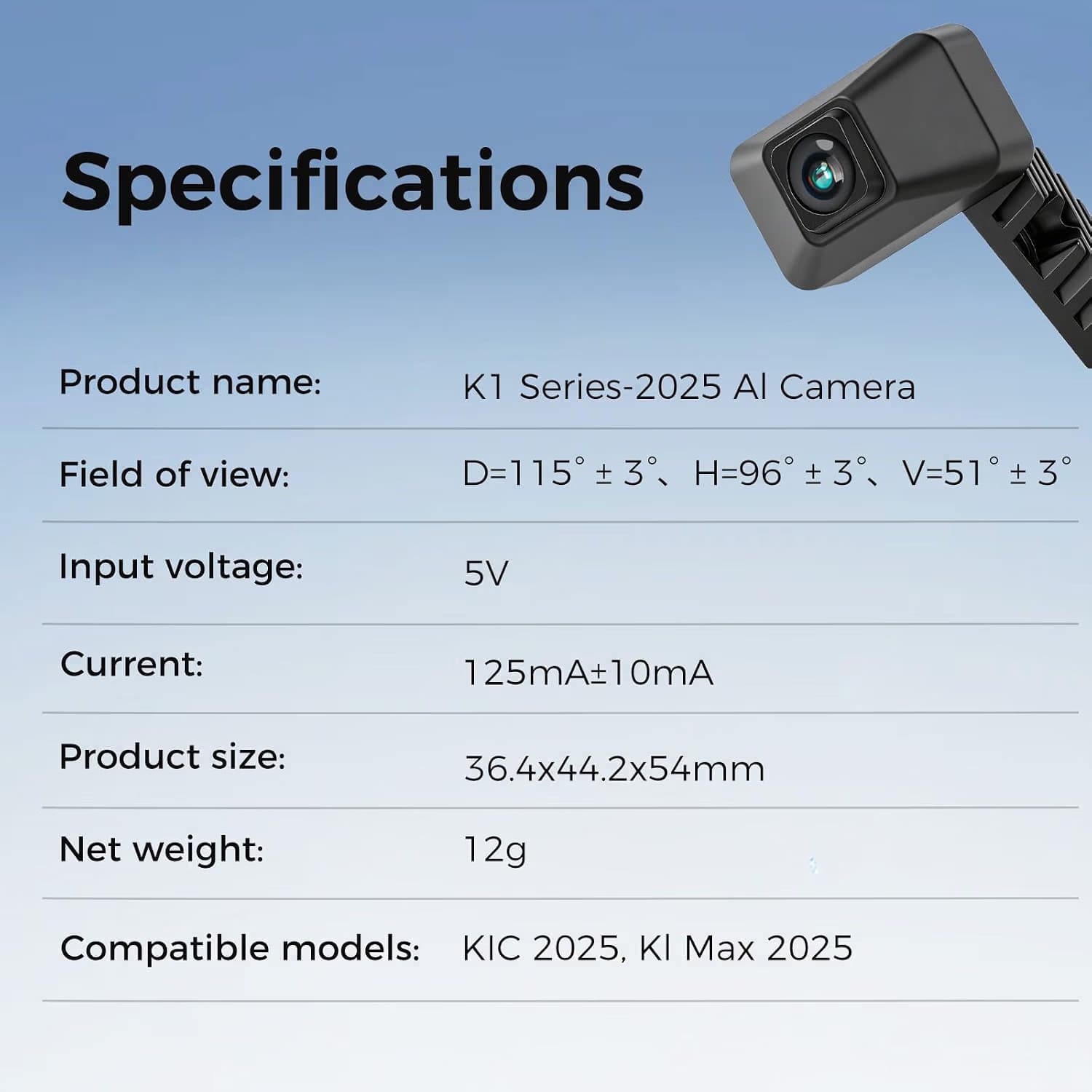
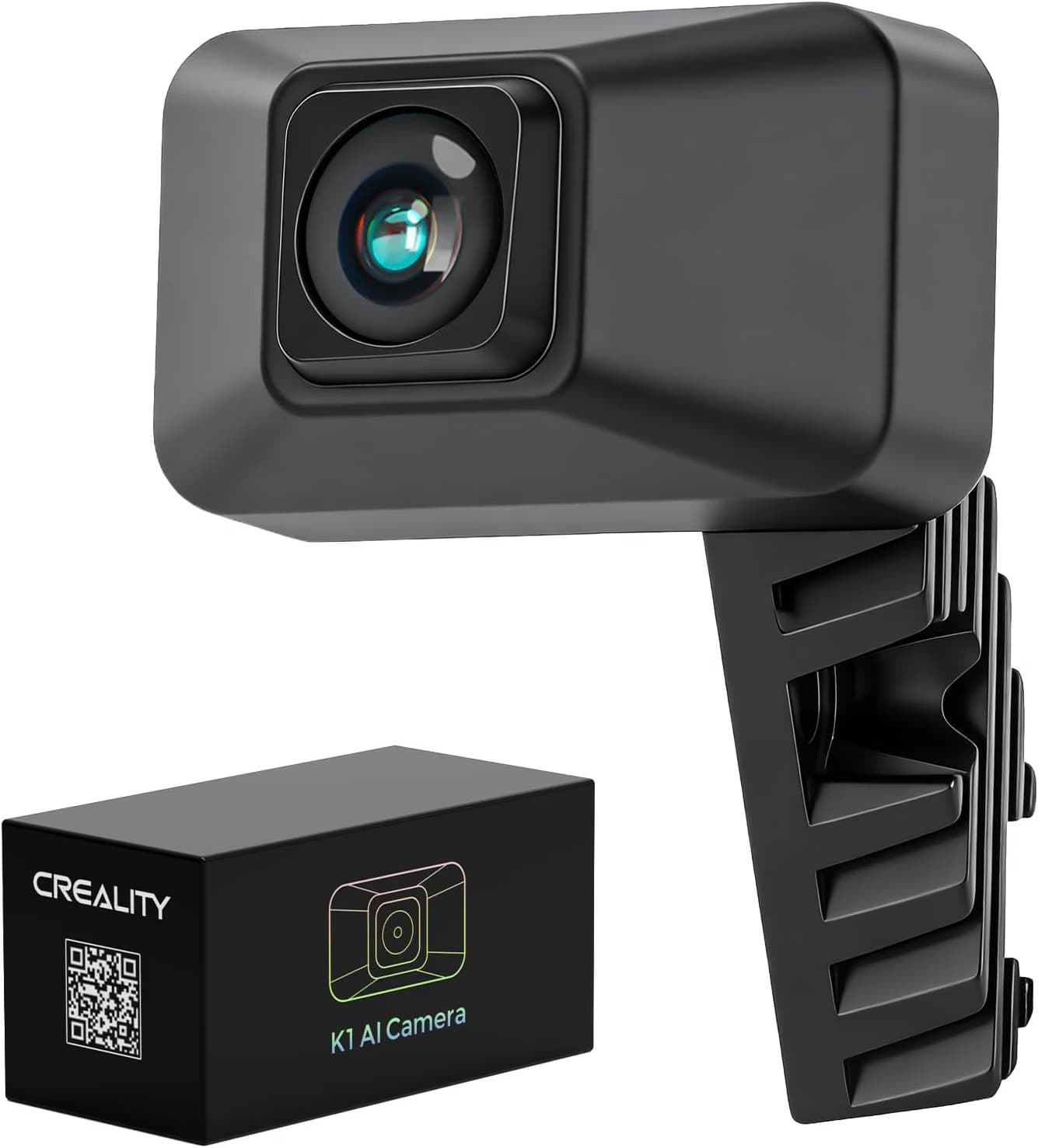
its the right one?
I have just installed a camera and it does work. Use the Camera for the K1 with the extra long cable. Both are available from Amazon .
and this camera…
There is a video on You Tube showing the installation
(139) AI Camera on K2 SE - YouTube
In this he pulls the cable through a hole in the corner. In practice I found this impossible as the hole is too small - perhaps they modified it. To get round this I drilled a 9mm hole in the base close to the corner and pulled the cable through it. Drill when you have the base plate open and have inserted the other end on the motherboard as you need to make sure you do not go through or damage any cables. In this position it does not interfere with the plate as it goes up and down. TAKE GREAT CARE WHEN DRILLING THE HOLE !!!.
The camera now works perfectly. A pity that Creality are not more helpful in giving advice on this subject. I tried to include an image showing where I drilled the hole but this system does not seem to allow it.