Z rods (now screw ones) lose in their socket. I’ve screwed but noise didn’t go. Any other has this issue?
1 Like
I need to check this. I have a strange knock on one side.
My K2 Plus had this EXACT issue with three of my four Z rod rails last month, and I found an easy, cheap solution. The below video clip demonstrates how loose my rails were.
The problem is that the large headed hex screw diameter (the part you see in the video) that screws into the top of the Z rod is not wide enough to make contact with the chamferred hole in the chassis…thus allowing the rod to shake and make lots of noise when printing. No no matter how much you tighten the screw, it doesn’t help because you are only tightening the screw against the top of the rod…the bottom of the screw isn’t being pressed against the chamferred chassis hole at all.
My workaround solution was to remove the screw, and insert a rubber o-ring (not sure of the exact size that I used, but it came with an Amazon o-ring multi-pack that I had on hand), inside of the chamferred hole. Then I reinstalled the screw, which now is able to press against the rubber o-ring to center itself and solidly (and silently) hold the Z rod in place. You can see it here:

Another possible benefit to this, but I can’t prove it, is that this has improved (maybe eliminated) VFA I was seeing on the X-axis sides of prints.
Thank you so much for idea. I will try this


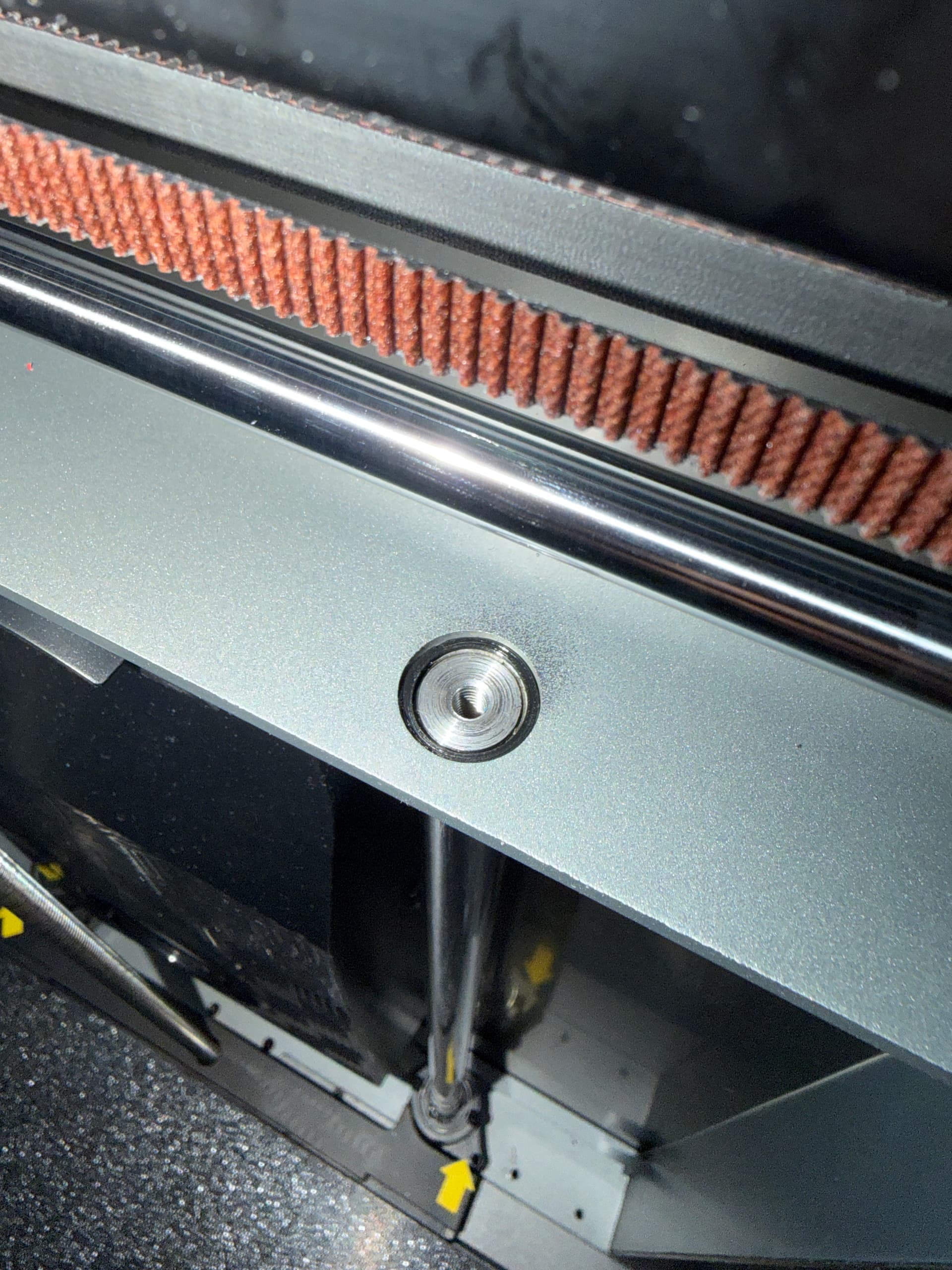
I unscrewed the screws from the top and bottom, moved the rods slightly, applied PVA glue, and reassembled them. They don’t move. The glue filled the gap.