Took the extruder apart to get the filament out because not even the hotend would heat! On reassembly something sparked! NOW I HAVE A COMPLETELY DEAD PRINTER!
Try USB with firmware to re-roll back firmware or connect over WIIF to see what happening, that original error is basically no connection to klipper host…
Thanks Barry. I tried that, more than once. I have a ticket into Creality. There’s a chance it is the motherboard. They were quick to address the problem but communications have stalled, due to time difference I suspect.
I don’t know but I think because there was filament in the extruder the printer was locked in a loop of protocol.
First of all. The printer magically powered on.
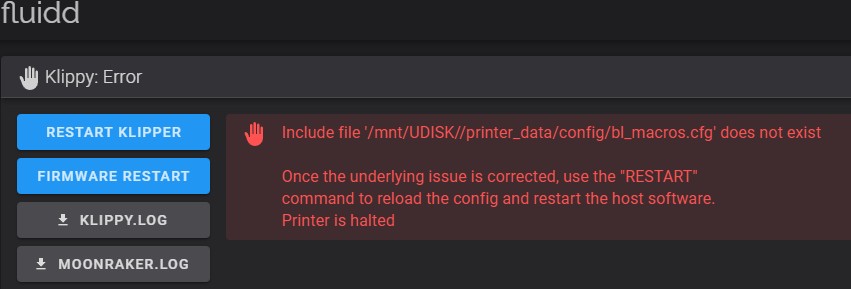
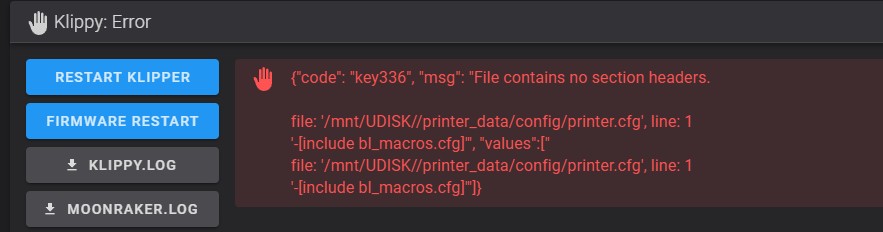
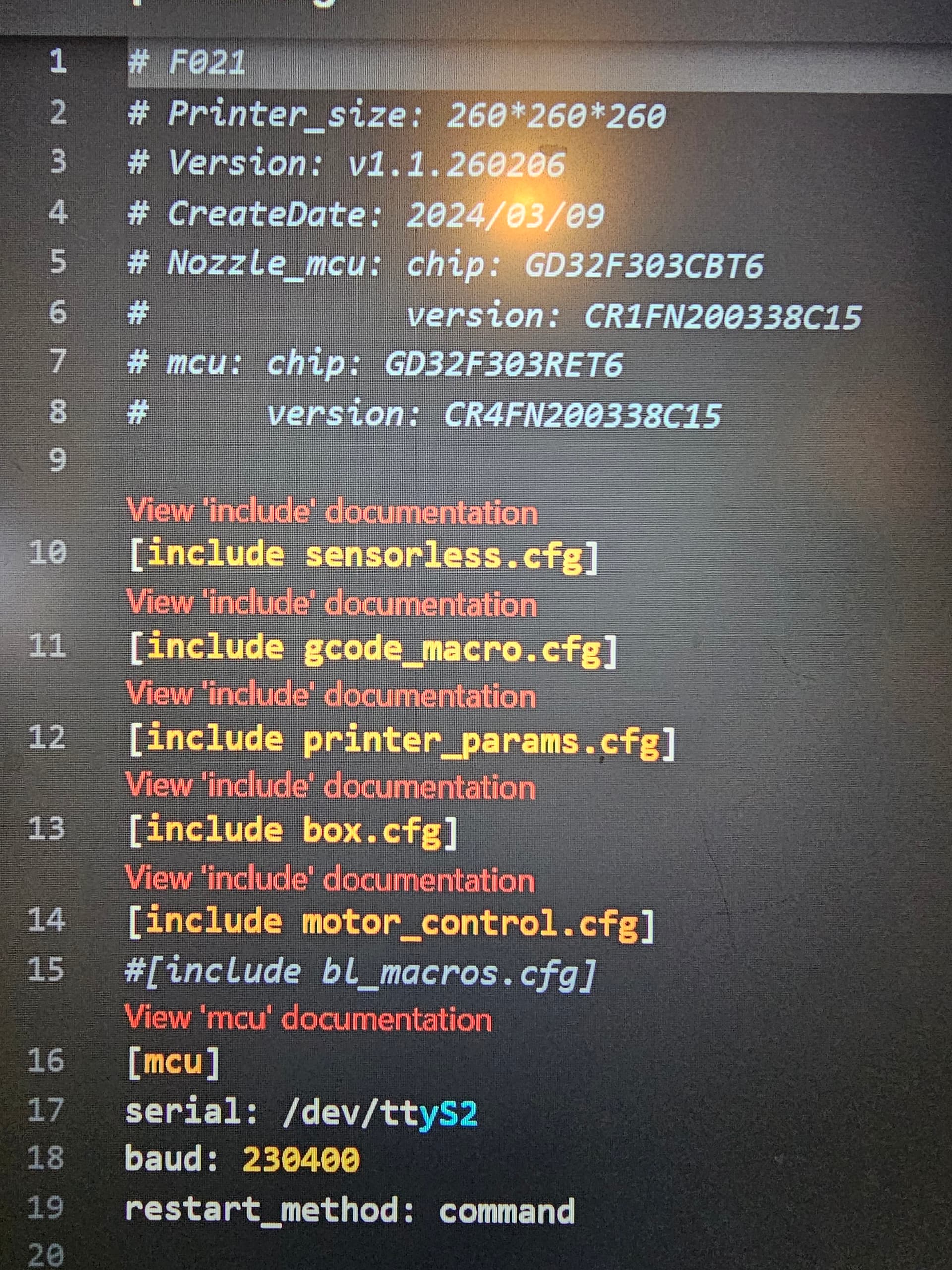
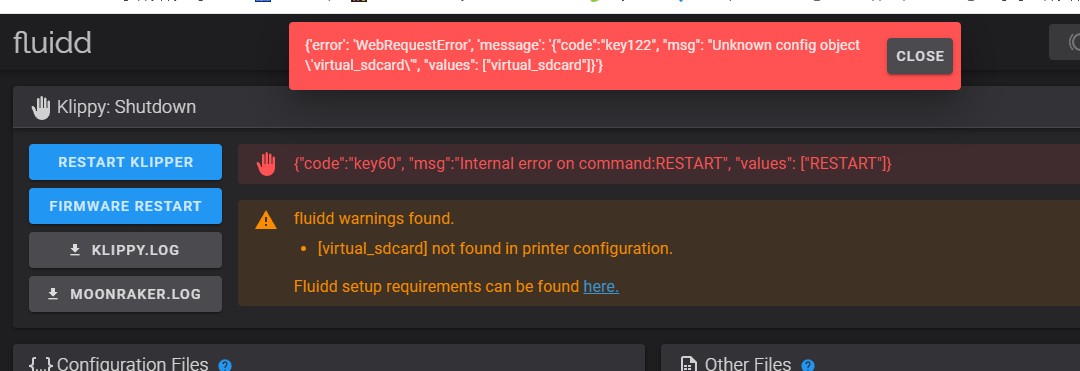
So I am now back to square one with Error XS 3002 on the printer and this Error from Klipper.AI said to delete this line and I did with no help.
Yes the hash is still there. However it is greyed, as I now see yours is, Is there a way to insert a whole new, supposedly good, configuration? Somehow the update caused it so I find it hard to believe I’m the only one effected.
I tried reverting to 1.1.4.4 again and back to 1.1.5.5 again, again again (insanity). Now I have an error XS 2001.
What about a factory reset? Sure wish Creality would get back to me.
Well, late last night I received a resolution to the nightmare known as 1.1.5.5 and its XS 3002, XS 2001 and 2336 errors.
No Creality did not get back to me with a fix and AI didn’t guide me to some magical code.
Amazon Business has agreed to take the unit back even though it is past the 30 days for returns. They are sending a replacement that I should receive in four days. I used to avoid Amazon simply based on principle and not wanting to contribute to the NWO. But Amazon has never let me down. Maybe 15 minute cities, UBI, owning nothing, eating bugs, travel restrictions, social credit scores, precrime and the like will also be likable.
Unfortunately, Creality dropped the ball on customer service and hope I never need to use their technical service in the future. I really like the K2 Pro otherwise.