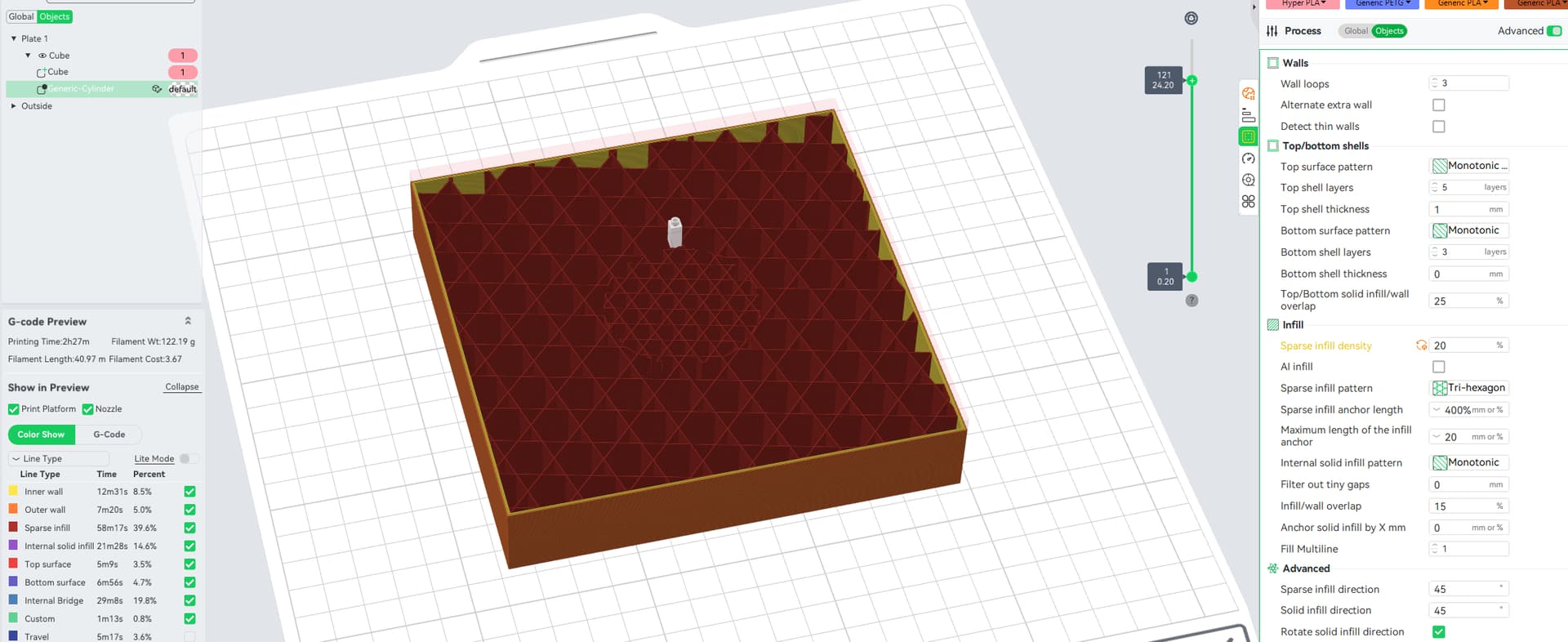
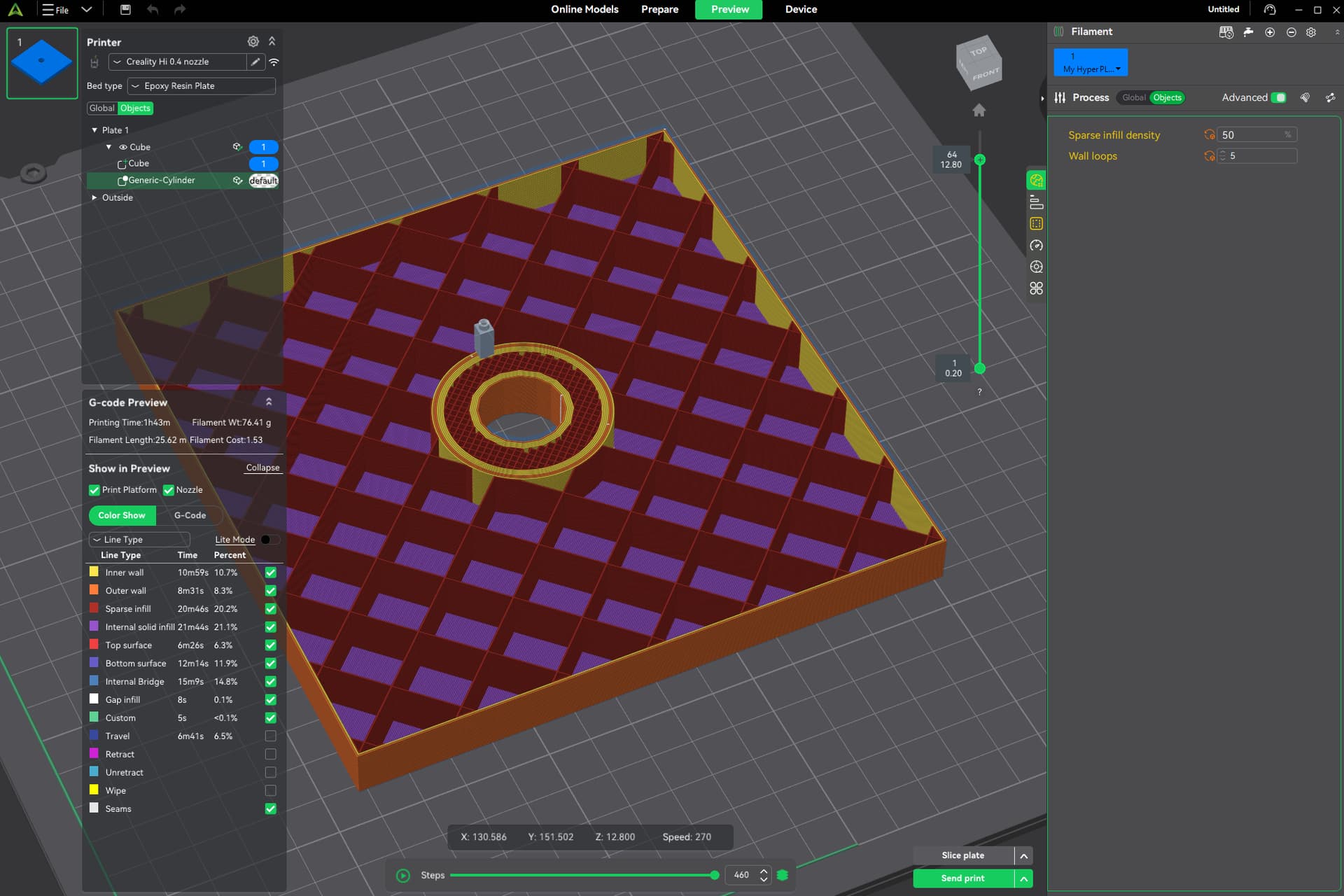
I have been experiencing issues using modifiers to locally alter infill. Wall thickness seems to behave exactly as expected, however infill on the modifier appears to affect the entire object, even outside the modifier.
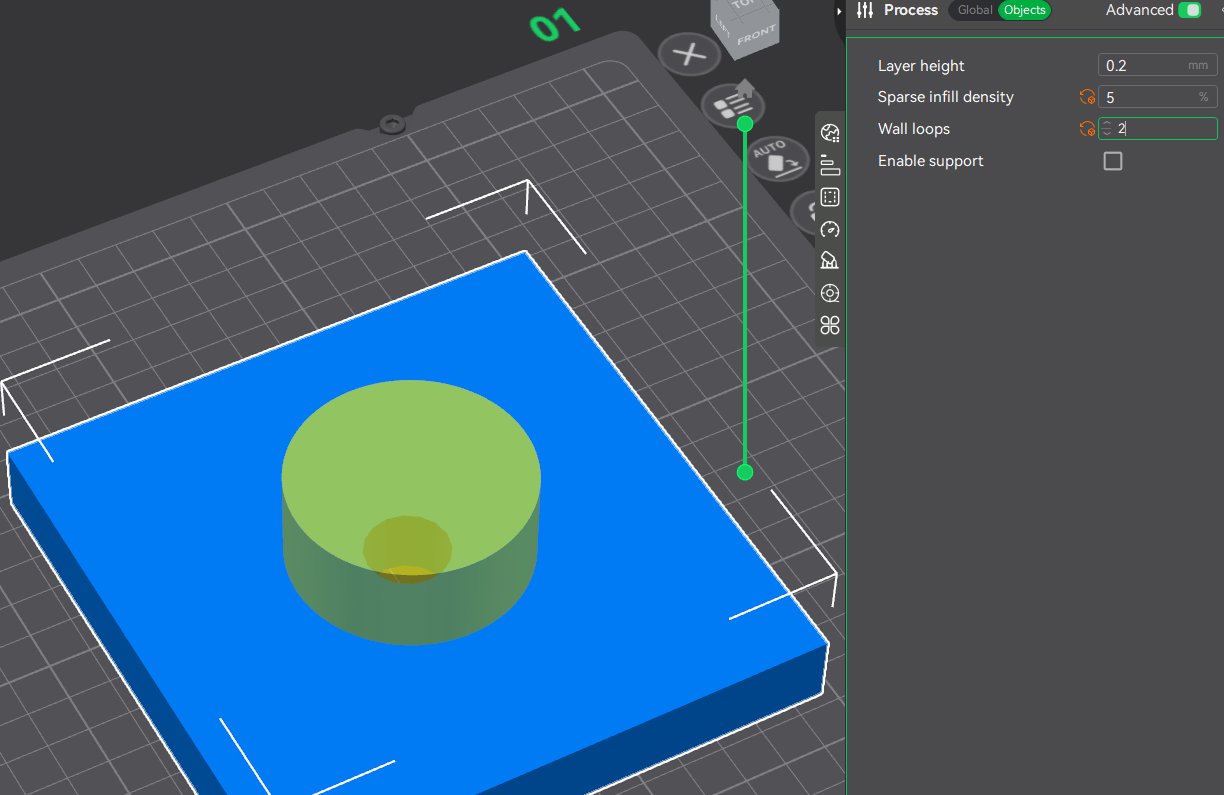
I create an object and set it to 5% infill, 2 walls globally
model is set to 5% infill and 2 walls at the object level
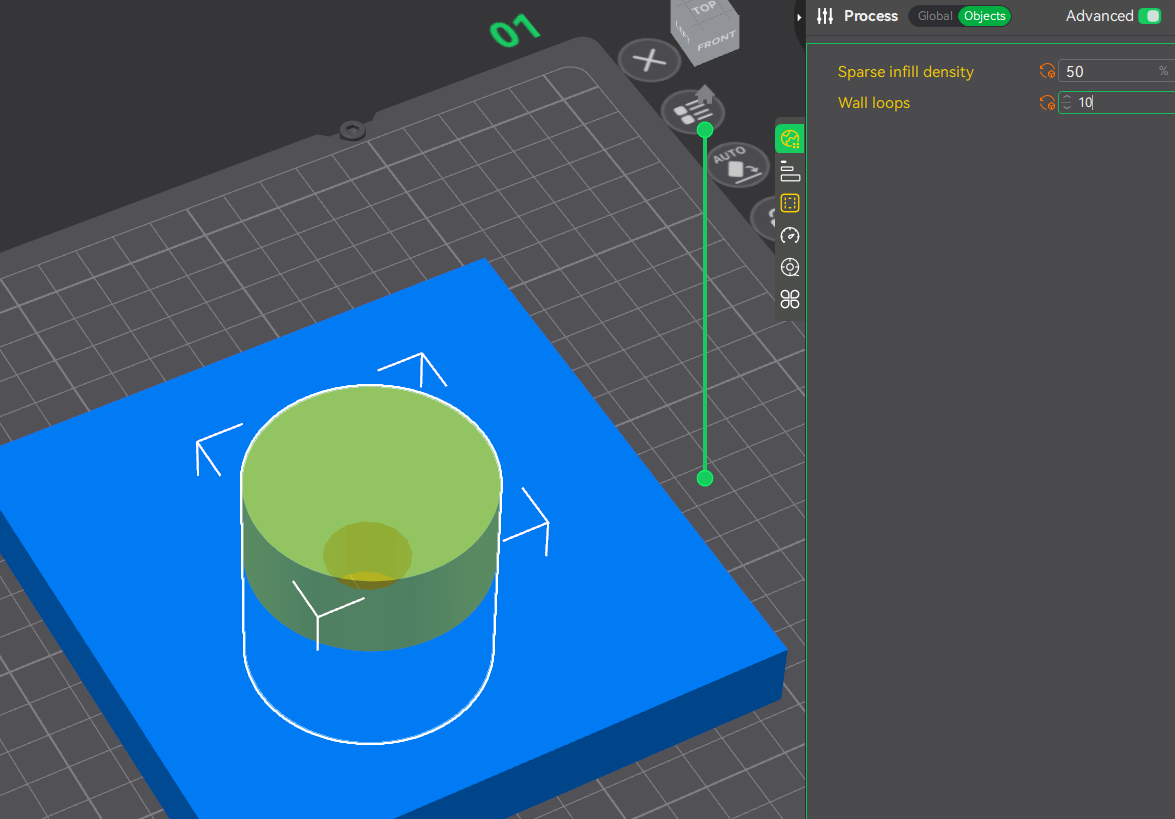
Modifier at the object level is set to 50% infill and 10 walls
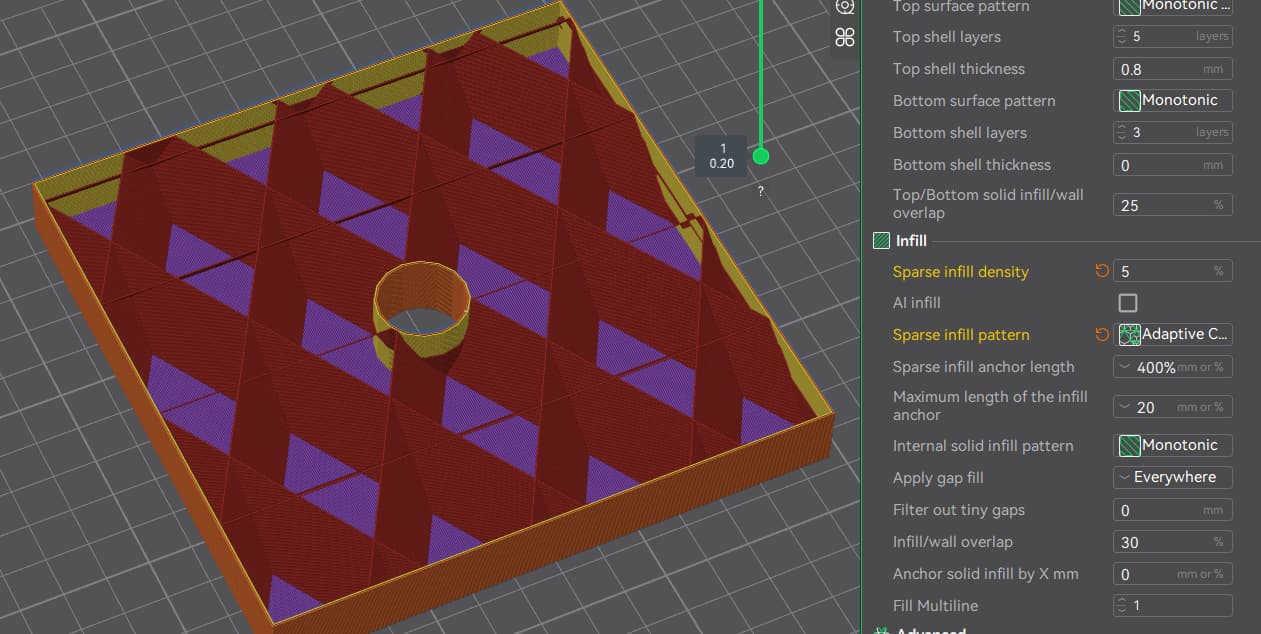
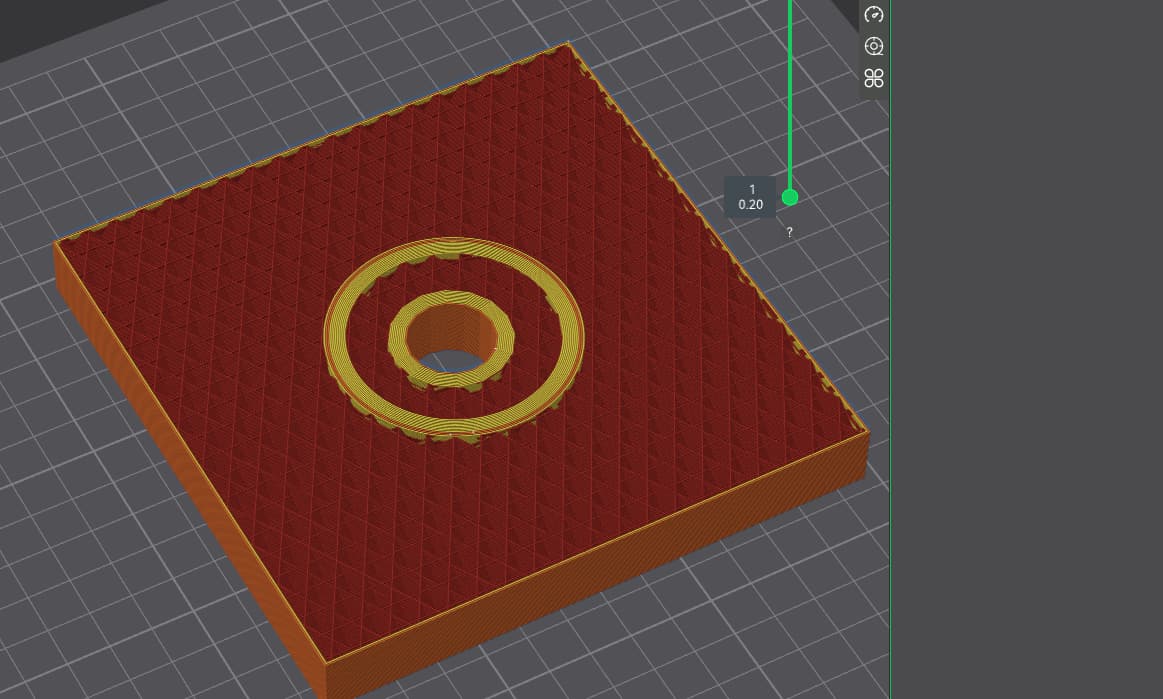
after slicing, the entire model is %50 infill, however the wall loops setting is respected. I would have expected within the modifier to be 50% infill and 5% outside the modifier?
Did I use the modifier/settings incorrectly, or is this the expected behavior (if so, what is the infill setting on the modifier useful for?
What have you selected on the left side where the different objects show while you changed the per object settings? Was the main object accidentally selected?
I don’t think I selected the wrong objects. The white guides indicate what is selected on the plate I thought?
I just tried it and it worked as it should.
Yes in the screenshot you have the modification cylinder selected, but did you accidentally also set it for the main object (or globally)?
1 Like
I thought I set it to 5% infiill globally, and set each object to 5% as well ,then set the modifier on it’s own to 50%…it seems I failed somewhere, will try it again right now.
I made sure to select each object from the left hand menu, and set infill/walls there, and it works as you depicted, so I was probably selecting incorrectly just by clicking directly on the object.
Thanks a bunch for the help!