Hello @clarimar_linares …! 
Welcome to the Creality Forum…! 
As @3D4Everyone said you will have to pause the print which will move the printhead to the side and then after you press play it will move back to where it was.
It shouldn’t “home” or do anything else after the pause command.
Not sure if this will help:
1.) Slice the model.
2.) Figure out which layers you need to change color.
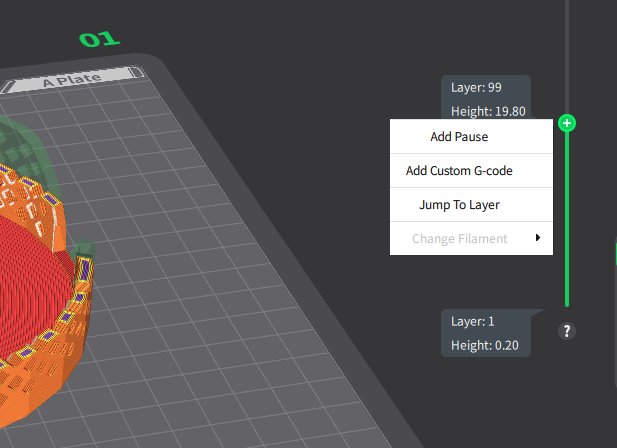
3.) Right click as shown in the picture where each pause will be and then reslice to make sure the pause commands get written into the gcode..
4.) The Printer will pause at that layer where you can change color.
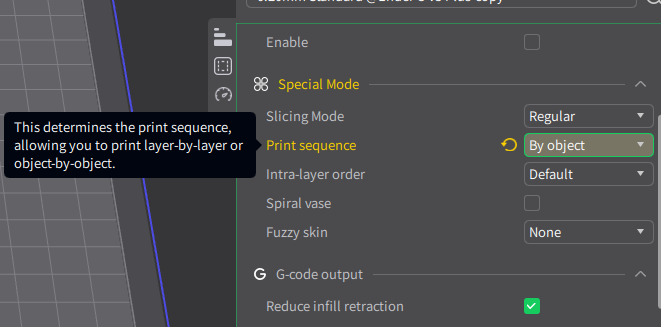
You can experiment with this setting so the printer will print each object at a time instead of by layer:
(I haven’t worked with this option yet.)