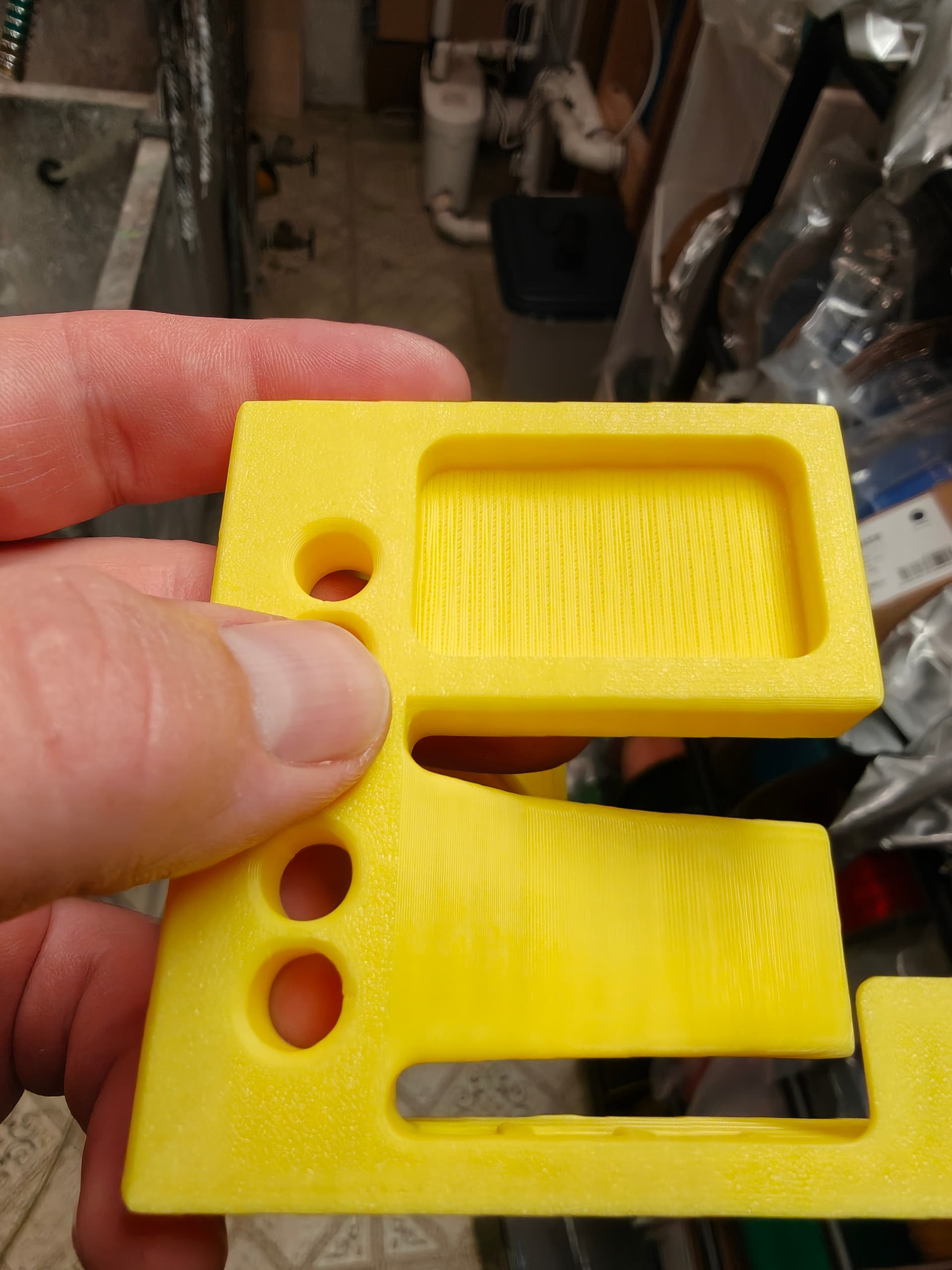
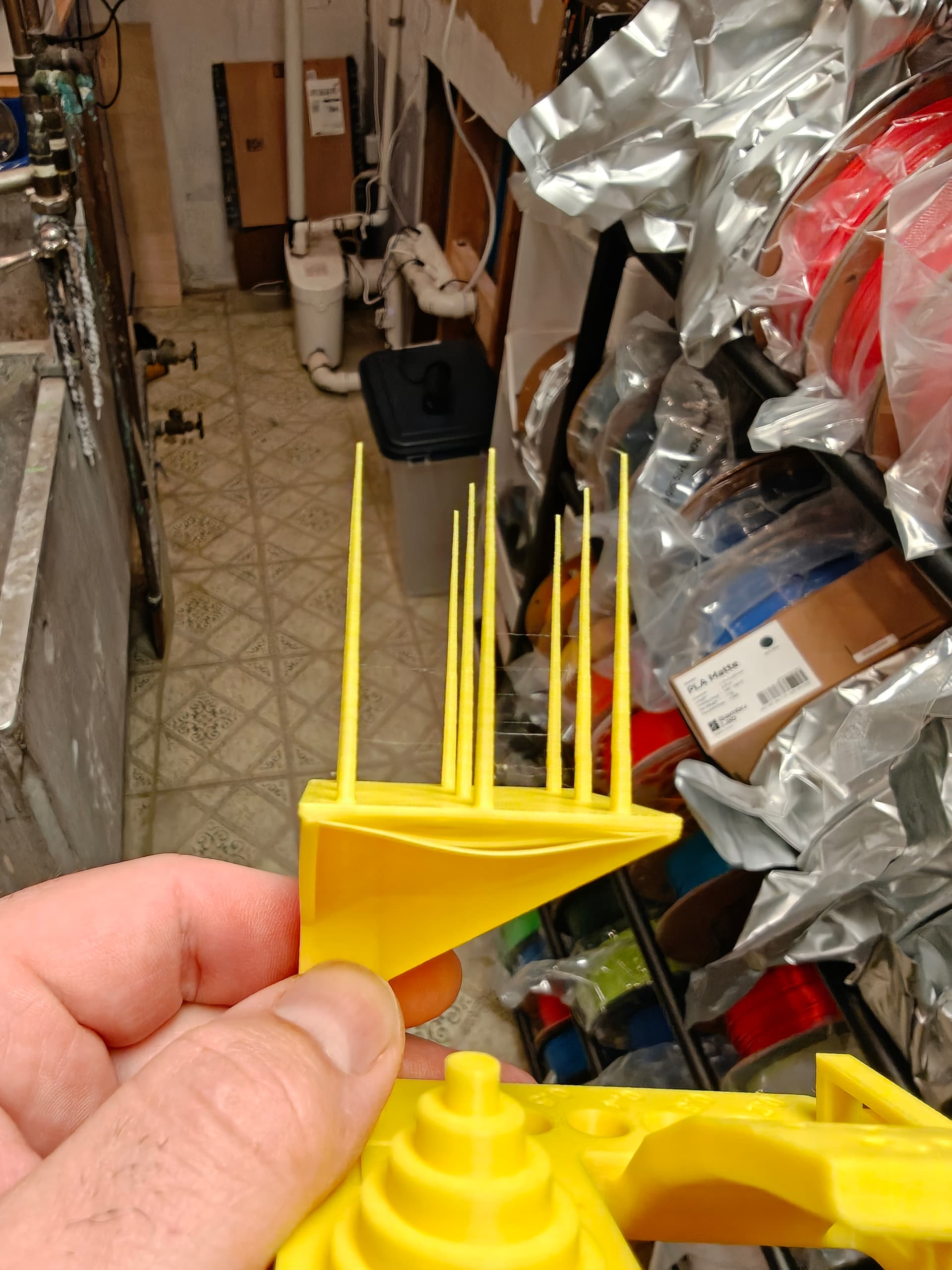
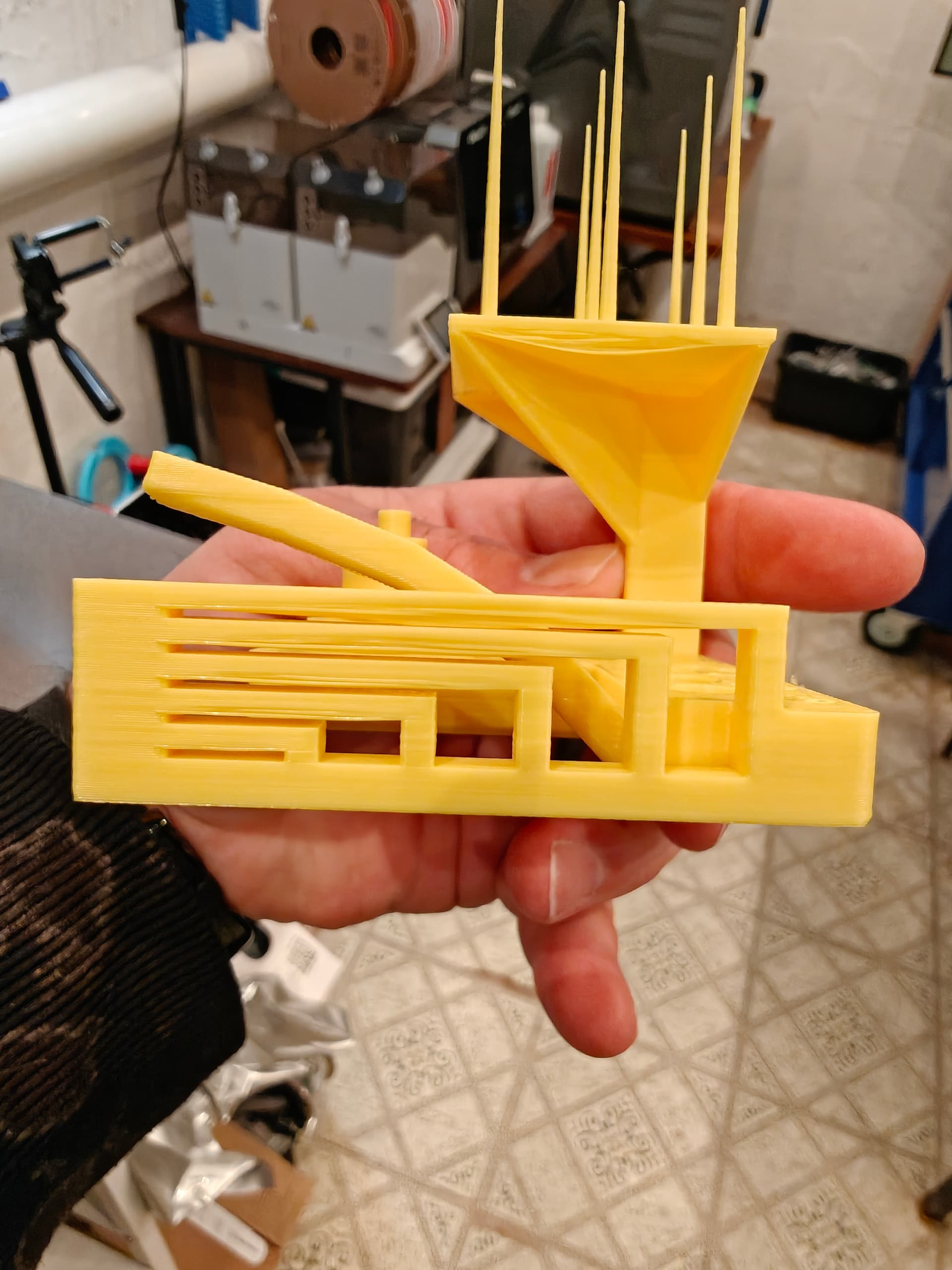
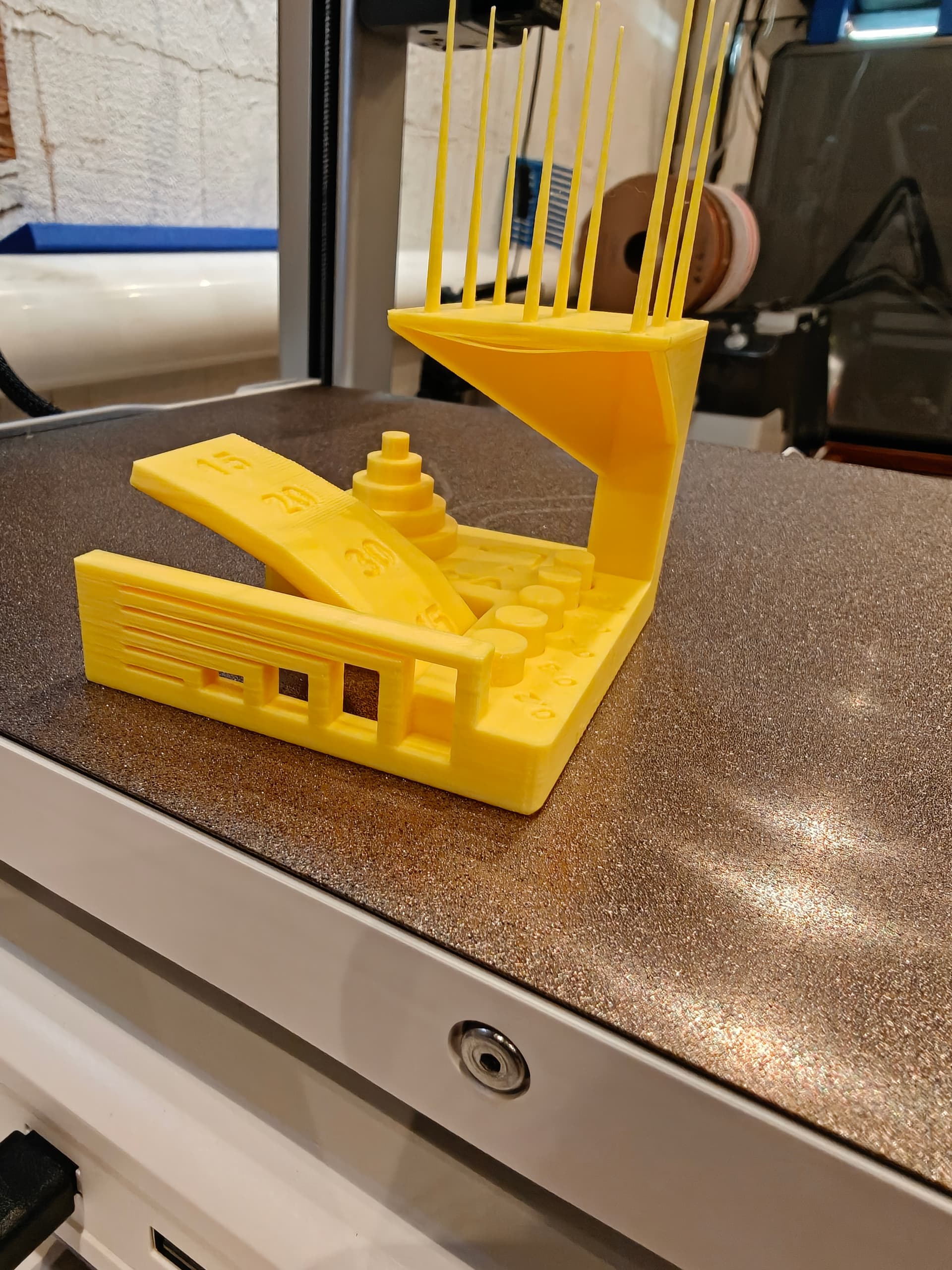
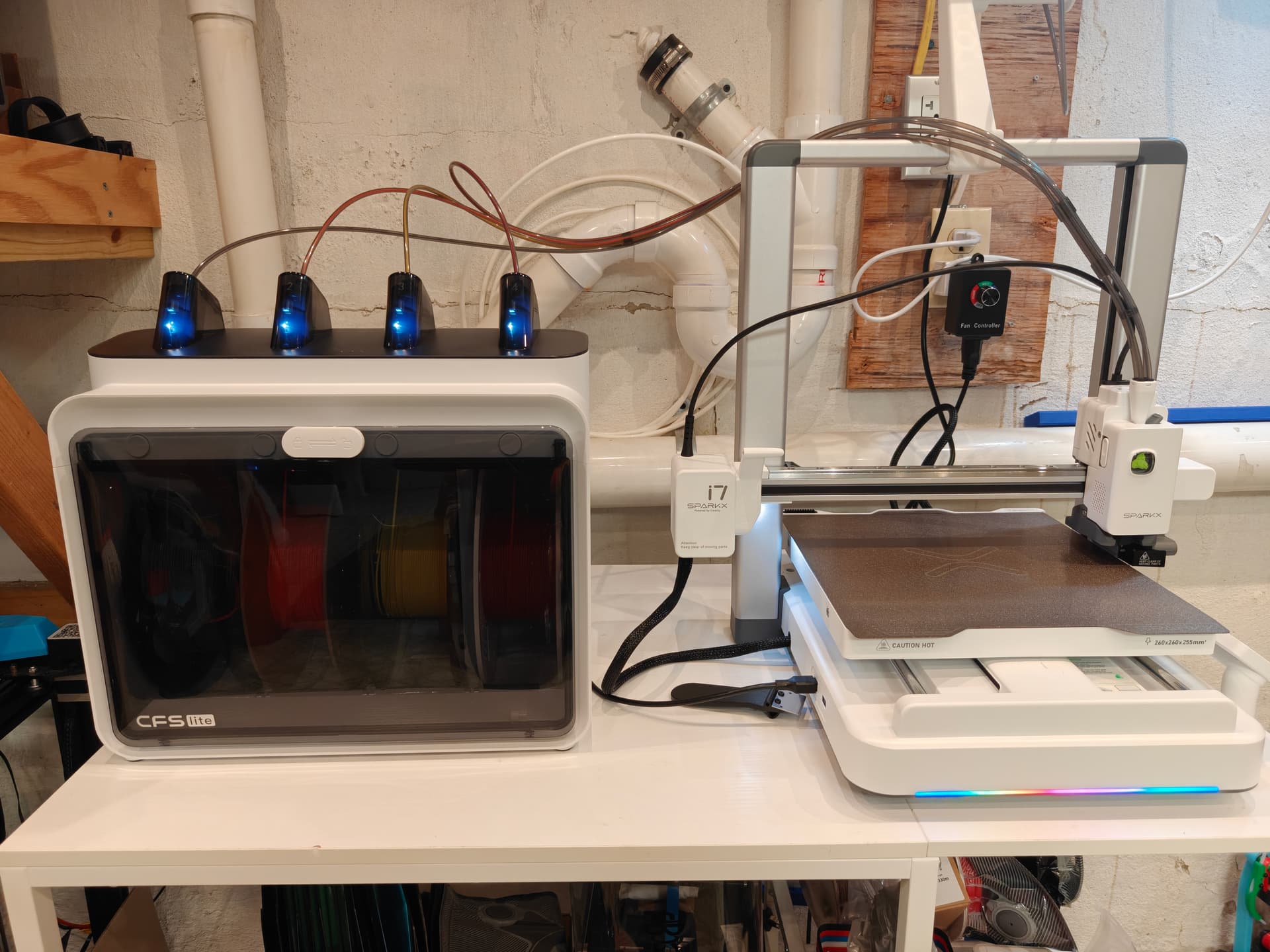
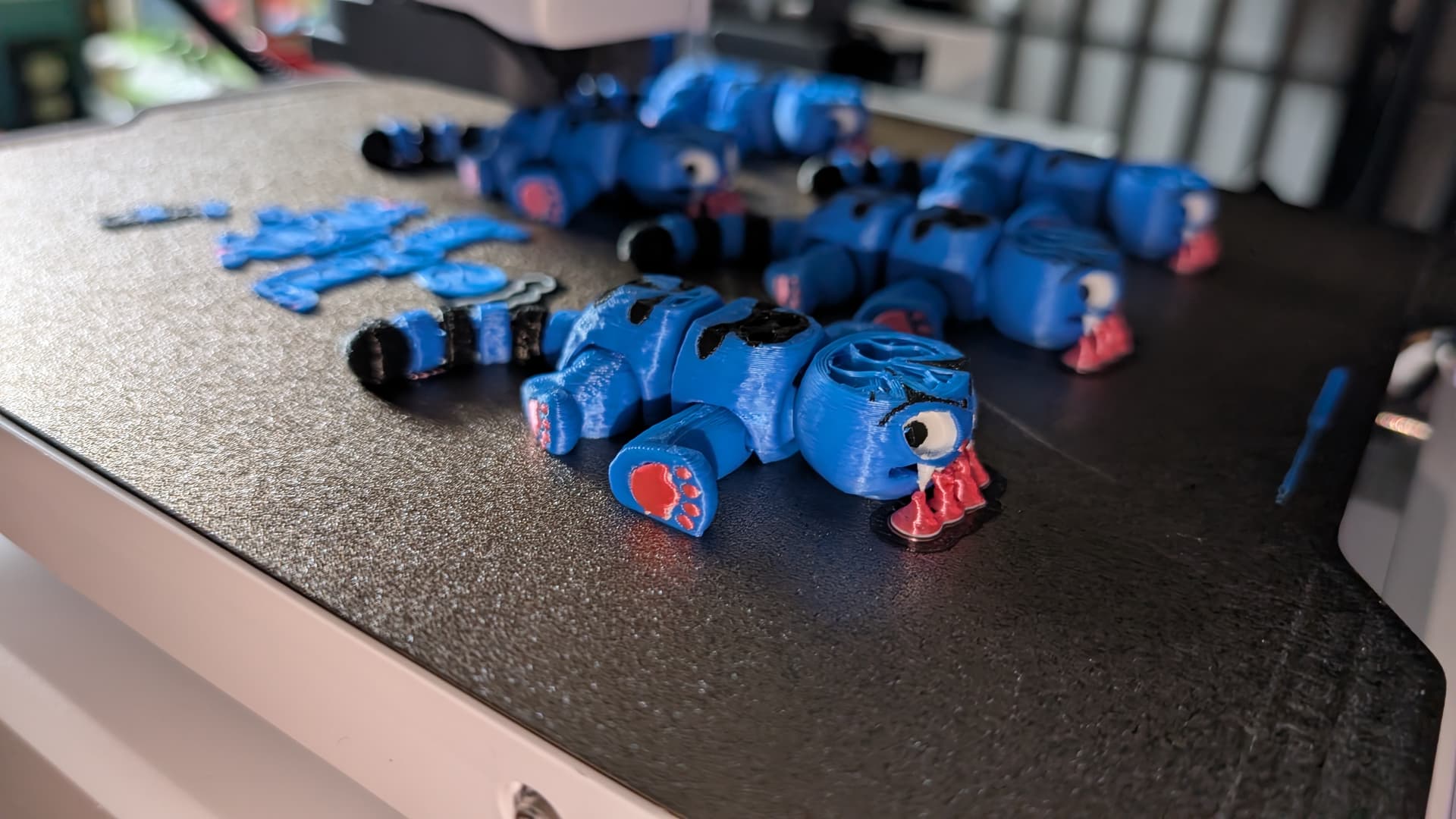
Super excited that my SparkX i7 came today! What a super easy printer to get set up! Printed some test prints and now have a poop bin and deflector printing.
How’s everyone liking theirs?
Super excited that my SparkX i7 came today! What a super easy printer to get set up! Printed some test prints and now have a poop bin and deflector printing.
How’s everyone liking theirs?
Nice!
hope you get too many hours of fun.
Thanks! Ya just a few prints to test it out. Ran this and a poop bin and deflector! Now I’m going to run some flexies… all of the tolerance tests worked fine and had no sticking
Mine as well! I got a poop bin so far
Got mine as well. I really like it so far.
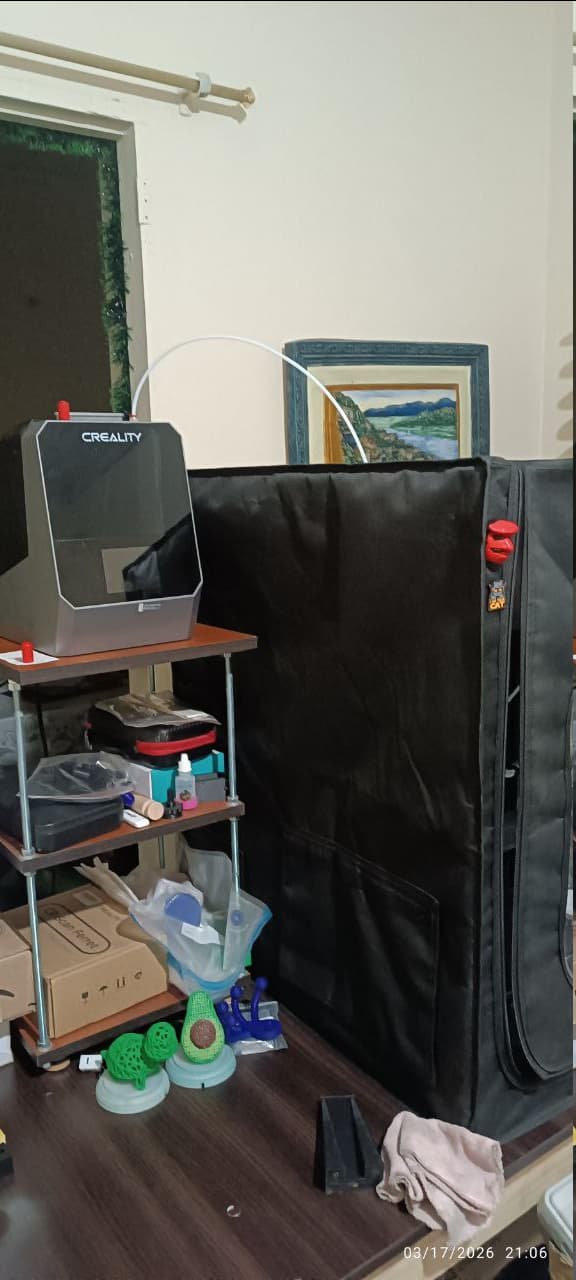
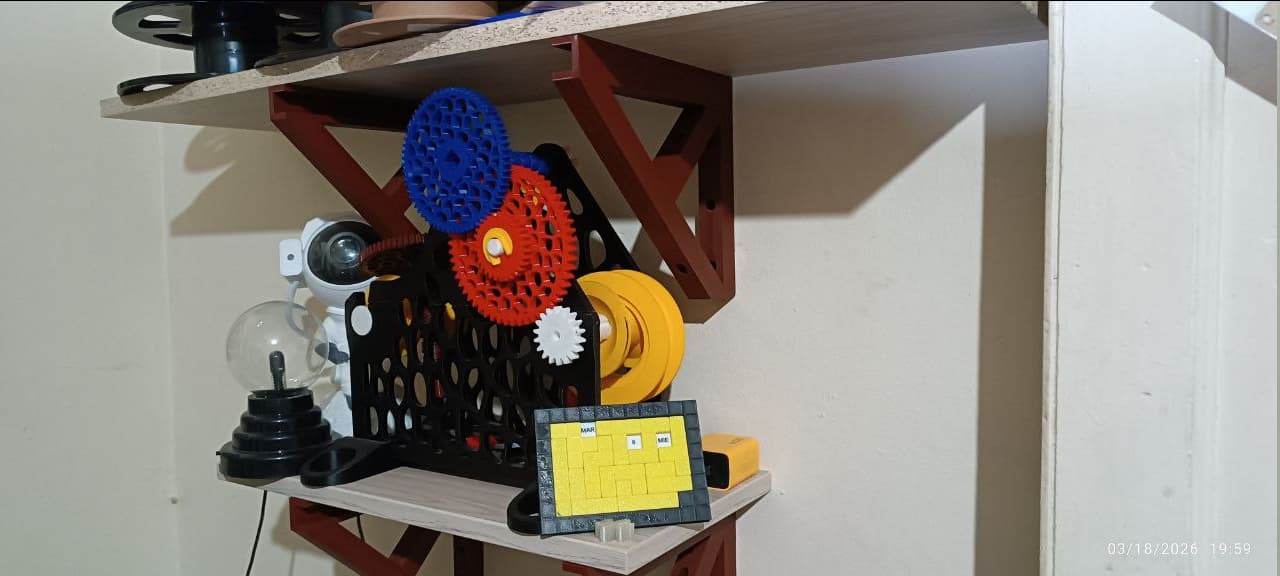
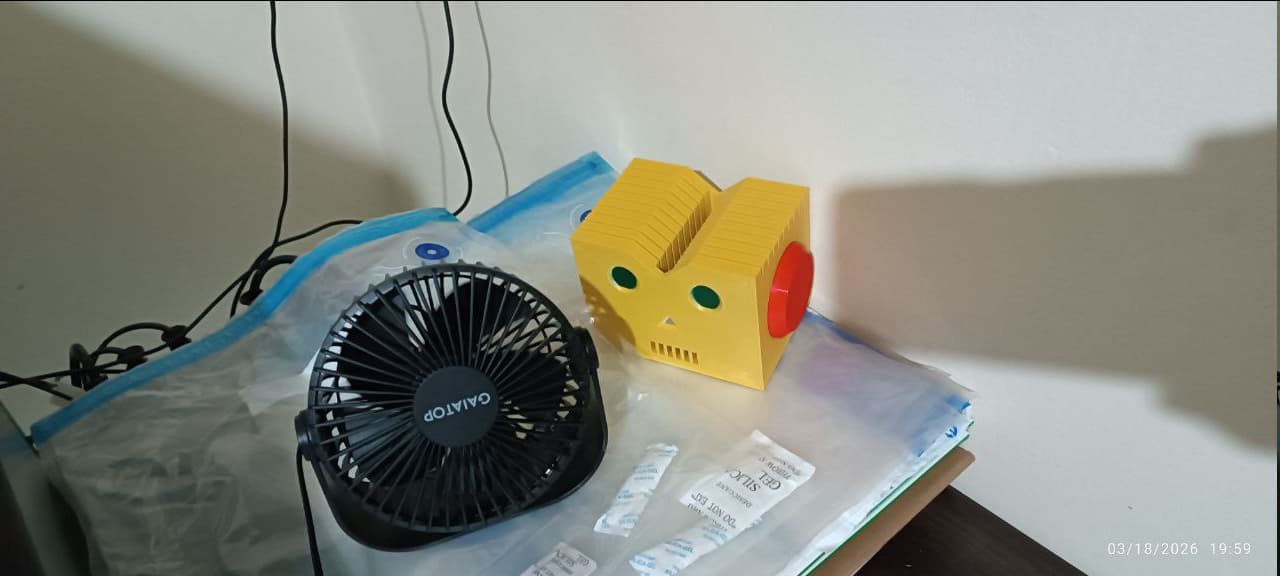
he he he, that was I started with my Creality Hi, now I had printed:
And also I built from scratch a new table for the printer, the cfs, dryer and tools.
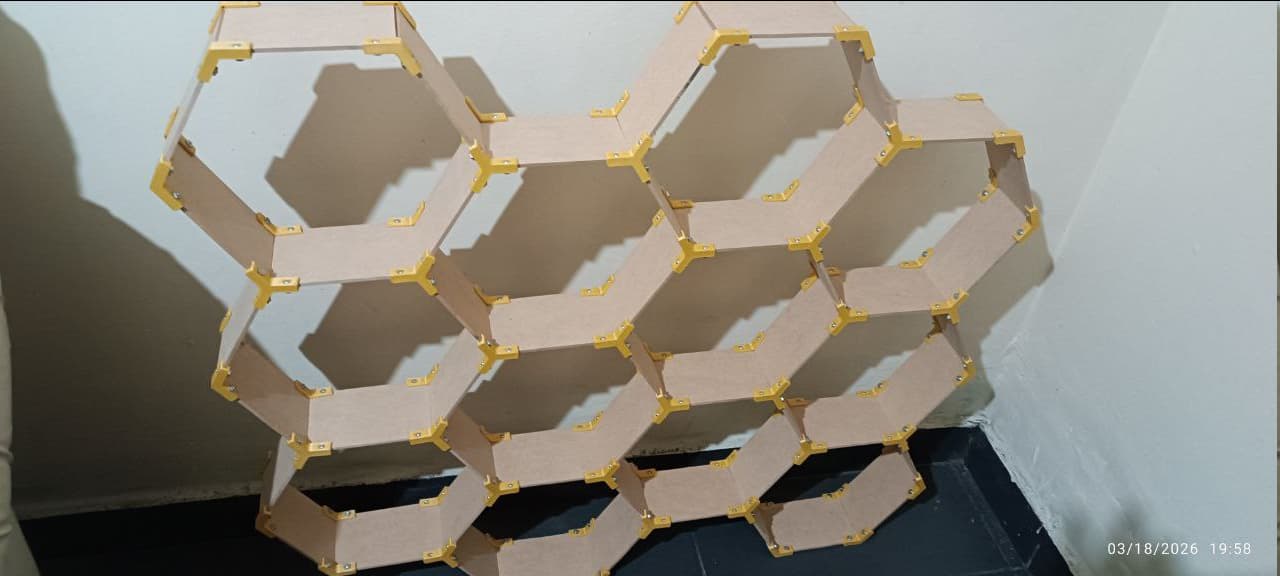
This is the Honey Shelf system, the unions are printed and the sides are cut wooden:
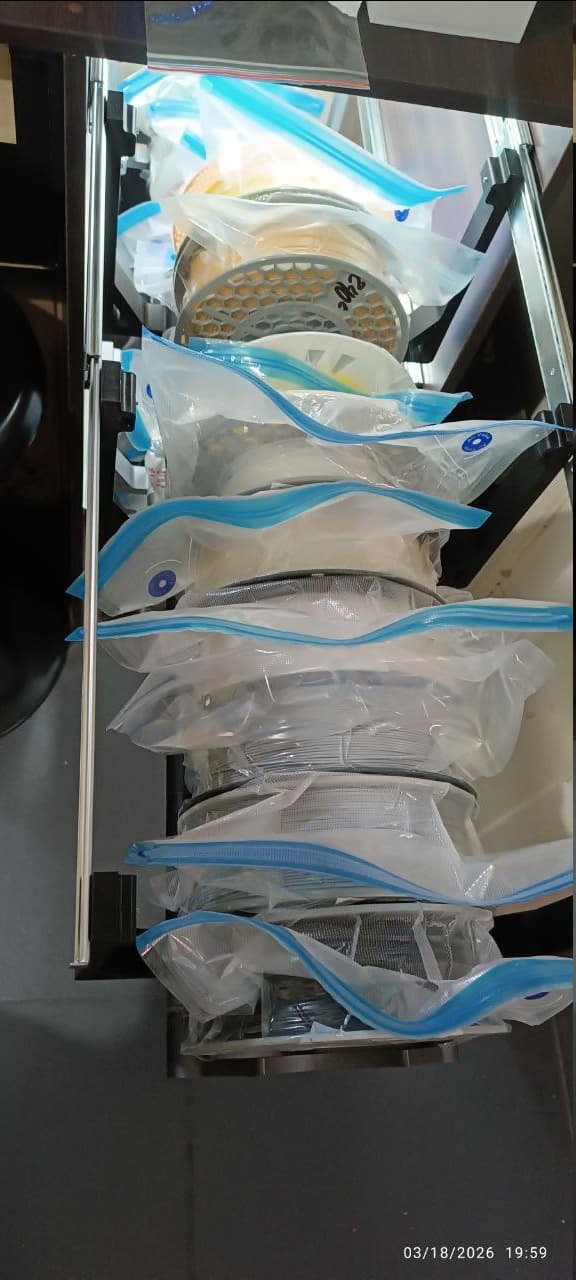
Those racks can hold up to 10 spools each and you can take of and store them by the rails.
This spool winder had save me lot of time.
Have had mine since February. By far the easiest printer I’ve ever set up (also have a Kingroon and a Creality 3 Max Neo). Have cumulative print time of 6 days 18 hours. Only hassle so far was trying to print with a 3 year old unopened spool of Overture white PETG. Big mistake - Sparkx auto shut down on excessive print errors. Tossed that spool and now printing without error on a Creality white PETG spool. Not all things last forever!
I got mine 2 days ago. I had been non stop printing.
Loving the i7 sooooo much.
Great solid beginners friendly printer.
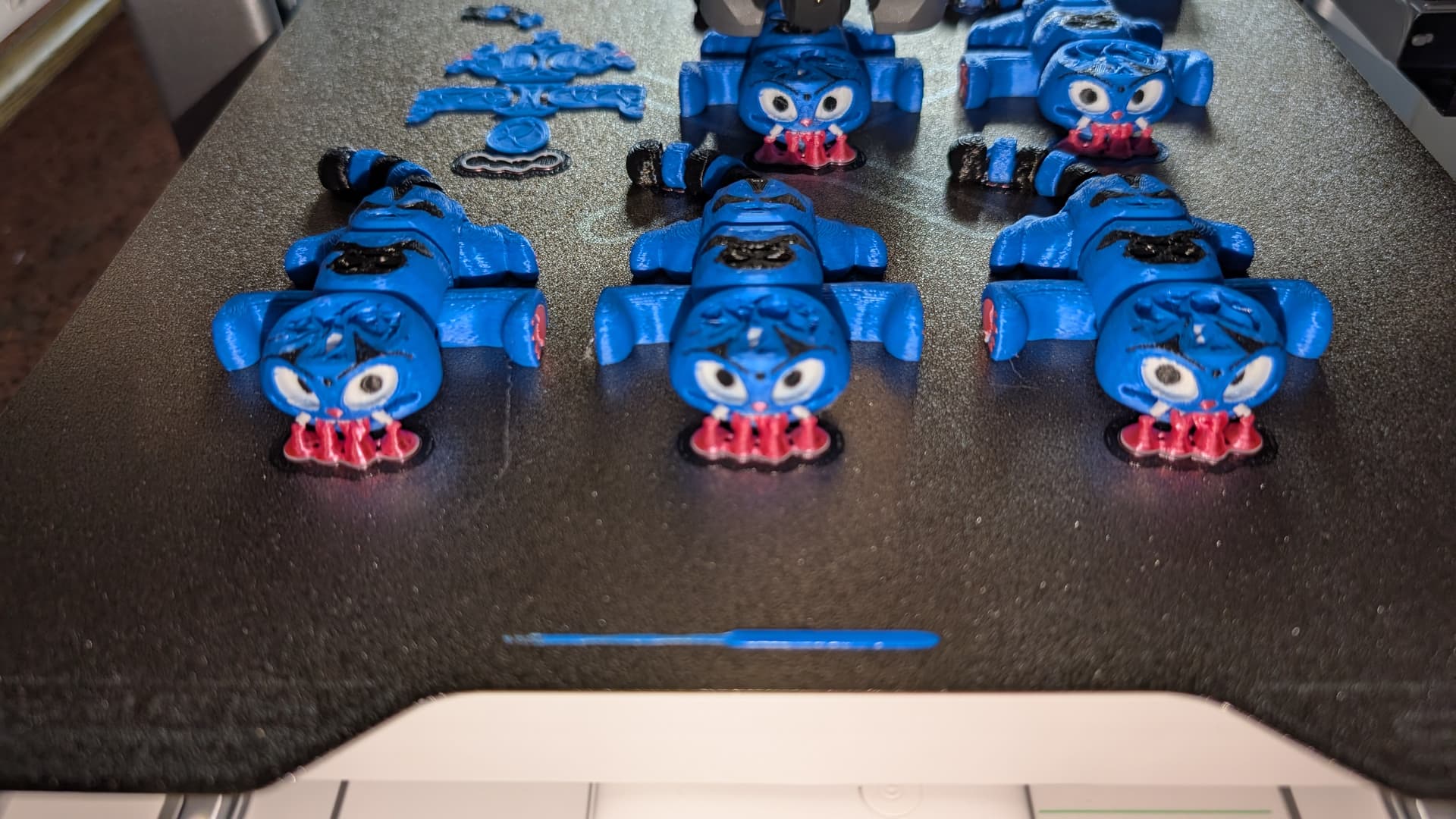
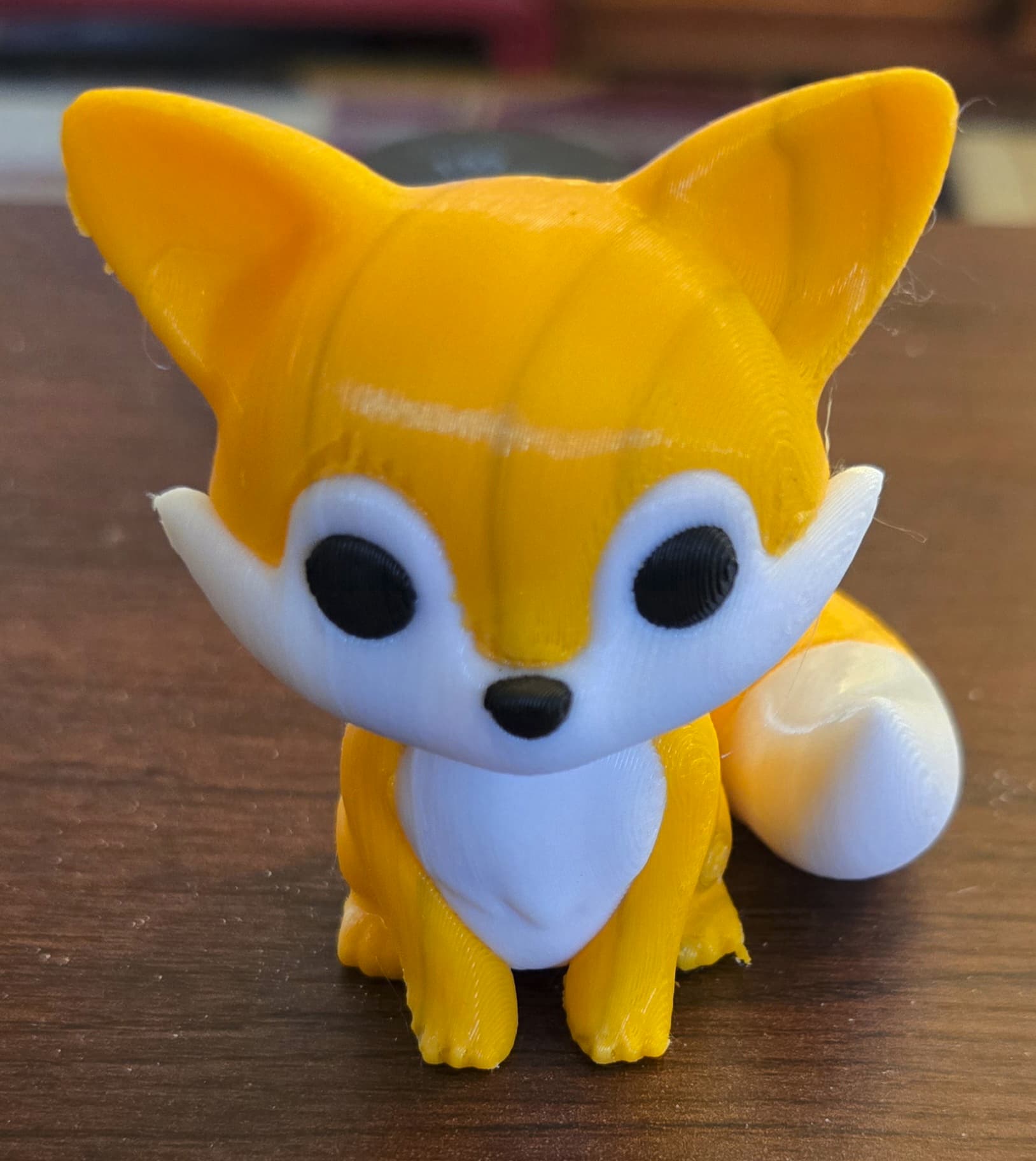
I just finished the full 4 color print. No bleeding in between color changing. Creality Print 7 with the default profile. The quality is amazing. Way way better than I expected. No tuning / adjustment just out of the box quality.
Highly recommend to everyone 
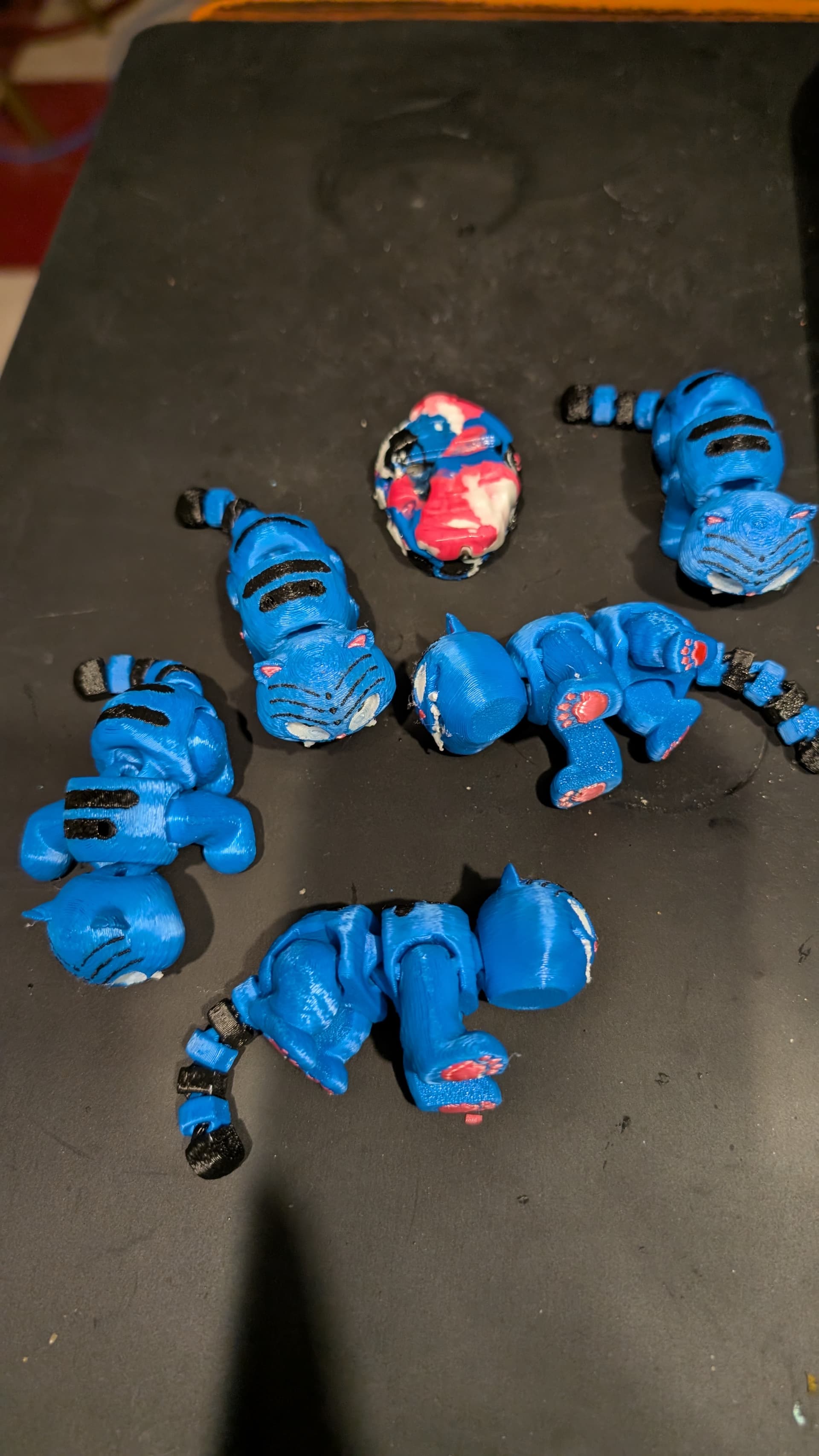
Very nice! Have printed several color models, only one of which had color bleed. First print my fault as I enabled flush waste into model. Second, I’m not sure since flush was only to the tower. Still investigating.
Did you enable to flush into infill ? That might cause that black inside the model.
I made that mistake on the 1st print of this model which resulted in light black layers tracking the black eyes. Consequently, I disabled flush into infill and left flush into support. The result was the vertical stripes in the above print. I didn’t try a 3rd print disabling flush to anywhere other than the tower. This model generates a lot of waste. Thanks for the suggestion! Jim
Flush into infill is fine. Especially if you have enough litter walls but I totally understand. Most people though do not update their flushing volumes which is half the issue here
Yes. Multicolor it will take a long time to print + generated quite a bit of waste. Unless with the multi heads printer. You can’t really avoid the poop poop.