Hi everyone again.
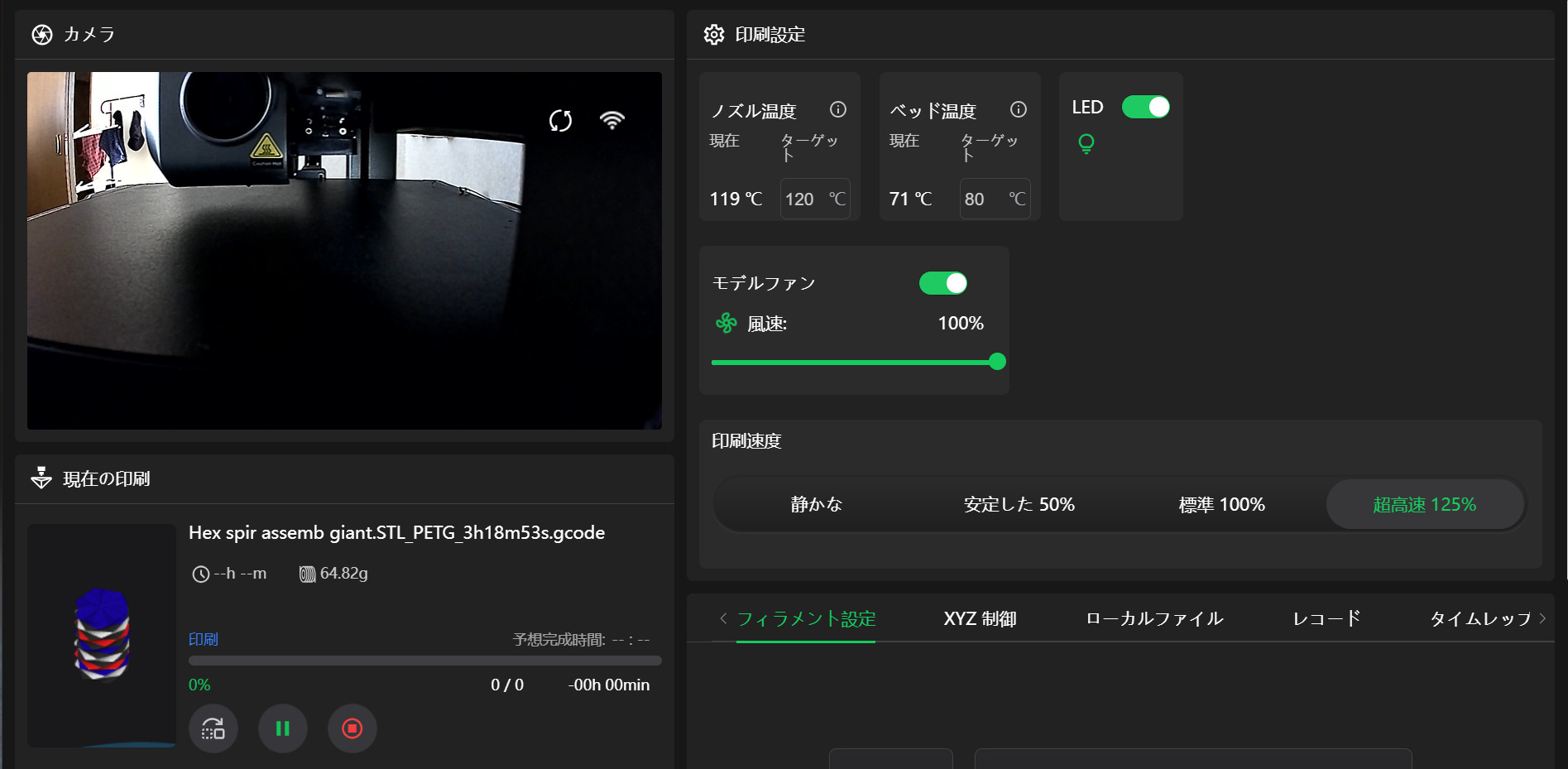
I gotta say, im using the new firmware of the creality hi (0.72) and besides the camera error, the CFS unit is A LOT quieter now, it pulls the filament slower and softer, almost not sound at all, that is a +.
-About the camera error we just need wait to creality to launch the new creality print slicer sofware.
-But reading comments on the other post i made, some one said that he uses firmware 0.50 because he notice other firmwares have layer shift/ghosting/problems with the step motors or something like that.
-Do you guys have ghosting or layer shift? if you had it on the past but now your prints are fine, what solution do you found? im talking about the “calibration cube” on the X or Y sides i see layer shift or ghosting. i would be glad if you only answer this if you printed the calibration cube so we can compare them. Thanks
if u asking, my belts are fine, i check them always, i only tensioned the X belt, but not too much, i dont know how much tension needs, i dont let it lose or tight, i think that belt is just right now and the printhead moves smoth when i manually move, The Y belt is fine, i dont tensioned because i checked and its well tensioned from factory and the bed moves smoth
i only have a working camera in the phone app after the .72 update but the cfs reports supplirs running out when all spools are 50 to 90 % full.
yeah CFS is a lot quieter indeed, but im also having the camera issue… sometimes it works when on the website port 4408 but most of the time it doesnt, in creality print camera is not working anymore…
I have been aware of this issue since the last update killed my cam the Hi cameras seem to work in the browser at [local host] :8000/webcam/?action=stream , my K2 on browser or Orca just shows a white screen. Creality is still using :8000/……. But they are using a more secure transmission which I like. But it would be nice if we had access to share if we wanted to . Let me know if :8000 works for you. You can jump back a couple of updates and your cam will work again.
最新のファームウェアー074にすると問題解決しますよ。ただ、USBの手動でのアップデートの必要があります。