I’ve had the printer for 10 months now, and I can’t complain about the print quality. However, the CFS really drags down the machine’s performance, and firmware support has been completely abandoned—they released two versions and that was it.
The CFS is stuck on version 1.1.3 with K1C firmware 2.3.5.34, while the CFS on the K2 series has actually been getting updates.
It feels like they just abandoned K1C users. If they planned on doing that, they shouldn’t have released the CFS in the first place. That was actually one of the main reasons I decided to buy the K1C—I didn’t have the budget or the space for the K2 Plus when it came out.
But then they launched the K1C 2025 and the CFS-C, and completely forgot about the original K1C.
Please, Creality, at least one more firmware update to help with multi-color printing would be great
Is your printer K1c working with the CFS after the upgrade? Mine has become pretty much useless since doing the upgrade and there’s no easy way of reverting. It’s been a nightmare and super disappointing.
What I did was root it, and that’s how I fixed the coordinates for both the nozzle wiping and the bed leveling, because leaving it stock was a total mess.
I’ve stopped using the CFS as much, except for a few prints where I absolutely need multi-color.
The helper script really helped me tweak the printer manually step by step, like optimizing the nozzle cleaning sequence. I hope they release an update at some point because, for example, I want to use PETG and PLA together, but the firmware overrides the flush temperature to 250 degrees, and that causes my PLA to clog sometimes.
Honestly, it’s not a bad printer—I have a lot of love for it—but it definitely needs a new firmware update to truly unlock its full potential.
They have abandoned the K1 series, especially any firmwre updated for the CFS. You may see a new one for the CFS-C, but with the K3 about to be launched, I highly doubt it.
Totally agree with you. I feel safe handling just one color, as soon as I start to twist the settings with bridges and different filament types I get a lot of annoying feedback which doesnˋt help at all. Even just changing from PLA to Another filament is rather painfull.
The support is also quite poor. Meaning it does not help in any way or form.
Although the print quality is ok+, my next printer will certainly be a bambulab of some sort.
The K1C was never really designed for a CFS. The upgrade is not much better than a hack. The CFS-C is buggy and troublesome. Keep the K1C for single filament printing and get a printer that was designed to use a CFS for multi-color printing. Also, with the next generation on the horizon, I don’t see them doing much more than maintenance updates for the K1C. Tuned and maintained, I still get great prints out of it - but use my K2 Plus for anything that needs multi-filament.
I understand that multi-color printing wasn’t originally intended for the K1C, but launching the kit was definitely the hook that led many people to buy it, and I was one of them.
Otherwise, I would have waited a bit and bought the K2.
Well, it seems Creality has a good sense of humor; they released a new firmware for the K1C, CR4CU220812S11_ota_img_V1.3.5.22.img, but it’s only for the monochrome version.
well if it makes you feel any better the K2 CFS is also it’s weak spot. It works, it works way better than it did early on but still has issues.
The most useful thing I’ve found for the CFS is when doing large single color prints you can have it auto switch from one roll to another similar roll automatically which saves a lot of partial rolls laying around.
I run 2 CFS and I’ve never done an 8 color print. So it kind of seems a like a waste. I have more issues with the waste chute blocking with the current one i use than anything. I don’t like building up behind the printer but that seems to be the most reliable.
I started having issues with slot 3 and 4 on my #1 CFS lately where it overloads trying to feed using a fresh roll of Soylein Ultra PLA and their plastic roll. That being said, I’ve also got around 3.000 hours on the units and have never really given the unit a good cleaning. I’ve taken it apart a few times for clearing out broken filament or what not, spilled lots of dessicant beads and more than likely those two slots have had the most use.
im not sure how their update process works, so take this as an actual question - but if you have an update on a new printer’s cfs, those will eventually move to the other printers using the same cfs? i have no clue how they do this.
I’m late to the forum as been using my K1C for many years before CFS was a thing. I got the CFS-C and proper upgrade kit but seem have similar issue as the new extruder in kit now causes Z-offset and flowrate issues. CS is saying just change printer presets but this is more a start-up modification needed so seeing if should go back to open source klipper slicer or tools help to calibrate like the old days of calibrate cards. I have friend model with CFS preinstalled no issue. CS will not take it back as I been spending to much of my time to get it working. Shameful CS support response.
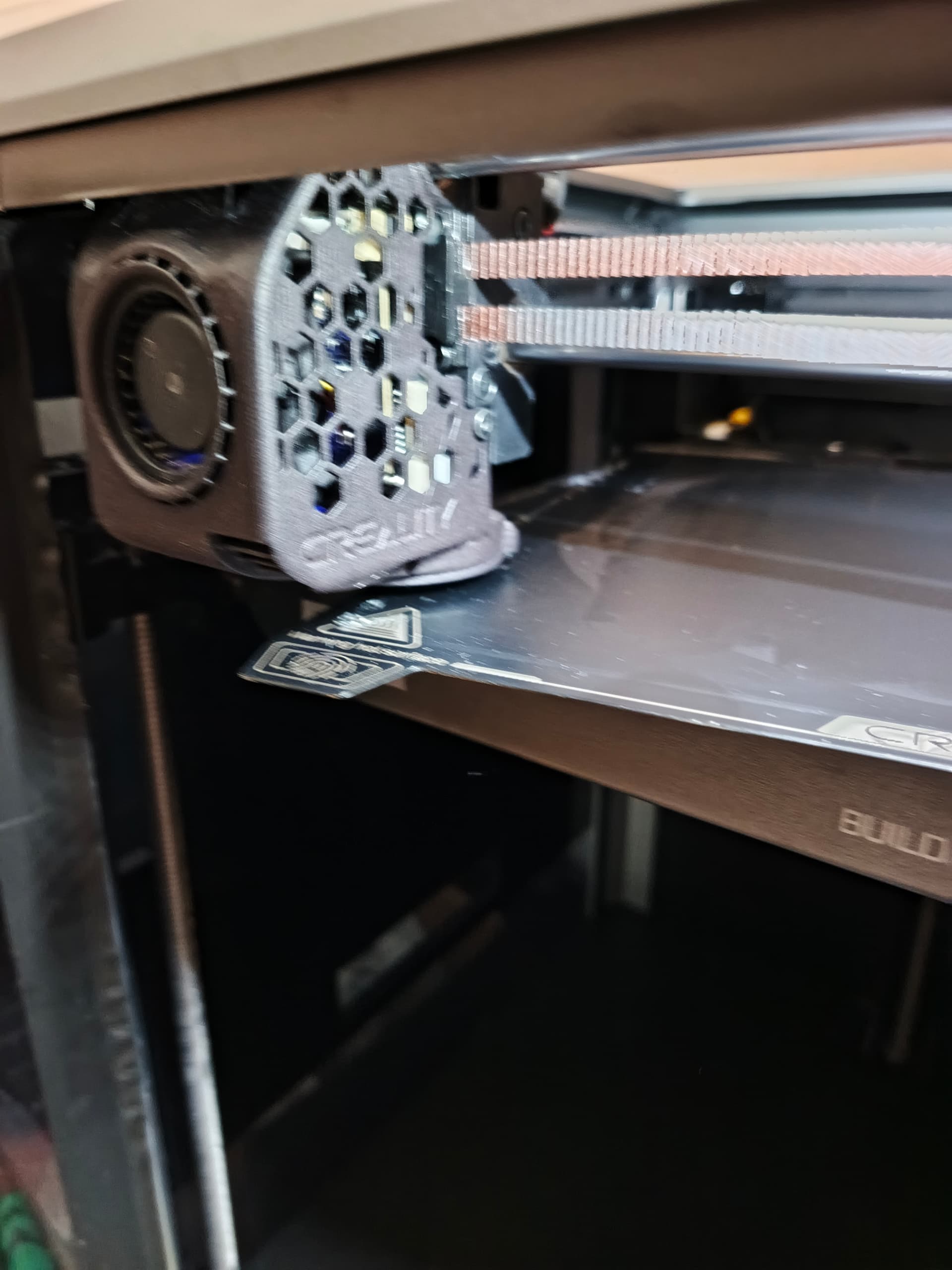
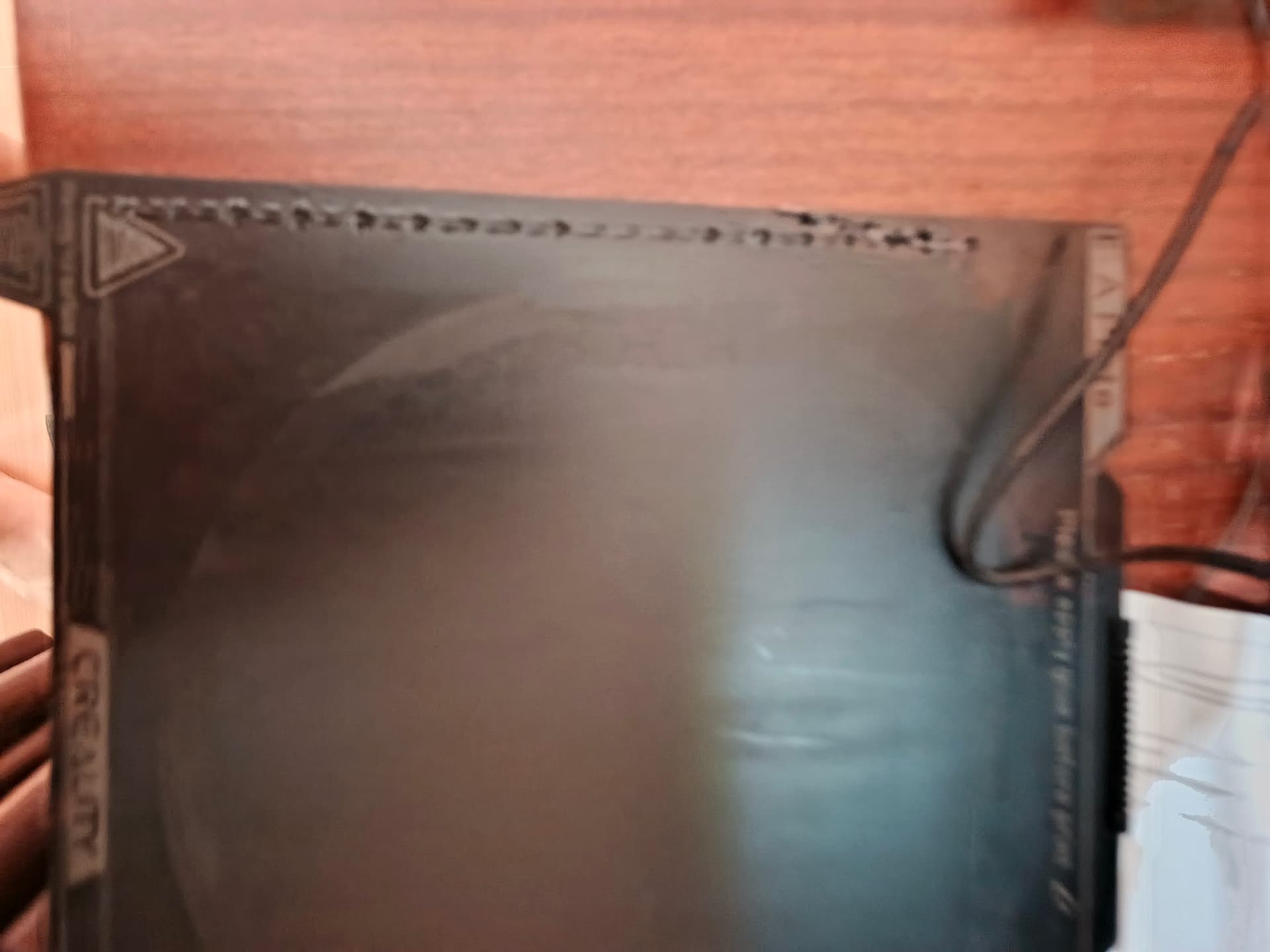
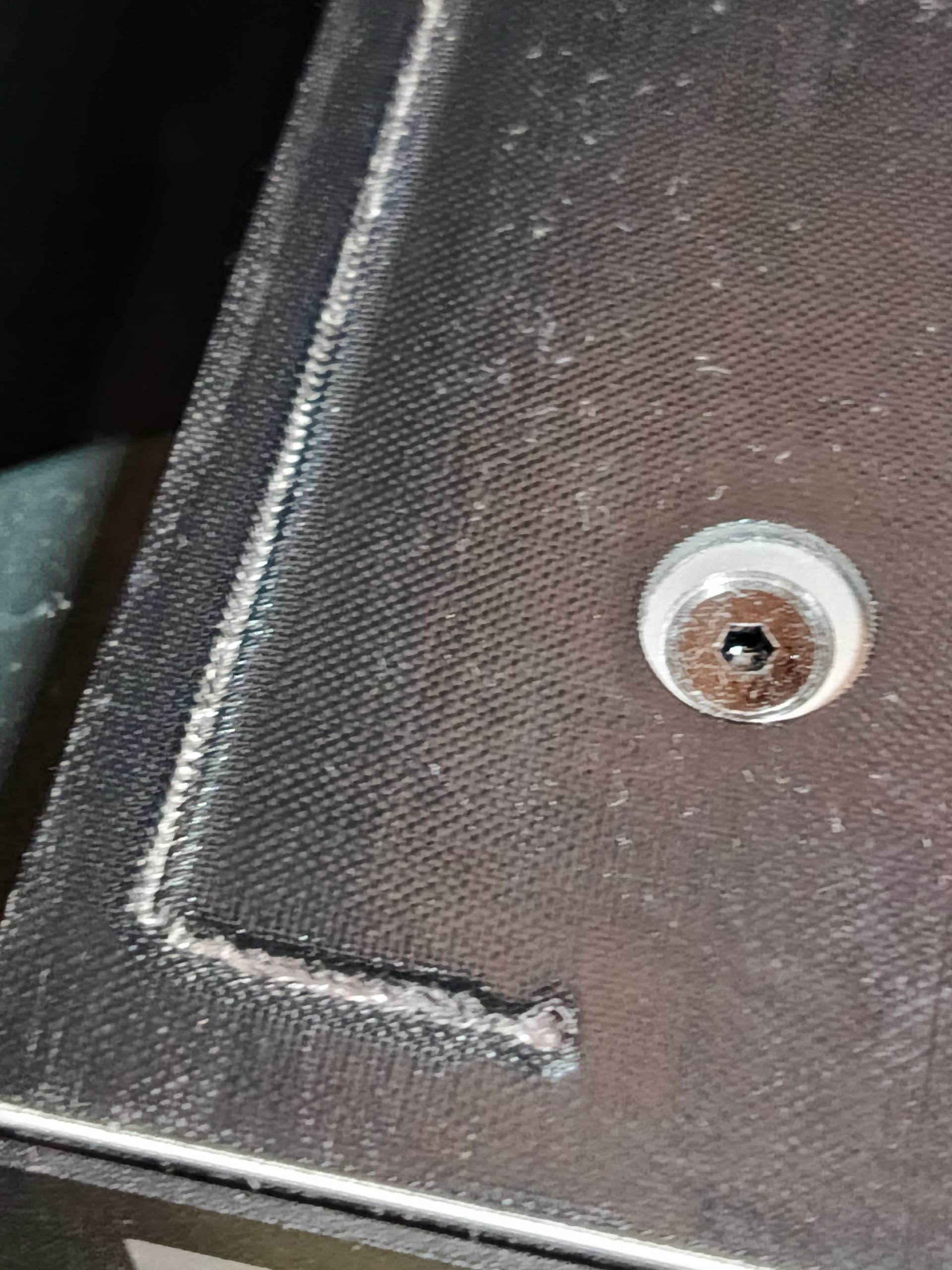
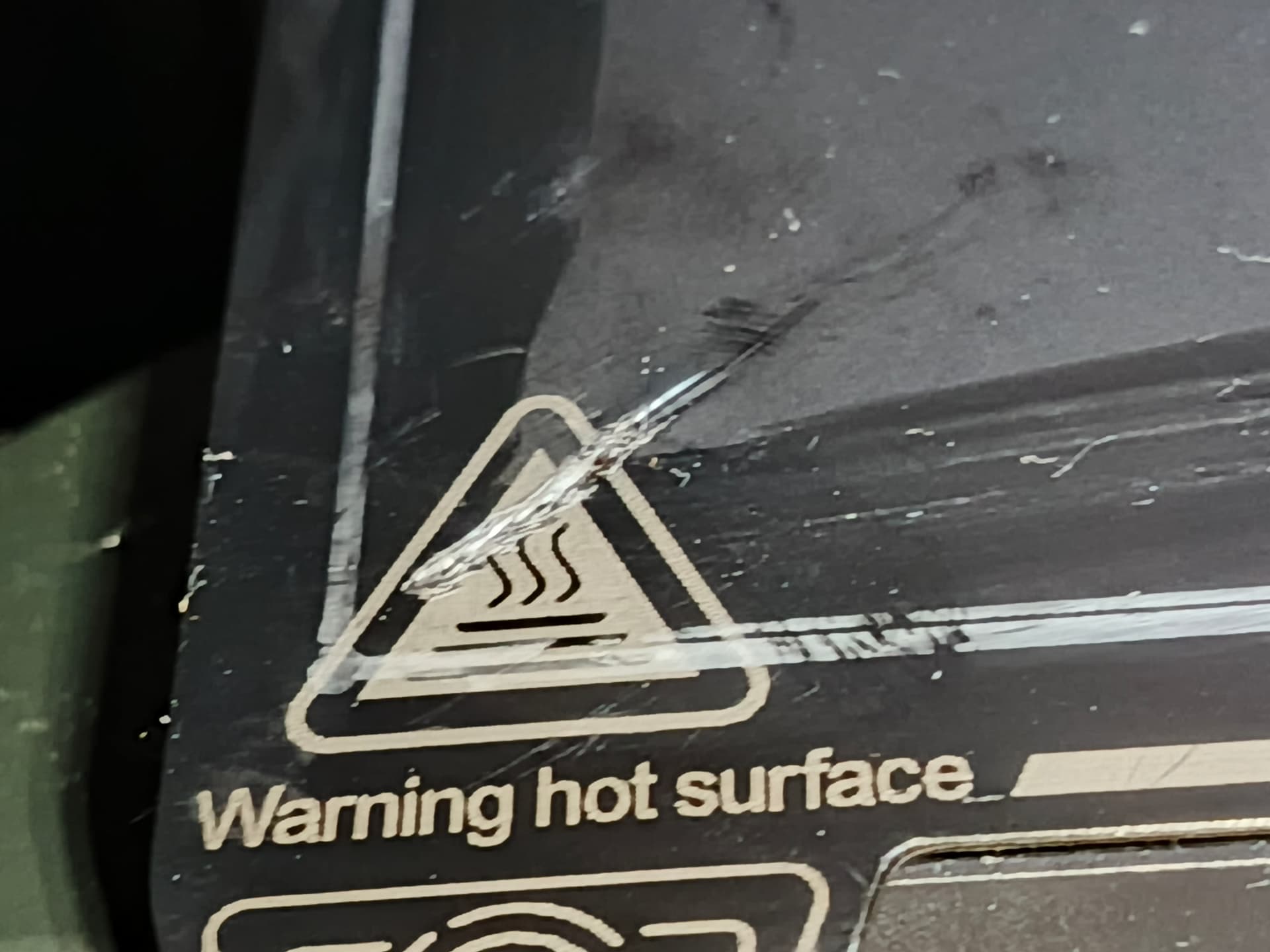
Hello. After the CFS-C update, the printer also ruined two PEI plates; I updated to the latest version, and now everything works fine—no such issues have occurred since.
The CFS-C is a good system if you tweak it; I ordered a dryer, so it’ll be even better. It would be really great if all this were done right at the factory!