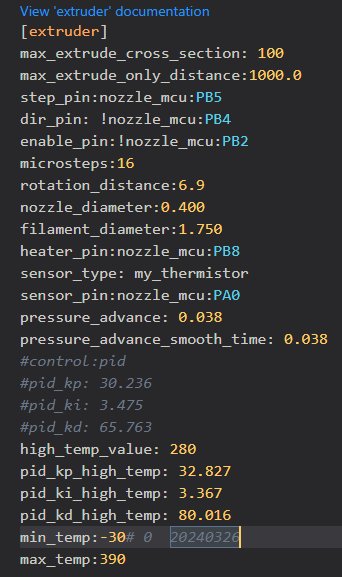
I watched a calibration course for Klipper/Fluidd and worked through the individual steps. During the extrusion test, I discovered that my extruder is only extruding 95mm instead of 100mm.
I wanted to change this in the printer.cfg file, but the [extruder] section isn’t there at all, nor is [stepper_x/y/z]. Can I simply add the [extruder] section with the value “rotation_distance = 0.95”, or what’s the best way to proceed?