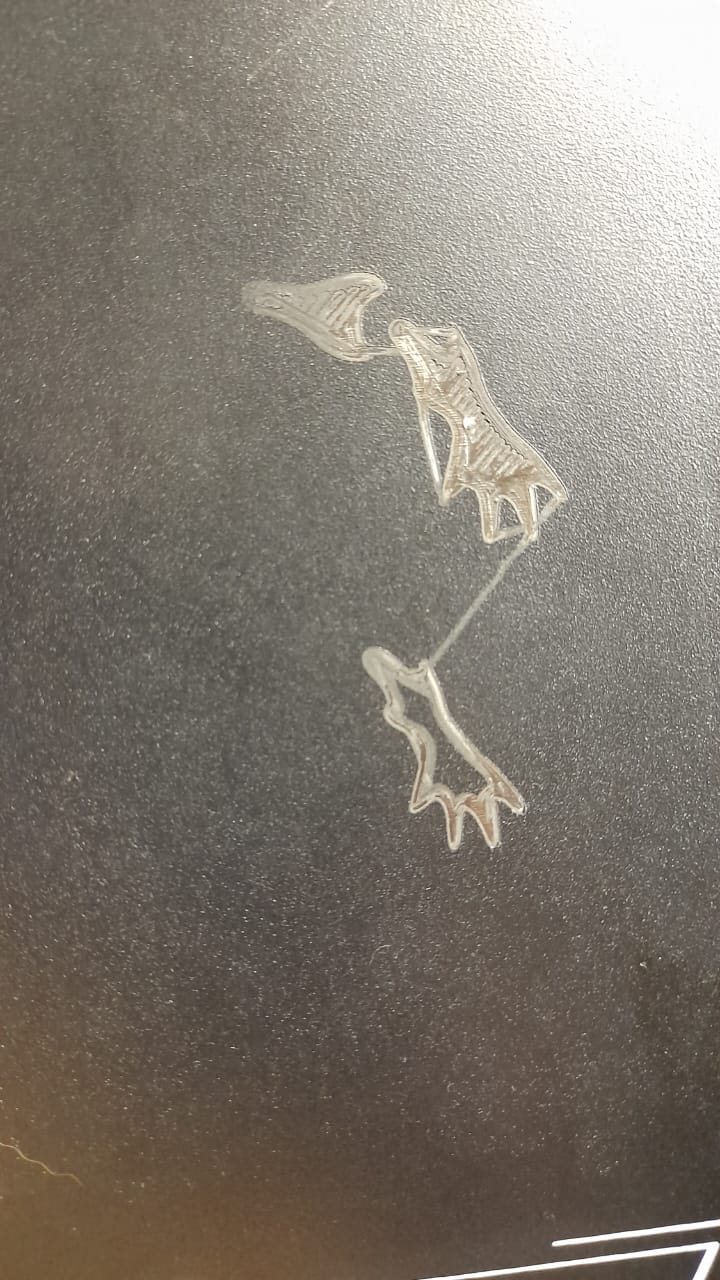
Hey, hope someone can help me. I have been using my Creality Hi for probably 3 months now and all of a sudden the other day after starting a print I noticed it was scratching the build plate like this and I quickly stopped the print. I’ve printed some other stuff but after putting the prime tower in the corner it scratched again. Any ideas or help would be appreciated.


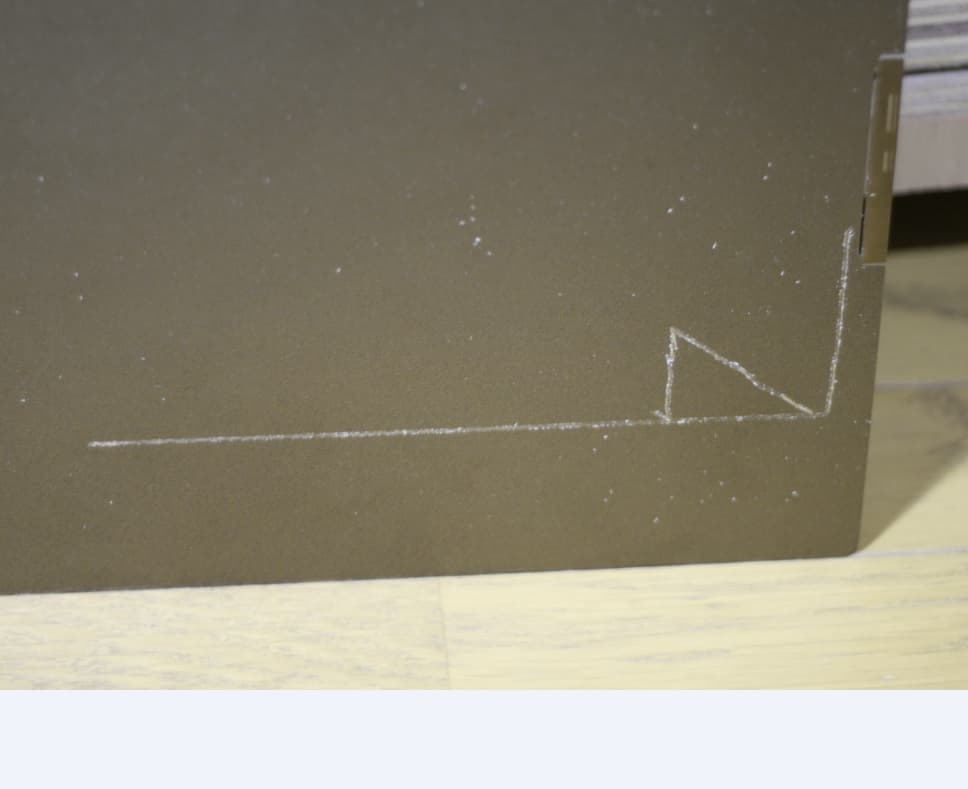
I had the same problem. It was resolved by downgrade firmware to 1.1.0.38. But then I found solution by editing config on newer firmwares:
I compared configs. Problem with leveling was in gcode_macro.cfg in “[gcode_macro G29]“
Old (which works):
  SET_ADJUSTMENTS_FLAG VALUE=1

  G28 Z
  BED_MESH_CLEAR
  Z_TILT_ADJUST
  SET_PIN PIN=fan0 VALUE=127
  M109 S45
  SET_PIN PIN=fan0 VALUE=0
  ZDOWN_SWITCH ENABLE=0
  G28 Z

  SET_ADJUSTMENTS_FLAG VALUE=0
New (with bad offset):
  SET_ADJUSTMENTS_FLAG VALUE=1

  G28 Z
  BED_MESH_CLEAR
  Z_TILT_ADJUST

  SET_ADJUSTMENTS_FLAG VALUE=0
It seems to me, that problem was because of absent: ZDOWN_SWITCH ENABLE=0 and G28 Z.
All way of my research I described here: Z offset not saving - #17 by IgorA