December 2025 I bought my Otter Lite with Lite Bridge.
Nice product.
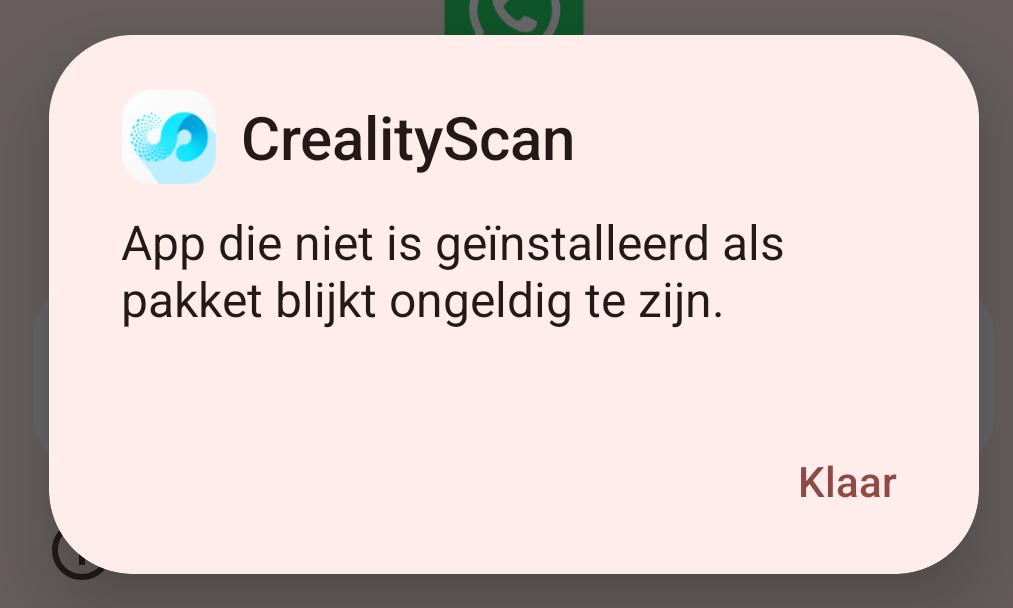
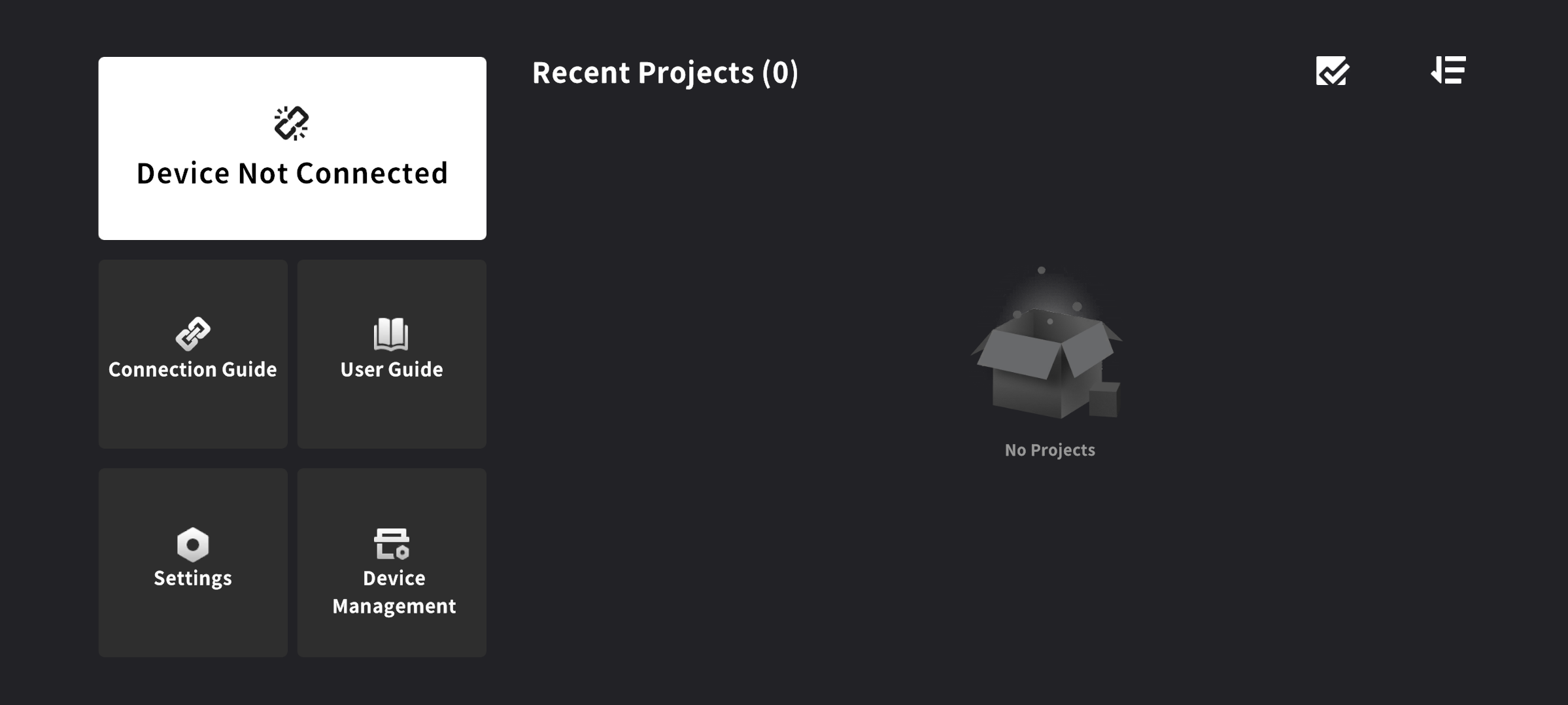
However, after (successfully) installing new firmware and software, I encounter a problem: in Android app I keep seeing:
Device Not Connected
Until recently I used the Otter lite with both WiFi and USB cable connected to Android phone or Windows 11 computer. All 4 combinations worked properly.
Now, unfortunately, it does not work so great anymore. To be sure I Downloaded and installed all newest firmware and software.
What does still work:
Otter Lite connected with USB to computer
Otter Lite Bridge connected to Windows 11 computer via WiFi (i had to create a WiFi Password)
Both phones can connect to the bridge hotspot (with password). Both phones get a valid IP adressen. When using browser to go to the IP of the bridge, I get a login screen (username root, password I don’t know) so most definitely the phones can connect to the bridge
So, WiFi in Bridge still works
What does not work anymore:
Connecting to Android phones with USB cable, but that is done by creality to prevent battery damage on the phones, so no issue here.
But I can’t use my phones to scan while connected wireless to the bridge.
Both phones did work with the bridge before, so it should work
One phone has a SIM card for my provider. Used airplane mode as suggested here and there to prevent having mixed up communication.
Other phone isn’t used for calling anymore and has no way to connect to a provider.
Both phones have access to camera, mic and location. So also all okay here
Forced stopped the app, Cleared cache, cleared memory and uninstalled the app. Reboot, installatie app again… no luck
One other thing:
Blue light goes green (as it should) when connected to the computer but keeps flashing blue when connected to either Android phone
Computer:
Windows 11 with Creality scan 4.2.2
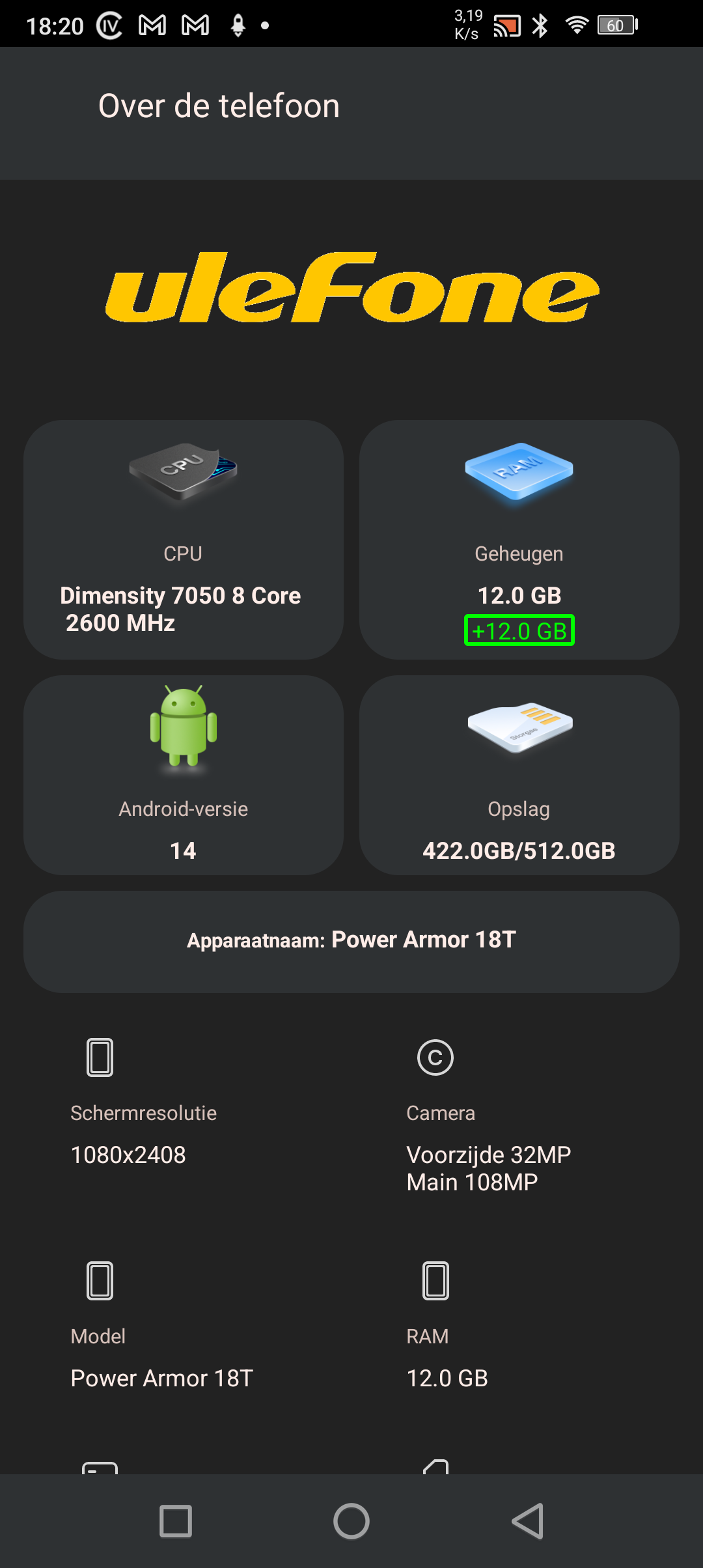
Android 15 and 14 with Creality scan 3.0.2 12GB RAM each
Otter Lite with firmware 1.2.5
Otter Lite Bridge with firmware 1.1.3
Please help