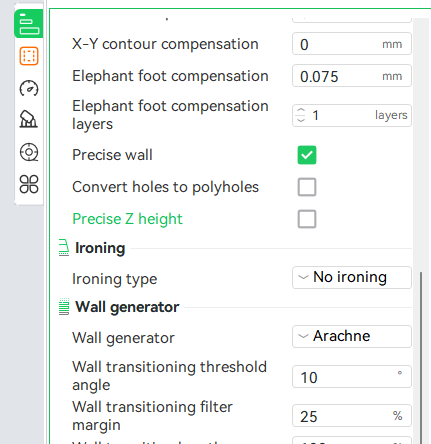
I tried to make some fuzzy skin samples, but no fuzzy skin. I’m not sure where I went wrong. The .3MF is attached. The print had 3 objects with different types of fuzzy skin. Can you only have one type? There is one comment in the roll-over help I did not fine, it said:
Arachne?!?! what is that? I’m sure it is a a setting somewhere, but I’ve never run across it.
@LoriAnneBrown The Arachne tip helped with cleaner text, but I’m still having trouble with painted fuzzy skin.
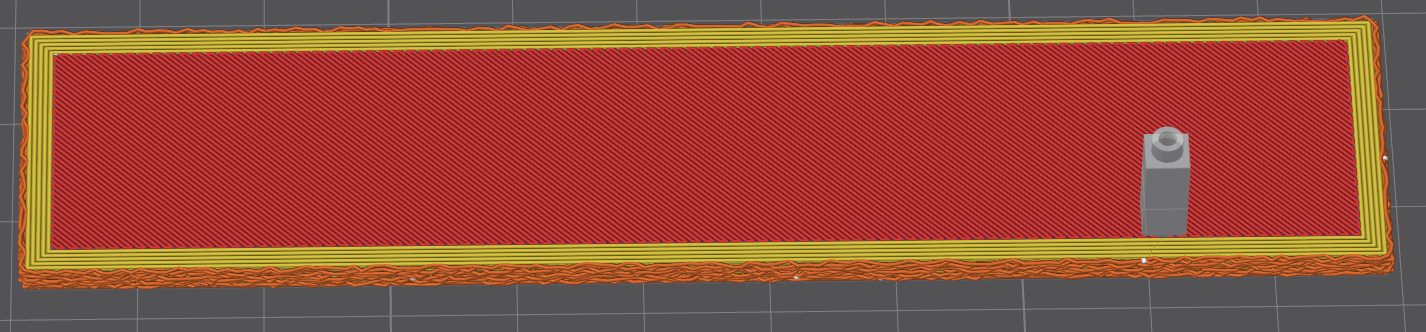
I’m still missing something. I’ve painted an area for a fuzzy skin test:
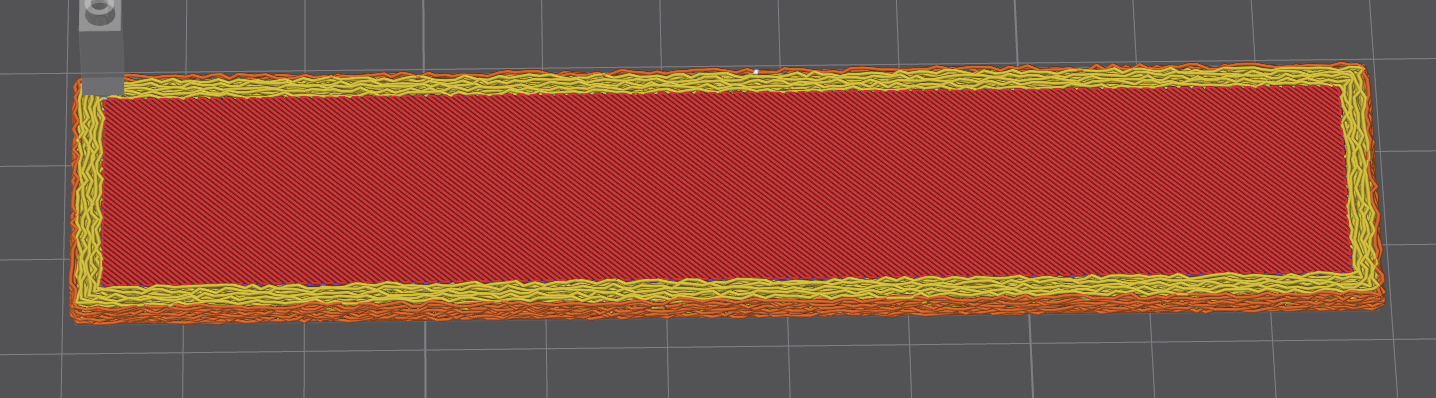
I’ve been trying out different settings. “All walls” gives an interesting result. It almost appears that Creality paint does not consider the top to be a wall. Could that be it? and if so, why does it affect areas outside the fuzzy wall paint?
Apparently if you paint a non-wall (even a top surface), it spreads everywhere. Strangely, is spread everywhere when I used it on a sphere. Right now I’m just trying to do a section of a plate, so the sphere issue will have to wait for another day.