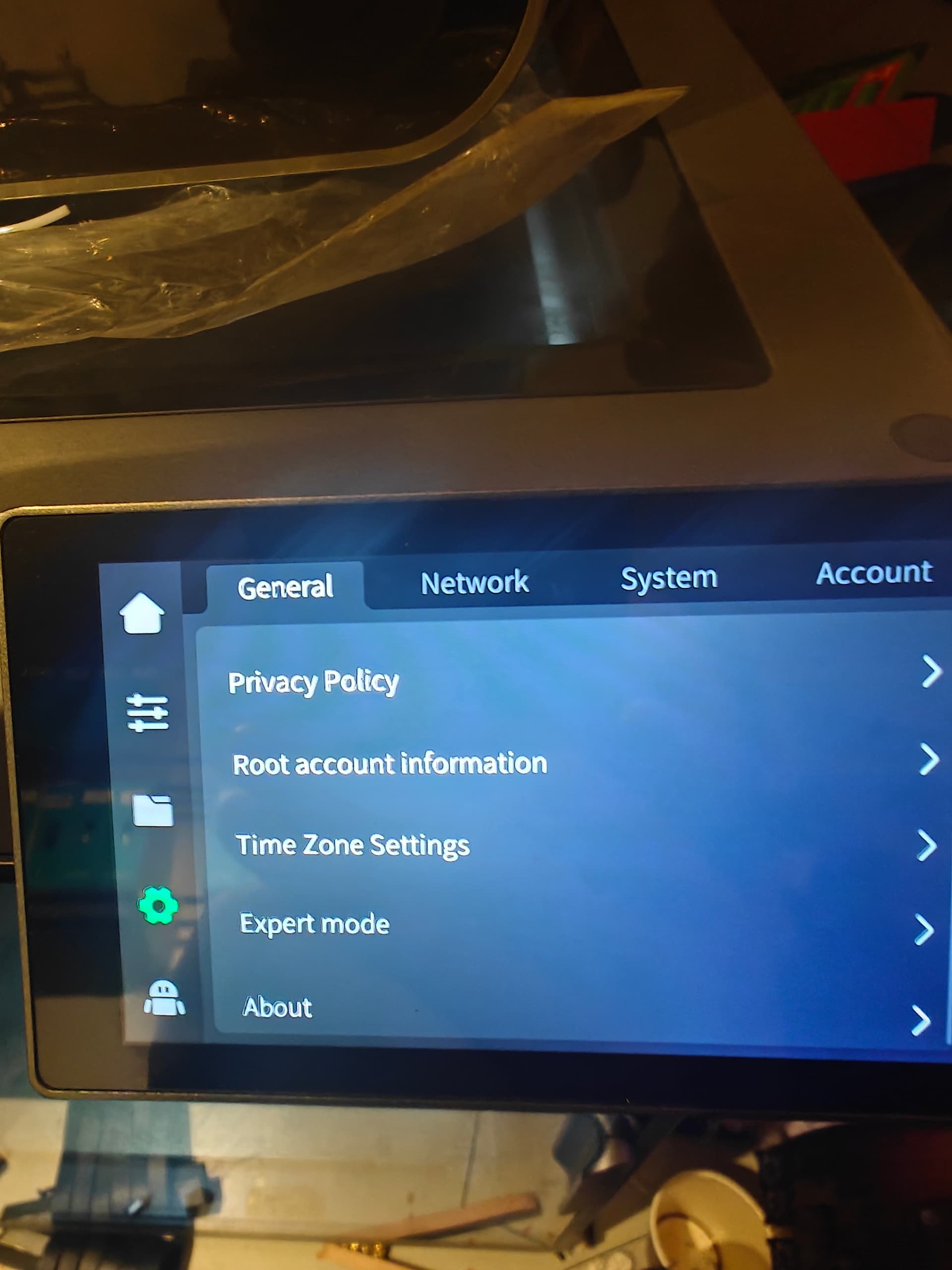
I’m getting lots of system errors (XS2060) and one Creality Wiki suggestion is to look at the printer’s log files and see what the error previous to the system errors was and attempt to fix that.
Have downloaded the logs onto a USB but they are PW protected ! anyone know the PW?
Have you checked the strain gauge kabel, its the one on top of te the extruder.
I had the error a couple of times it was most of the time when i deleted the bedmesh in fluid then start a new print. At the time i changed the workflow, delete the bedmesh, then in fluid i did a new bedmesh, then starting a print. Dont know this info wil help you in anyway with your problem. I dont need this anymore, i think the have fixed most of the petg problems i had in the firmware.
OK I got the Password via the printer (creality_2024) but it won’t open the log file I downloaded on the USB
I’ve logged into the printer using ssh - cant see any logs. are they buried somewhere further in?
OK I think I found the logs in /mnt/UDISK/creality/userdata/log
dozens of Mb size log files - now it turns into a “needle in hay stack” problems.
My chances of finding any printer error before the system errors in this lot are zilch. I’ll have to run the printer until it generates a printer error and then wait for the next system error - trouble is I haven’t had a printer error for many weeks - maybe months.
It’s a bit silly that we have to jump through hoops to see our own logs! Try q! ew5rN7@U2s7;L—that’s the one that worked for me on the latest K1/K2 firmware. If that doesn’t work, try 0755cxsw$888.