3 day old printer, keeps jamming in extruder when printing PLA+. It’s jammed on 3 different filaments. Has absolutely no issues printing PETG. Printed off the Creality cloud.
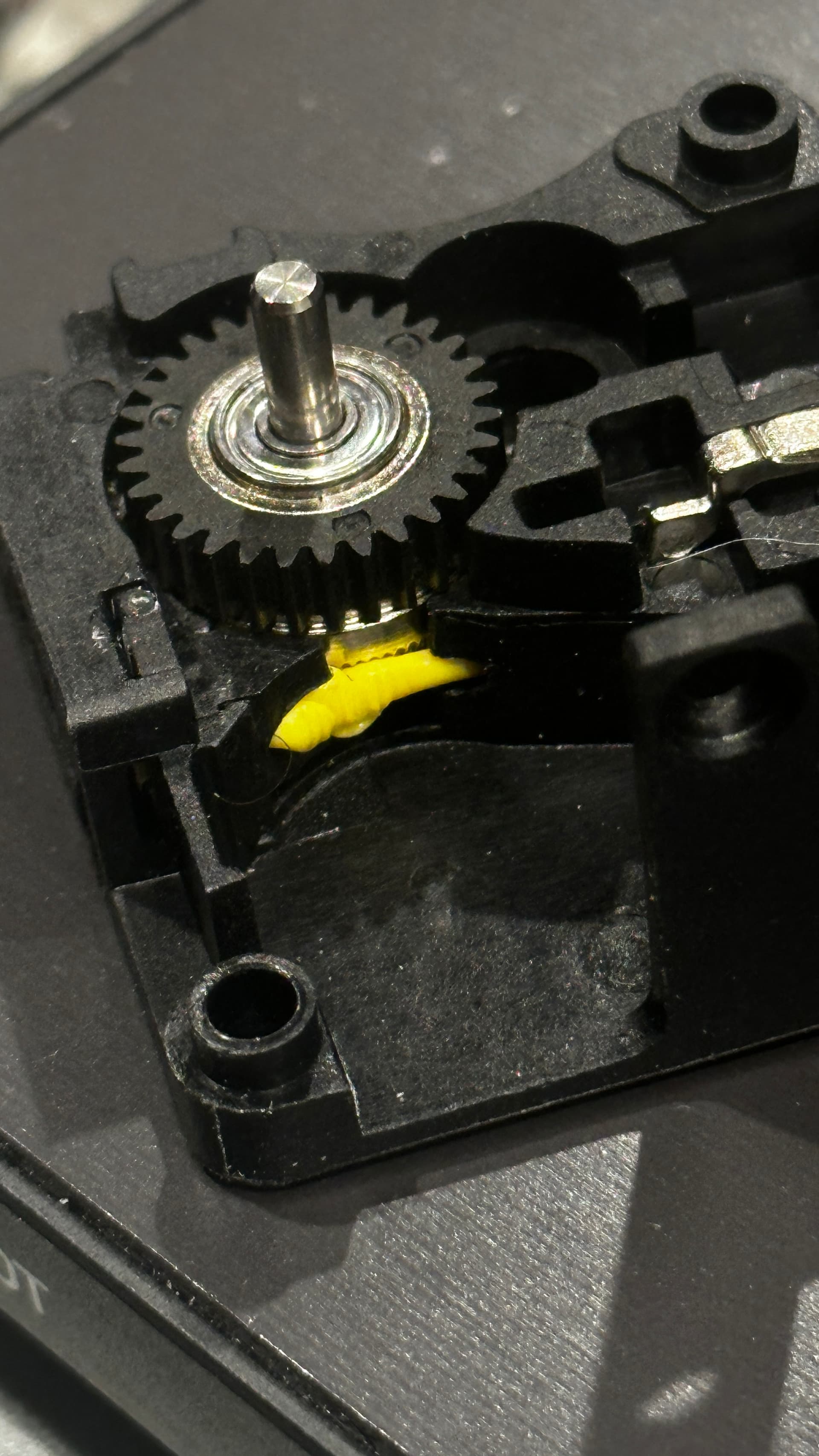
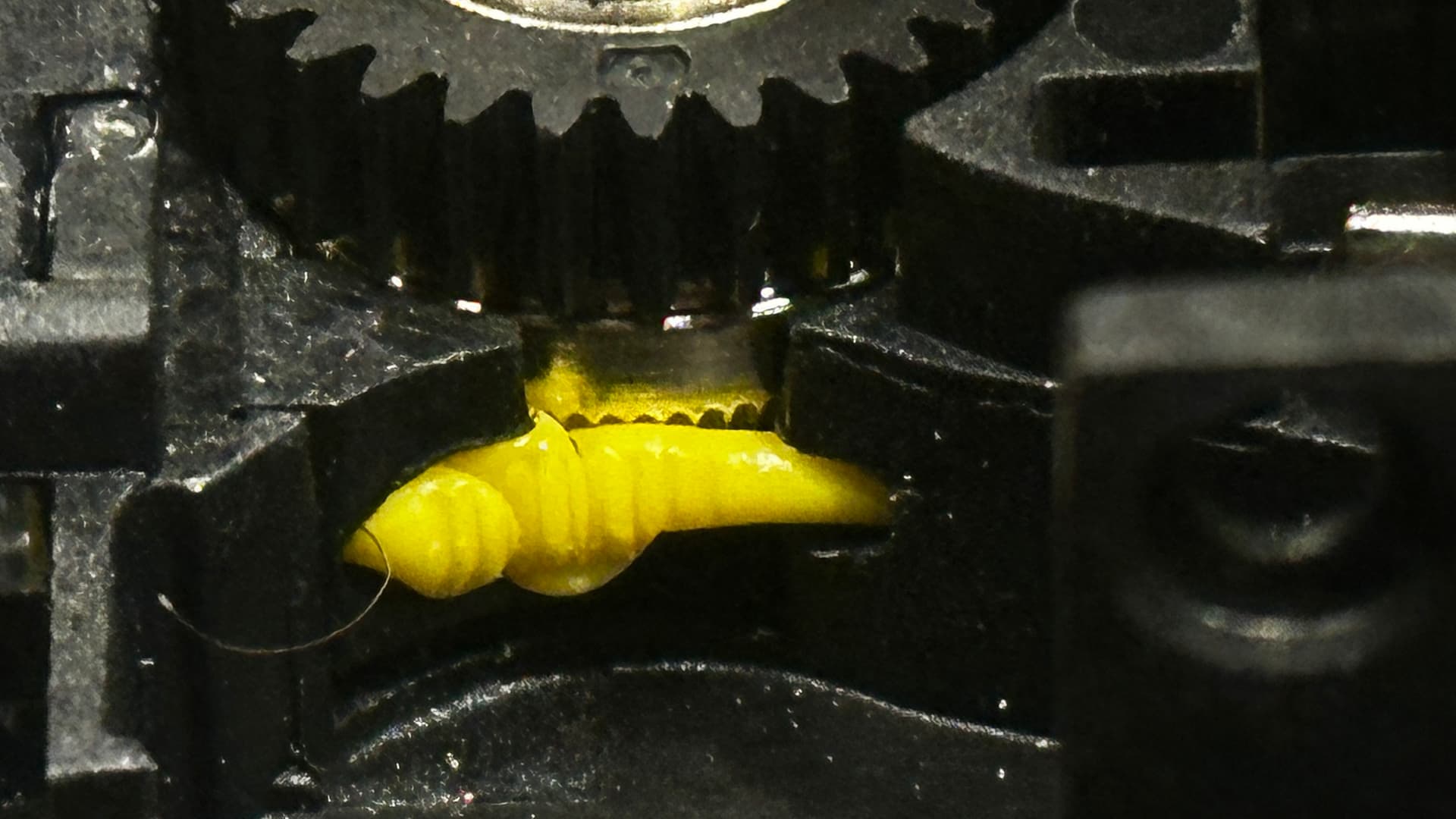
I have had all manor of jams myself and lots of heartache resolving the issue. I think in many cases the problem stems from the fact that when a print is finished the filament is cut before retracting. This leaves a length of filament to cool in the nozzle. This slug needs to be pushed through by the next filament which may have a lower print temp and therefore buckles in the extruder before it can budge the slug of old filament. This then causes the extruder gears to grind a scallop in the filament and therefore no grip and no push.
On my Ender 3 V3 and previous machines to change filament required retracting the old filament first and this was a pulling back process rather than a pushing process and could be aided by unlocking the extruder gears and applying a bit of manual pulling force.
Obviously pulling back is more desirable than pushing.
If you are using the spool then you can retract when finished but if using the CFS you are stuck with the cut off before the filament is drawn back to the CFS enclosure.
I have found this to be more problematic when swapping filaments eg PLA, PETG ABS etc
One trick I have learnt recently Is to remove the nozzle and grab the tail of filament hanging out then manually turn the extruder via the the Creality green arrow knob on print head assembly..
Hope this may be of some help. Sometimes these machines just sing and all is well in the world until the next time they don’t sing LOL
1 Like
Garry I think you’re on to something! So watched it happen, it looks like it’s heat creep. I’m using the CFS, and the hotend temps goes up to 250c in between changes. Well I think that might be a little too hot and the PLA doesn’t like that. Any idea where to change the change over temp???
If you are using creality print slicing software you should be able to click the drop down arrow on your filament type (top right) and then at the pencil icon at the end of that list to edit the settings for that particular filaments settings.
I have found it best for me to stick to all one type of filament in a print (usually PLA hyper) and all the same brand if possible.
If it is heat creep as you suspect you might need to check the heat sink fan is running.
I’m using regular Any-cubic PLA+. I checked the settings, it just lets me edit the min and max temps, not flush temps. I just order Creality hyper, hope that solves the issue. The fan is on and runs fine.
Google “How to edit flush temps on Creality Hi combo”