Is there a way to “float” an stl file off the plate? I have an stl of a statue, and I want to place it on a base which is another stl file. I have created the base separately and I want the statue to start printing on the top of the base. So, if the base is 10mm thick, I want to move the statue off the plate by 10 mm so the feet are on the base, not buried 10mm deep?
Assemble both parts (right click then assemble) and then move up the statue by 10mm
How do I isolate the statue and only move it up. I Assembled the 2 parts, and they became 1. When I move it up, both go up, then snap back.
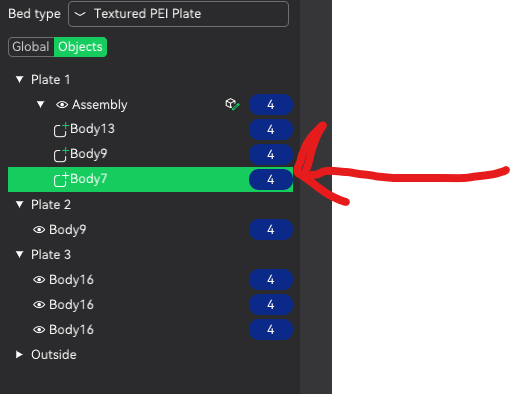
Found this looking to do the same thing. I finally figured out a simple way to get what I wanted. I have a dragon bust I wanted mounted on a shield but when I centered the bust on the shield it sank into it and stayed that way when assembled. My solution was to sink the shield as far as it would go below the build plane and placed the bust above it then assembled. That done, the shield rose to be flat on the build plane with the bust assembled on it. Printing now . . .