Hi All,
I am running a cold plate on my printer which suggests the build plate temp should be around 35 degrees. When the printer is doing the calibration or pre-print routines, it heats the bed up to 50 degrees before waiting to print when it hits 35 again. Is there a way to disable this as I am sure that it is majorly impacting my first layer due to the heat on the plate and how reliable the bed levelling is?
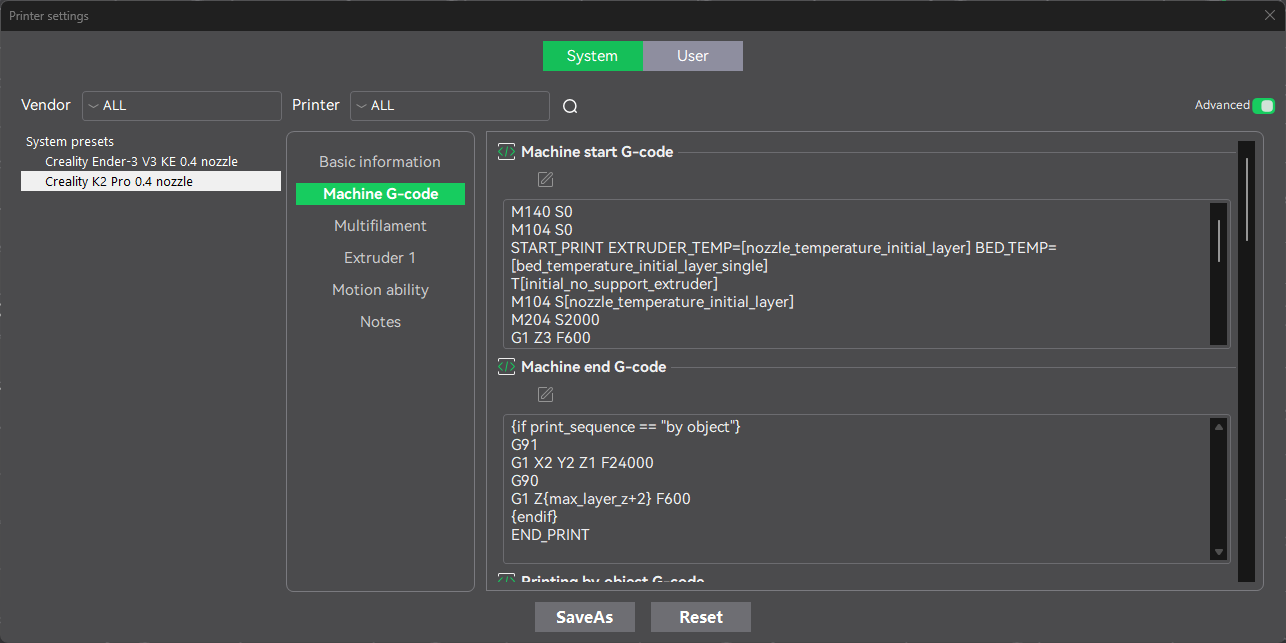
Hi! I didn’t try manipulating pre-heating but it should be hidden in the Machine G-code settings:
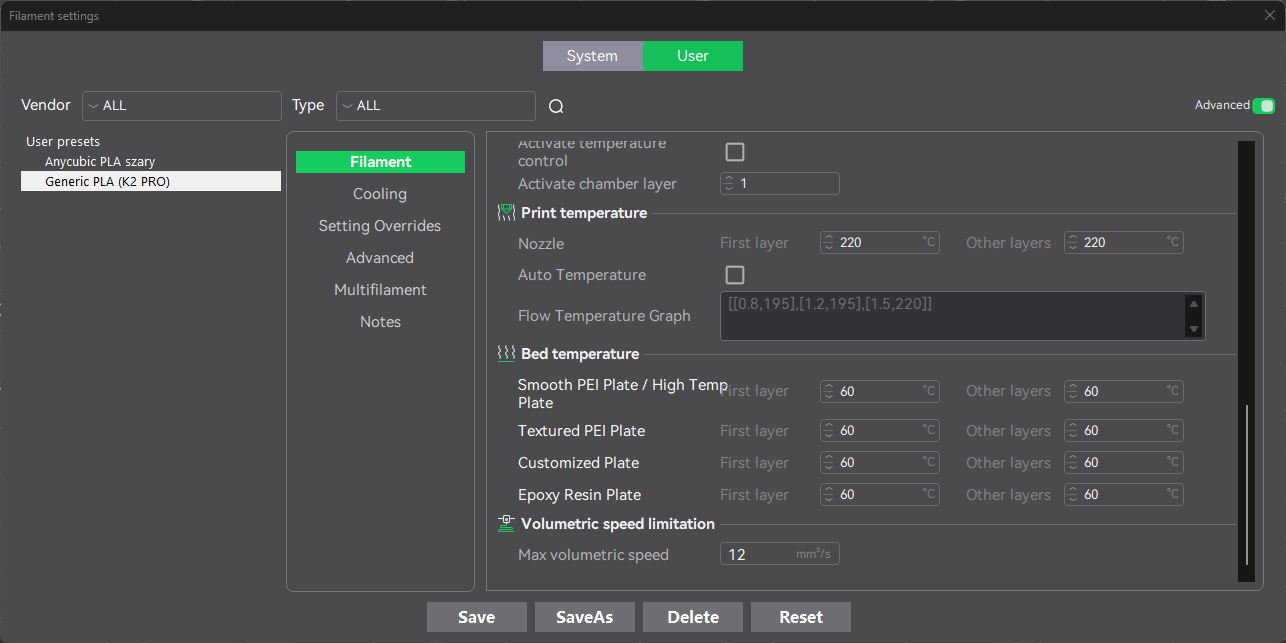
Please check if you have set good temperature in the filament settings also:
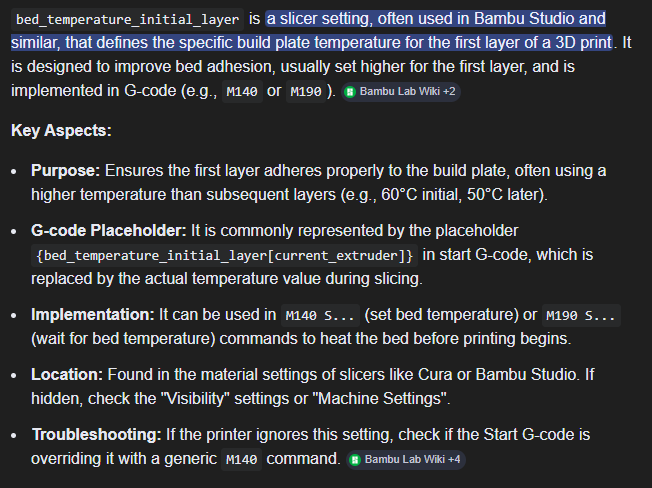
Printer can pre-heat the bed to check if the heating module works properly. I hope it will give a clue for you. I am not a gcode specialist, but as I searched it can be M140 command in my example - you can set your own temperature after the command. More information that I found in the Google:
And here you have also similar question from UltiMaker forum Build Plate Temperature Initial Layer is ignored · Issue #17233 · Ultimaker/Cura
Let me know if it works for you 
1 Like