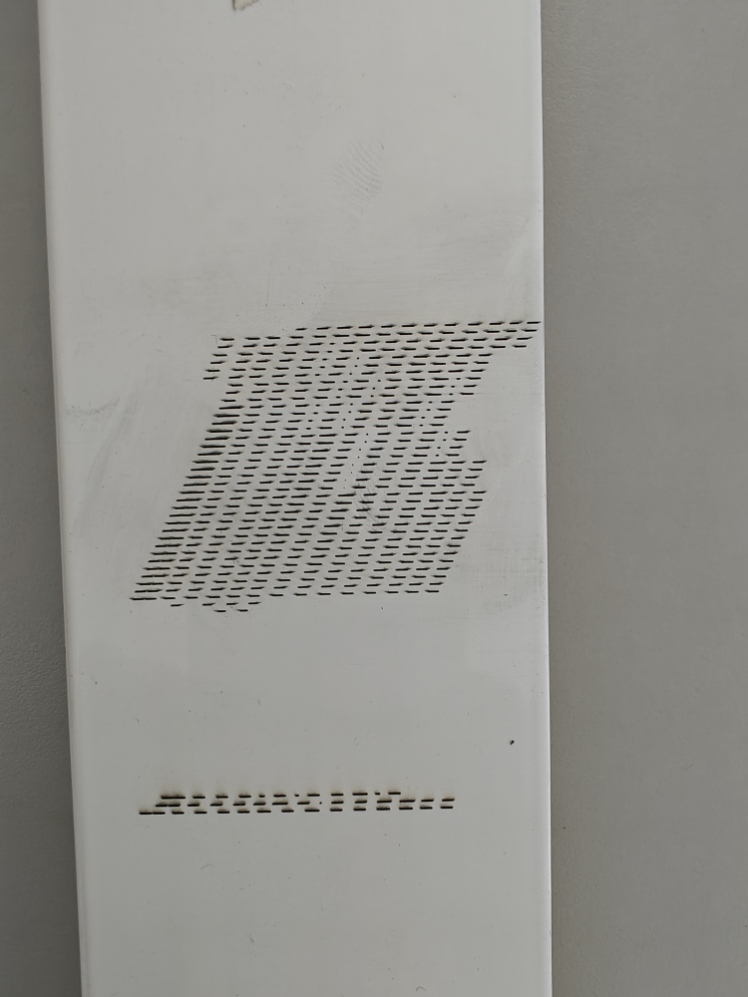
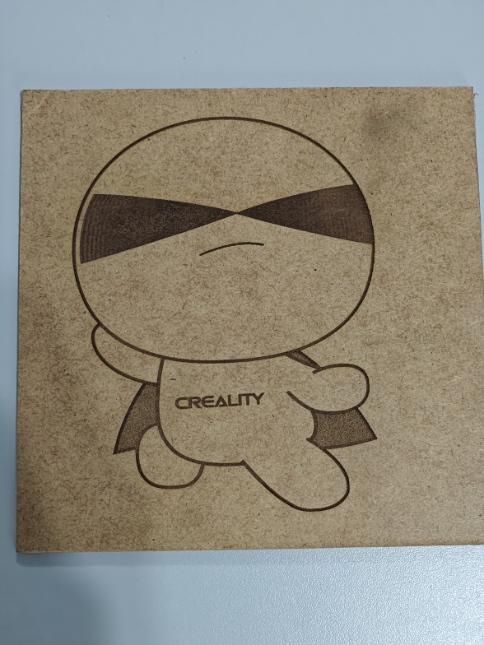
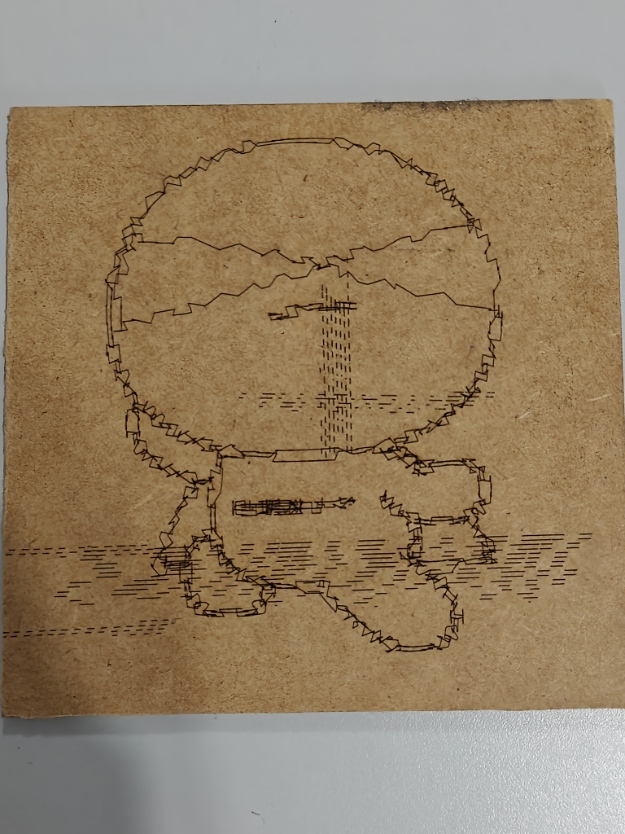
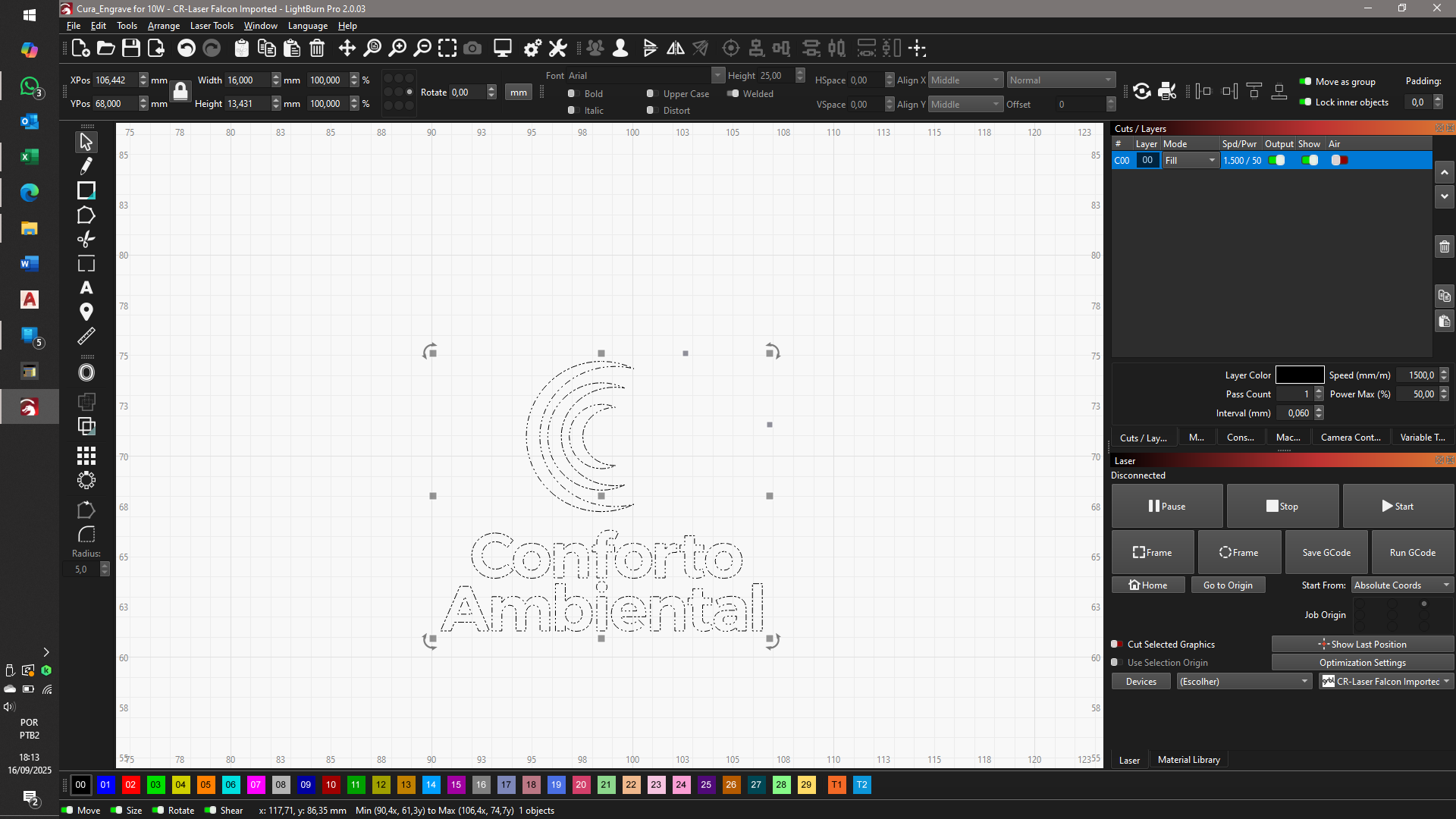
Hello. Just got a Laser Falcon 10w and I´m trying to create a gcode on Lightburn from an svg file. The preview runs just fine but when trying to “print” it just got a bunch of lines (photo 1), it even goes beyond the frame preview. I tried the sample gcode that came with the sd card and everything goes smoothly (photo 2) and than i took the sample image, converted to trace, generated a gcode file and came out like this (photo 3) ignore a couple of things that I tested earlier but you got the picture. Already tried the firmware update but I think it is in the last one already.
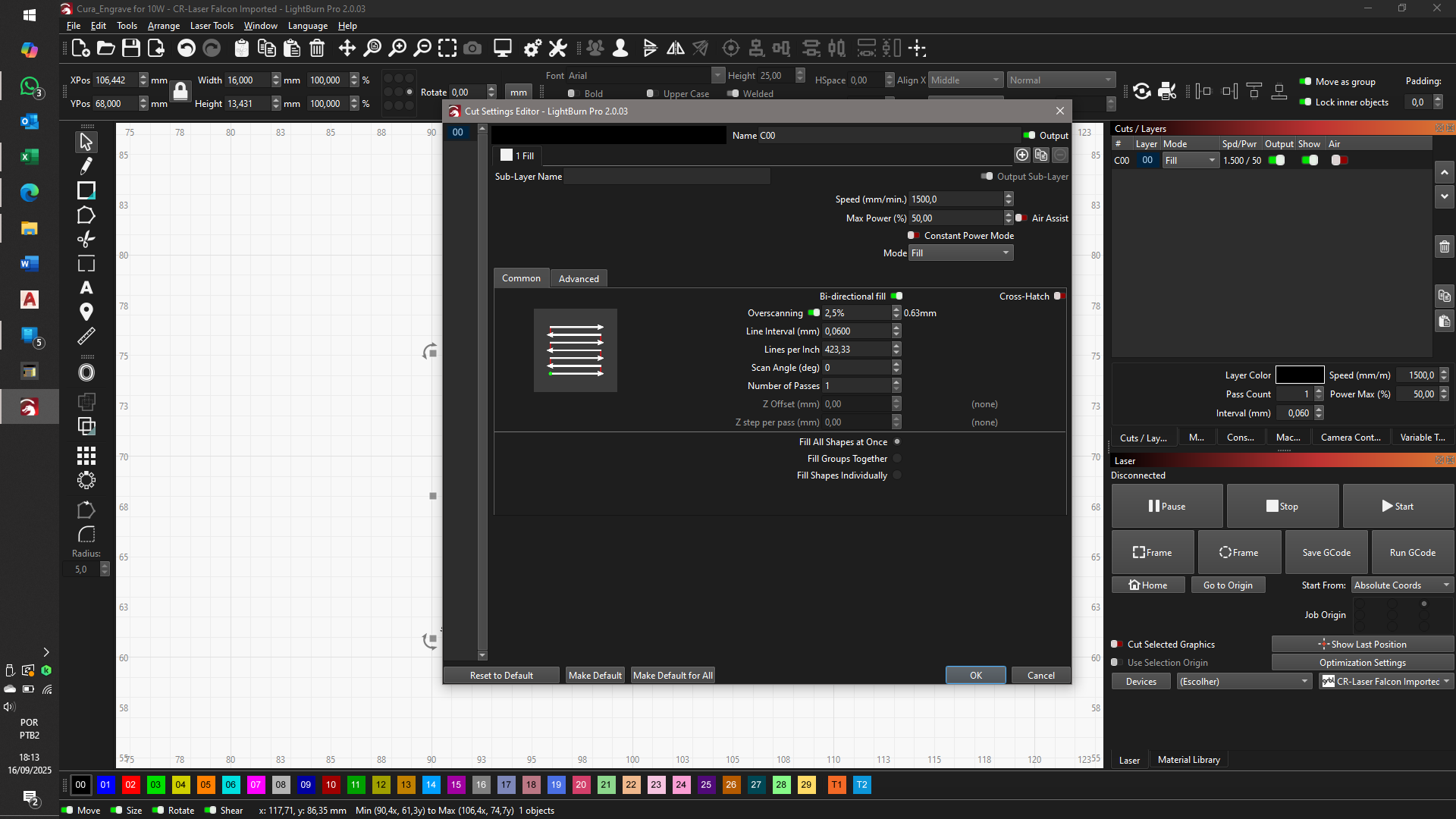
In the photo 1 the image I´m trying to create is 16mm wide by ±10mm high (photo 4), and the settings are these (photo 5), I´m trying to engrave in painted aluminum but I think it doesn´t really matter right now. I also tried to convert to bitmap and different sizes in both formats and different speeds and lines per inch (not sure if it is the right therm).Am I doing something wrong or is just something broken?
Thanks mate, appreciate you trying to help me, double checked everything and all ok, the movement is smooth throughout the entire range (at least by hand movement) so the wheels seems fine too. I tend to think is a software problem since from the moment I assembled it, the sample gcode worked fine hence photo 2 and none of the gcodes that I generated worked out. I did one new test witch consisted in a 100mm square with 25mm divisions (4x4 25mm squares totalizing 16) drawed inside the Lightburn using lines and square. The lines 0, 50 and 100 were perfect both horizontal and vertical, but the 25 and 75 were exactly 2mm shy, 23 and 73 but perfectly 50mm apart (same in horizontal and vertical as well), redone the test with different power and speed with the same results, even redrawing and generating a completely different path doesn´t make a difference.
I’ll keep doing different tests and I hope this give you guys some insight. Thanks in advance!
Final report, it was the software mate, just uninstalled everything and clean the program files folder and registry, downloaded from another source and everything is running smoothly. Thank you for the help mate, all things aside still learned a lot!