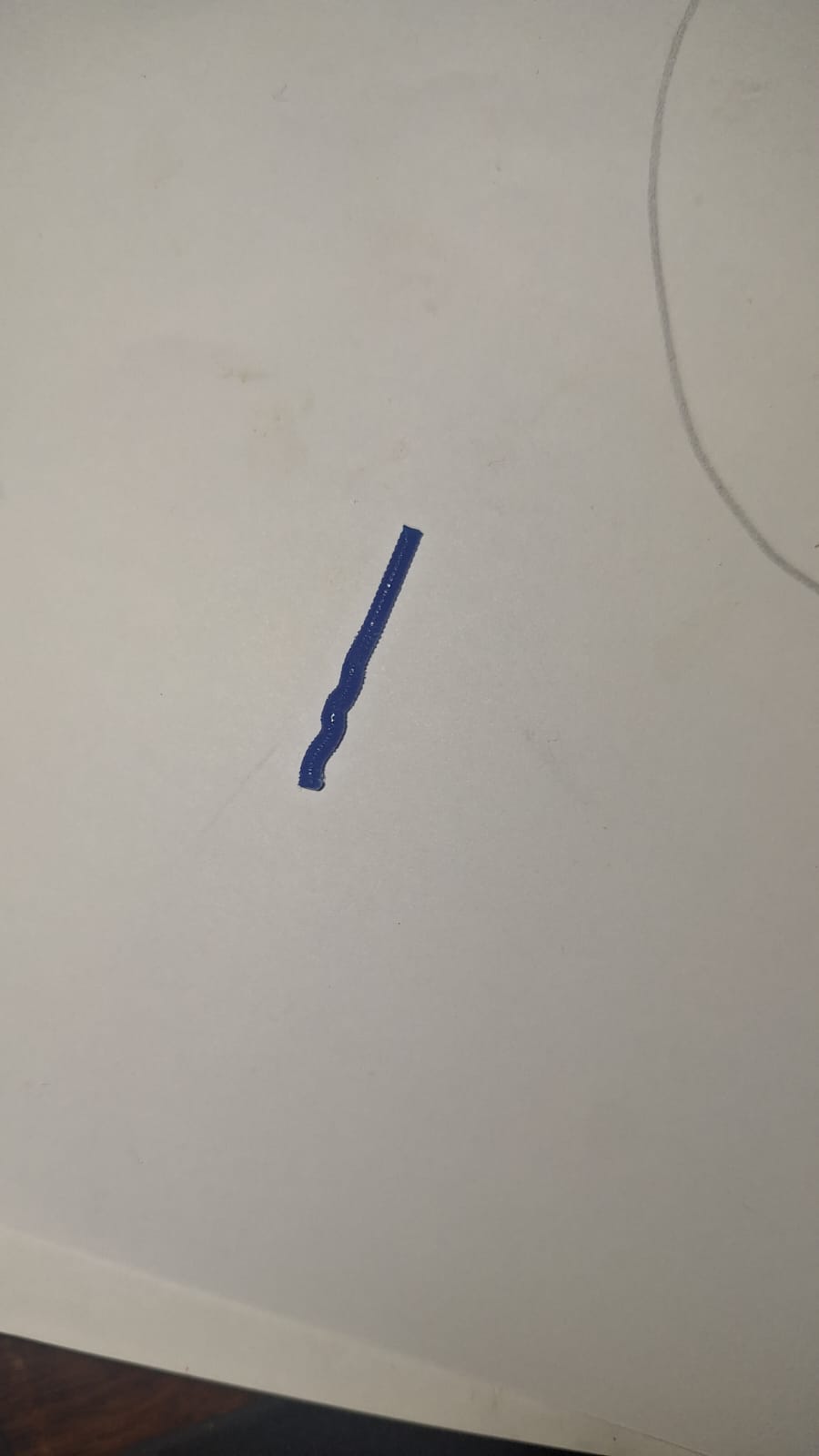
Hello, I have a problem with my Creality Hi Combo. I want to print some small keychains, but I’m having issues with the extruder where the filament enters the nozzle. I’m experiencing jams, and I’m not sure what’s causing them. It’s not that the nozzle is clogged; I feel it’s due to the retraction. I should mention that I changed the nozzle from 0.4mm to 0.2mm, and I’m using a preset profile from the Creality Print software. I’ll attach a photo as evidence of the problem, and I would greatly appreciate any help. I’m a complete beginner with 3D printers and would really like to resolve this issue. Thank you for your time.
I have seen this a few times as well using PETG. I have seen some suggestions that it is related to retraction.
Some troubleshooting ideas.
First to try - clean the nozzle. there may be some build up in the nozzle but not enough to keep from printing. This would include doing a cold pull.
Make sure filament is dry.
reduce retraction - PETG can cause blockages if too far and too fast retraction. Maybe reduce retraction speed (25 to 35mm). See settings under Extruder in you Printer Settings.
Correct temperature (too low-hard to extrude; too high-oozing)
Try other filament brands. Make sure the filament is tuned (temp, flow rate, pressure advance, max flow rate).
All these steps are available from the printer menus. Note: you should do this with the PTFE tube out so you can grab the filament in step 4.
Heat the nozzle to 220C (250C if for PETG or PLA-Nylon).
Extrude filament thru nozzle (white is best for last step).
Change temp of nozzle to 95C
Grab filament firmly and pull out. You should hold the extruder lever back while doing this (right next to where the PTFE tube goes in). The idea is to have the filament plyable but warm enough to pull. It is meant to bring other filament artifacts with it.
Check the filament for debris and repeat till filament comes out clean.
Note I don’t think that is the problem if this is PETG (probably retraction setting). If TPU, you really should slow the speed down by a lot.