I have a falcon a1 10w and trying to use the Rotary Kit pro with no luck. I have set the focus. I am using the extension cable, I have set the diameter. I tried a logo and just simple letters. All I get is little lines. I know that I must be going something wrong. I am using the falcon design space software. I have set it for Rotary Processing “Chuck kit”. What am I doing wrong. I thought this would be simple.
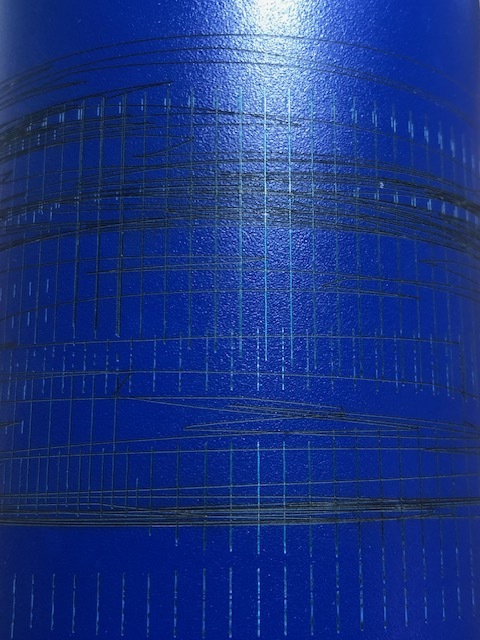
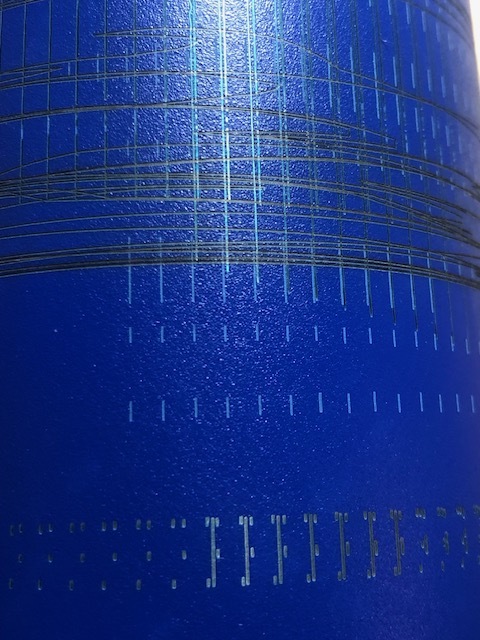
After days of frustration and disappointments, I now can use the rotary kit pro. After help from support, the issue was me entering the diameter as inches and not MM. The labels in the Design Space program are so light that I have trouble reading them. I was practicing using a tumbler and was entering 2.86” (inch) as the diameter went it should have been 72.64mm, all because the label “Rotation Setting-mm is extremely light on my computer, I did not see mm. This will not change if you go to settings and set to inches or set to mm, it will always be in MM.
1 Like