Hi ,
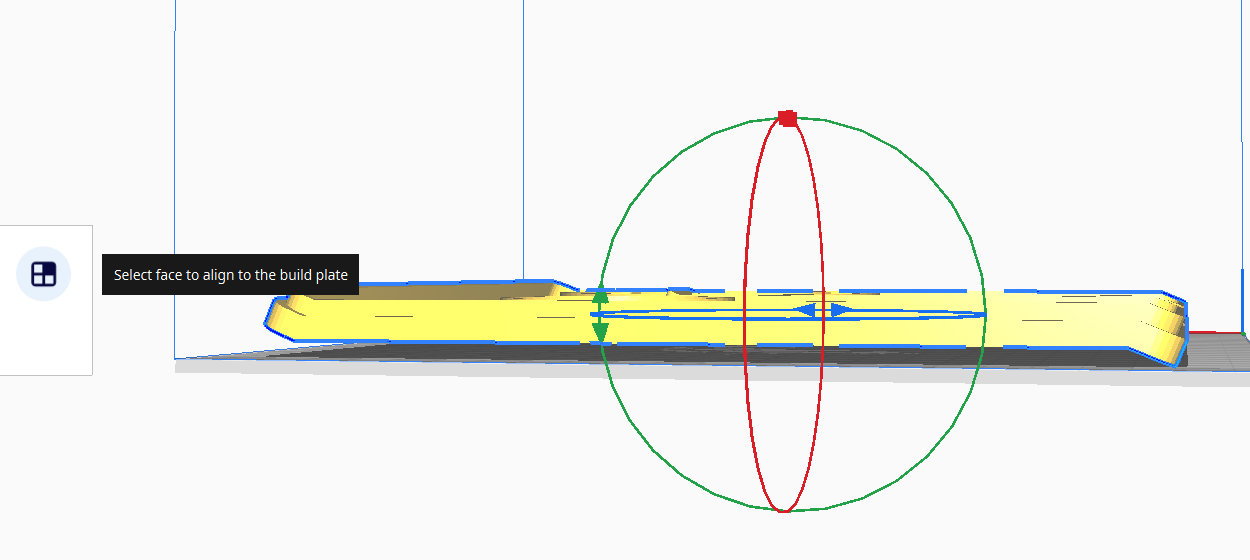
I am not able to find Select face to align to the build plate option in CrealityPrint_7.0.1.4212_Release.

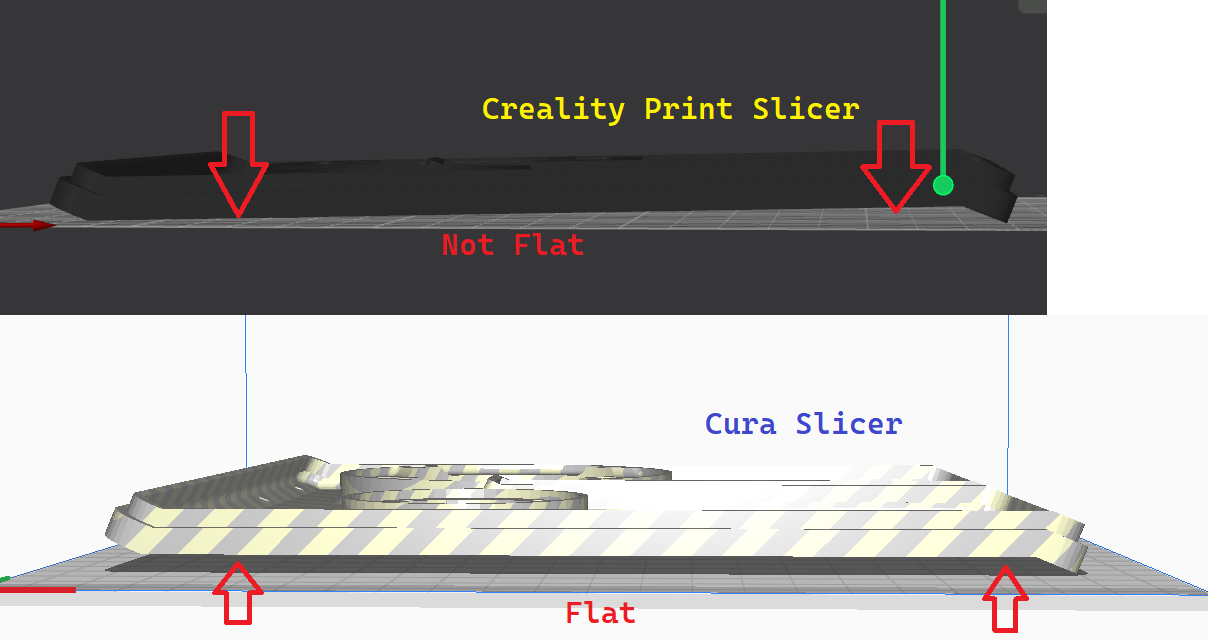
In Cura slicer same feature:-
Hi ,
I am not able to find Select face to align to the build plate option in CrealityPrint_7.0.1.4212_Release.
In Cura slicer same feature:-
Hello @FAIZ_HABEEB 
Welcome to the Creality Forum…! 
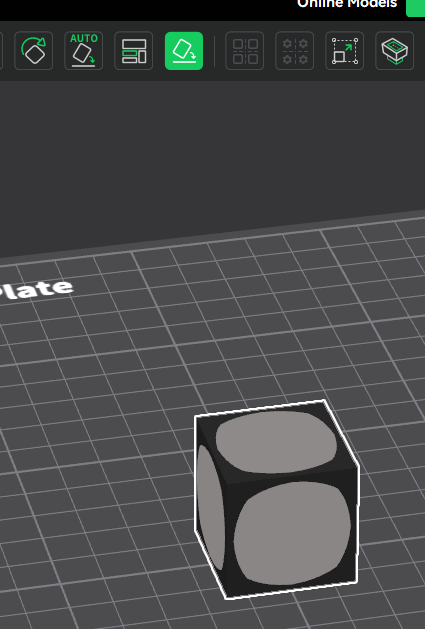
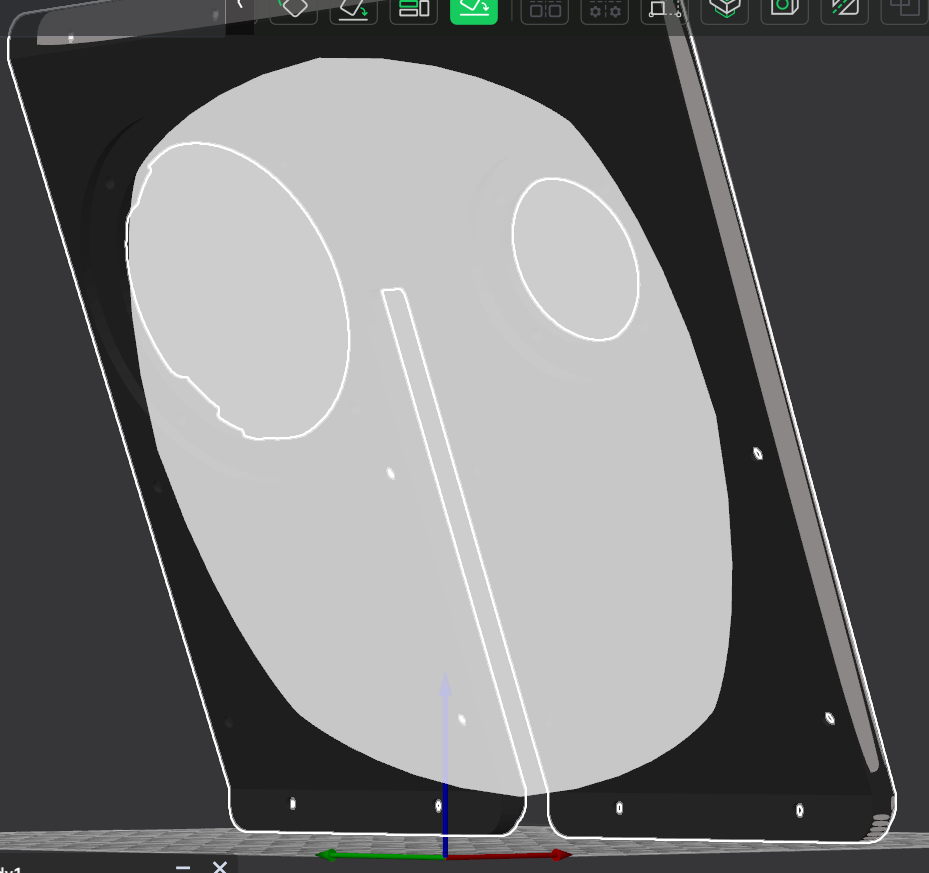
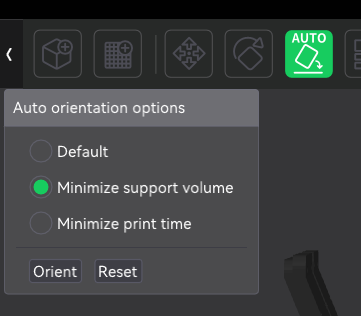
Is this the one you are asking about? It automatically puts the side you choose down towards the build plate:
The one that @FAIZ_HABEEB showed in the photo is the automatic orientation. The one you are showing is the manual one. My experience is that the automatic one works most of the time, but I do occasionally need to use the manual face-align on occasion. The automatic feature is nice, but truth be told, we are still smarter than the machines.
Also, for a support at that kind of angle, I strongly recommend using tree or tree-hybrid supports. The “standard” supports are not going to work well at that angle should you choose to print it like that.
@FAIZ_HABEEB was wanting to know where to find it in Creality Print newest release.
I have seen the select face to align to build plate equivalent in Creality slicer and orca slicer aswell..but still not able to select proper face
Ah, a subtle, but important difference. The Creality slicer only allows you to place a face on the build plate. I’ve never seen a way to make a face align parallel to the build plate unless it was touching the build plate in Creality Print.
Its so bad. There should be a fix for this from Creality
I would contend it is a feature rather than a fix. Creality Print is an open source software. If you have any programming skills, maybe you could take on this one. GitHub - CrealityOfficial/CrealityPrint · GitHub
I dont’ see an issue for it. Perhaps you could add one.