Hi everyone,
I’m using a Creality Raptor Pro and I am generally very satisfied with the device. However, I’ve noticed one thing that I can’t seem to get right: when scanning, sharp edges on my parts often end up rounded off, as if a small radius was added to the edges. The scanner captures an impressive number of points—so many that I doubt this is simply a resolution issue.
I’d also like to mention that when I create the mesh from the point cloud, I make sure that no smoothing is applied during meshing.
Are there any settings, scan strategies, or tips that could help preserve sharp edges as much as possible in the scan result?
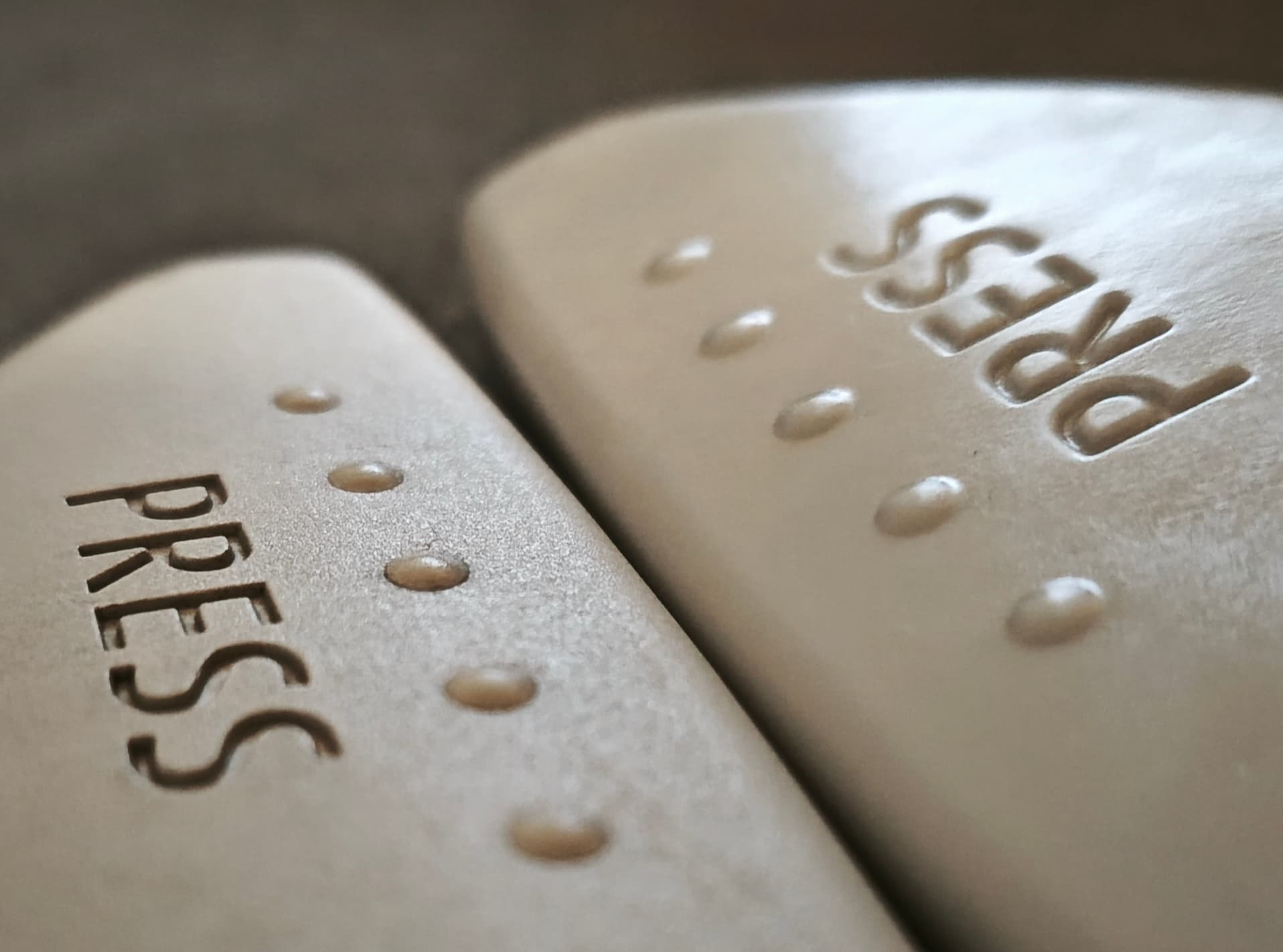
I’ve attached a picture showing the original part on the left and a copy based on the scan on the right, where you can see the edge rounding, especially on the lettering.
Thanks in advance for any advice!