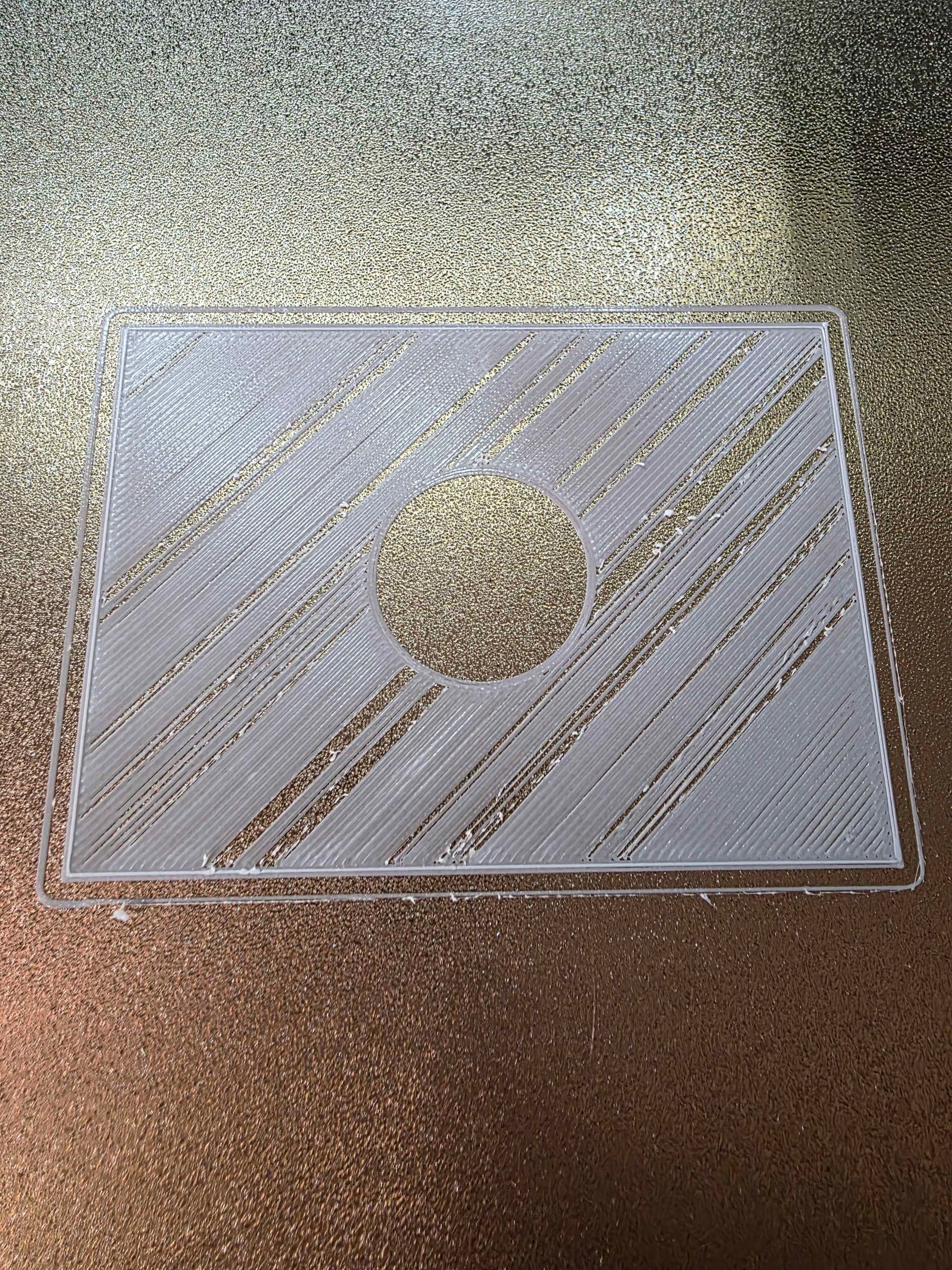
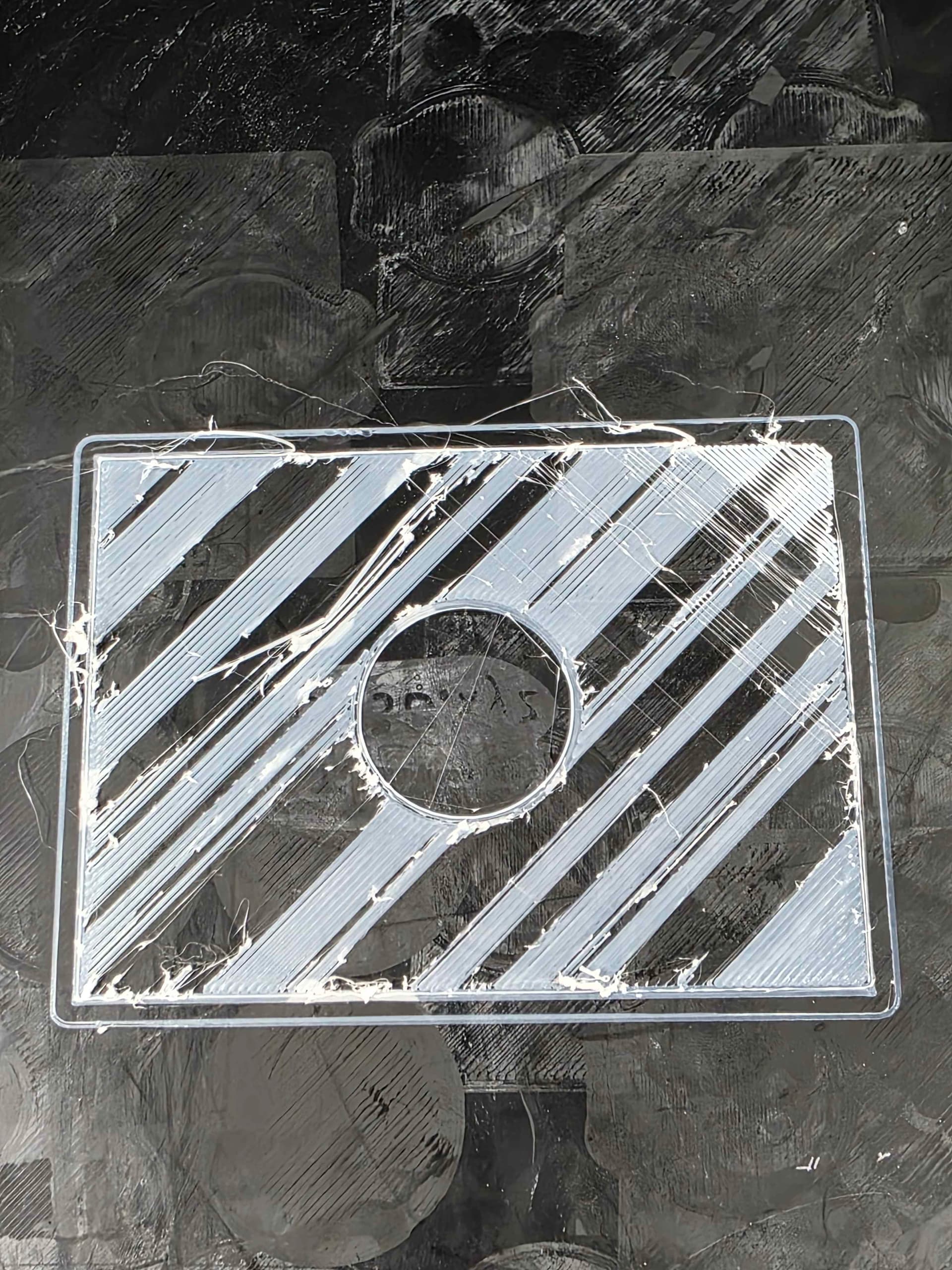
Solution - I ordered a FOURTH stepper motor, because all signs pointed to that. Fourth one worked. I guess the first three were duds. Printing flawlessly now.
As the title says, I have a K1 Max with extrusion problems. I am not new to 3D printing or troubleshooting, but at this point I have replaced and tried everything I can think of. I have been printing with this printer since it came out and I haven’t had an issue until randomly last week. I would really appreciate any help. The only thing ChatGPT suggested to check that I couldn’t figure out is the extrusion motor tension adjustment. I can’t find out how to do that on the K1 Max. There isn’t an adjustment screw that I can find.
Started with the basics:
- Took apart the entire hot assembly. No clogs. Nothing catching.
- Doing a normal extrude test through the settings causing 0 issues and no gaps in what comes out.
- Filament spinning freely.
- PID Tested fine.
- Bed level is good.
- Tried different plates. No change.
- Tried different STL files. Tried the files on my other K1 Max. Not a file issue.
- Adjusted temps from 190c up to 245c. No change.
- Adjusted the flow rate until it maxed out. No change. (adjusted through the slicer and on the run)
- Checked firmware updates. Slicer settings.
- Tried different brands of filament.
- Filament measuring within the 1.75mm.
- Adjusted Z-axis during the print to see if that did anything.
Started replacing parts:
-
Replaced the stepper motor twice with brand new OEM replacements.
Replaced the hot end / nozzle with Creality OEM parts. Also tried different size nozzles.
-
Took the stepper motor, heat sink, and hot end off the other K1 Max since I know it works.
-
Factory reset the printer.