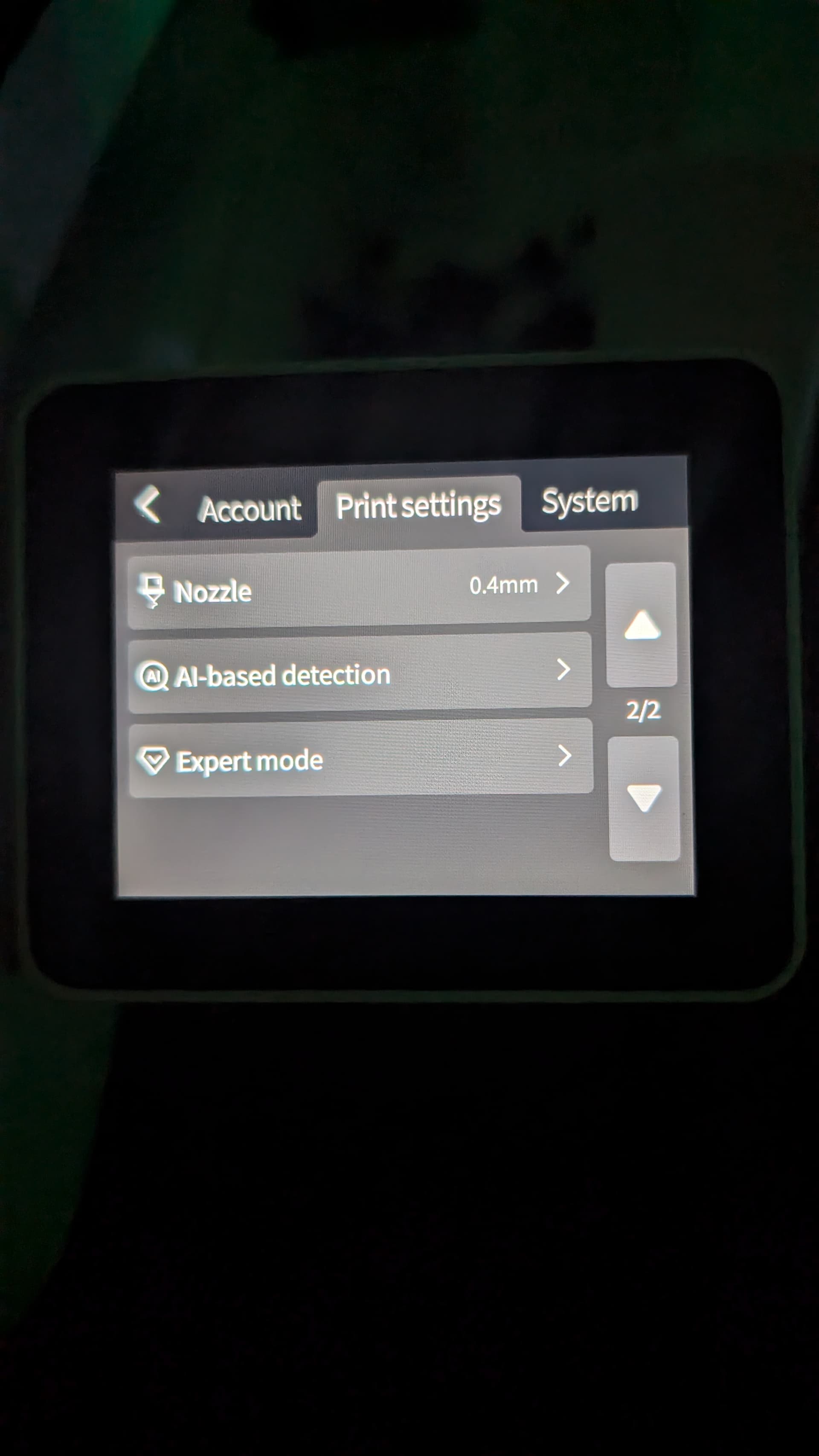
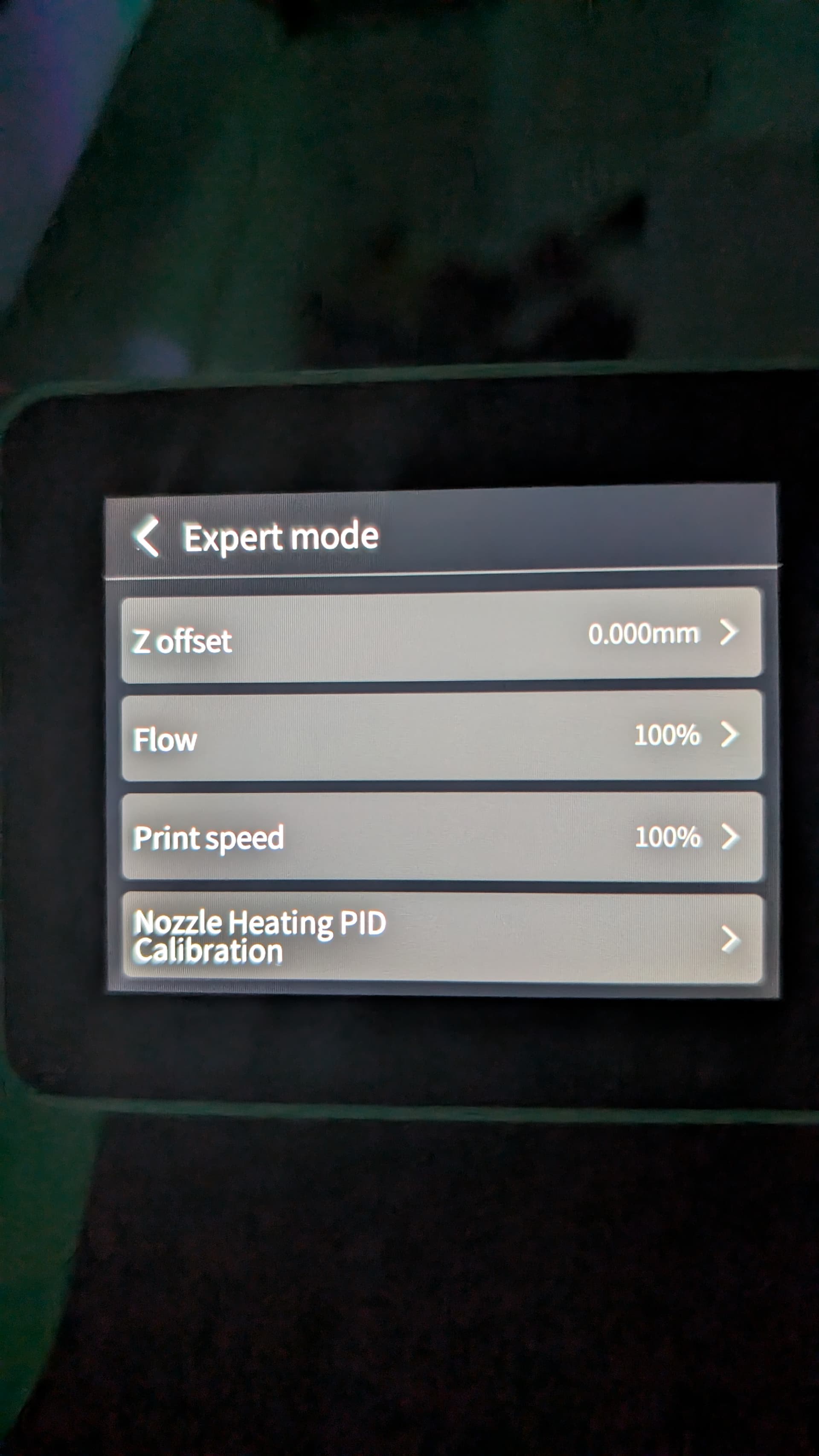
Just got my Sparkx i7 and I’m enjoying the experience so far, however, I’ve only been successful with two (out of six) prints due to poor bed adhesion. I’ve cleaned the PEI plate thoroughly with alcohol as well as soap and water. On my Ender 3v3se I can manually adjust the z offset to get a better squish on the first layer…but I can’t find how to do that on the Sparkx model. Any advice would be appreciated!
Mine prints perfect first layers.
Have you re-run the calibration after firmware updates? Generally try to run it again. Is anything loose? Like when you wiggle on the print bed and the nozzle a bit?
Z-offset is in the expert settings (temporary setting) and you can also set it for the device in the printer profile in Creality Print. But it should be able to print good first layers out of the box.
2 Likes
Thanks for the response. I actually flipped the plate over and found it laid down a perfect first layer. One thing I’ve come to realize is that I usually wipe down the plate of my Ender 3 with IPA…but I read that can actually smear contaminates on a PEI plate…so that may have been the culprit. Again - thanks for the help!
2 Likes
I’m having the same issue. The guy that owned it before me got some kind of residue that I CANNOT clean off for the life of me. So I only have one side of the bed I can use lol. I had great prints at first but now the first layer is awful. I’ve tried lowering the Z offset and increased flow ratio and I’m still struggling. I guess I will try cleaning it and then changing the z offset back to normal. I’m of the mindset that you shouldn’t have to do that with printers nowadays!
Have you tried a good scrub with dawn dish soap and a good clean rag?
Under the user interface. Advance option can fine tune the z offset.