The SPARKX i7 features a multi-color intelligent status light located at the lower front of the printer. During printing, it displays the current print status in real time, including the task stage, printing progress, and error alerts, allowing you to quickly understand the printer’s current state. It can also be used as ambient lighting, with multiple lighting effects available to choose from.
Status Indicator Light Meanings
Power On
Light Effect: White breathing light
Description: The printer is powering on and entering the system. The white breathing light pulses until the startup process is complete.
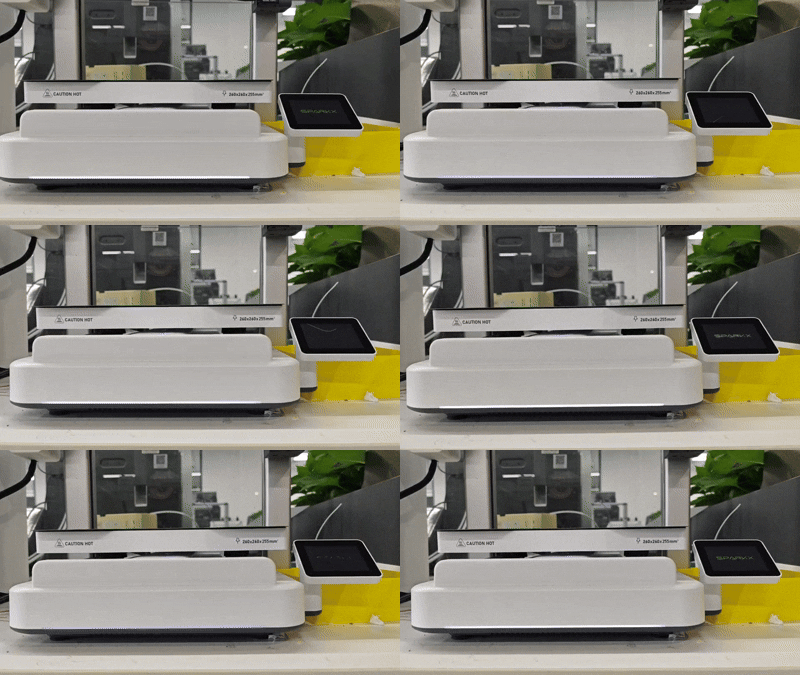
Printer Self-Test / Calibration in Progress
Light Effect: Rainbow flowing
Description: The printer is performing a self-test or calibration. The rainbow flowing light remains active until the process is completed.
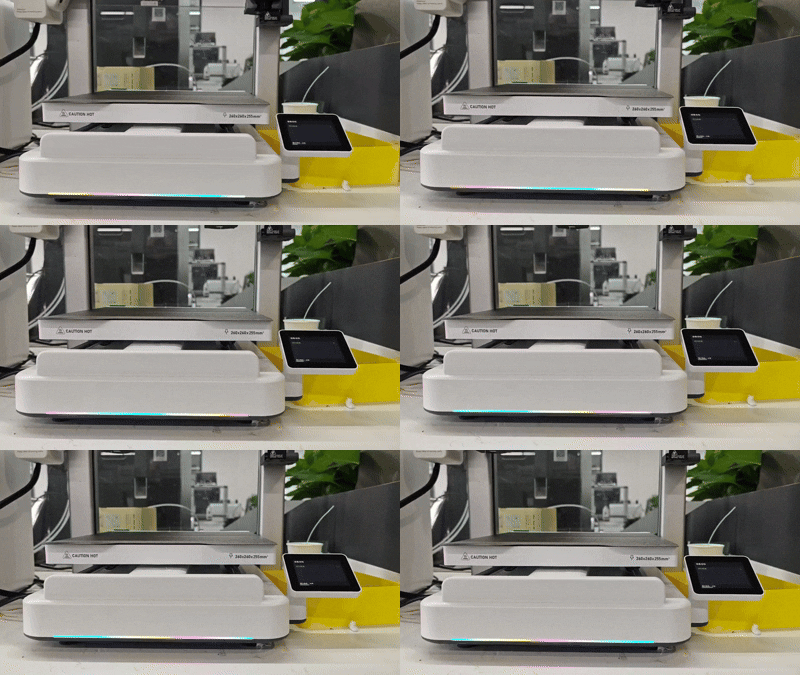
Printer Idle
Light Effect: Soft white steady light, lights off (screen-off state), or custom ambient lighting
Description: The printer currently has no active tasks. You can enable Always On Mode in Settings → Print Settings → Status Light to keep the status light illuminated even when the screen is off.
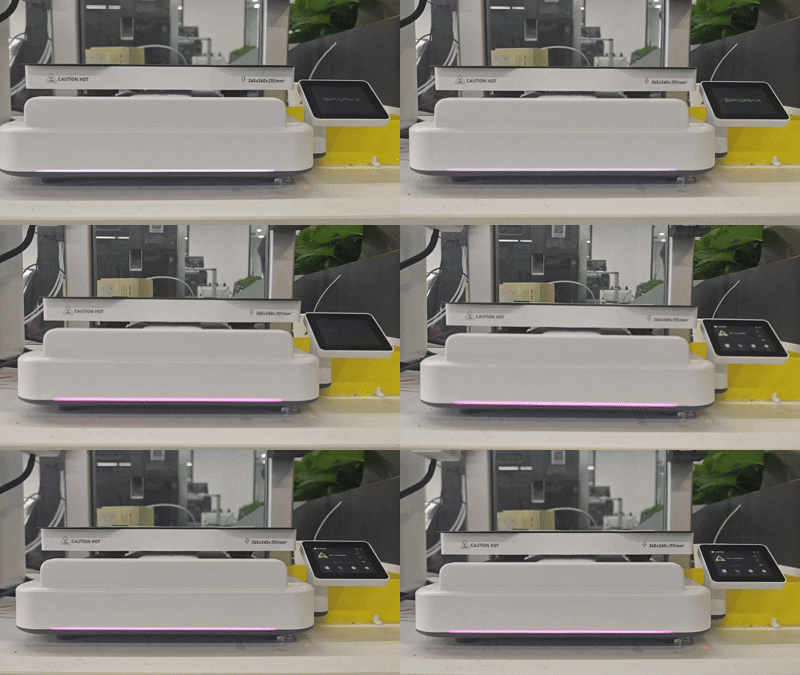
Printer Preparing
Light Effect: Cyan breathing light
Description: The printer is in the pre-print preparation stage. The cyan breathing light pulses slowly until preparation is complete and printing begins.
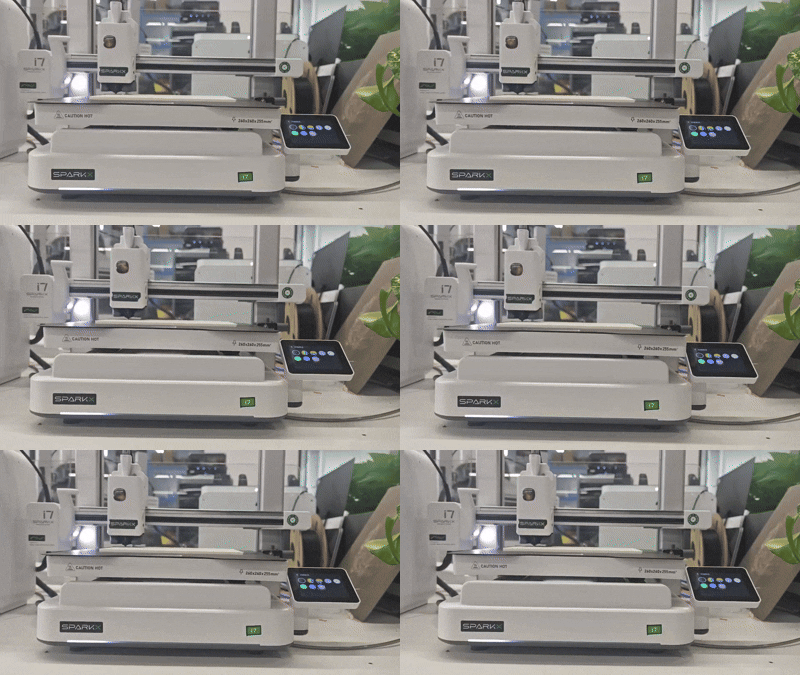
Printing in Progress
Light Effect: White indicator light displaying a progress bar, or custom ambient lighting
Description: The printer is actively printing a model, with the light indicating the printing progress in real time.
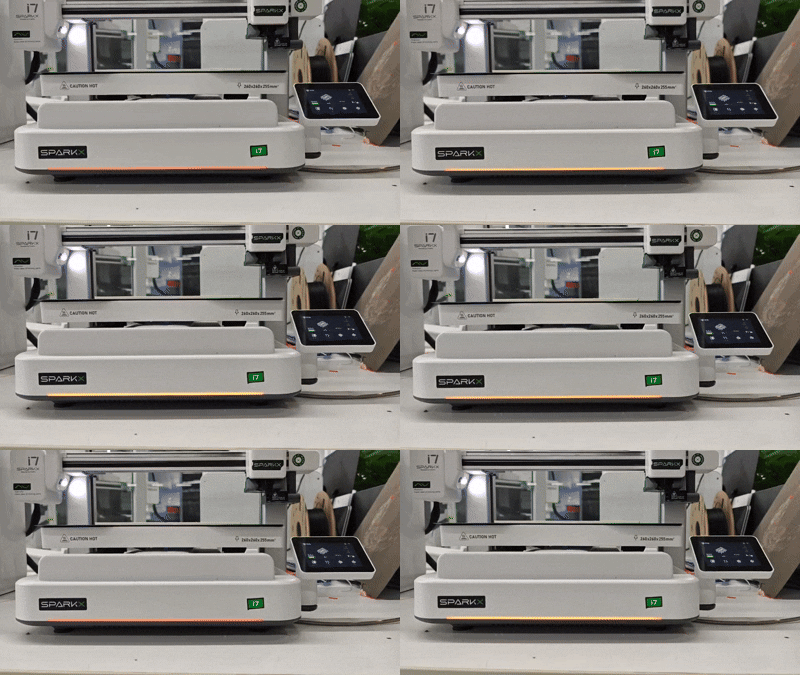
Print Paused
Light Effect: Orange breathing light
Description: The print job is paused. The orange breathing light pulses until you resume or stop the print.
Print Resuming / Retrying / Stopping
Light Effect: Cyan breathing light
Description: The printer is resuming or retrying a print after a pause or error, or is in the process of stopping the current print job.
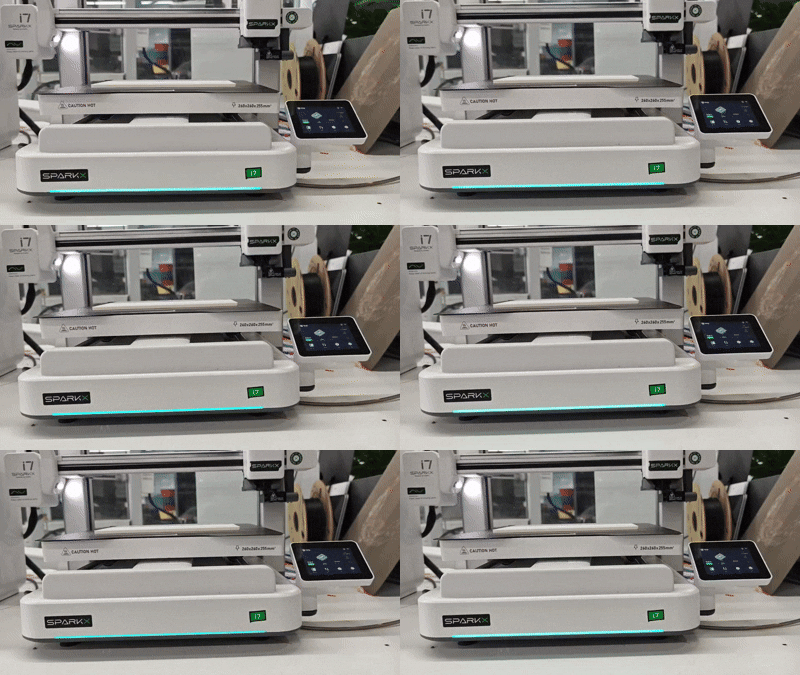
Print Completed
Light Effect: Cyan breathing light
Description: The print job has finished. The status indicator light pulses cyan until the user dismisses the “Print Completed” notification on the screen.
Error / Fault
Light Effect: Rapidly flashing red light
Description: An error occurred during printing. The indicator light flashes red rapidly until the user dismisses the error notification on the screen.
Factory Reset
Light Effect: White-to-blue gradient cycling
Description: The printer is performing the factory reset process.
Firmware Updating
Light Effect: Rainbow flowing
Description: The printer is performing a firmware update. The full-color gradient flowing light remains active until the update is complete and the printer restarts.
Multi-Color Ambient Light Guide
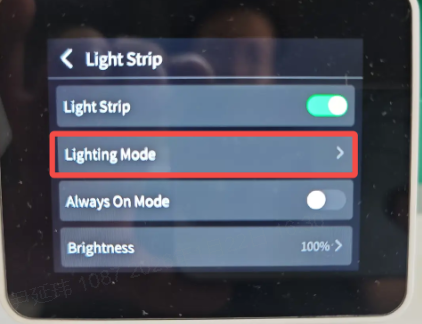
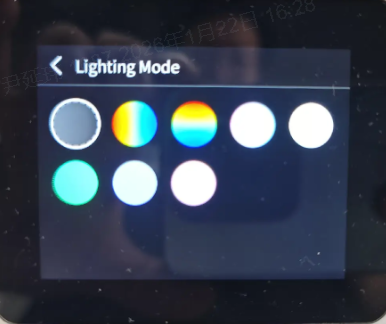
The SPARKX i7 comes with a variety of built-in ambient lighting effects for you to choose from. You can select your preferred lighting effect. Custom ambient light effects are only active when the printer is idle or printing.
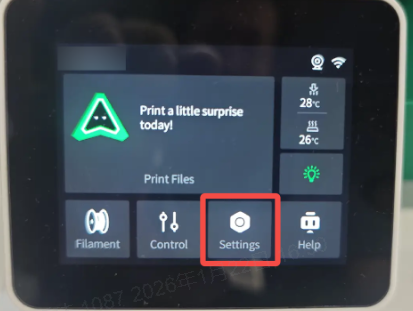
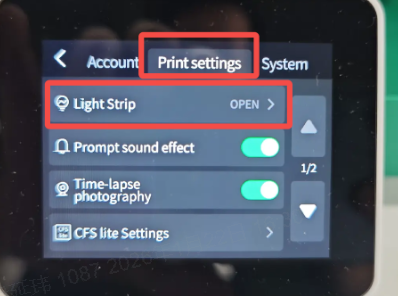
Ambient Light Settings: Settings → Print Settings → Status Light → Light Effect Style
 |
 |
|---|---|
 |
 |
More ambient light effects are continuously being added—stay tuned!