I have loved this machine since I got for my fleet and it has become my main personal out of 7 total printers. It’s been perfect until a few weeks ago.
I keep getting the error code FO0528 - Printer seems to be printing without extruding. Everytime I take the print head apart and clean off the plastic gear that holds the extruder wheel. There is usually filament shavings on it. So I clean it with my ISO 99 and a metal brush, and try again. To no avail, it always stops 1min 45 sec into any print… that pattern repeats.
I’ve discussed this issue in a few other groups, and have not seen a valid solution. The same error comes up and is addressed with the new K2 firmware, so I’m hoping it’s a firmware issue with the communication between manually loaded filaments in the CFS Lite and the SparkX.
If anyone has had success in getting my hobby machine back to life, I’d love that lol.
Which filament are you trying to print with which settings? Usually that is a clog that happens when you try to print with a too high volumetric flow rate or too low temperature.
This error usually triggers when the printer thinks filament isn’t moving as expected.
I’d rerun the full auto calibration and reset the Z-offset, and also check the entire filament path (buffer, PTFE tubes, bends) for any resistance that could slow the feed. Starting a print with a bit of filament already extruded from the nozzle can also help rule out a loading detection issue between the CFS Lite and the printer.
The error was addressed in a recent K2 firmware update as mentioned, so firmware could play a role. However, real firmware specific issues usually affect a lot of users. Sometimes changes there just mask the symptom if there’s an underlying cause like extra resistance in the filament path on some printers. Since yours stops at the exact same time every print, it’s also worth trying a simple test print with a fresh slicer profile just to rule that out.
@KicksStandLabs this is interesting So it turns out to be resistance/friction on the shaft. Let us know if this solves the issue completely with an update
It worked for about a week or so, then started pushing the same error code. FO0528. I havent found a permanent fix yet. But ordered a 3 pack of the extruder gears, in hopes that it permanently solves this pesky issue. I will say, by watching for many hours, it seems to be one or two specific CFS nozzles that are causing a problem. I did see a tip from someone that if you remove the PTFE tube from the splitter on the extruder side, heat the nozzle to 250 deg Celsius, and run a push pin all the way through, that should work. Gonna try that and see if it helps any.
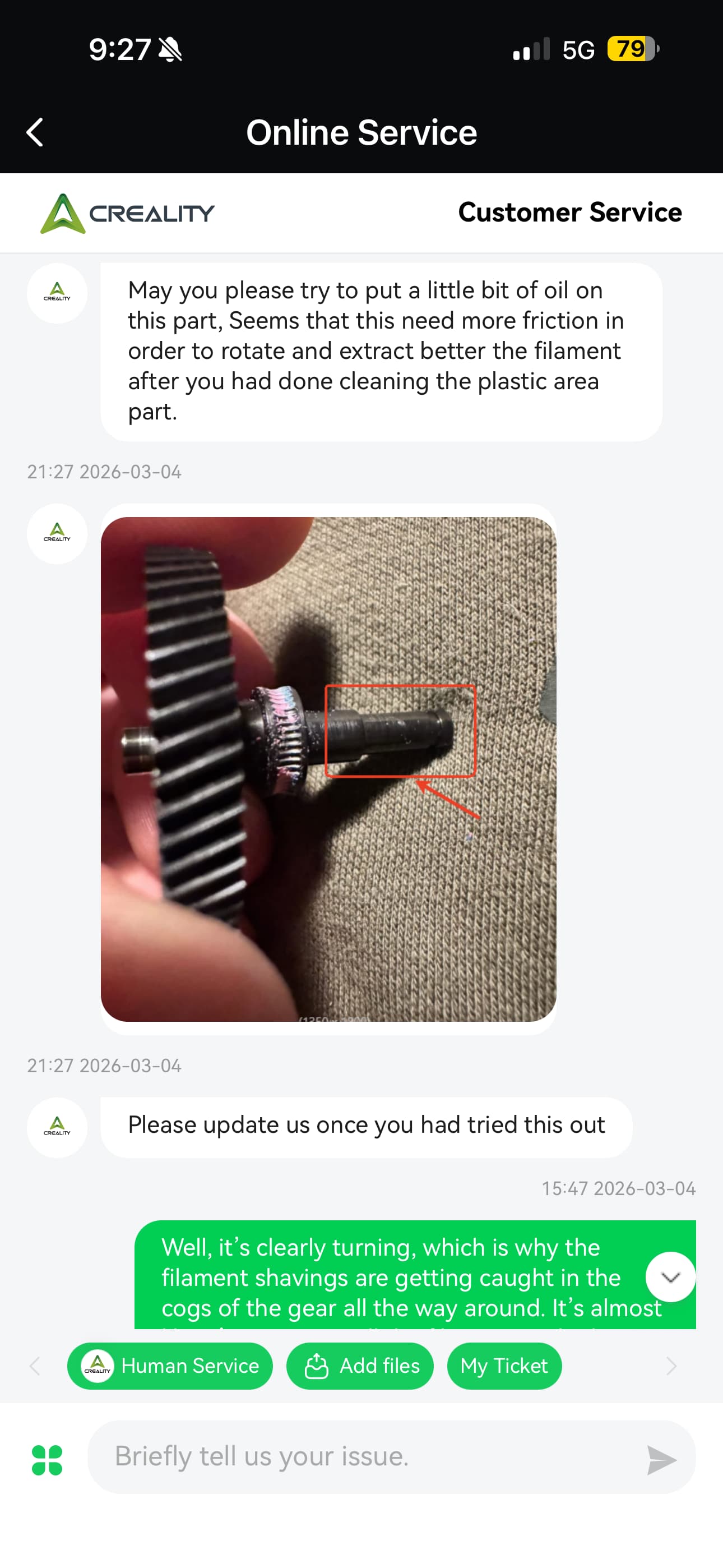
 So it turns out to be resistance/friction on the shaft. Let us know if this solves the issue completely with an update