I have no problms printing PLA…PETG is still a matter of a lucky dice roll.
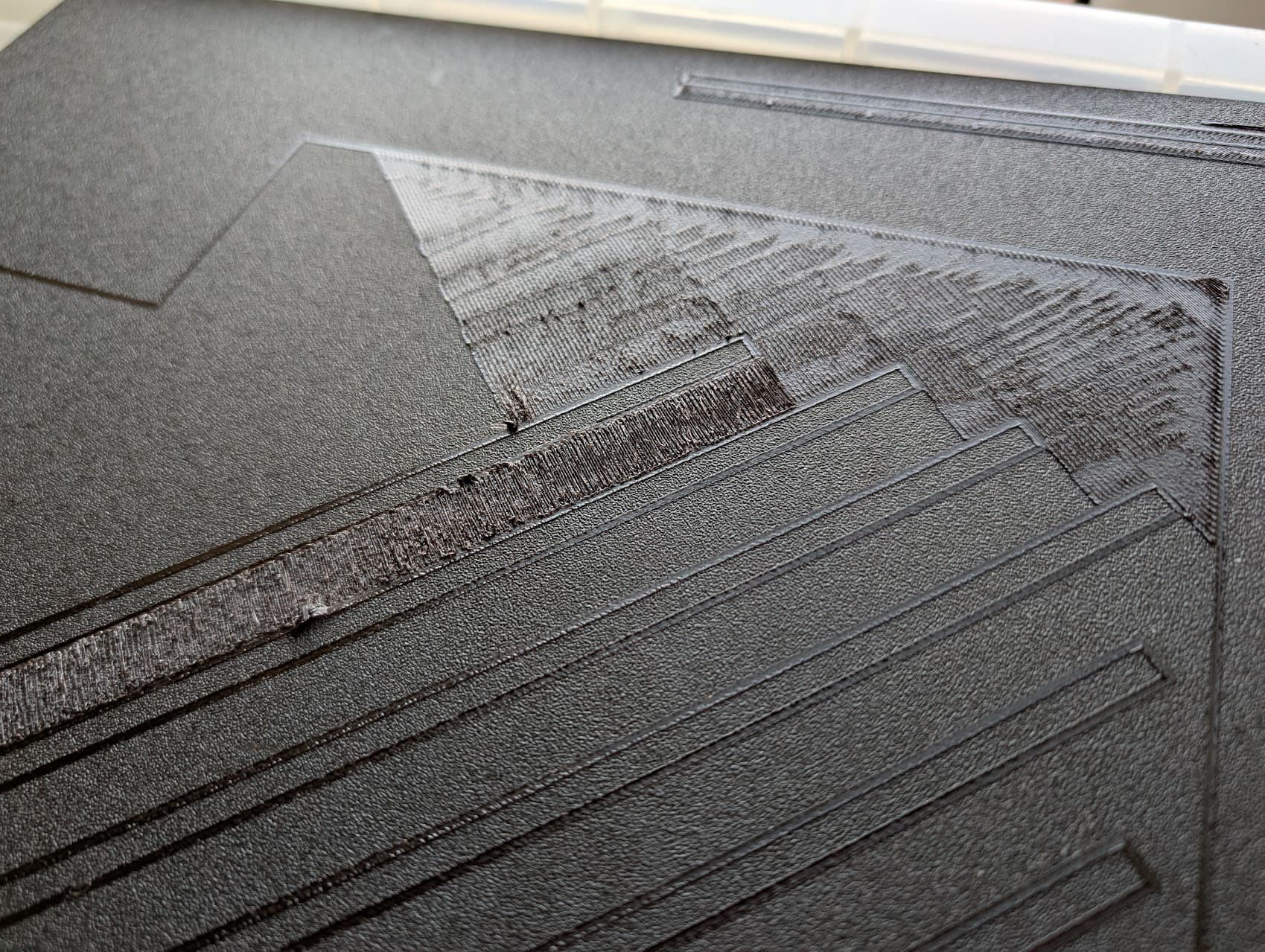
What I find is the print will start okay, but if it has a large first layer contact area with the build plate, after drawing the outline and the first few printed lines of the base area fine, it will suddenly either start “scraping out” a very fine layer of material, or else dumping too much and starting to lo0ok like a ploughed field.
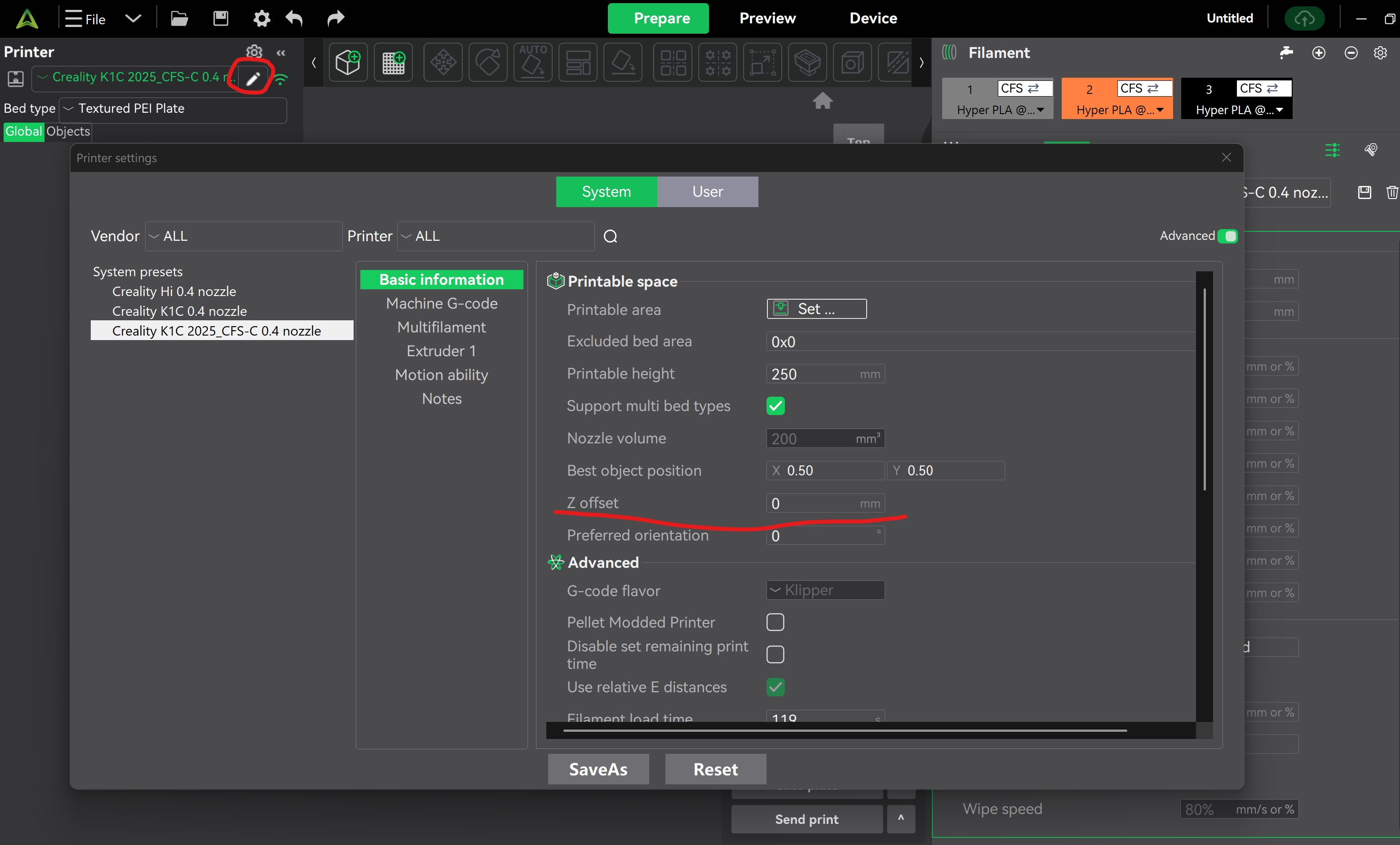
I’ve seen many discussion of “Z-offset”, but don’t understand how to set it - I can find it on the printer’s screen, but is it something you have to adjust “On the fly?”
Also, which direction moves the nozzle AWAY from the build plate (ie bigger gap); the options area Z+ and Z- - but that doesn’t help me on a printer like the K2+ that moves the bed not the nozzle; If “Z+” applies to the bed. that would make the gap smaller!
Heeeelp!