Surface lines when adding text

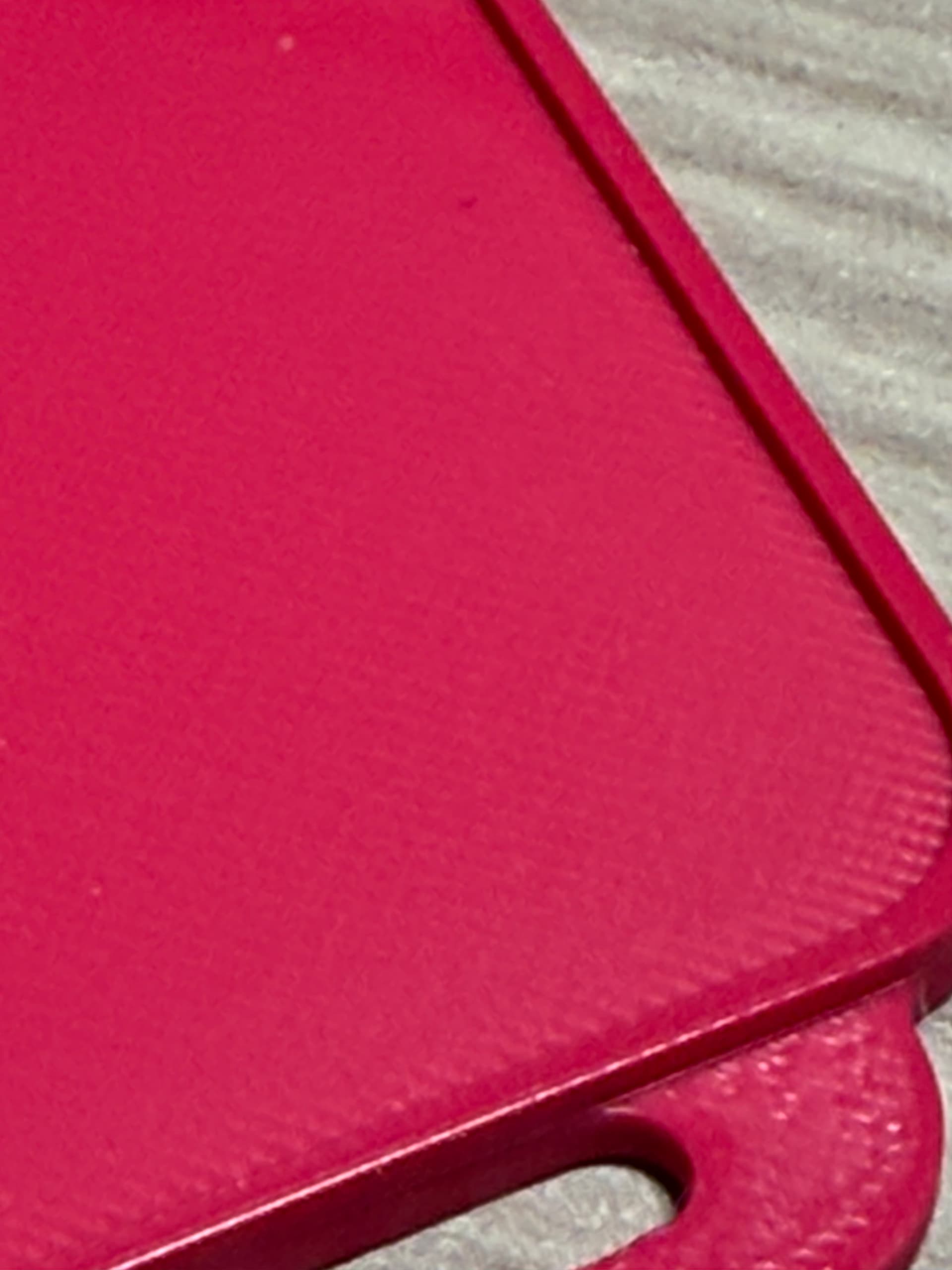
Hi Everyone .. I’m have the below design which prints perfectly but when I add the text the surface of the main seciotn becomes grainy and not smooth at all. (Text prints fine).

I thought it may be becuase it’s using top layer of the text as the actual top layer but without the text it’s fine even thogh there’s a ridge running around the outside (which is the same height as the text)

Any ideas please as it’s driving me crazy !!

With Text

Without text

1 Like

Have you tried selecting ironing on all top surfaces

1 Like

Yup. didn’t make that much differnce and took a lot longer (of course).

I don’t understand why it’s fine when the text isn’t there.

I should have mentioned i’m using Creality Print 7 to add the text to the model from TinkerCad.

Haven’t had much success adding text to an exsisting model in Tinkercad. Not sure why but that always happens. Have you tried the “emboss” function of adding text in Creality print?
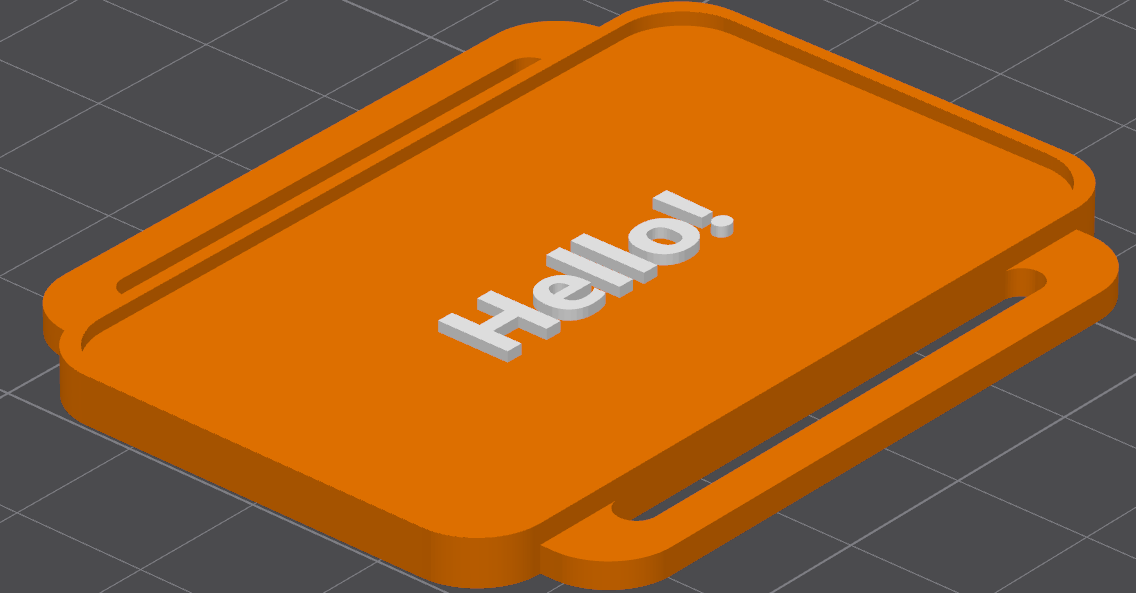
Sorry .. I should have been clearer .. I created the base model in Tinkercad then added the text to the surface in Creality.

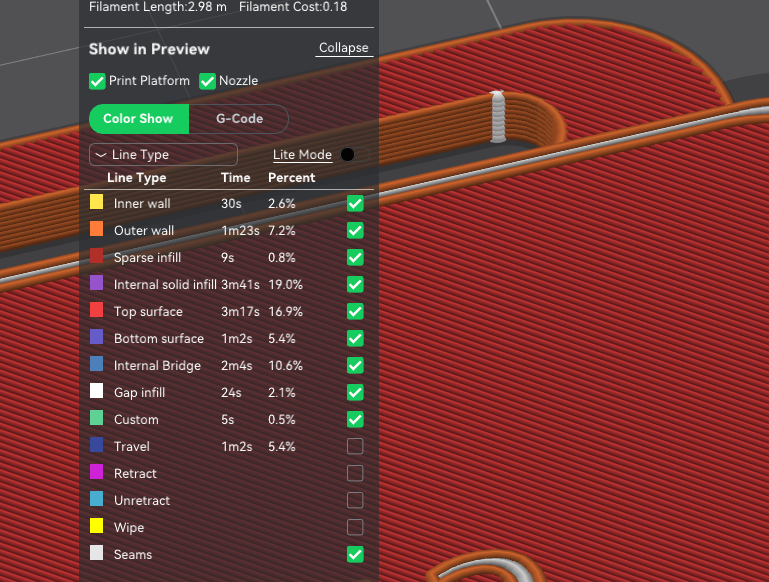
I wonder if the top layer speed is reduced and now that the text is the top layer the speed is higher on the surface you want to be clean

Yes, that’s exactly what I thought but that’s not what Creality is showing me. It’s saying that it IS being treated as the top layer.

That’s weird maybe rearranging it in on the plate will smack some sense into the slicer lol

The whole printer is going out the window I can tell you !!! ggrrrr

1 Like

Throw it my way. I’ll leave my window open. :grin:

2 Likes