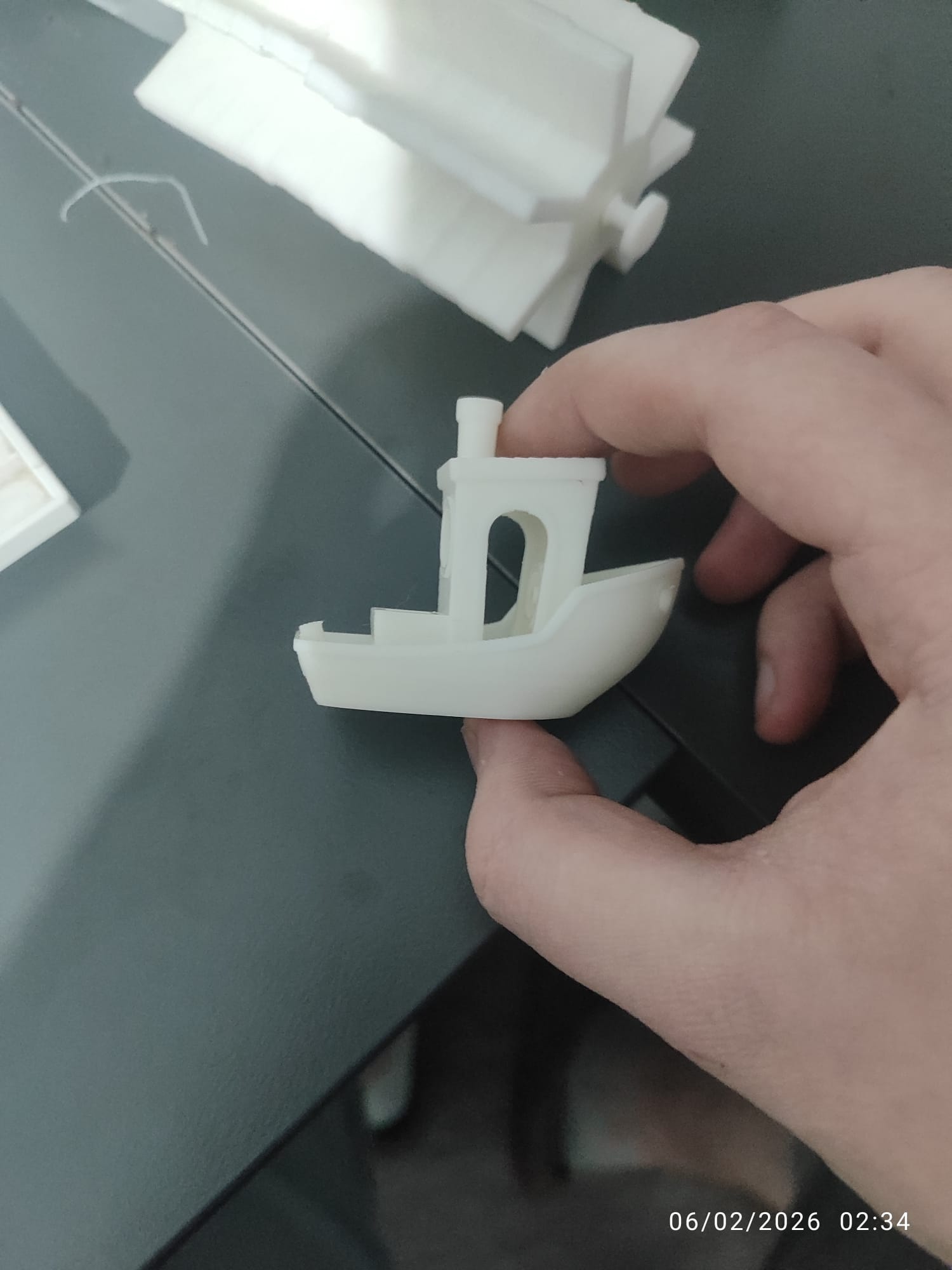
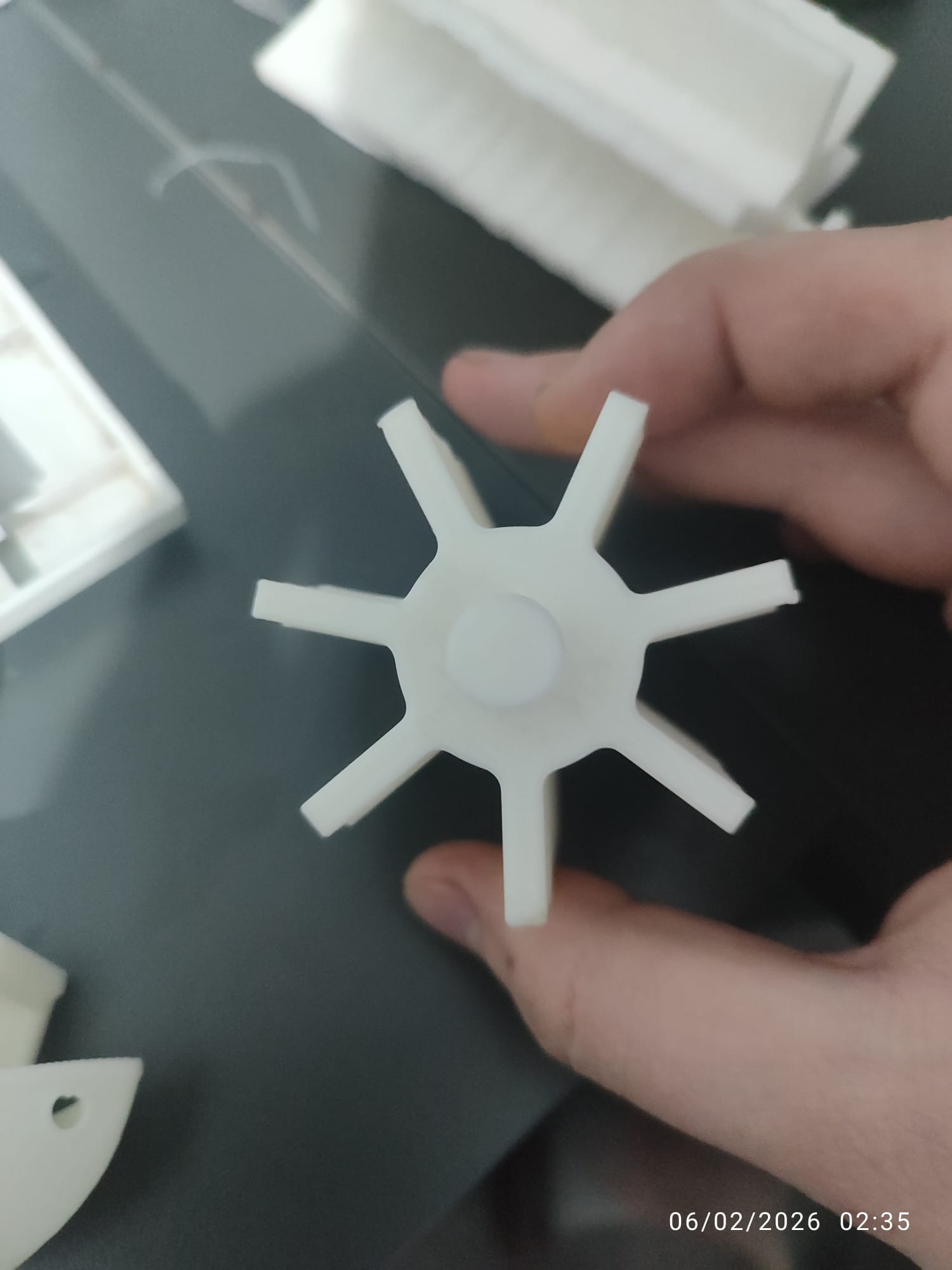
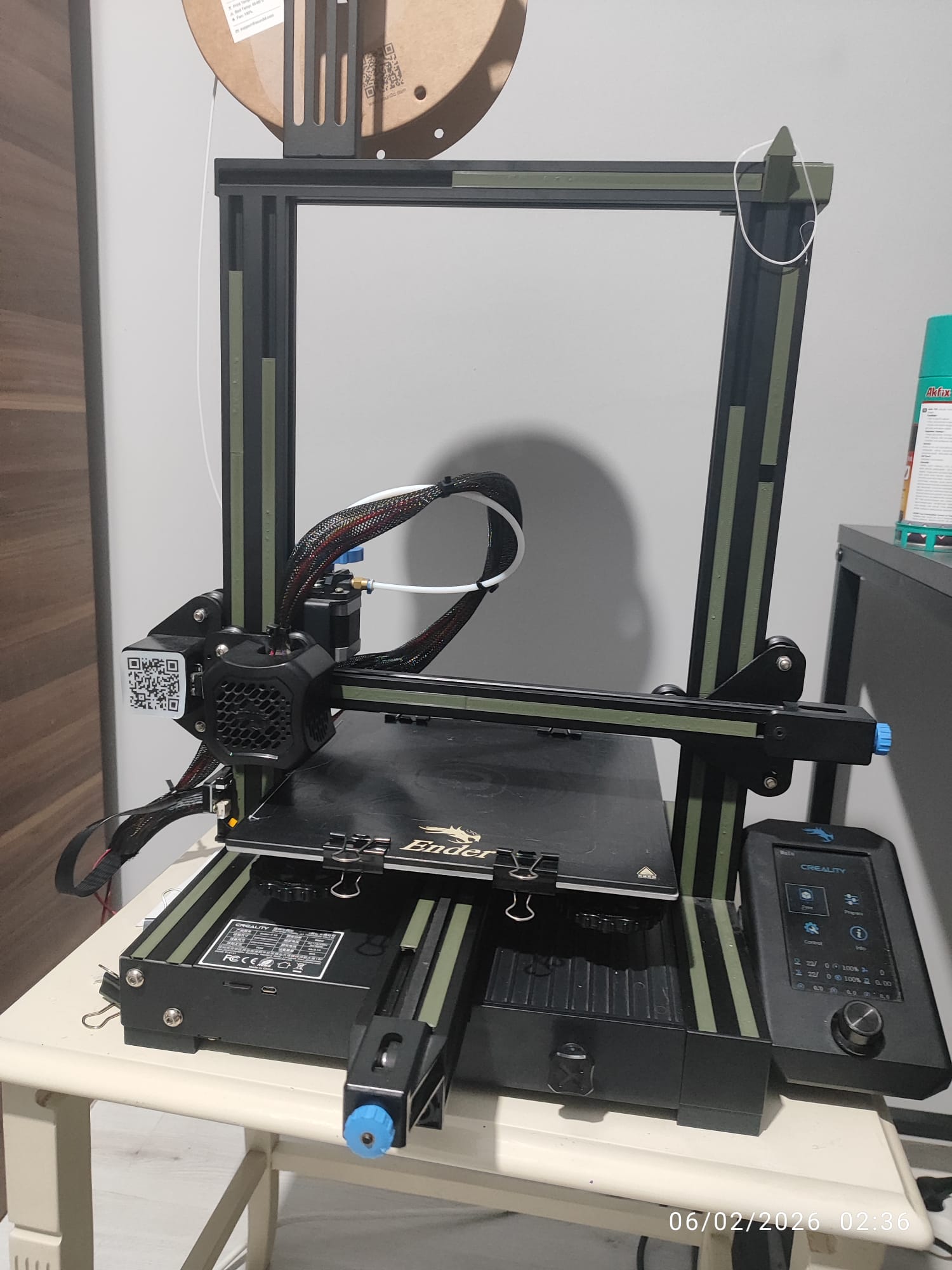
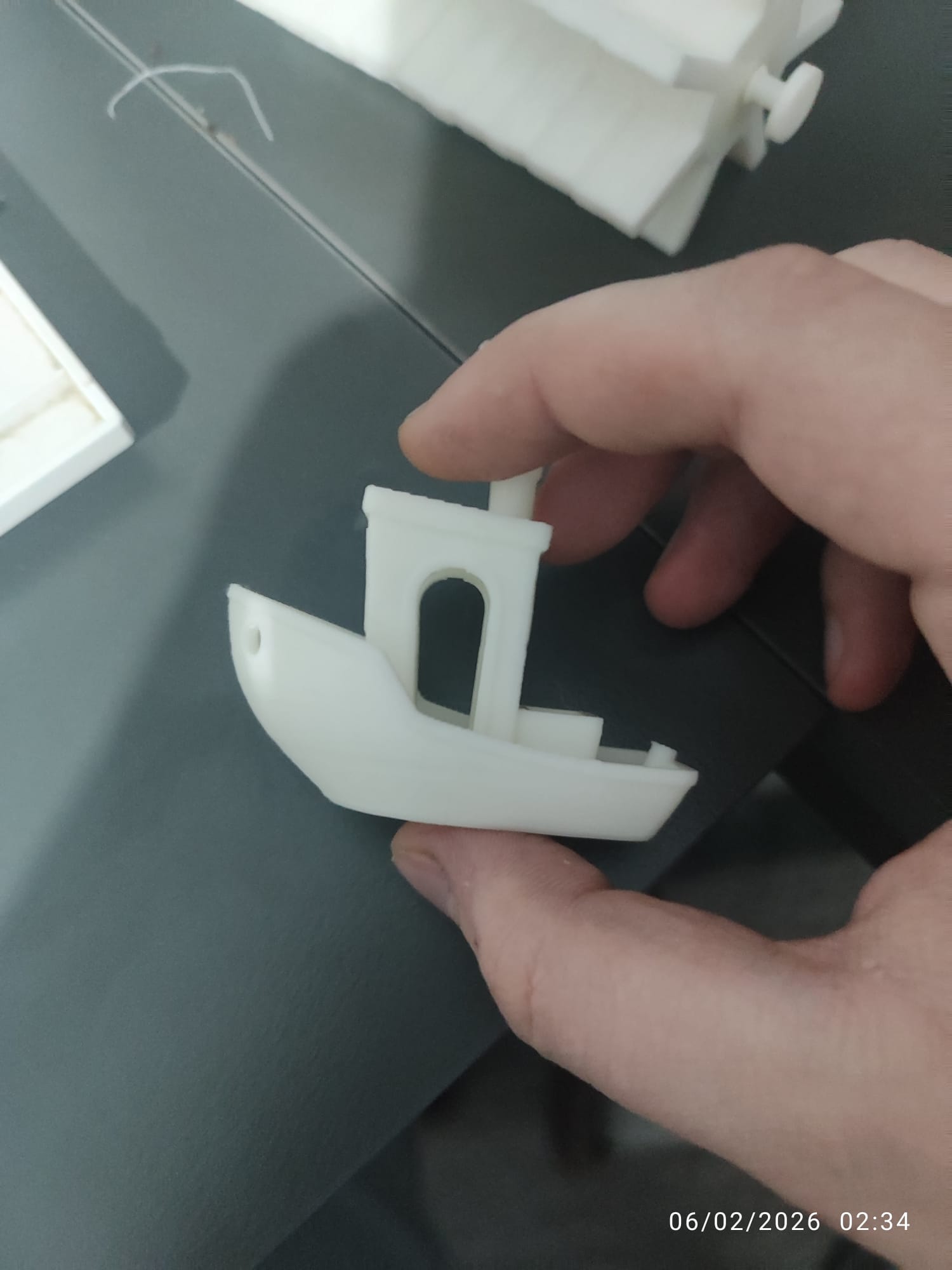
Hello everyone, forum members. I have an Ender 3 V2 printer. I replaced the X belt and leveled the bed. I checked the bed carriage and tried many different adjustments, but nothing has changed. I printed a Benchy and it came out smooth, but all my other models print with layer shifting. I’m asking for your help with this issue. For the two prints I tested, I used Cura’s default settings; the only change I made was setting the fan speed to 0 for the first 8 layers so it wouldn’t come loose. That’s the only modification.
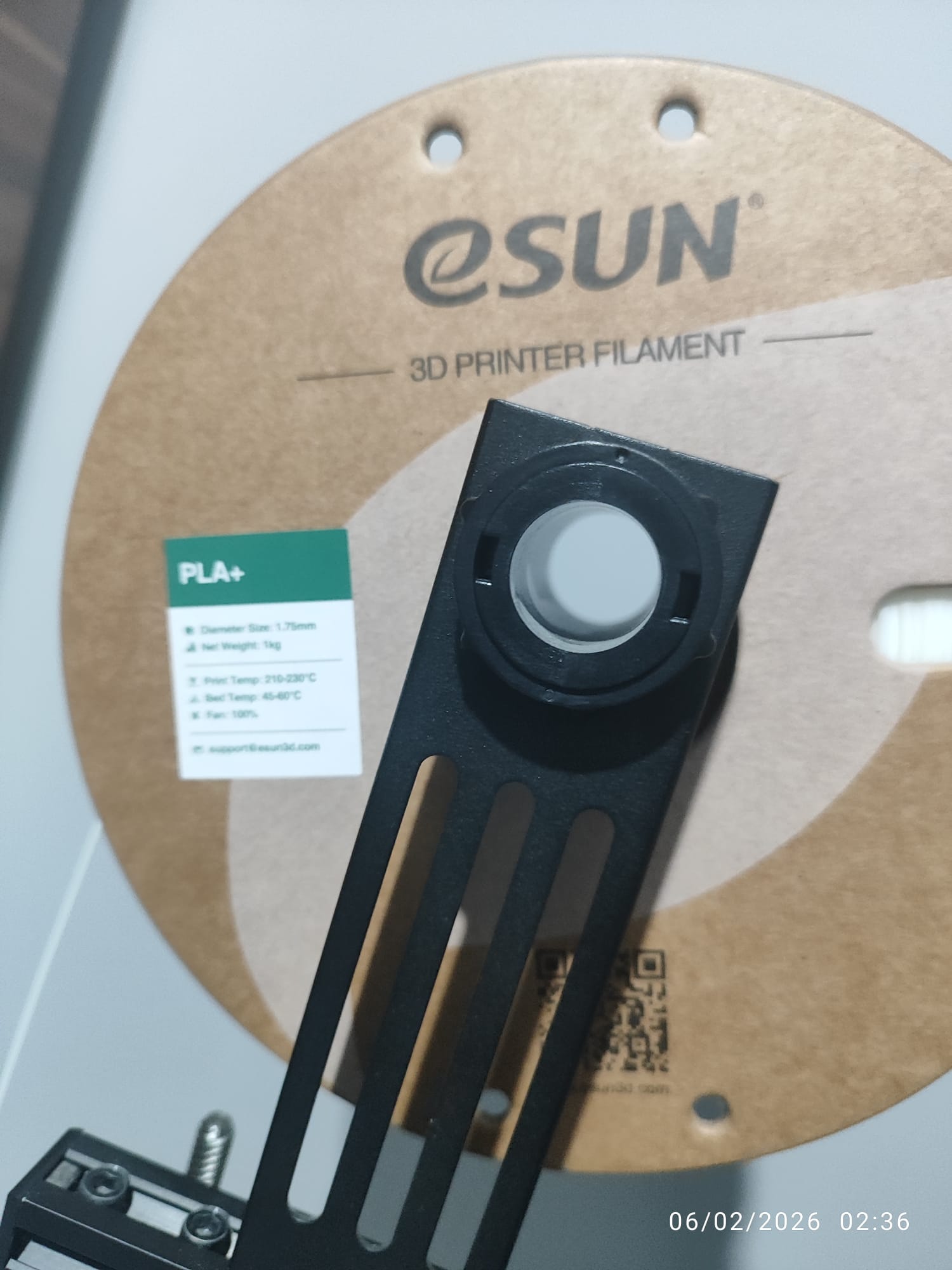
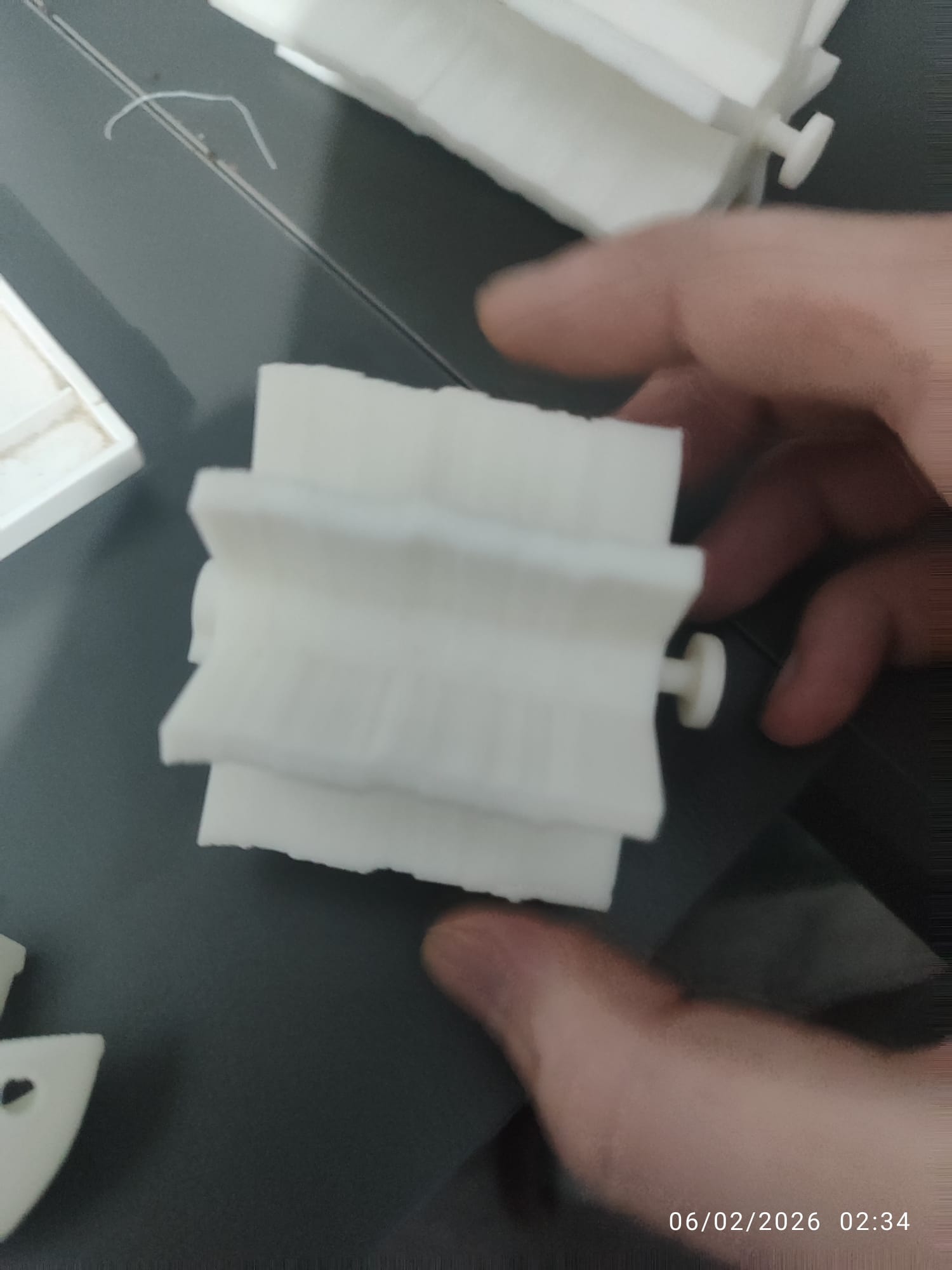
My first thought was the print bed is moving. Is there another surface on top of the print bed? Is it secured? I use four clips to hold my printing surface to the bed.
Print speed? Looks like it is different between Benchy and your print.
Per AI:
Common Causes of Layer Shift
-
Mechanical Issues: Loose belts, obstructed movement due to debris, or misaligned components can prevent the print head from moving smoothly, leading to layer shifts.
-
Print Speed: Setting the print speed too high can cause the printer to lose steps, especially if there is excessive resistance in the movement.
-
External Interference: External forces, such as vibrations from nearby equipment or accidental bumps, can disrupt the printer’s operation.
-
Collisions: The nozzle may collide with the print if it curls or if there are blobs of filament, causing the print head to skip steps.
-
Software Errors: Corrupted G-code files or issues with the slicer software can lead to incorrect movements during printing.
Solutions to Prevent Layer Shift
-
Check Mechanical Components: Regularly inspect and tighten belts, pulleys, and other moving parts to ensure they are functioning correctly. Clean any debris that may obstruct movement.
-
Calibrate Your Printer: Ensure that the printer is properly calibrated, including bed leveling and Z-offset adjustments. This helps maintain consistent layer adhesion and alignment.
-
Adjust Print Settings: Lower the print speed and adjust acceleration settings in your slicer to reduce the risk of layer shifts. Using supports for complex geometries can also help.
-
Stabilize the Printer: Place the printer on a stable, solid surface to minimize vibrations and movements during printing.
-
Monitor Filament Quality: Use high-quality filament and ensure it is dry and free from knots or tangles, as poor filament quality can lead to printing issues.
By understanding the causes of layer shifts and implementing these solutions, you can significantly improve the quality of your 3D prints and reduce the likelihood of encountering this frustrating issue.