Hi All. I’ve had my K2 Plus combo for about 10 days now. The test benchy and some other multi-color prints using Hyper PLA came out perfect. But now I’m doing some parts in PETG and having a hell of a time getting a decent print to complete without one or more issues ruining the prints.
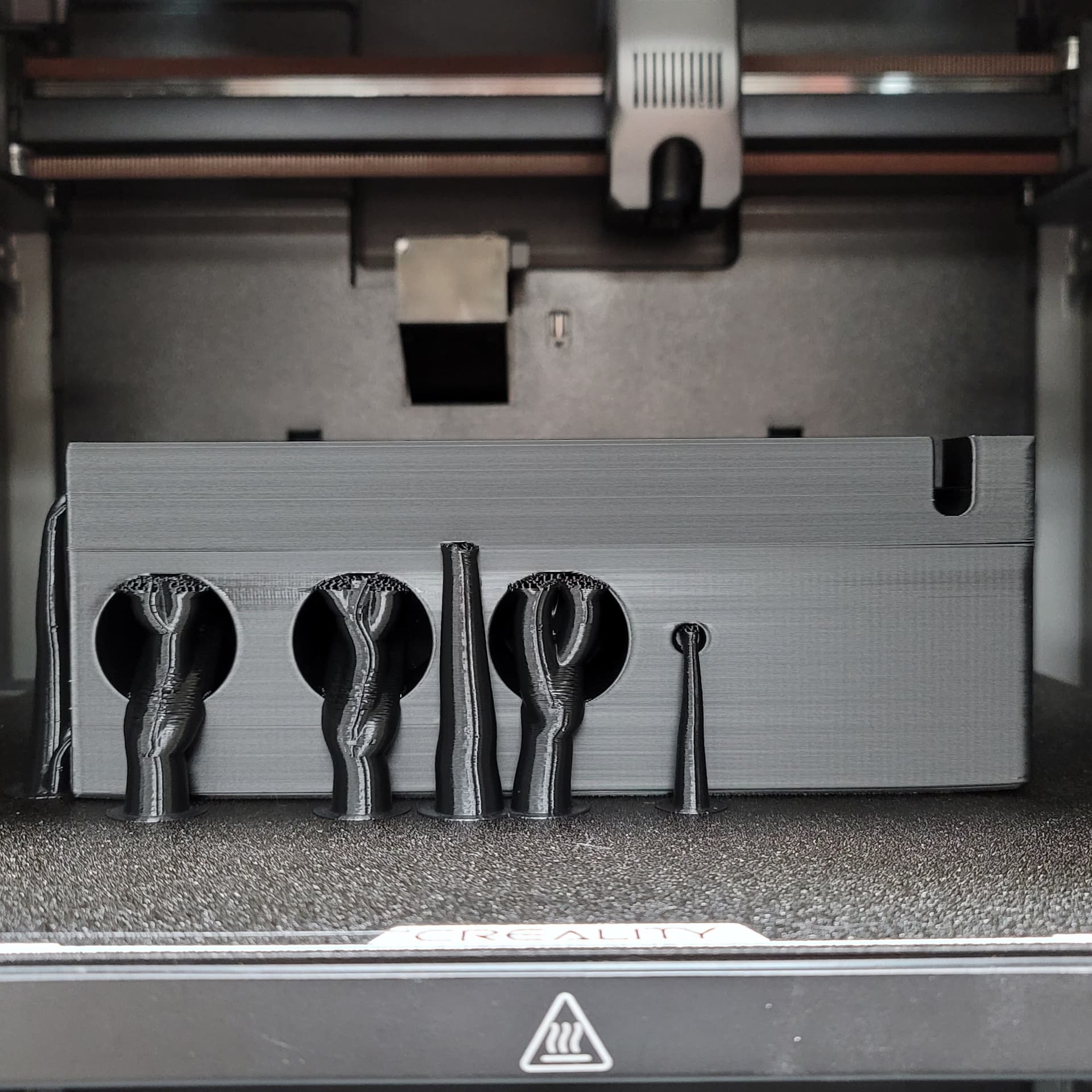
My previous post showed a spaghetti problem I had (the supports failed and got knocked over by the nozzle). I beefed up the supports and tuned the filament profile some more, and thought all was good. Had a perfect 1st layer and nice outer walls for most of the next print. It’s a 15-hour print, Overture PETG with PA=0.07, FR=0.98, 260C/255C, and I slowed everything down below 100mm/s.
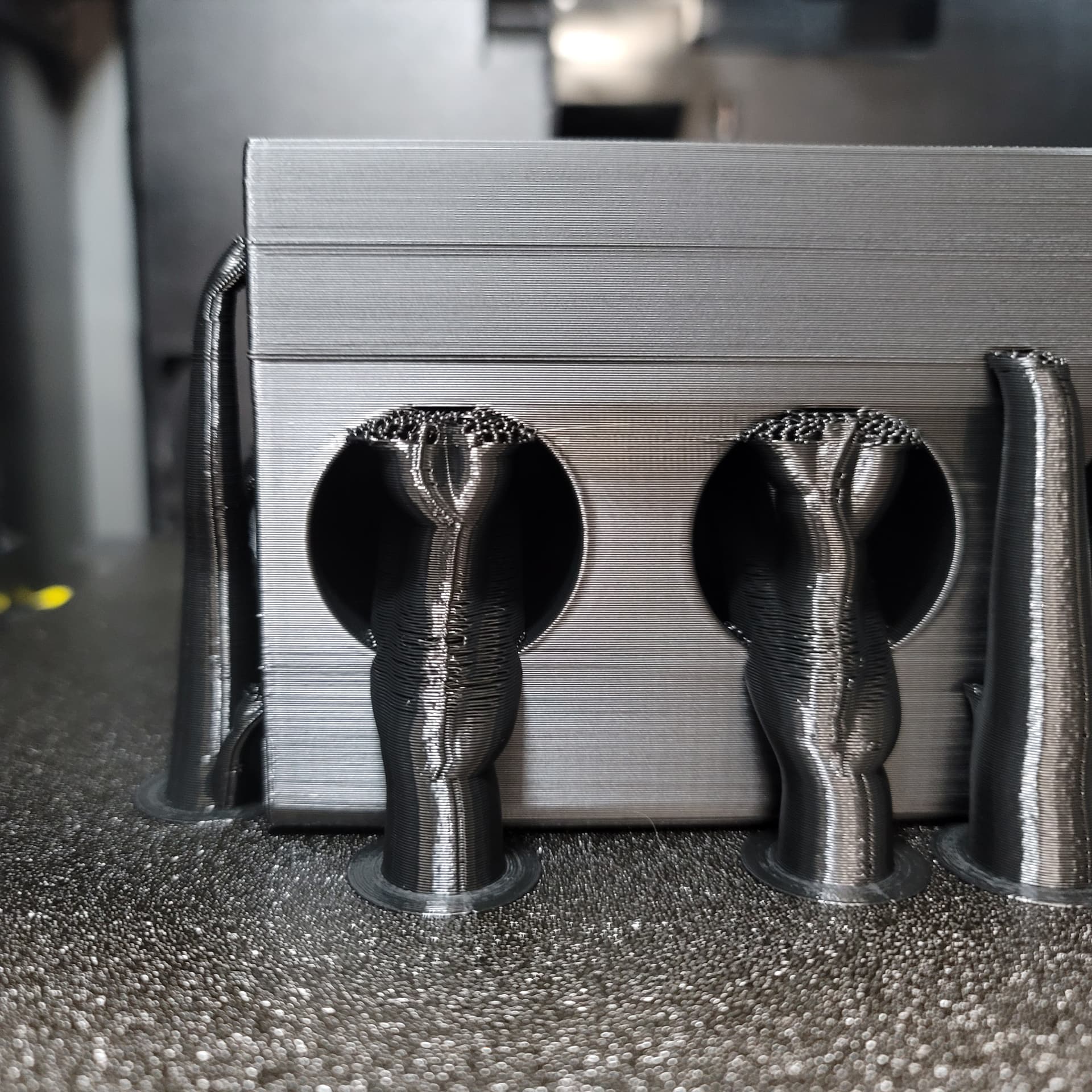
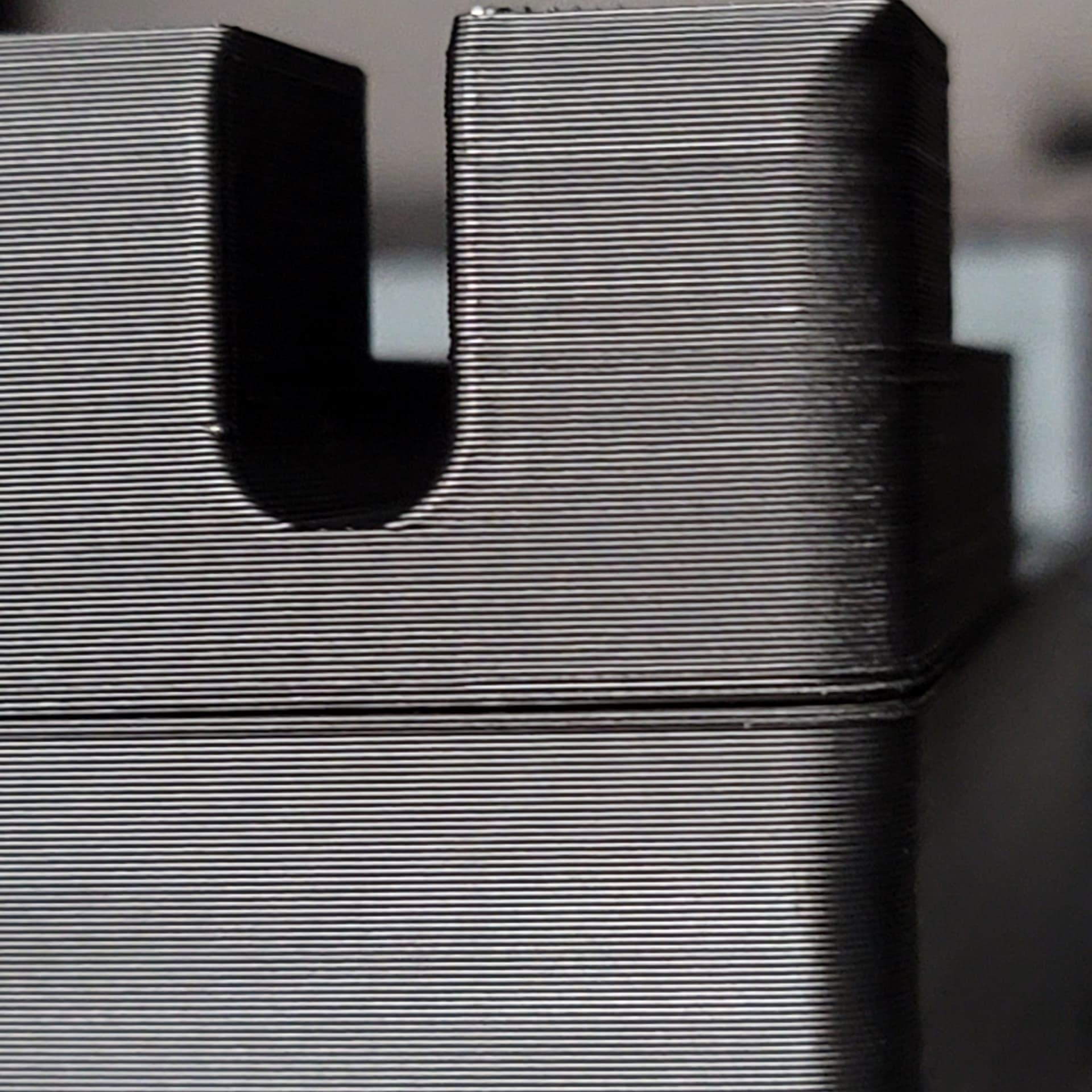
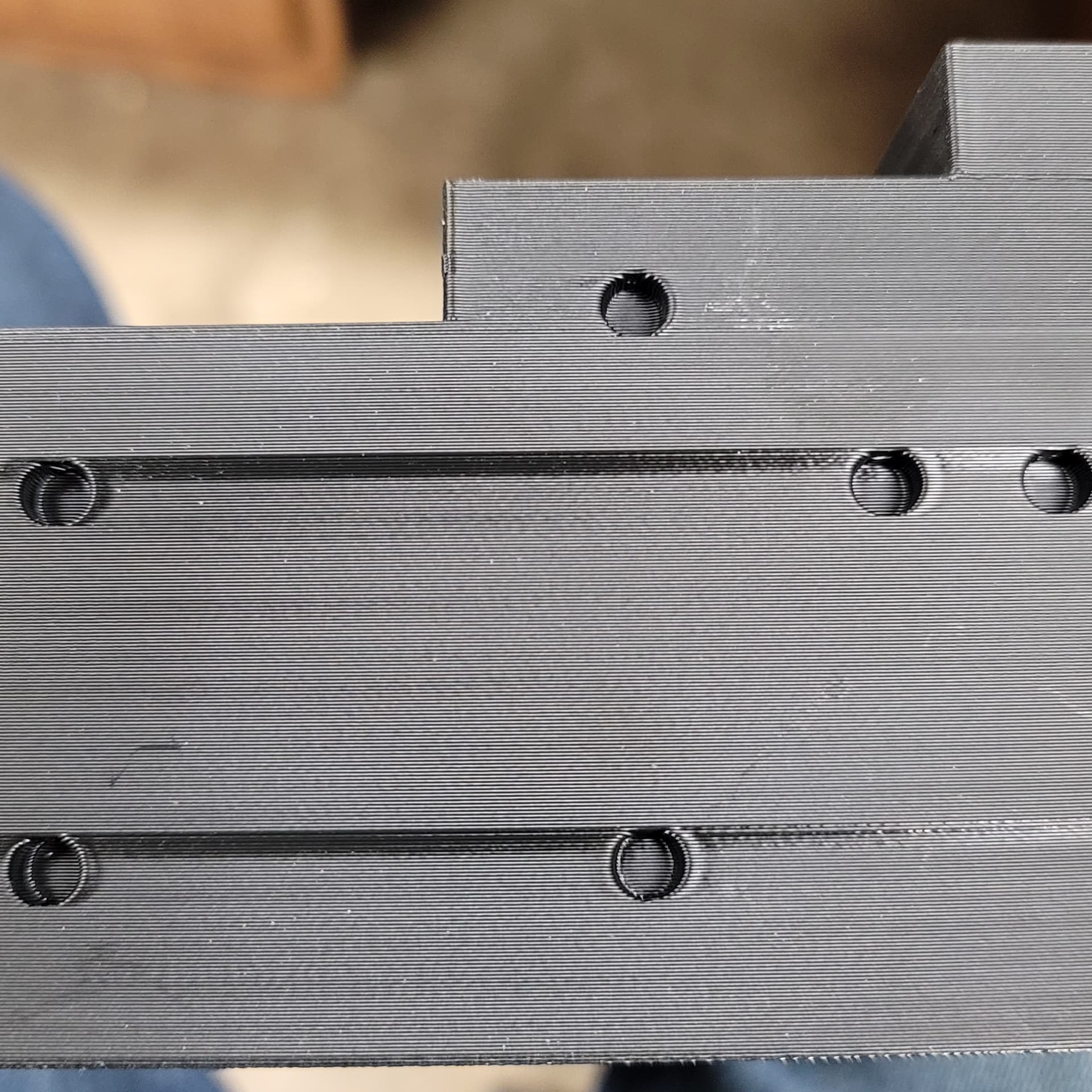
But after printing overnight, I go to check and I find these really ugly layer separations in the upper quarter of the print. This has happened twice now, not exactly at the same layer count, but close. Once the print got a little higher up after the separated lines everything looked good again. See the photos below.
What in the world could be causing this? Is it unstable temperature (I have the lid spaced up a bit and air can get in)? Is the extruder getting wonky after long hours of printing(this anomaly happened after the first 10 hours)?
I don’t think it’s Z-axis problems, unless there is a bad “area” on the Z lead screws. Maybe skipping steps if the Z motors are getting hot, or maybe the controller/driver overheating? I had the Chamber set to 35C the whole time.
There’s also some sort of temperature glitch or speed drop that shows an area where the PETG got really shiny over several layers, then went back to looking like all the other layers(see photos).
My last printer was a Sidewinder X1 and it never had problem like this in over 4 years. Heck, it wasn’t even enclosed and some of it’s prints looked as good or better than what I’m getting with the K2 Plus.
Has this happened to anyone else? I could use some advice here on what to look for. I’ve been printing for around 5 years and I’ve never had a print delaminate like this. I’m pulling my hair out ( and I don’t have that much to spare!). Any comments and suggestions are welcome.