Applicable models: K1 series/V3 series/Nebula screen/K2 Plus
Phenomenon Description
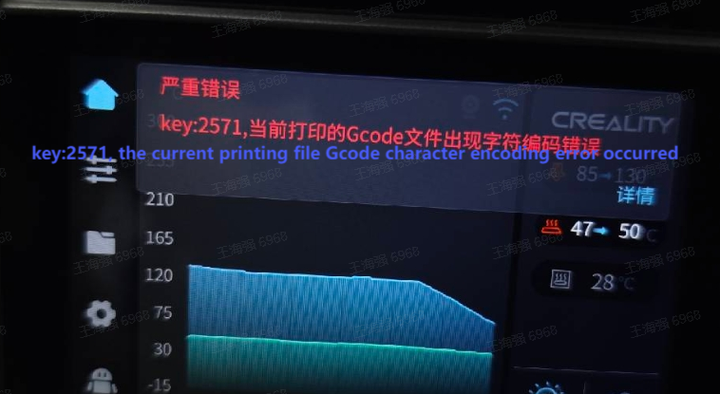
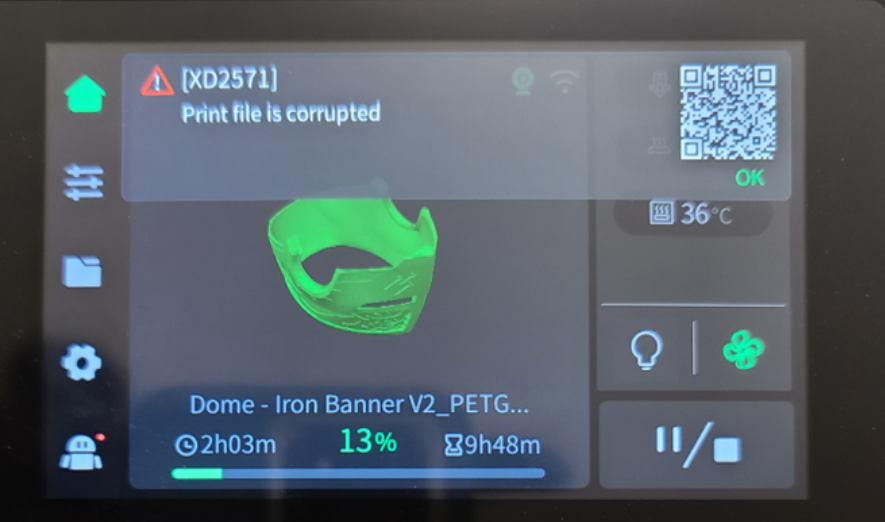
”The screen displays “2571/2763, the current printing file Gcode character encoding error occurred”.
Cause Analysis
The file is damaged when it is sent or copied to the USB flash drive
Slicing problem, resulting in the output of Gcode, is not UTF-8 encoding format
After you manually modify the Gcode, keep it in a non-UTF-8 encoding format
Before leveling, there are errors in reading and parsing the gcode file or the file does not exist
Troubleshooting
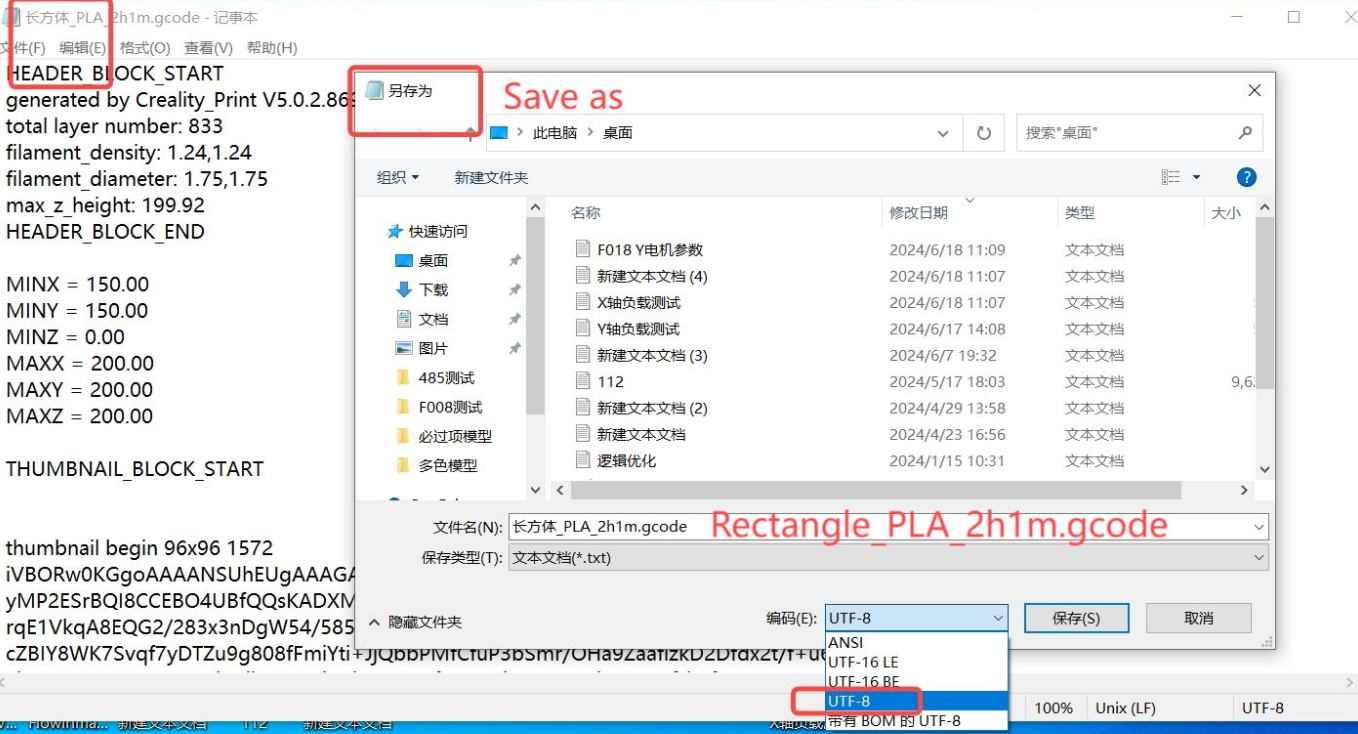
Use the computer to open the problematic Gcode, use Notepad to open; If the file is damaged, the gcode needs to be regenerated
How to avoid it?
Use official slicing software.
After copying a printed file by using a USB flash drive, check whether the file is intact and the size is normal.
When modifying gcode, use UTF-8 encoding format; If the encoding format is non- UTF-8, you can use the Notepad tool to convert to UTF-8.