Parts of the first layer are transparent, what does this mean
Hello, could be your bed that isn’t level. WOuld you mind sharing a picture?
1 Like
This is the left overs from it after removing the print, i’ve done auto levelling and checked the z offset, all seem good, it only does it in one area of the base plate
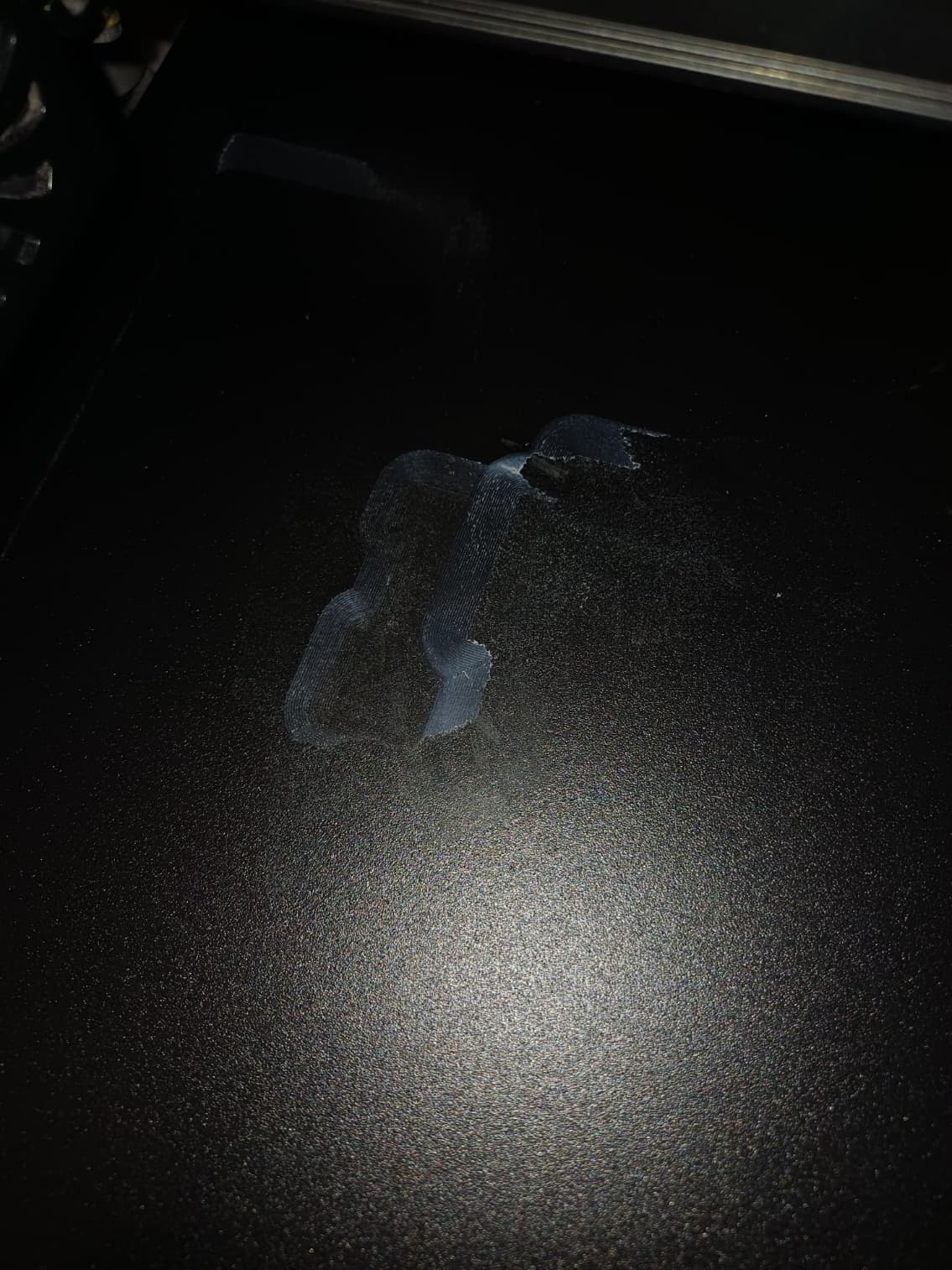
If you can “see through” the first layer, the nozzle is too close to the bed…
Remove the “left overs” from the bed… –> CLEAN IT PROPERLY (doesn’t resolve the problem of the nozzle too close to the bed).
Oh Yes, I agree with @Mr_MBR, much too close to the bed. Bed leveling and Z-offset will both play a roll.
Thank you for the photo. Adjust your Z-offset to be a little higher.